使用 GitHub Copilot 進行軟體開發
Thalia Barrera
AI Engineering Curriculum Manager, DataCamp


$$
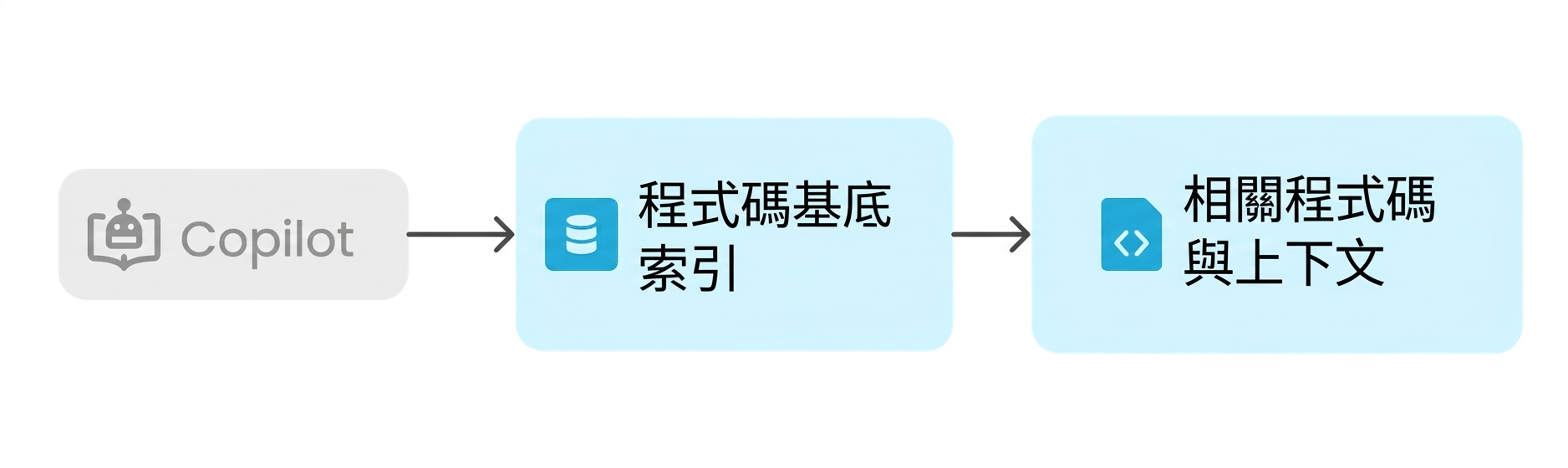
#codebase: 在整個專案中進行語意程式碼搜尋
範例提示:
How is user authentication handled? #codebase
結果:

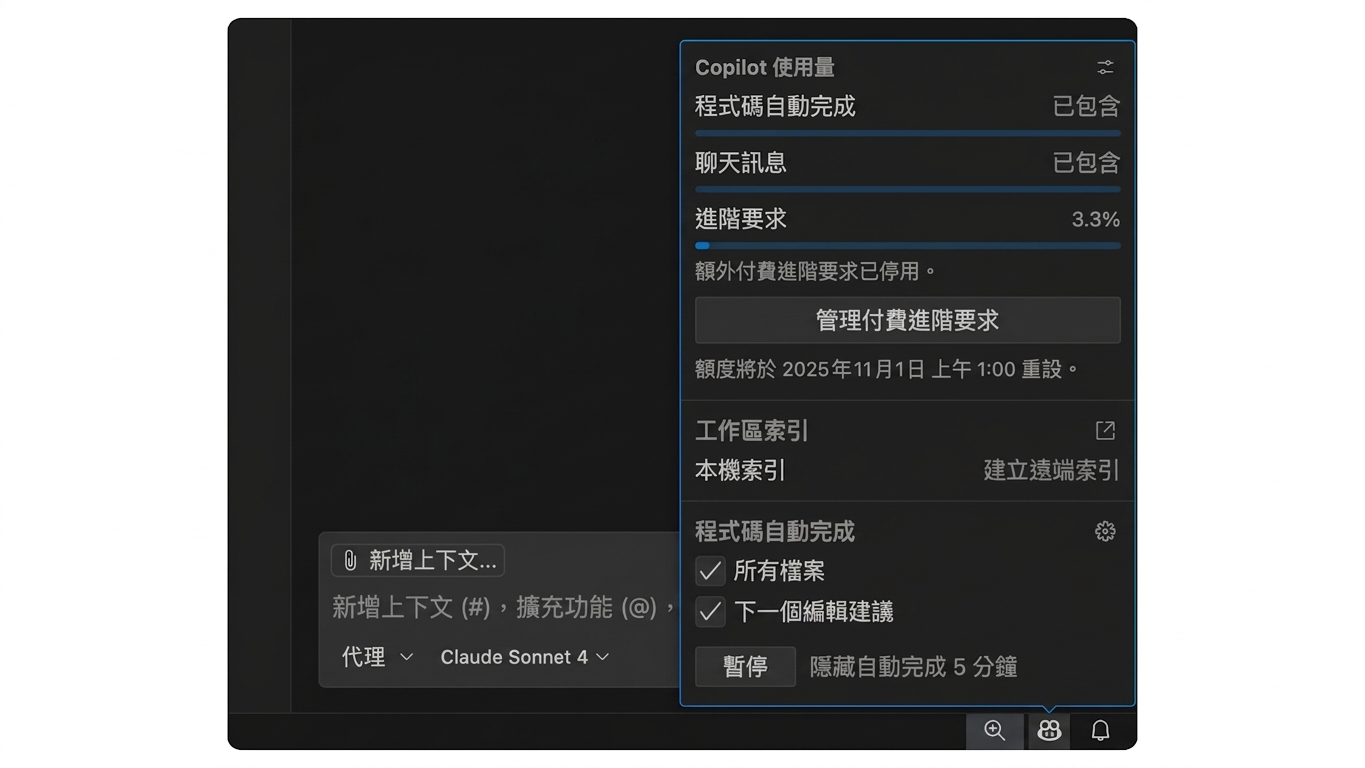
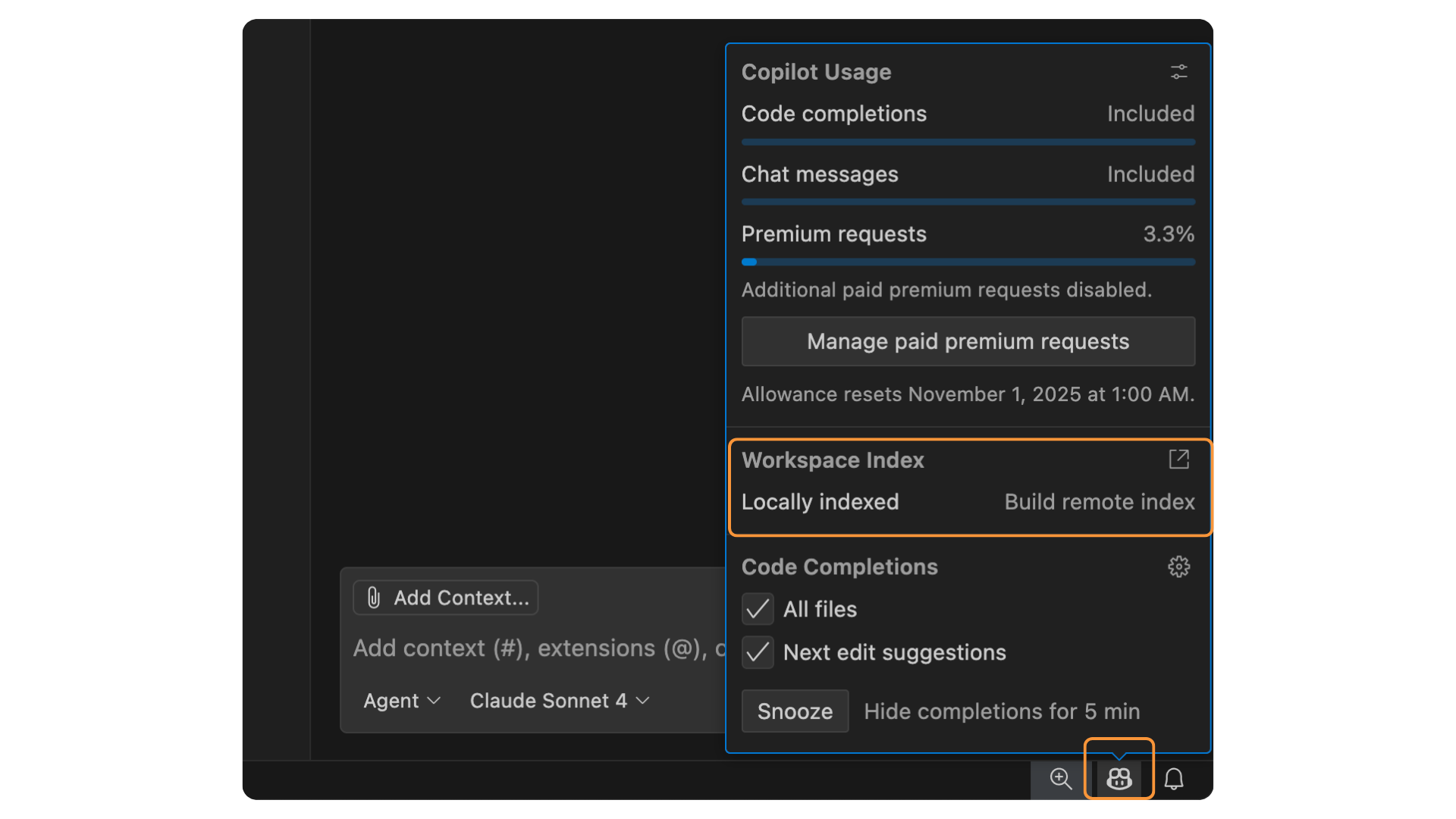
索引類型:


$$
#changes: 參照最近的原始碼控制變更
範例提示:
Will any of these changes break the login flow? #changes
使用時機:
$$
#selection: 參照你反白選取的程式碼區塊
範例提示:
Can you refactor this? #selection
使用時機:
$$
#fetch: 擷取網頁內容
範例提示:
Summarize this documentation for me #fetch https://example.com/docs
結果:
$$
#files: 將特定檔案附加到提示
範例提示:
Can you check this file for error handling issues? #files:utils/data_loader.py
結果:
$$
| Variable/tool | Description |
|---|---|
#search |
在目前工作區中啟用檔案搜尋。 |
#testFailure |
取得單元測試失敗資訊。用於執行與診斷測試時。 |
#problems |
將「Problems」面板的工作區問題加入為脈絡。修正或除錯程式碼時很有用。 |
#terminalLastCommand |
取得上次在終端機執行的指令及其輸出。 |
#githubRepo |
在 GitHub 版本庫中進行程式碼搜尋。 |
單一且複雜的提示:
Add PostgreSQL integration with authentication, persistence, sessions, error handling, and connection pooling
漸進式複雜度流程:
#codebase


使用 GitHub Copilot 進行軟體開發