用提示範本驅動可預期的輸出

AI for Finance

Glenn Hopper

Head of AI, VAI Consulting

為什麼要重用提示

挑戰

  • 財務工作=重複性高
  • 一季又一季,分析相同

$$

calendar.png

解法

  • 可重用的提示就像食譜

  • 步驟不變,材料更換

$$

Screenshot 2025-09-26 at 20.14.45.png

AI for Finance

把提示當作範本

$$

變數:你會更動的輸入,如公司名稱、日期區間或檔案。

限制:固定的護欄,如項目數、圖表種類或 CSV 欄位。

AI for Finance

可重用提示的結構

$$

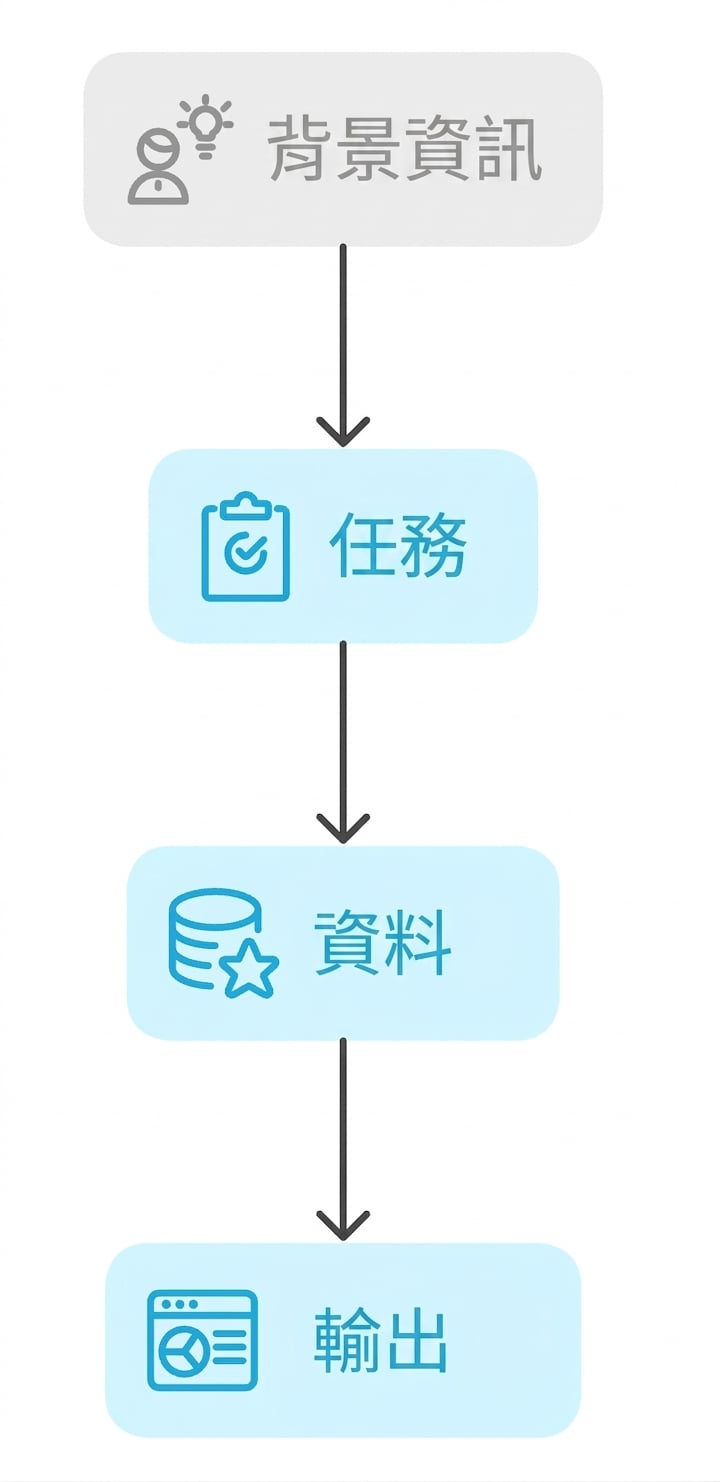
Context:情境或目的

Task:要 AI 做什麼

Data:要用哪些輸入

Output:希望回傳的格式

Screenshot 2025-10-03 at 11.11.36.png

AI for Finance

$$

Section Details
Context 你是財務分析師,需向管理層簡報近期股價表現
Task 說明價格與交易活動的模式
Data 使用已上傳的資料集
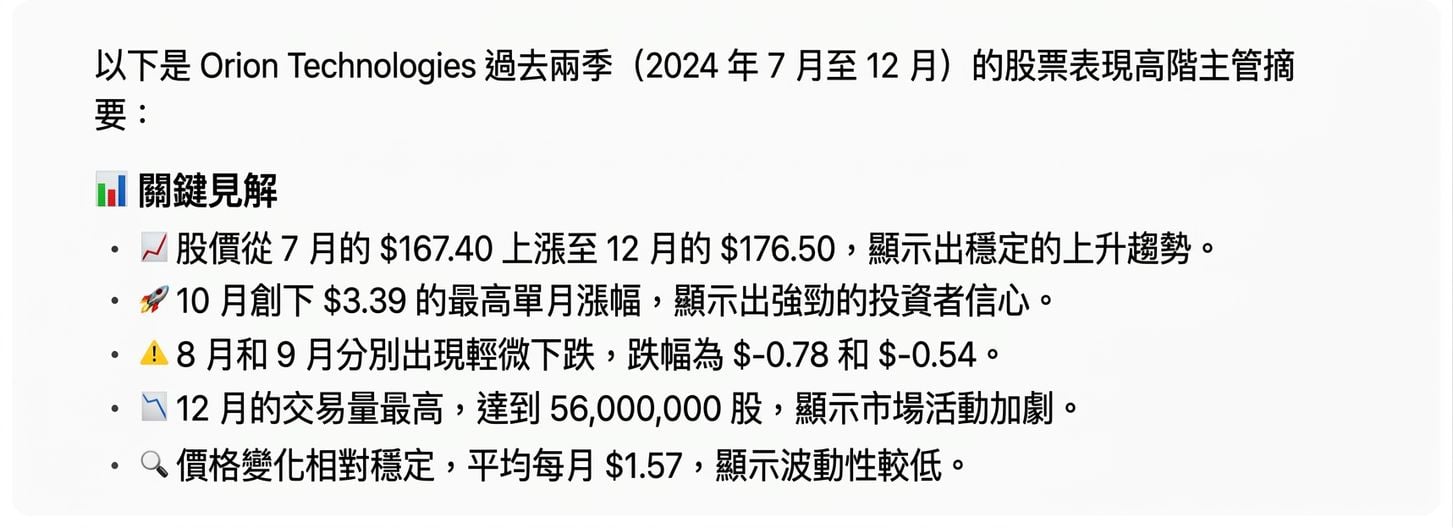
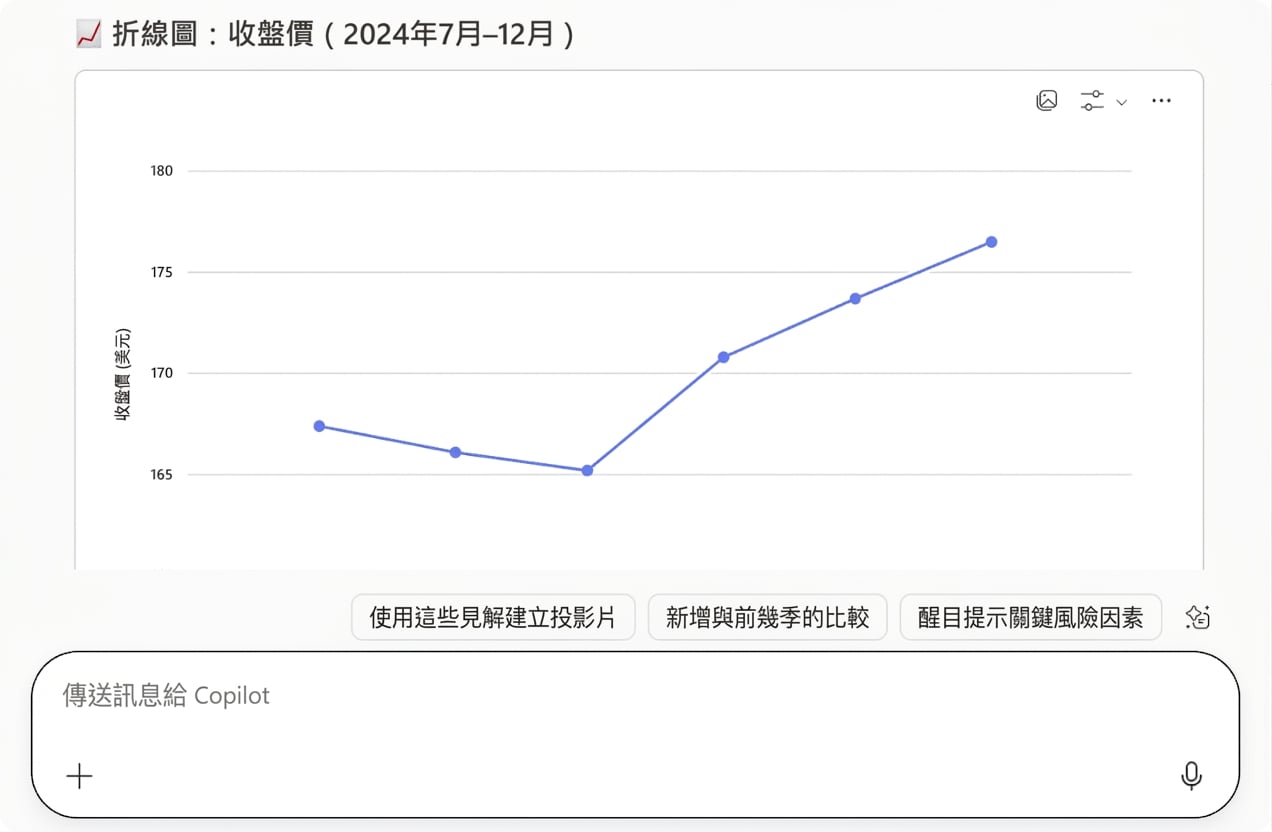
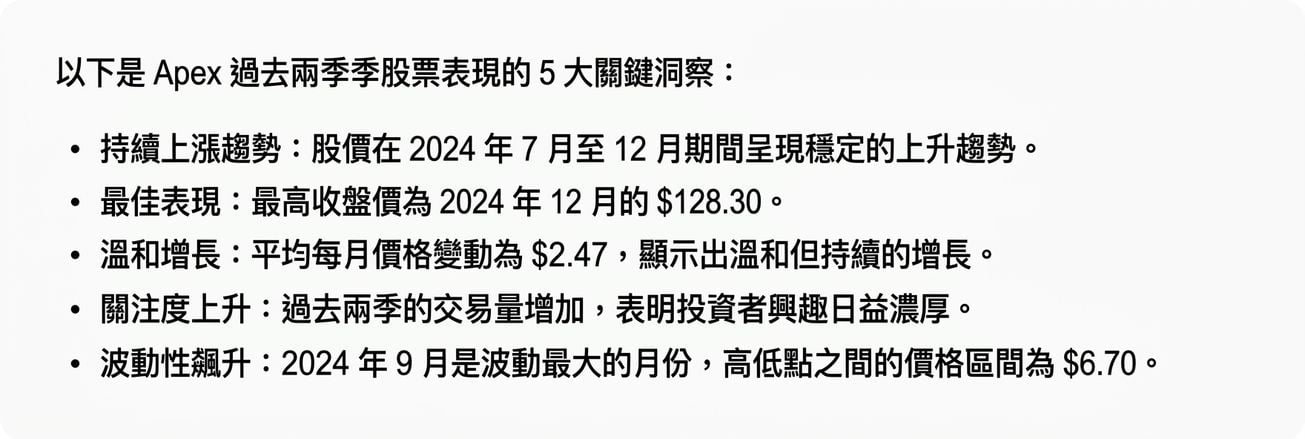
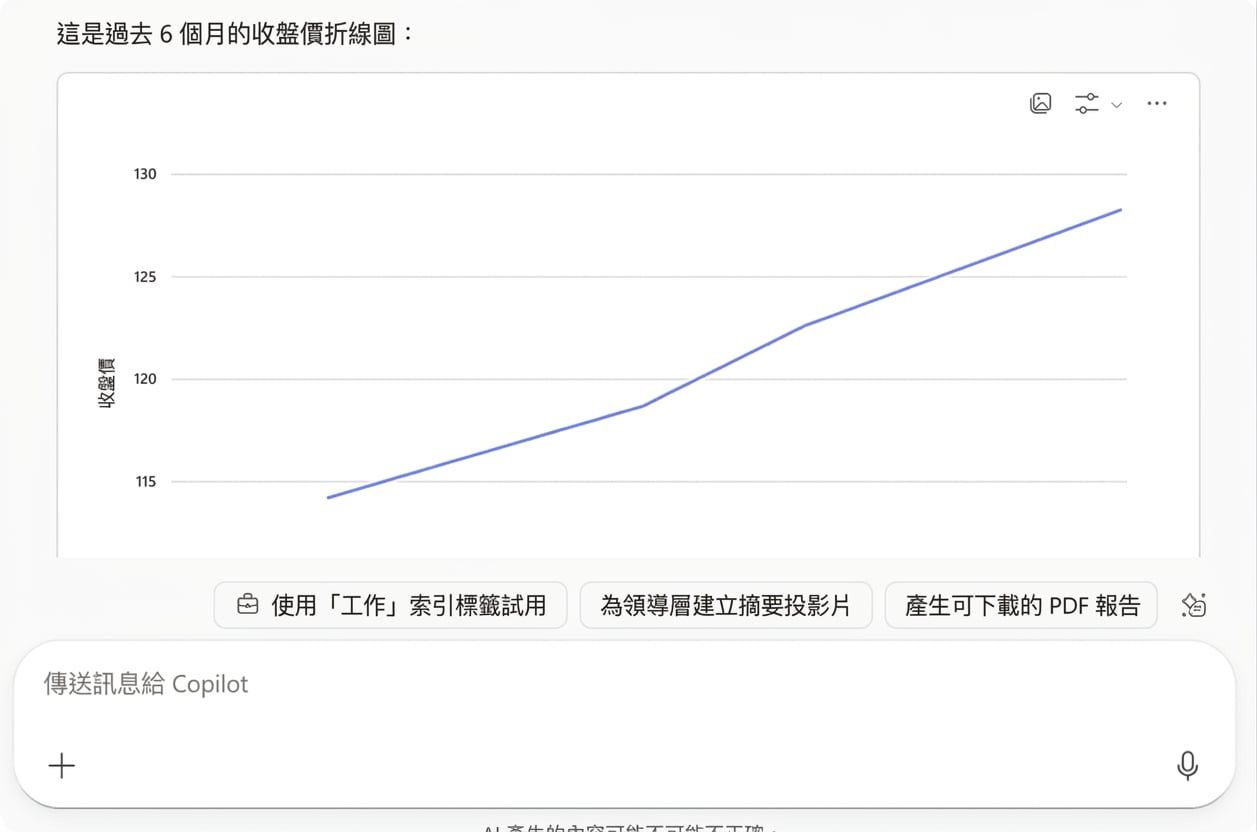
Output 提供 5 點重點見解,並繪製最近 2 季的 Close 價格折線圖
AI for Finance

$$

laoding.gif

AI for Finance

回應

$$

copilotscreen2.png

AI for Finance

回應

copilotscreen1.png

AI for Finance

$$

laoding.gif

AI for Finance

重複

$$ apexscreen2.png

AI for Finance

重複

apexscreen1.png

AI for Finance

重點總結

$$ prompt.png

$$

  • 省時

  • 降低錯誤

  • 便於比較

$$

別重造提示。重複利用它們。

AI for Finance

一起來練習吧!

AI for Finance

Preparing Video For Download...