用 Copilot Chat 提取策略洞見

Microsoft Copilot 在 PowerPoint

James Chapman

AI Curriculum Manager, DataCamp

為何用 Copilot Chat 分析投影片?

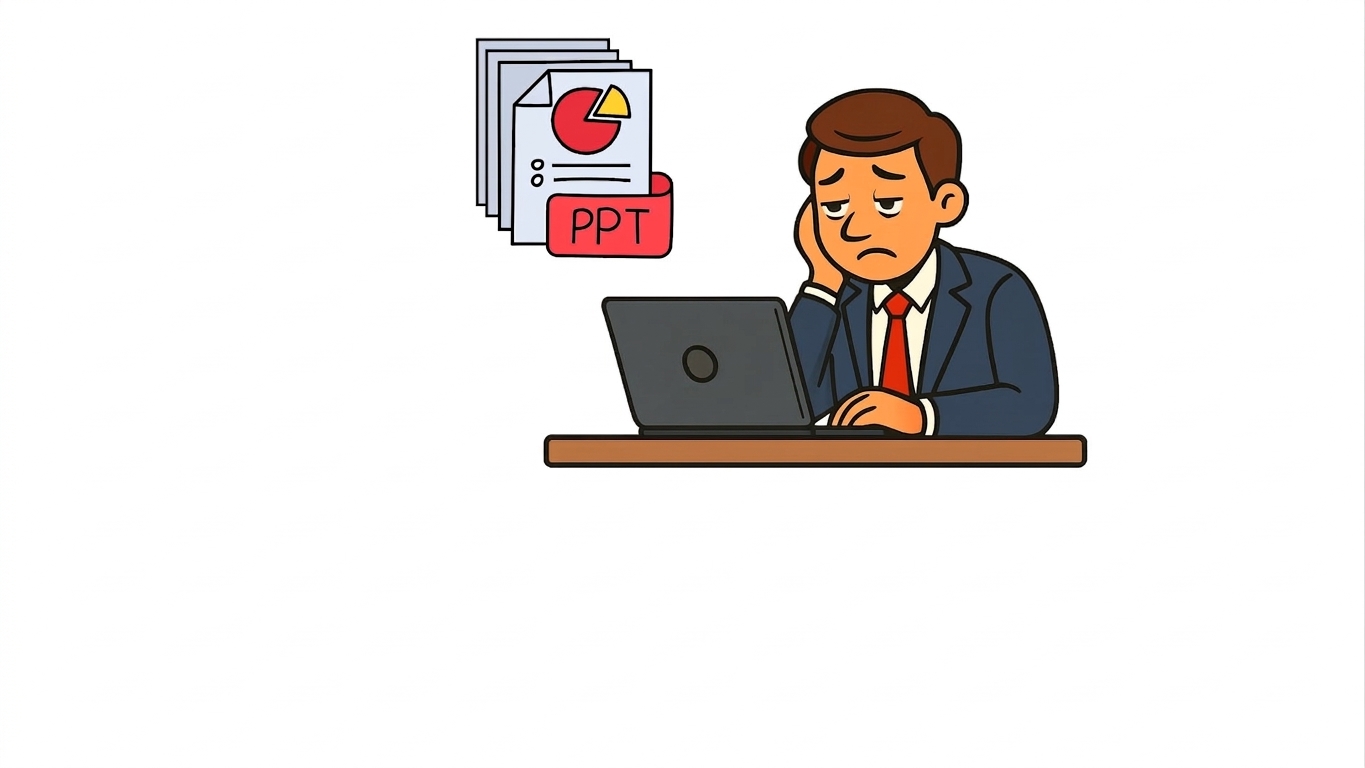
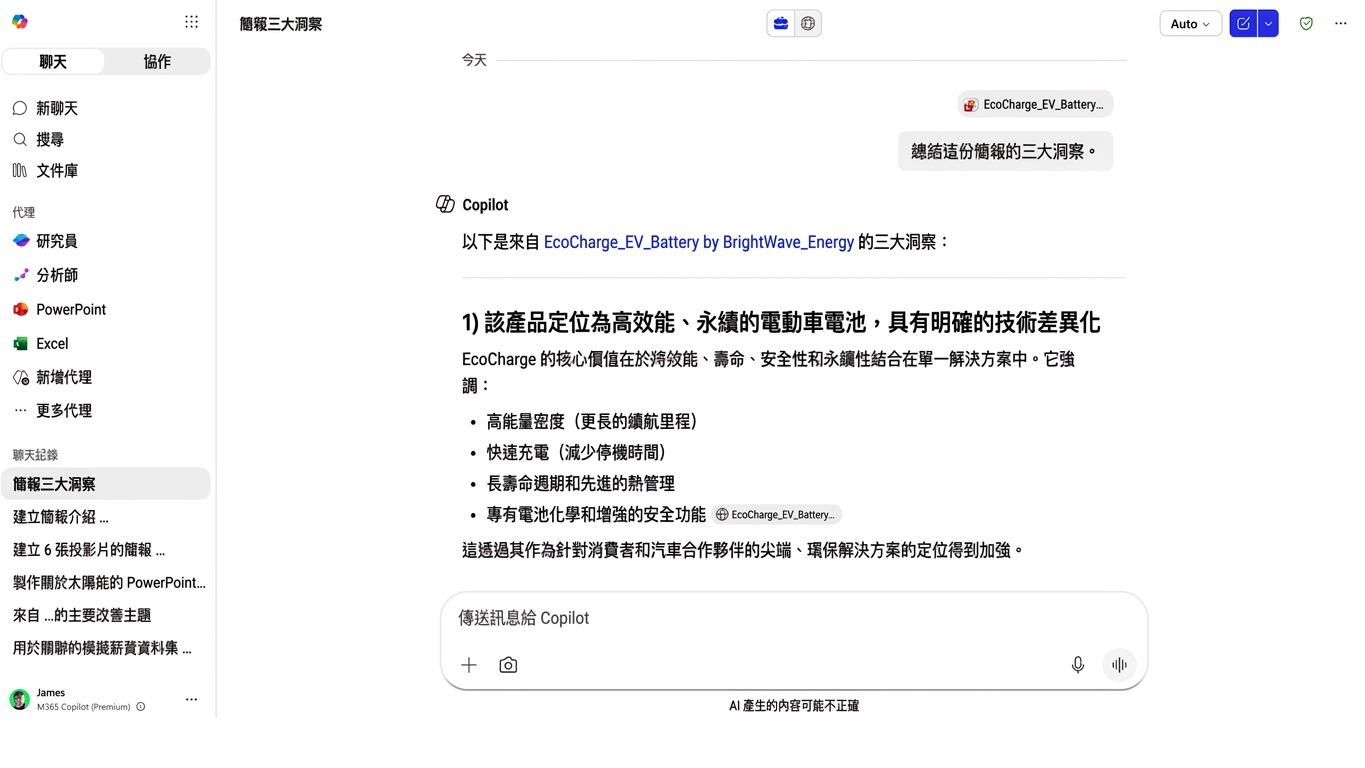
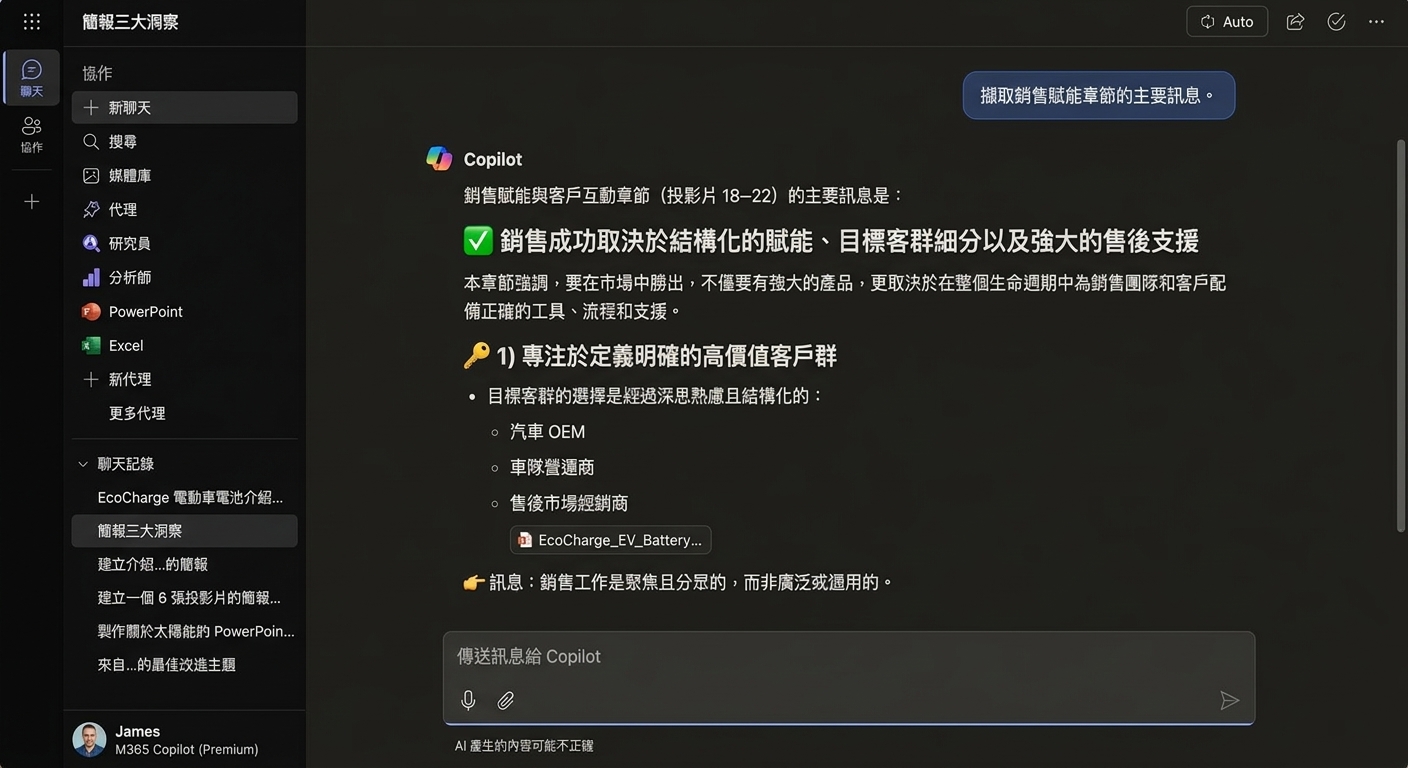
  • 範例:收到一份「內容很滿」的投影片

analyze_decks1.jpg

Microsoft Copilot 在 PowerPoint

為何用 Copilot Chat 分析投影片?

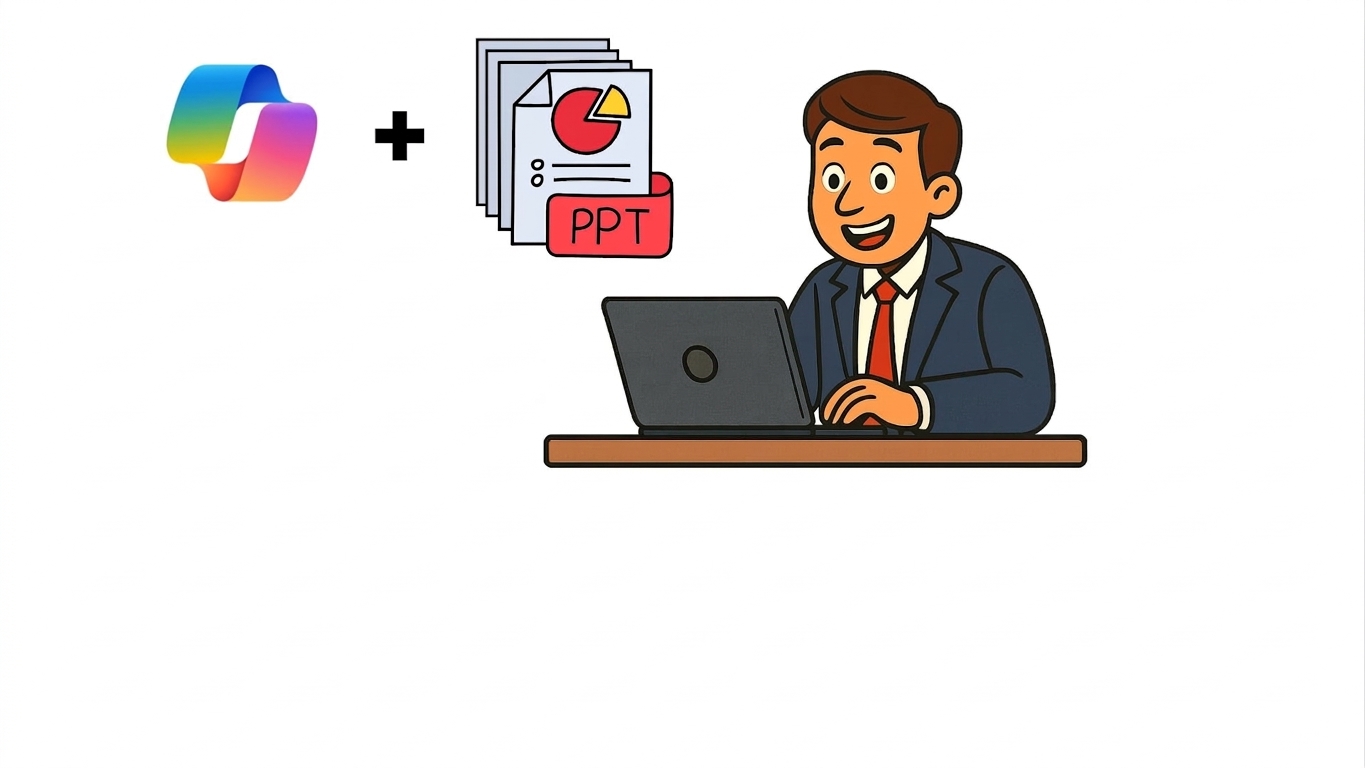
  • 找出_模式_、_風險_、_機會_

analyze_decks2.jpg

Microsoft Copilot 在 PowerPoint

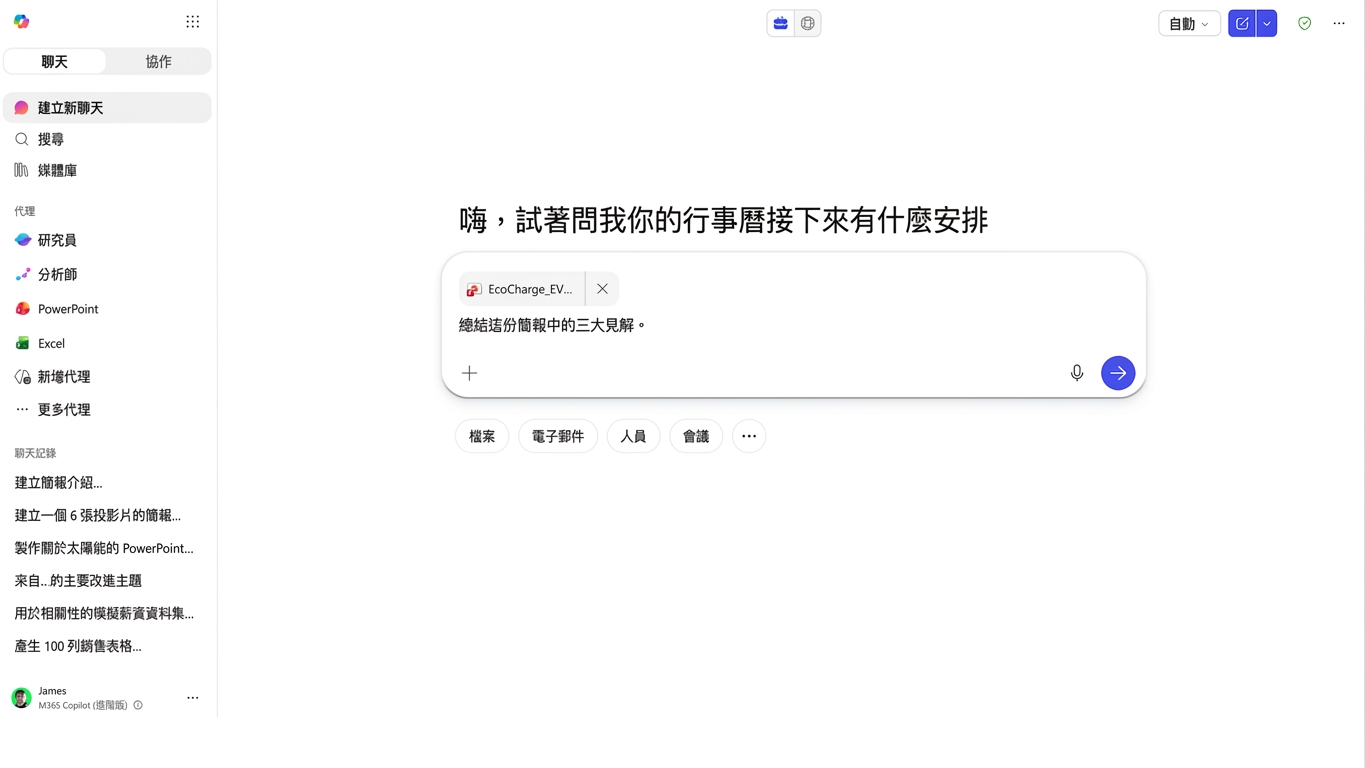
洞見層級的提問

insight_questions1.png

Microsoft Copilot 在 PowerPoint

洞見層級的提問

insight_questions2.png

Microsoft Copilot 在 PowerPoint

洞見層級的提問

insight_questions3.png

Microsoft Copilot 在 PowerPoint

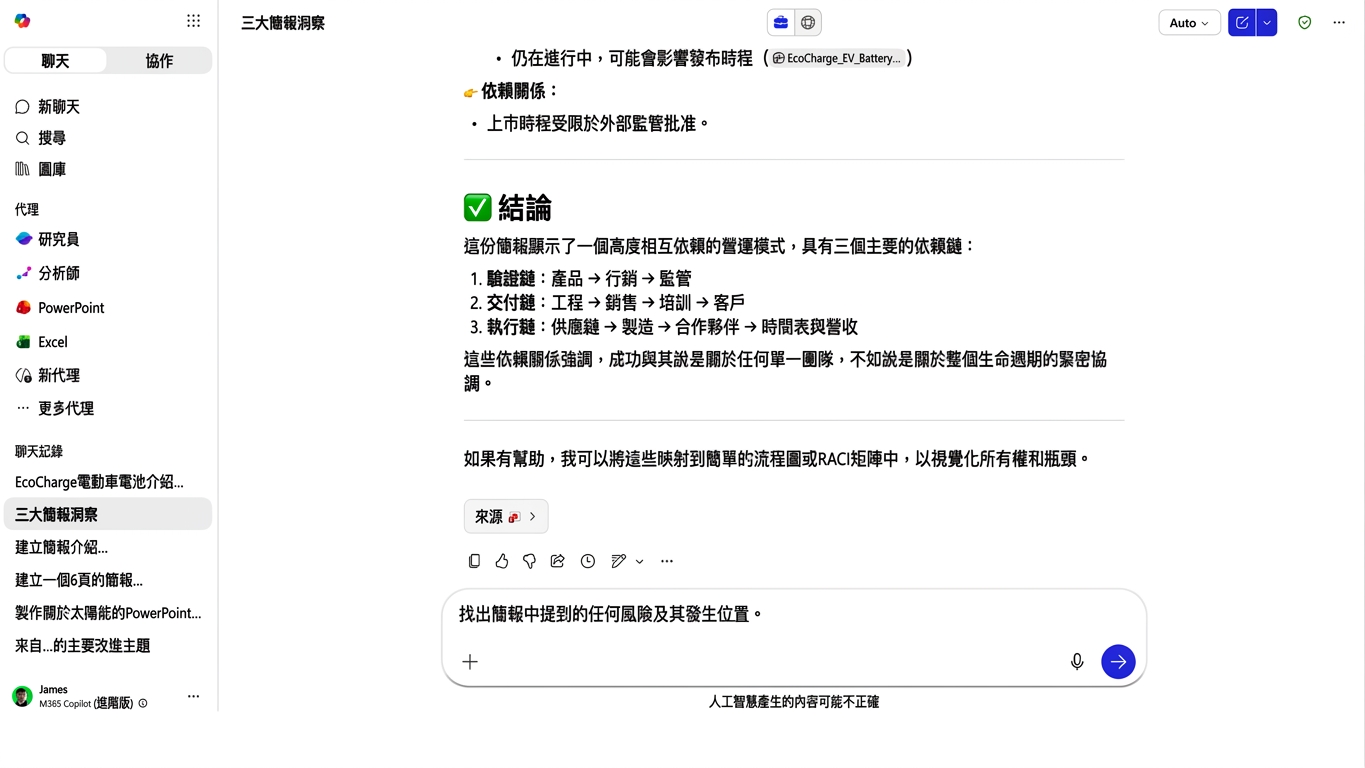
萃取跨團隊相依性

cross_team_dependencies1.png

Microsoft Copilot 在 PowerPoint

萃取跨團隊相依性

cross_team_dependencies.png

Microsoft Copilot 在 PowerPoint

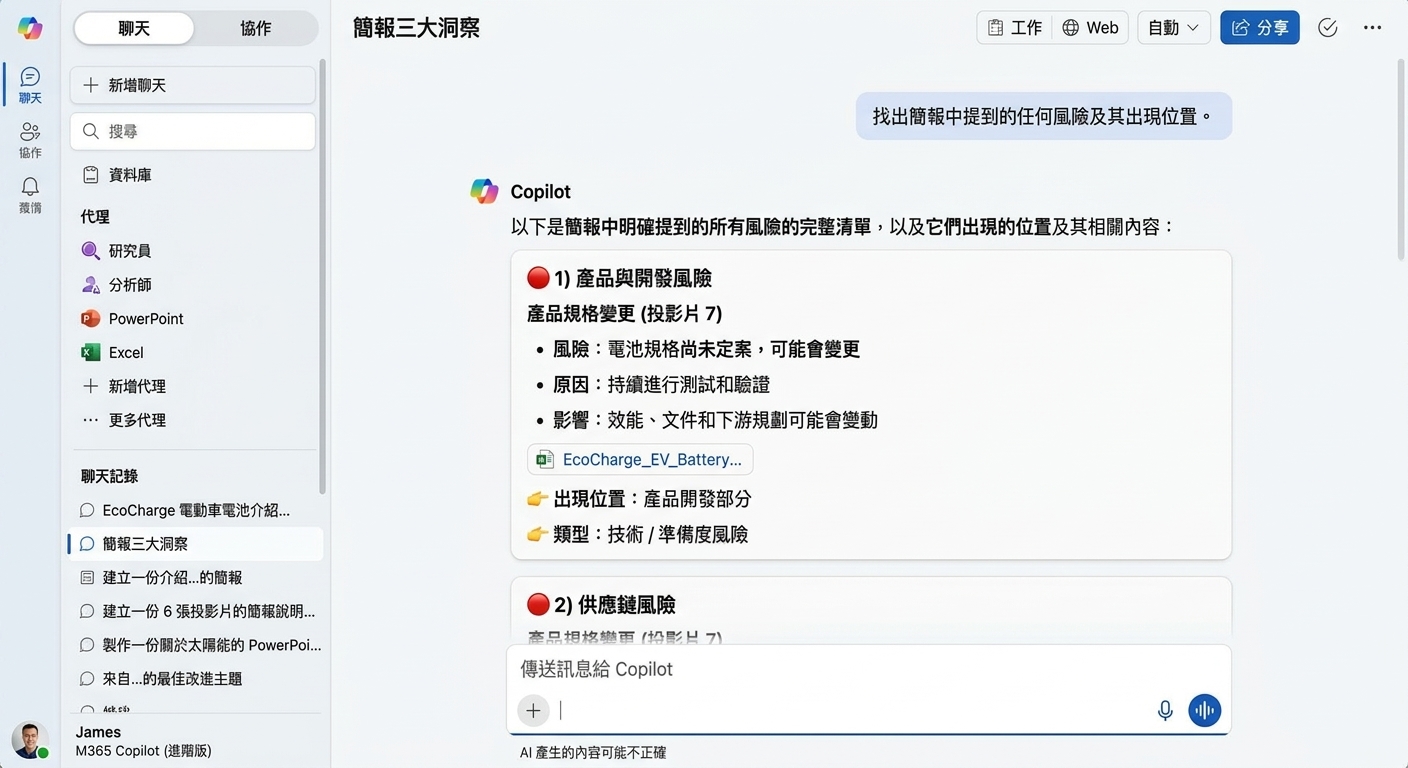
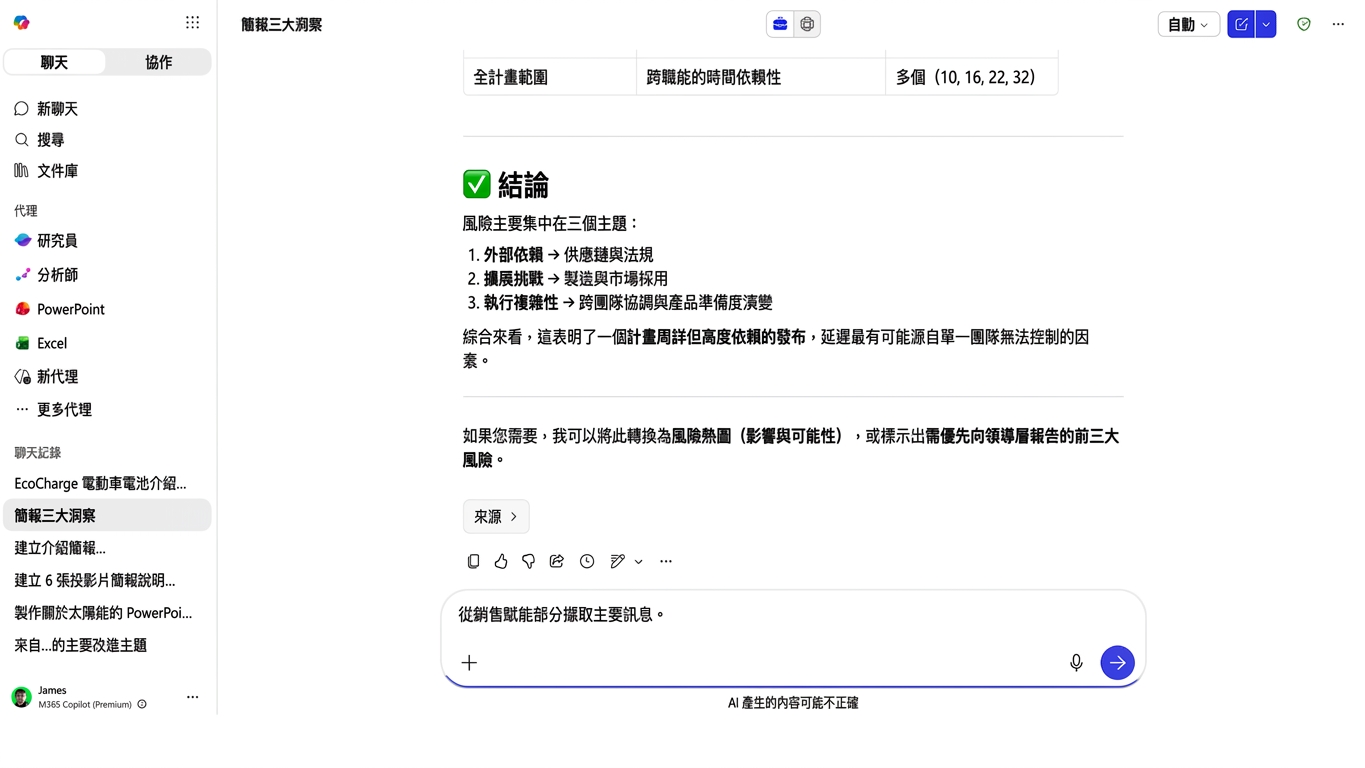
找出投影片中的風險

identify_risks1.png

Microsoft Copilot 在 PowerPoint

找出投影片中的風險

identify_risks2.png

Microsoft Copilot 在 PowerPoint

分析資料與圖表

analyze_data1.png

Microsoft Copilot 在 PowerPoint

分析資料與圖表

analyze_data2.png

Microsoft Copilot 在 PowerPoint

用 Copilot Chat 產生投影片

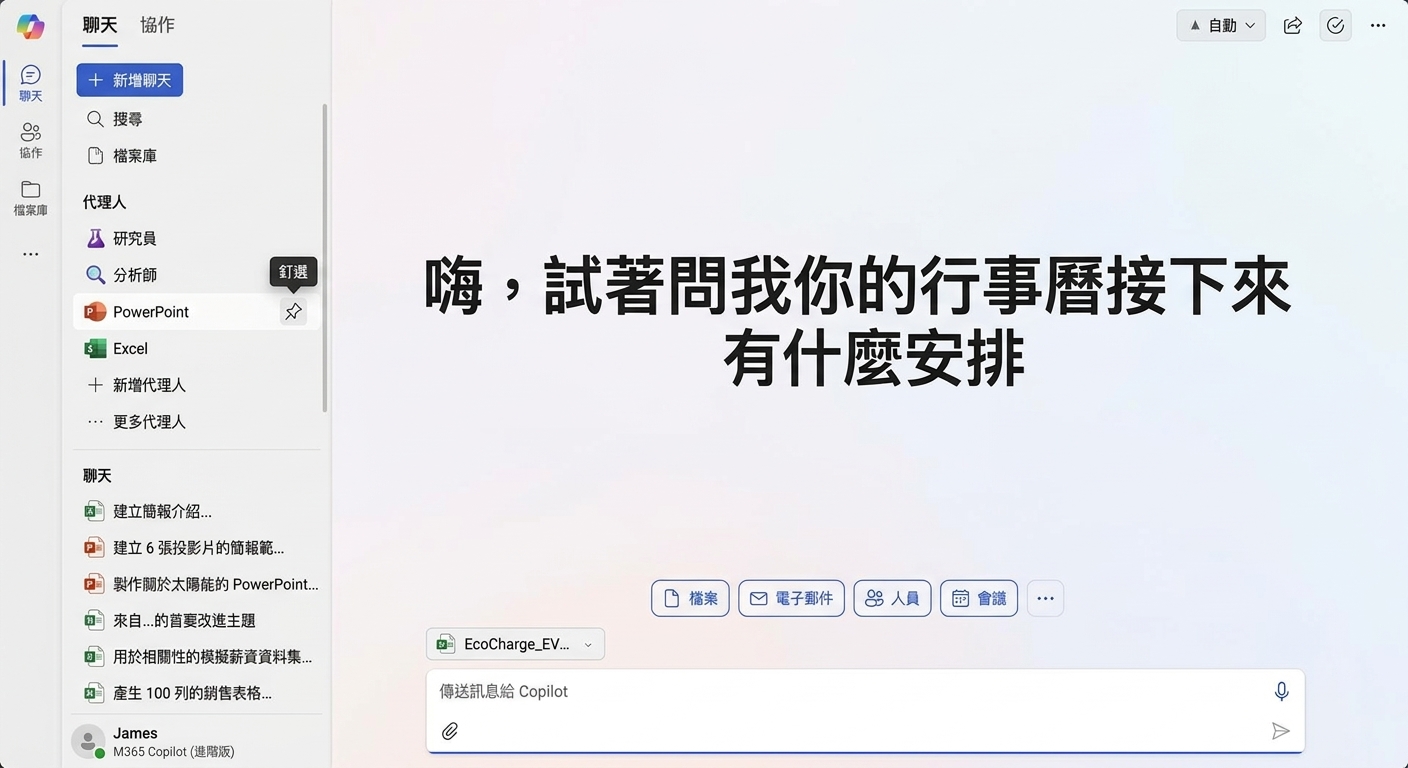
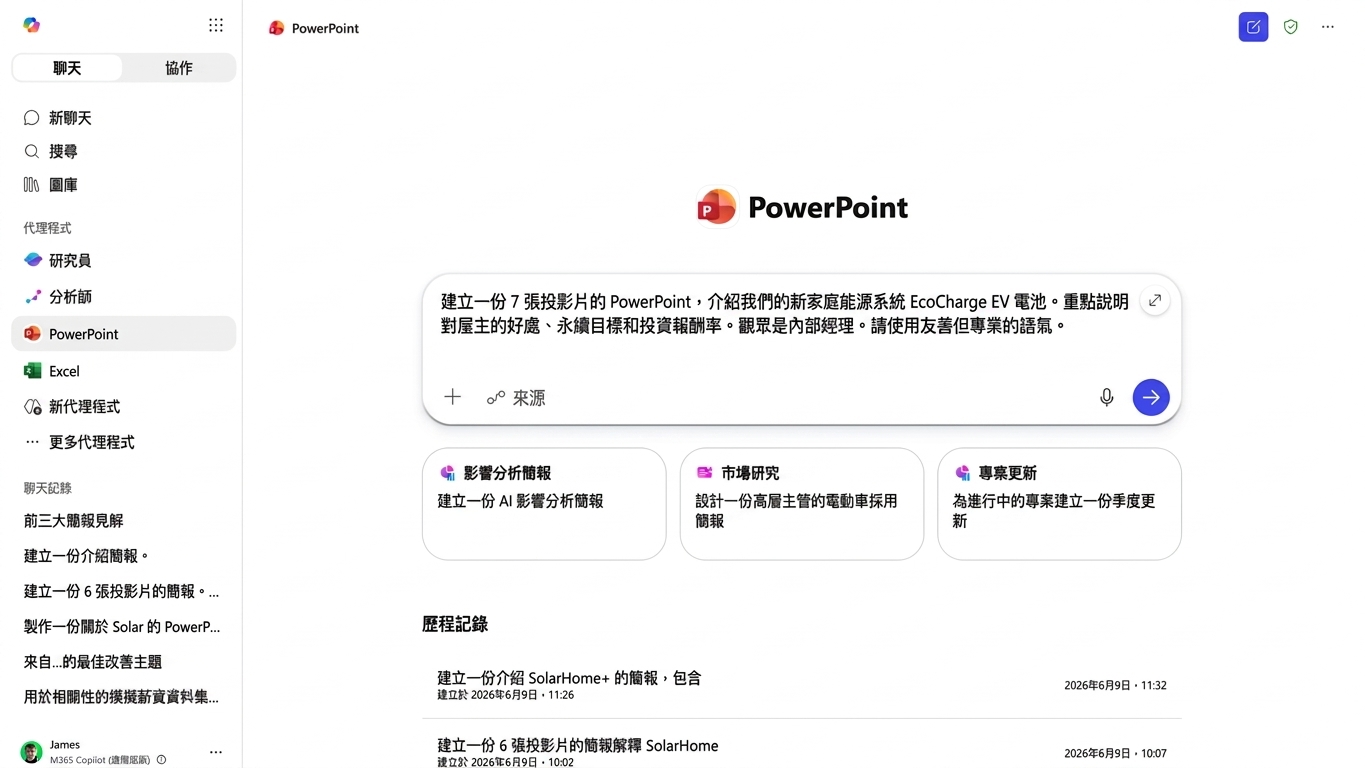
  • PowerPoint 代理可從 Chat 建立投影片

powerpoint_agent1.png

Microsoft Copilot 在 PowerPoint

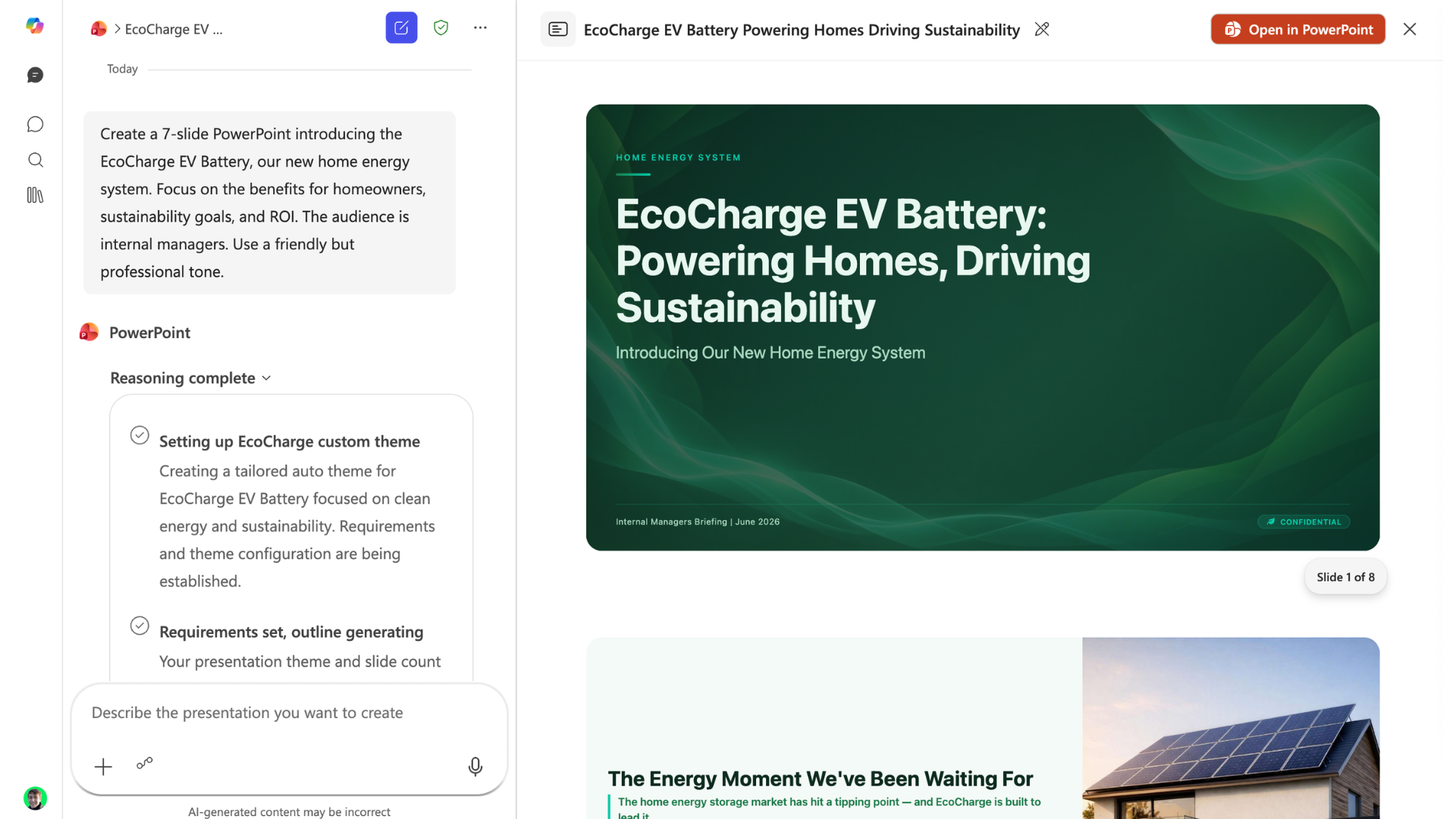
用 Copilot Chat 產生投影片

powerpoint_agent2.png

Microsoft Copilot 在 PowerPoint

反覆驗證,絕不假設!


務必再次核對數字與關鍵陳述

data-zoom.png

Microsoft Copilot 在 PowerPoint

一起來練習吧!

Microsoft Copilot 在 PowerPoint

Preparing Video For Download...