打造吸睛投影片的提示技巧

Microsoft Copilot 在 PowerPoint

James Chapman

AI Curriculum Manager, DataCamp

接下來你將看到…
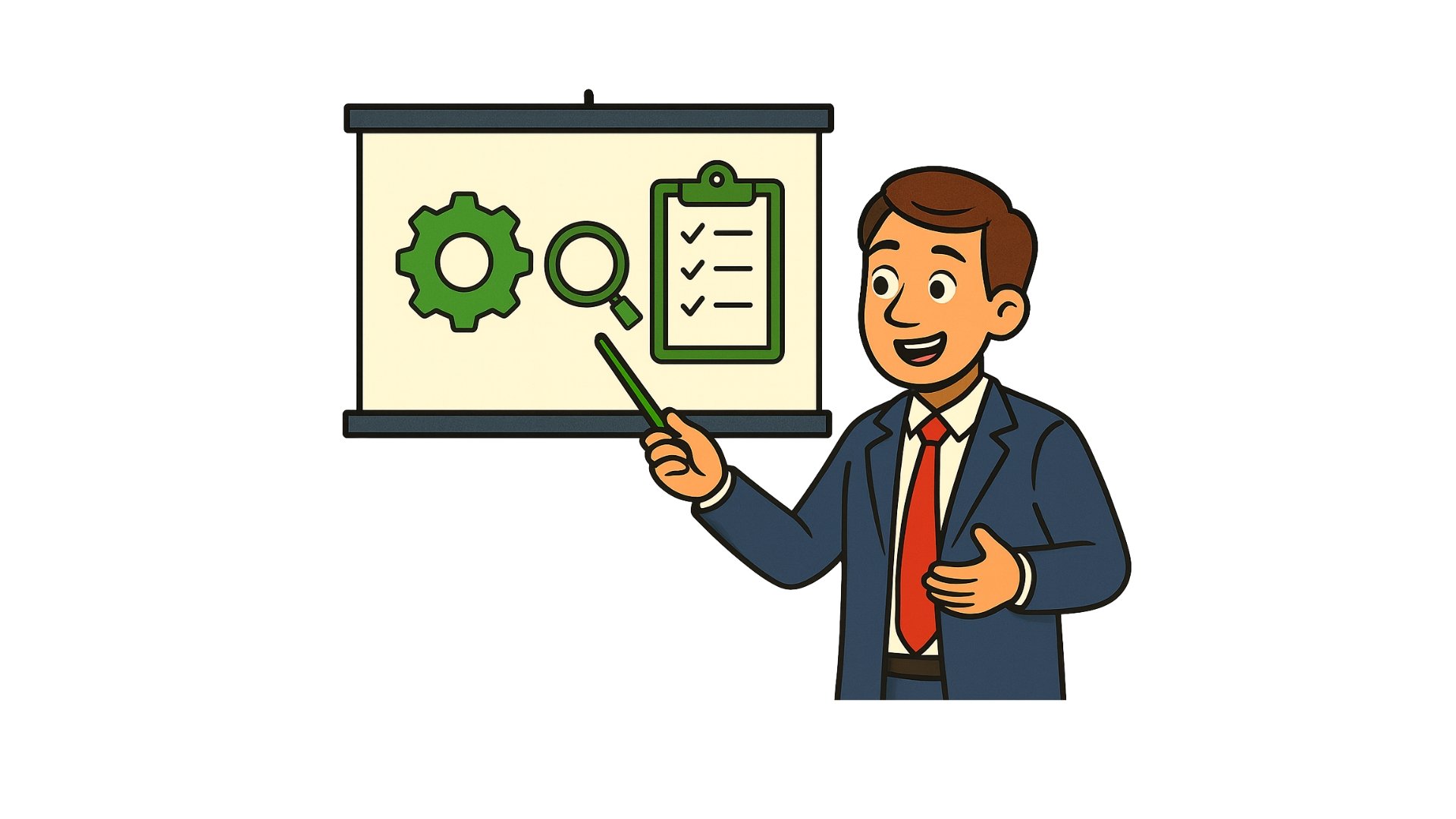
引人入勝的簡報

Microsoft Copilot 在 PowerPoint

為什麼提示品質很重要

提示品質1

Microsoft Copilot 在 PowerPoint

為什麼提示品質很重要

提示品質2

Microsoft Copilot 在 PowerPoint

為什麼提示品質很重要

提示品質3

Microsoft Copilot 在 PowerPoint

為什麼提示品質很重要

提示品質4

Microsoft Copilot 在 PowerPoint

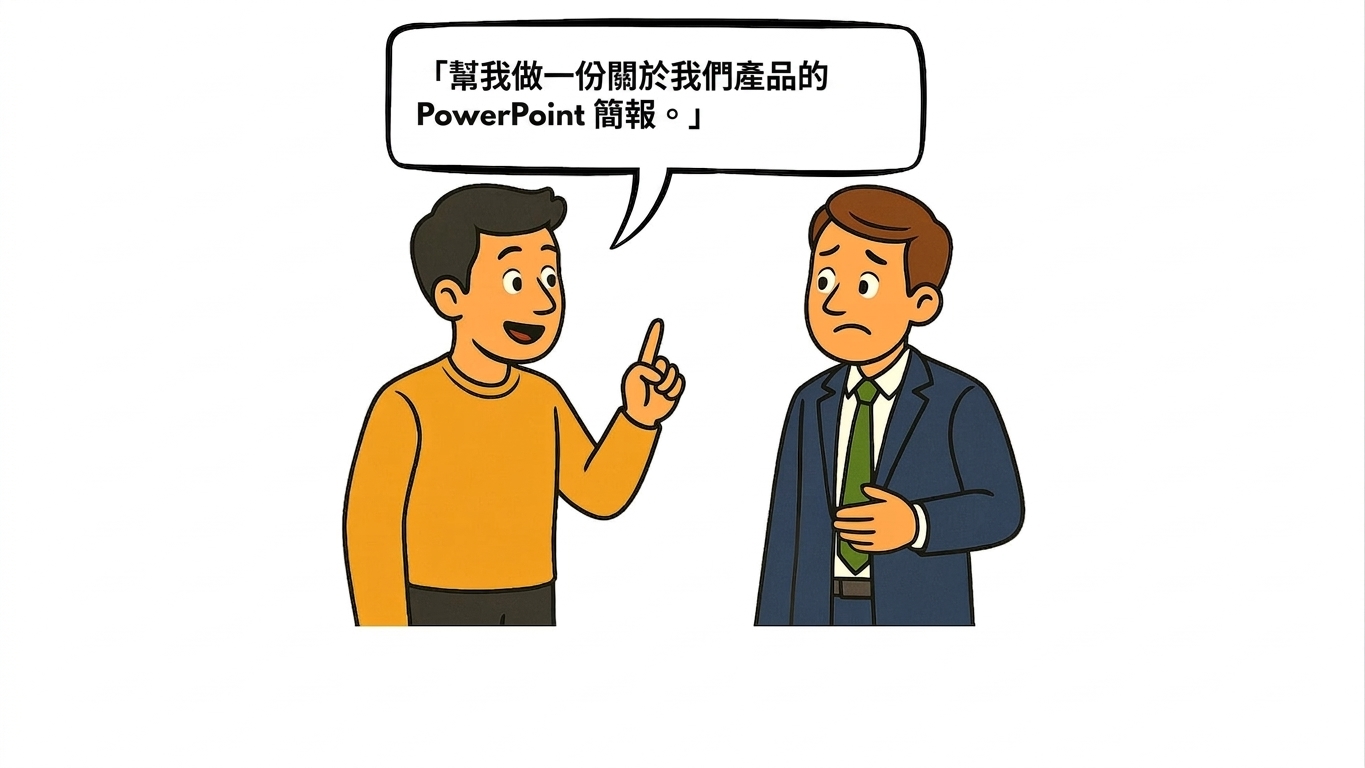
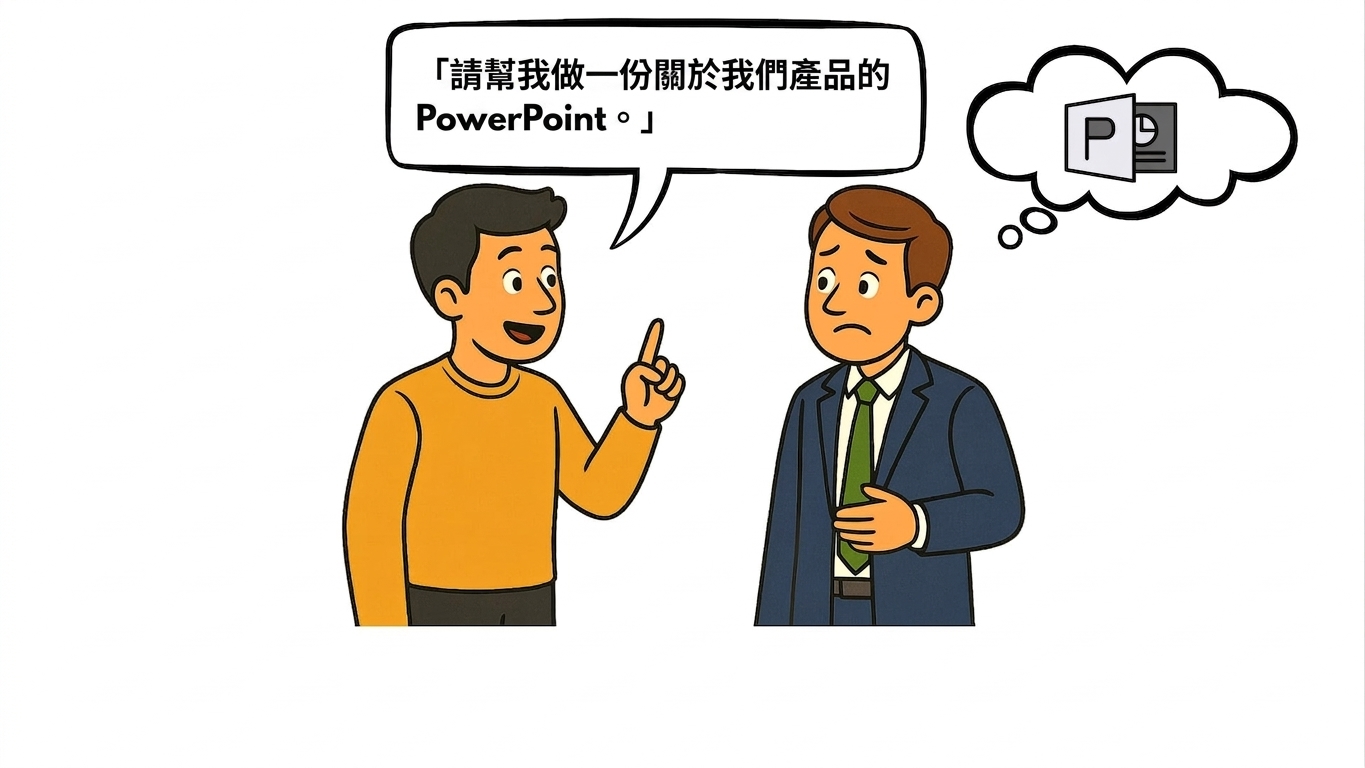
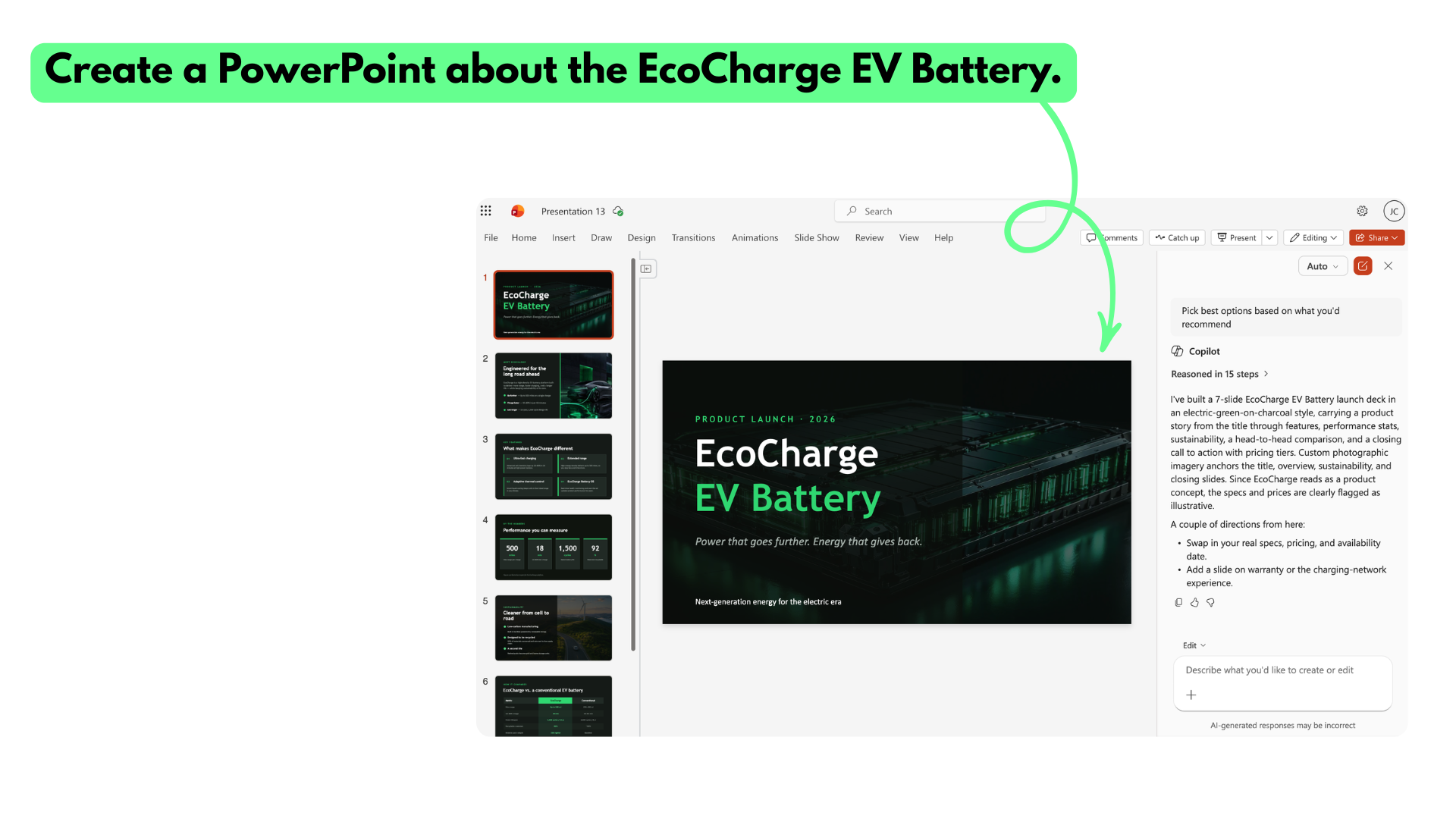
範例 1:含糊的提示

含糊的提示

Microsoft Copilot 在 PowerPoint

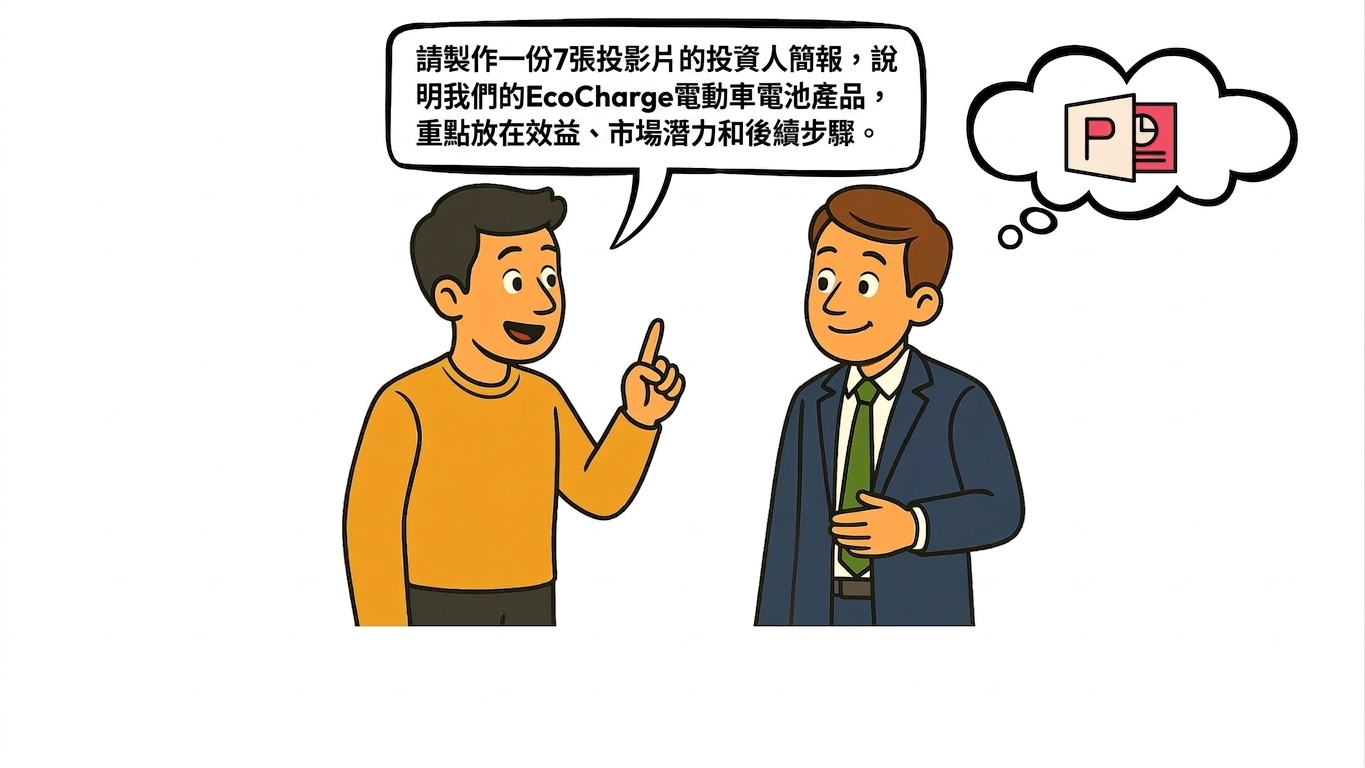
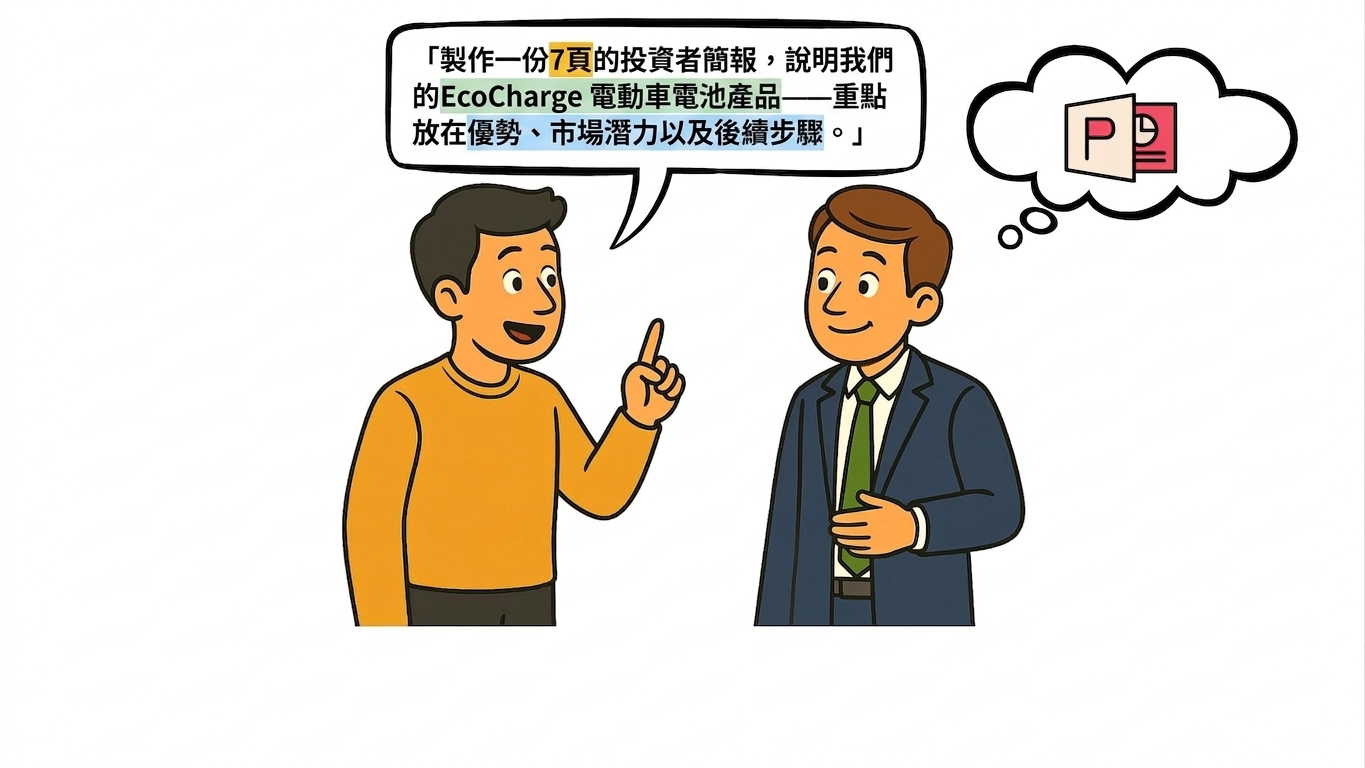
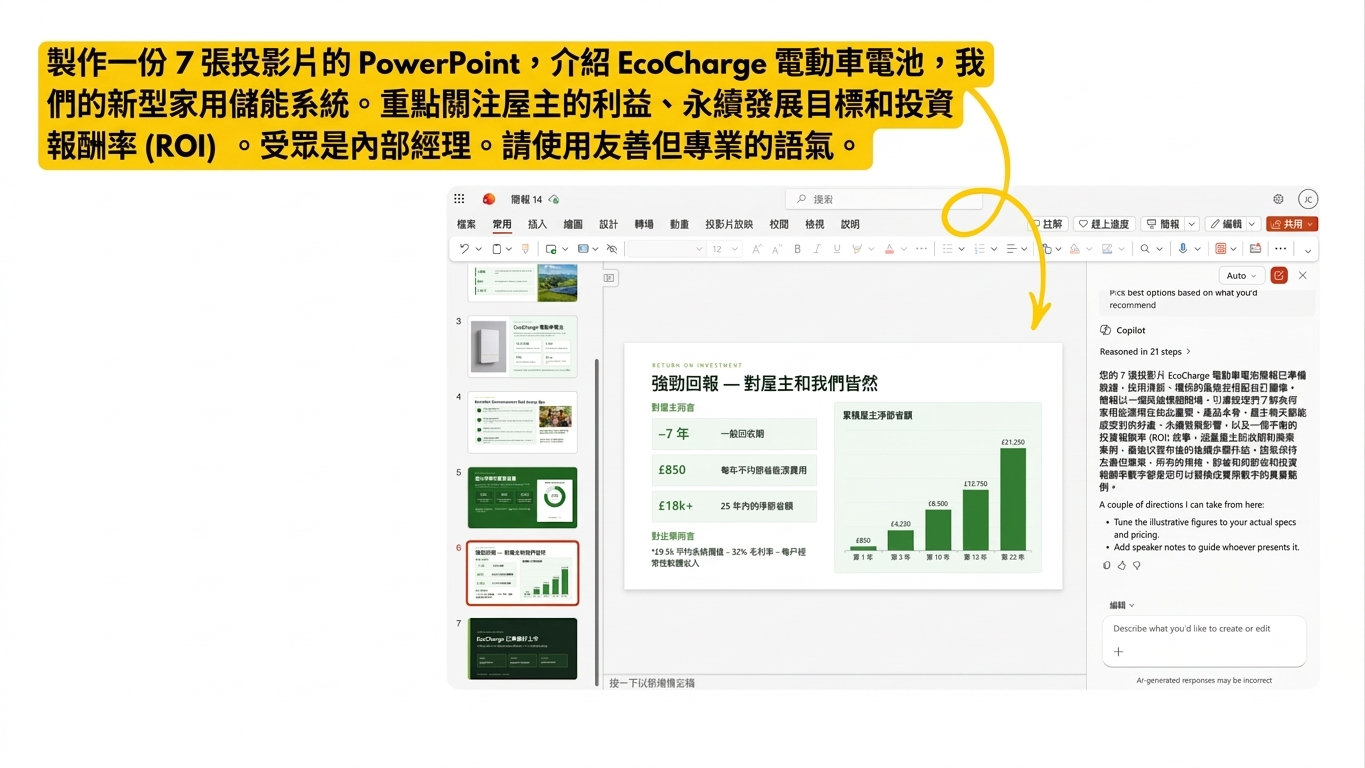
範例 2:結構化提示

結構化提示

Microsoft Copilot 在 PowerPoint

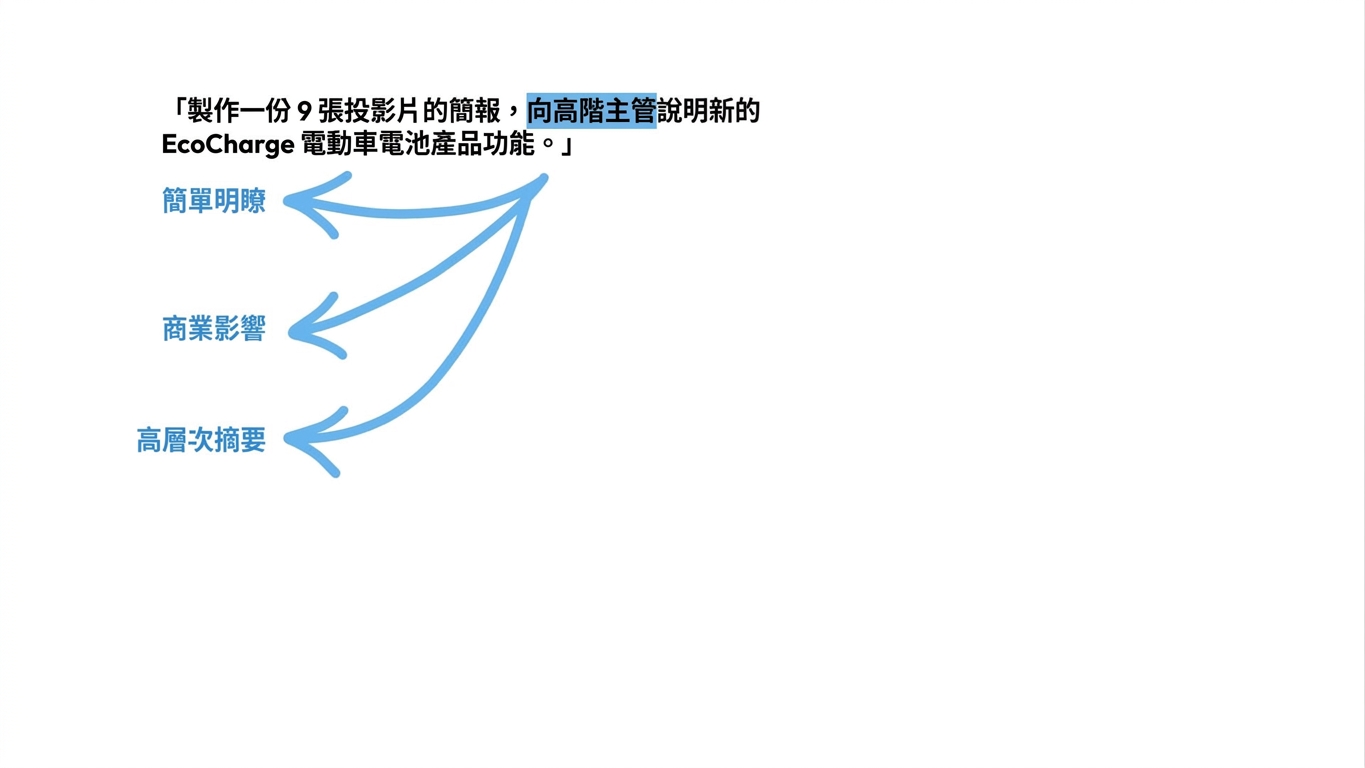
Copilot 如何「解讀」提示

Copilot 解讀1

Microsoft Copilot 在 PowerPoint

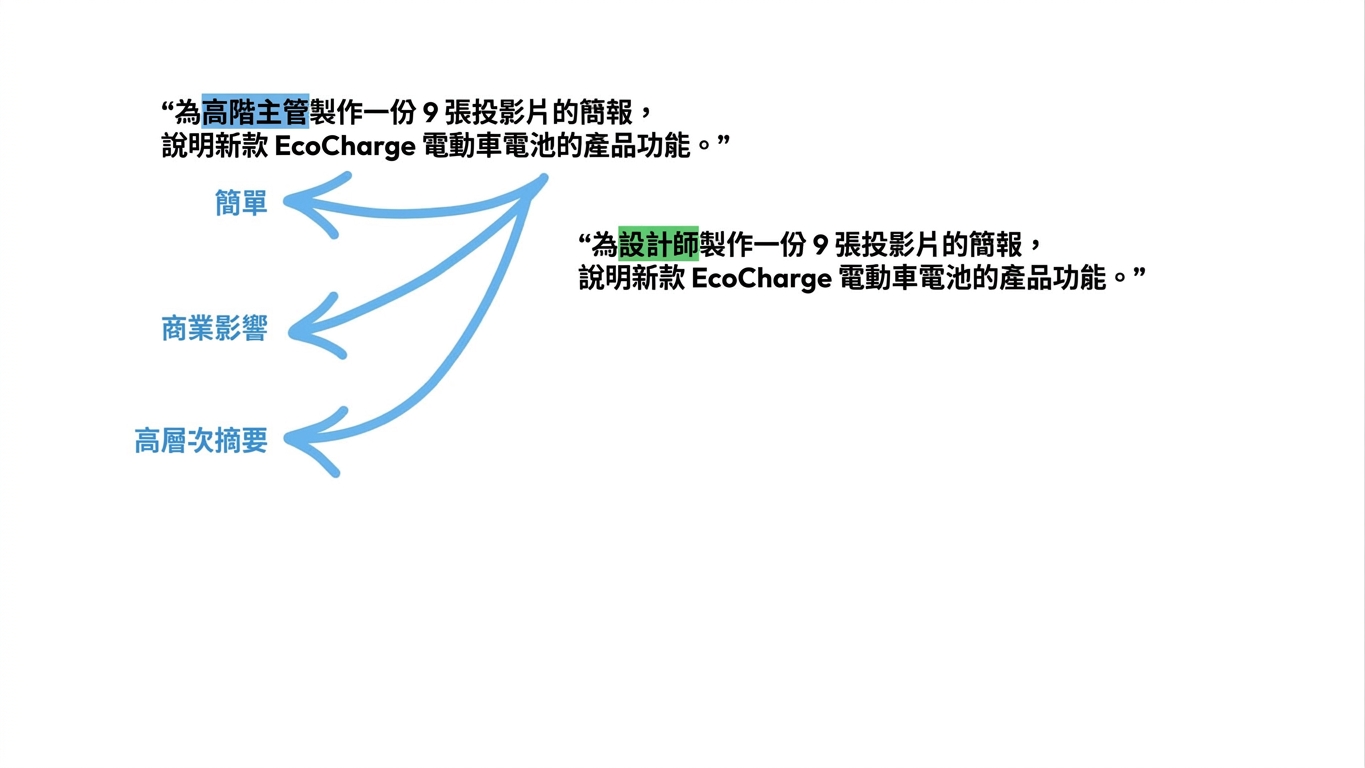
Copilot 如何「解讀」提示

Copilot 解讀2

Microsoft Copilot 在 PowerPoint

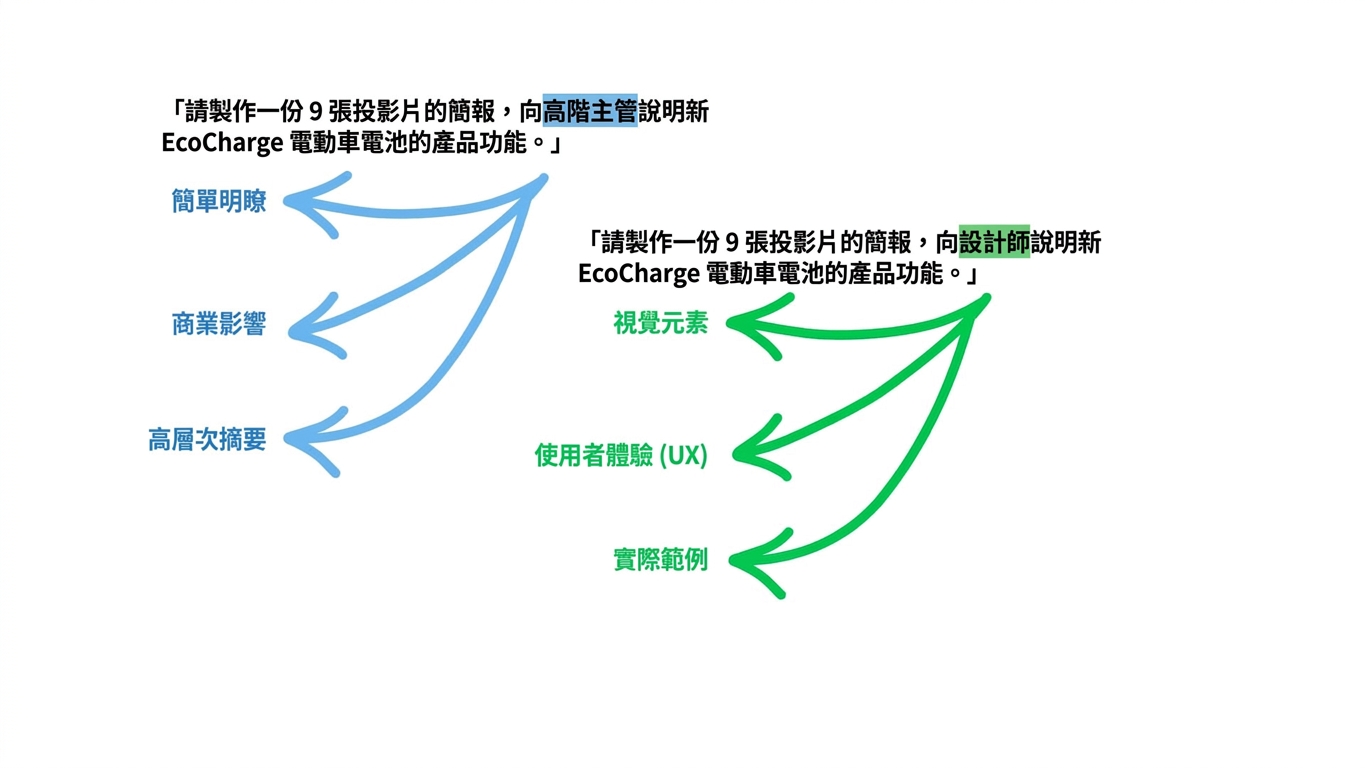
Copilot 如何「解讀」提示

Copilot 解讀3

Microsoft Copilot 在 PowerPoint

Copilot 如何「解讀」提示

Copilot 解讀4

Microsoft Copilot 在 PowerPoint

Copilot 如何「解讀」提示

Copilot 解讀5

Microsoft Copilot 在 PowerPoint

避免這些錯誤


含糊 → 提示缺乏足夠內容

情境過載 → 一次提供過多資訊

受眾不明 → 這份簡報是給誰看?


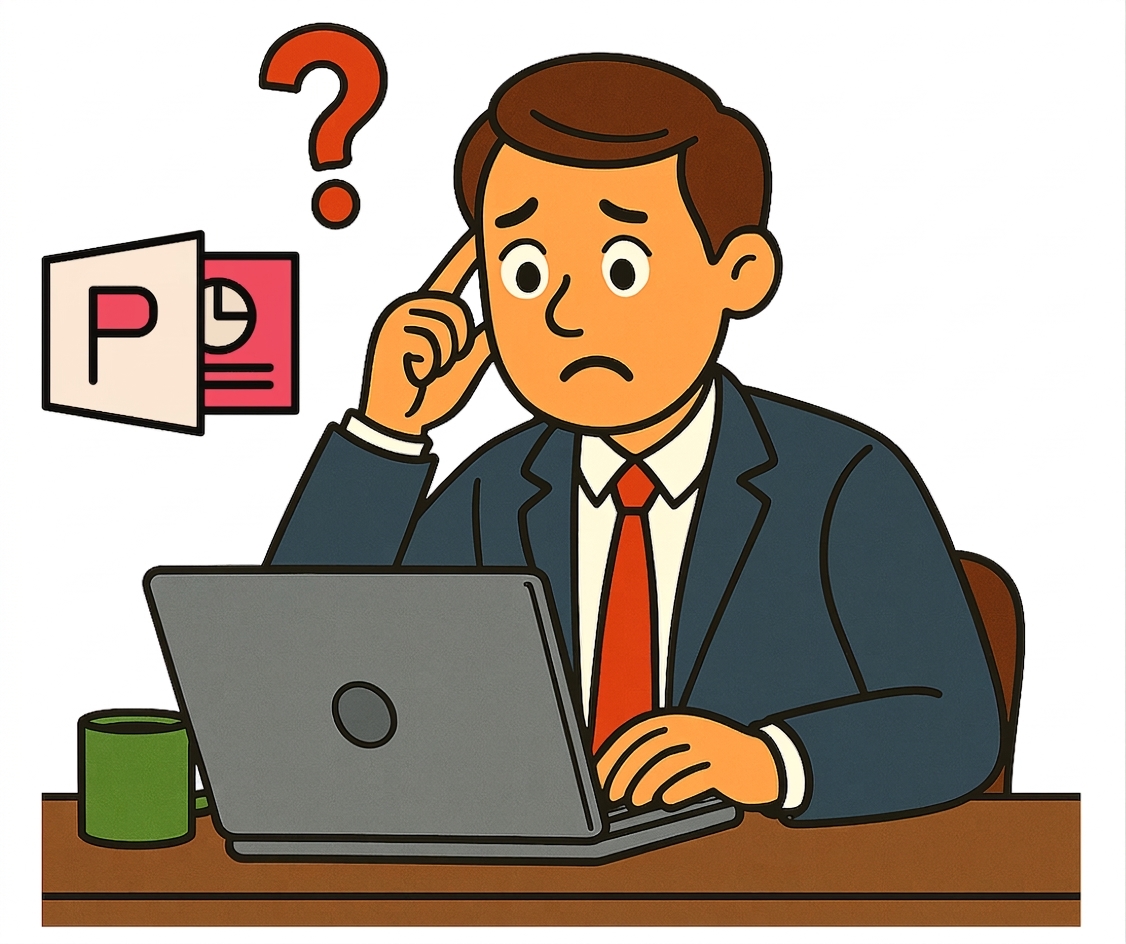
混亂的投影片

Microsoft Copilot 在 PowerPoint

一起來練習吧!

Microsoft Copilot 在 PowerPoint

Preparing Video For Download...