用 Copilot 產生投影片視覺

Microsoft Copilot 在 PowerPoint

James Chapman

AI Curriculum Manager, DataCamp

為何視覺很重要


🔴 降低參與的因素

  • 文字過於密集
  • 過多項目符號


🟢 提升參與的因素

  • 講者表達
  • 投影片設計

Microsoft Copilot 在 PowerPoint

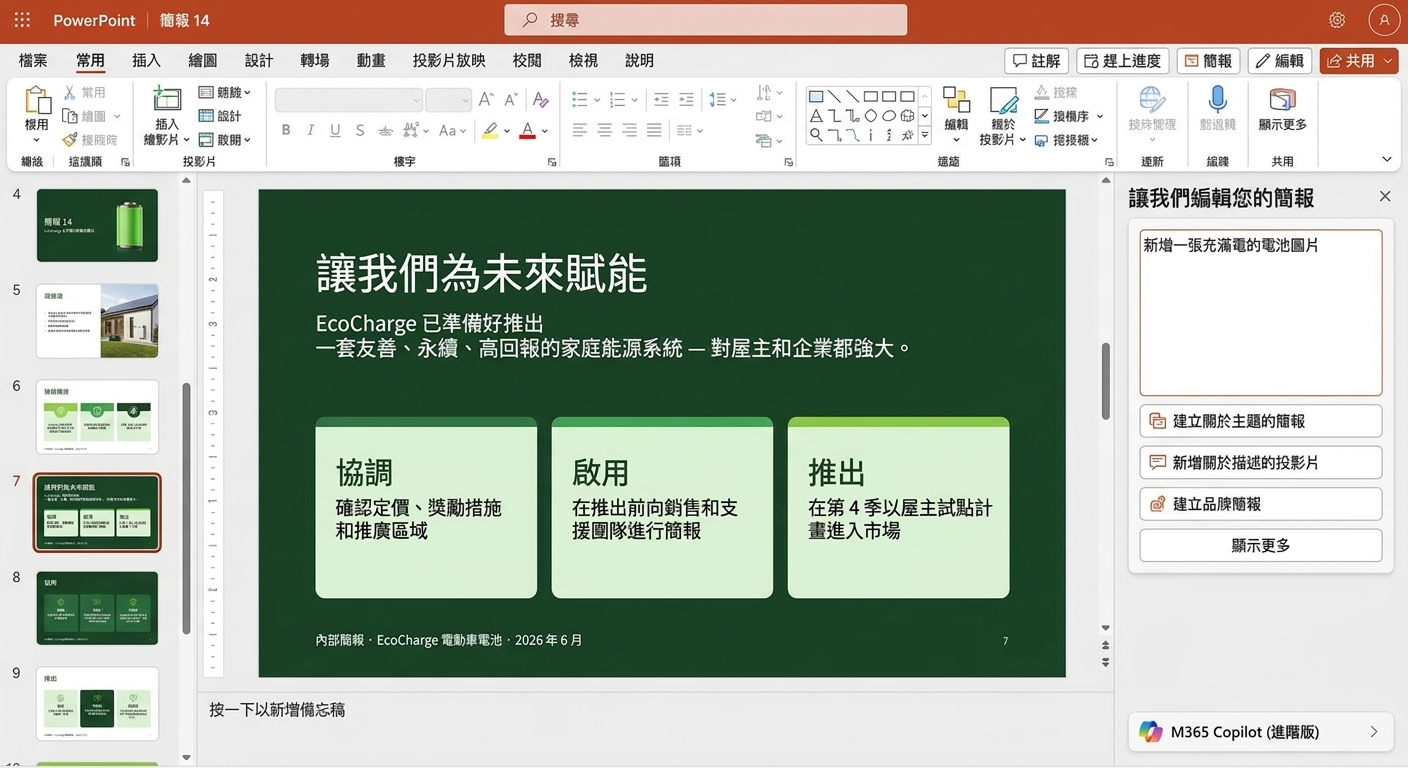
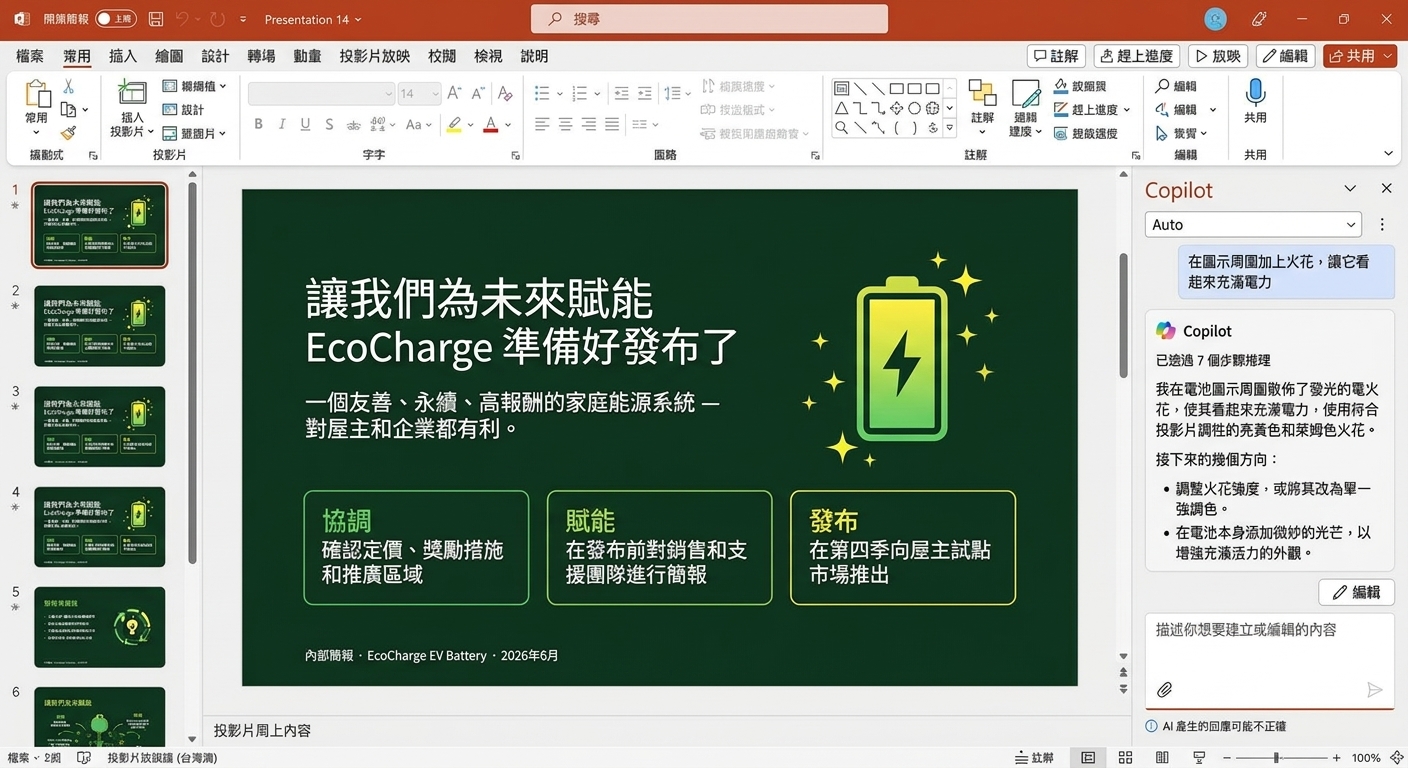
用 Copilot 加入視覺元素

slide_visuals1.png

Microsoft Copilot 在 PowerPoint

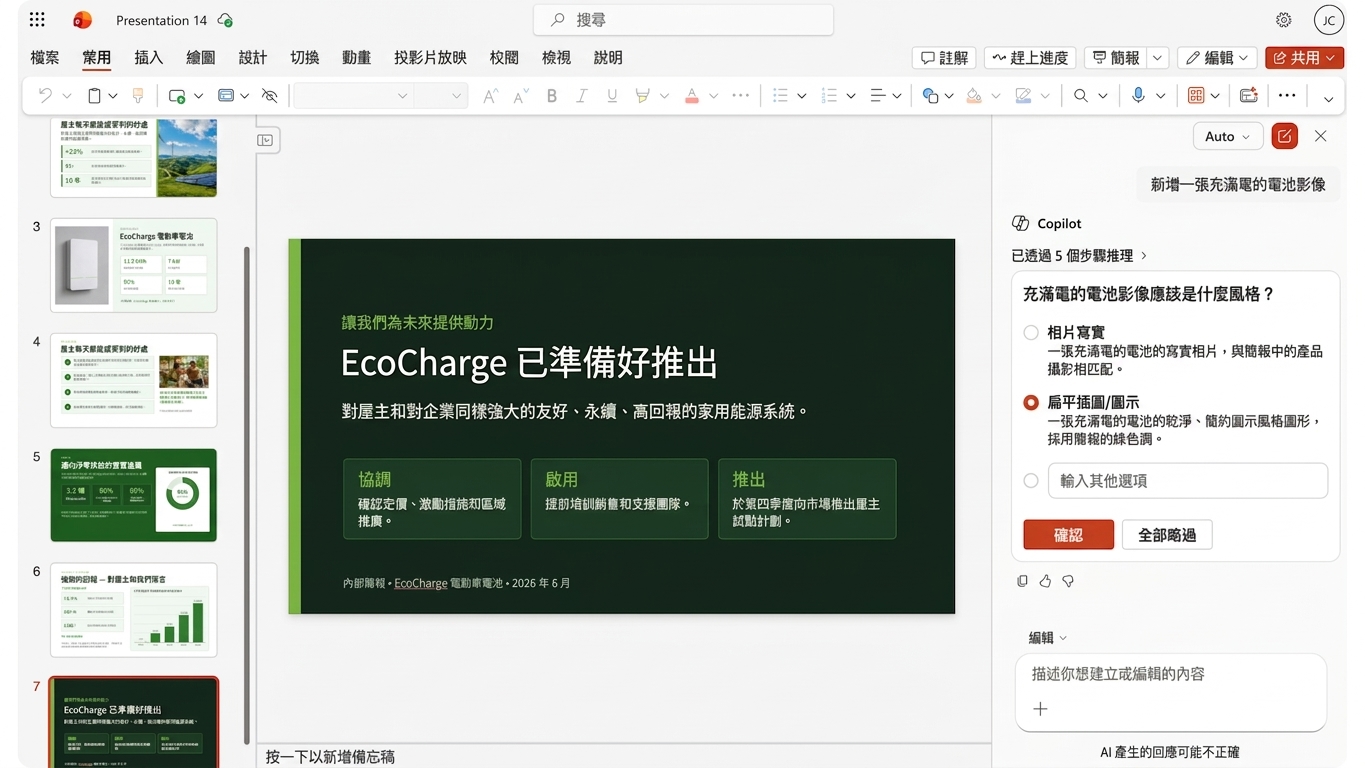
用 Copilot 加入視覺元素

slide_visuals2.png

Microsoft Copilot 在 PowerPoint

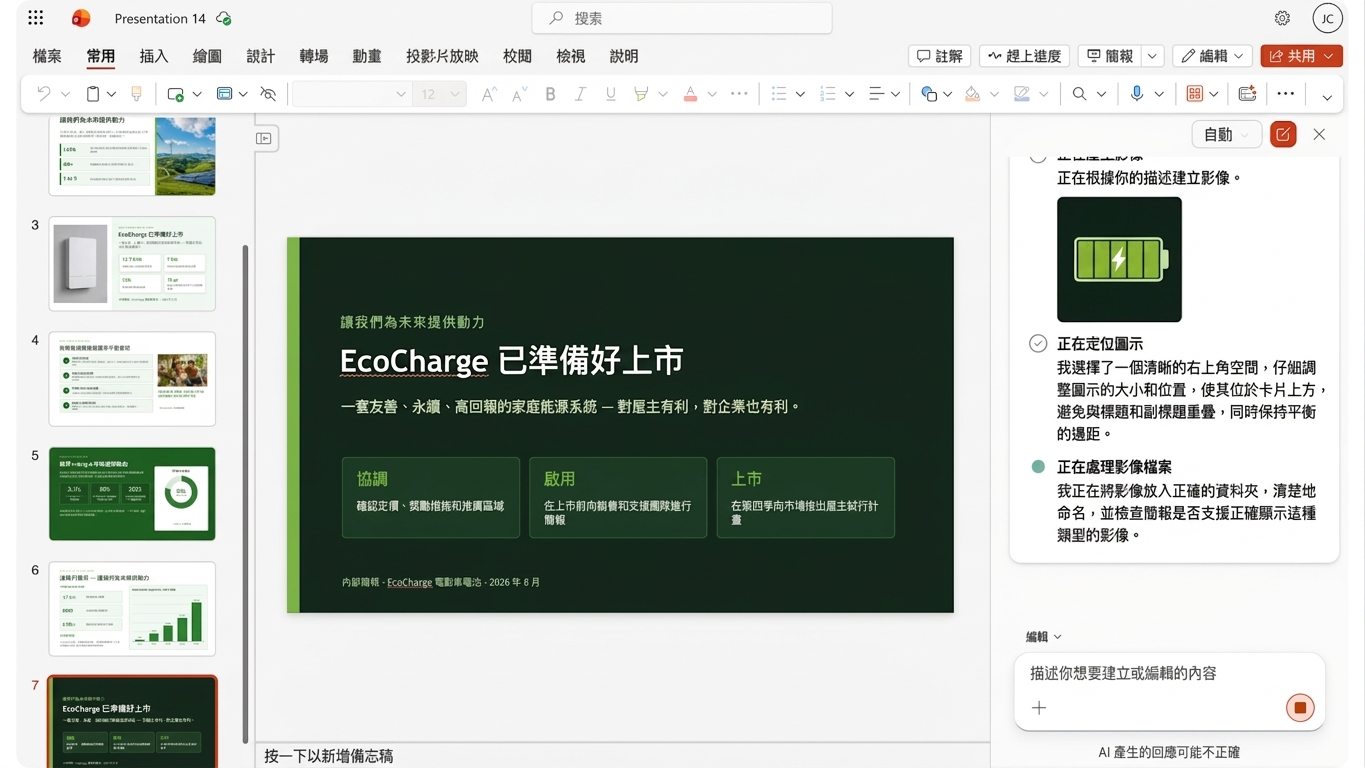
用 Copilot 加入視覺元素

slide_visuals3.png

Microsoft Copilot 在 PowerPoint

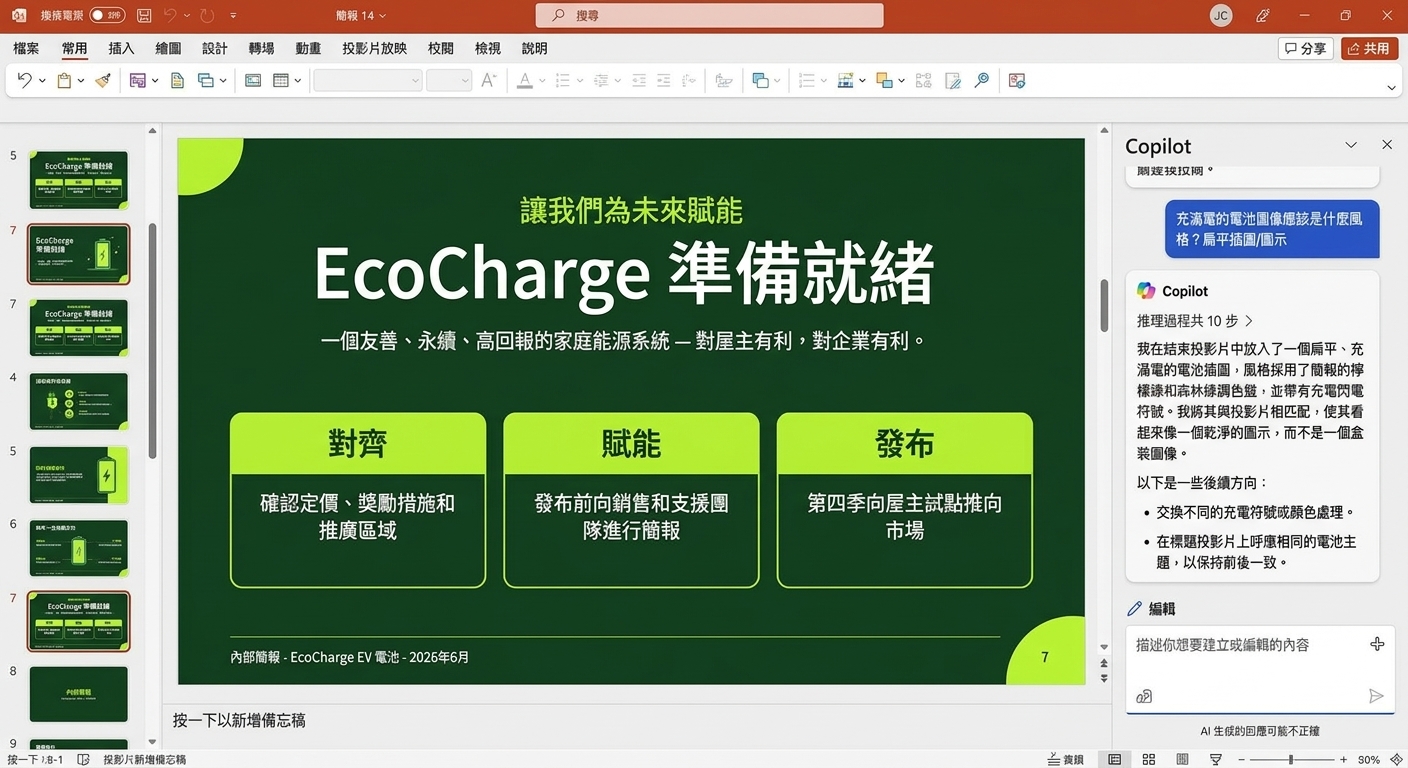
用 Copilot 加入視覺元素

slide_visuals4.png

Microsoft Copilot 在 PowerPoint

調整圖片

editing_images.png

Microsoft Copilot 在 PowerPoint

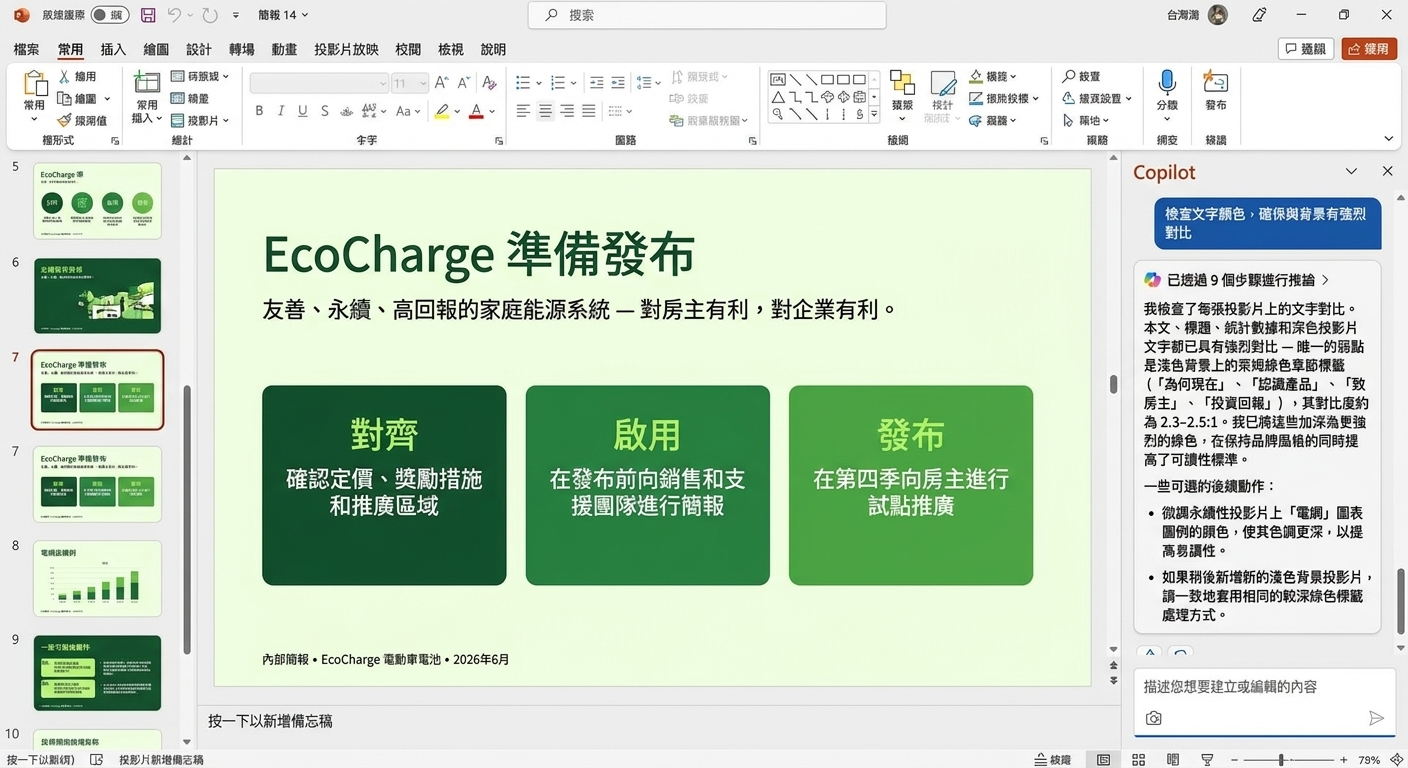
何時覆寫 Copilot 建議

overriding_copilot1.jpg

Microsoft Copilot 在 PowerPoint

何時覆寫 Copilot 建議

overriding_copilot2.jpg

Microsoft Copilot 在 PowerPoint

何時覆寫 Copilot 建議

overriding_copilot3.jpg

Microsoft Copilot 在 PowerPoint

設計提示語

design_prompts.png

Microsoft Copilot 在 PowerPoint

品牌設計

branding.png

Microsoft Copilot 在 PowerPoint

自己做或交給 Copilot

  • 影響範圍小、僅少數元件
  • 難以說明

act.png

  • 影響多個投影片或元件
  • 易於說明

delegate.png

Microsoft Copilot 在 PowerPoint

一起來練習吧!

Microsoft Copilot 在 PowerPoint

Preparing Video For Download...