使用 Hugging Face pipeline 做情緒分析

Python 的 Natural Language Processing(NLP)

Fouad Trad

Machine Learning Engineer

複習:NLP 工作流程

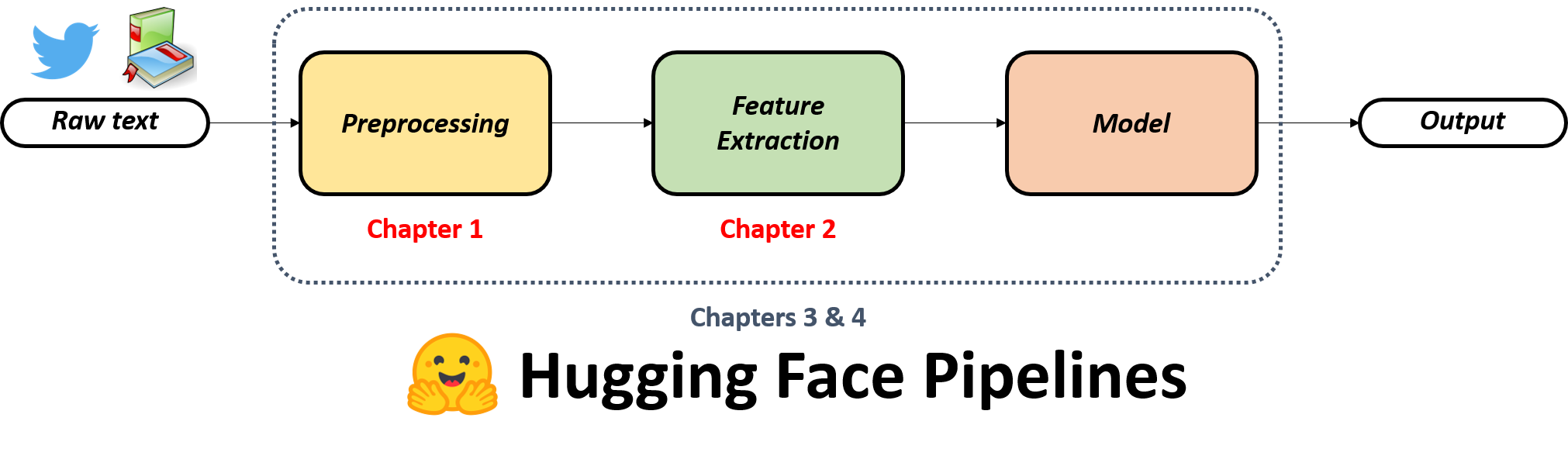
完整流程圖,指出第 1 章涵蓋前處理、第 2 章涵蓋特徵擷取。

Python 的 Natural Language Processing(NLP)

Hugging Face pipelines

完整流程圖,指出第 3、4 章將介紹 hugging face pipelines,包起前處理、特徵擷取與建模。

  • 現成流程,一次函式呼叫處理所有步驟
  • 定義 pipeline 需指定:
    • NLP 任務
    • 執行任務的模型
Python 的 Natural Language Processing(NLP)

情緒分析的 pipeline


  • 文字分類任務
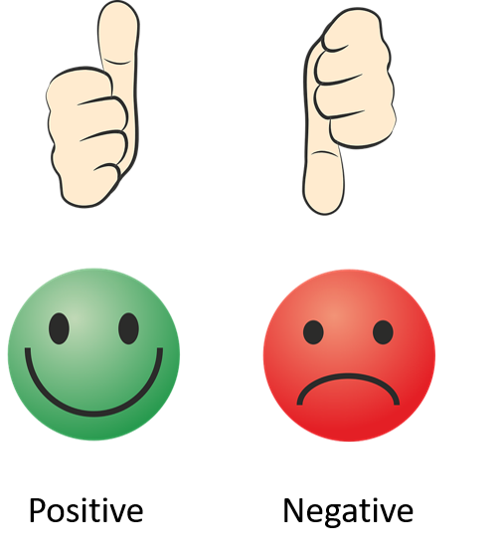
  • 預測文字表達正向或負向情緒

圖示:正向情緒為開心臉與讚手勢,負向情緒為難過臉與倒讚手勢。

Python 的 Natural Language Processing(NLP)

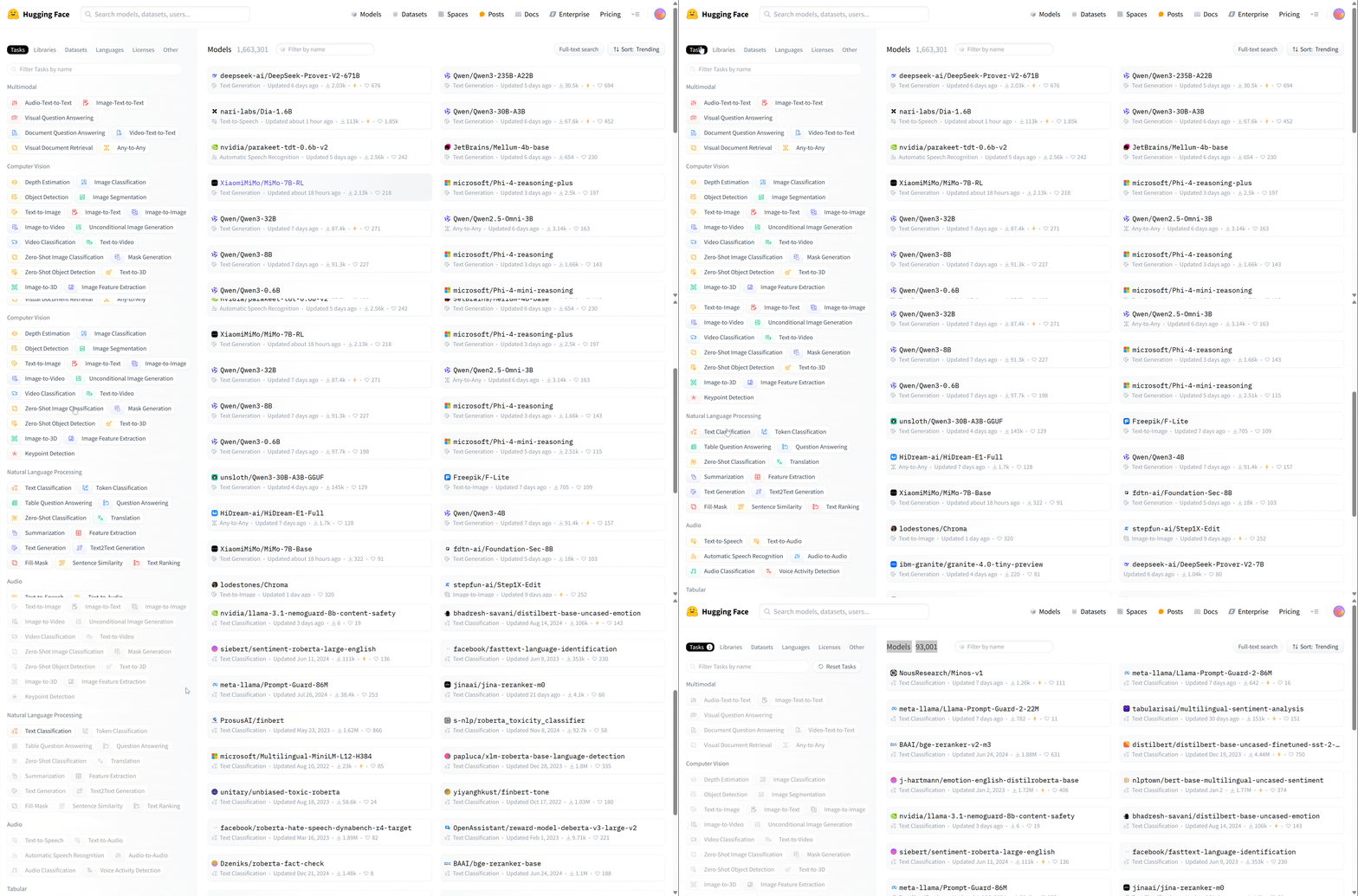
文字分類的模型

示範在網站中捲動並選對任務以取得合適模型的動圖。

1 https://huggingface.co/models
Python 的 Natural Language Processing(NLP)

在程式碼中使用 pipelines

from transformers import pipeline

classification_pipeline = pipeline(
task="sentiment-analysis", # or text-classification
model="distilbert/distilbert-base-uncased-finetuned-sst-2-english" )
result = classification_pipeline("I really liked the movie!!")
print(result)
[{'label': 'POSITIVE', 'score': 0.9998093247413635}]
Python 的 Natural Language Processing(NLP)

批次文字的情緒分析

texts = ["I really liked the movie!!",
         "Great job ruining my day.",
         "This product exceeded my expectations.",
         "Wow, just what I needed... another problem.", 
         "Absolutely fantastic experience!"]

results = classification_pipeline(texts)
print(results)
[{'label': 'POSITIVE', 'score': 0.9998093247413635}, 
 {'label': 'NEGATIVE', 'score': 0.8666700124740601}, 
 {'label': 'POSITIVE', 'score': 0.998874843120575}, 
 {'label': 'POSITIVE', 'score': 0.98626708984375}, 
 {'label': 'POSITIVE', 'score': 0.9998812675476074}]
Python 的 Natural Language Processing(NLP)

評估情緒分析模型

texts = ["I really liked the movie!!",
         "Great job ruining my day.",
         "This product exceeded my expectations.",
         "Wow, just what I needed... another problem.", 
         "Absolutely fantastic experience!"]

true_labels = ["POSITIVE", "NEGATIVE", "POSITIVE", "NEGATIVE", "POSITIVE"]
results = classification_pipeline(texts)
predicted_labels = [result['label'] for result in results]
from sklearn.metrics import accuracy_score
accuracy = accuracy_score(true_labels, predicted_labels)

print(f"Accuracy: {accuracy}")
Accuracy: 0.80
Python 的 Natural Language Processing(NLP)

一起來練習吧!

Python 的 Natural Language Processing(NLP)

Preparing Video For Download...