恭喜你!
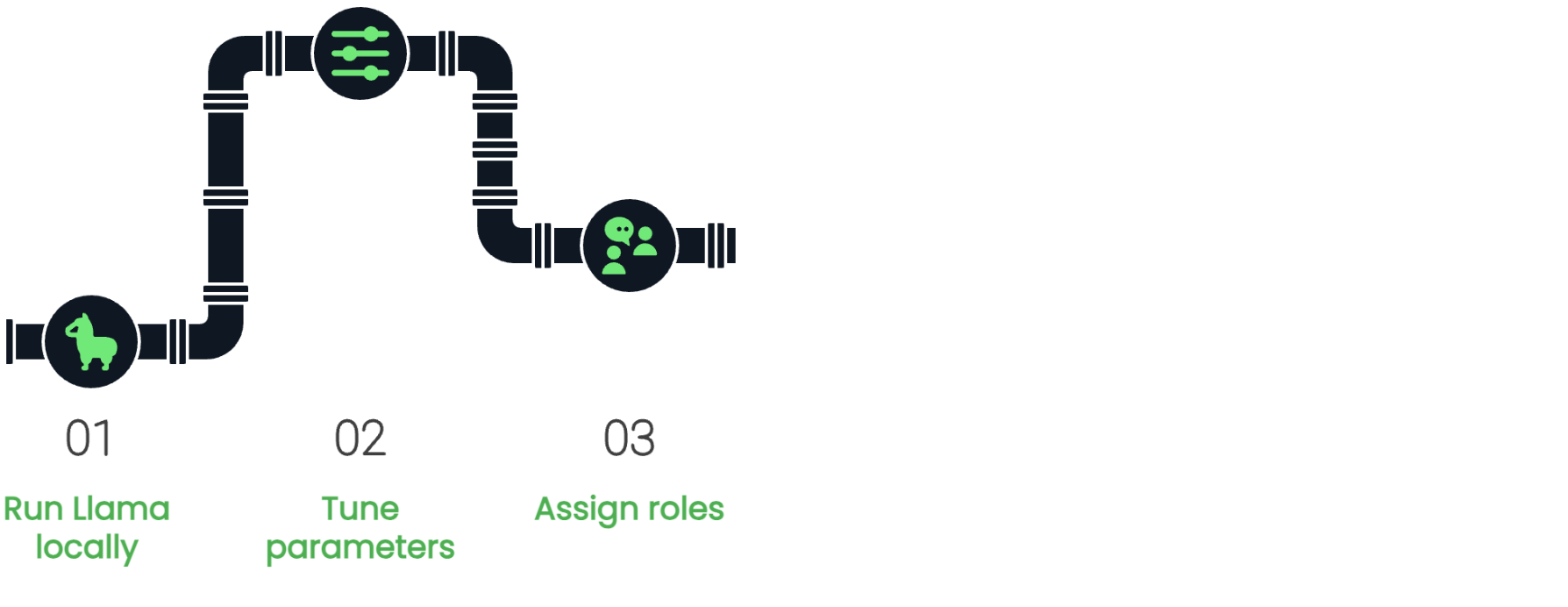
使用 Llama 3

Imtihan Ahmed
Machine Learning Engineer
複習一下
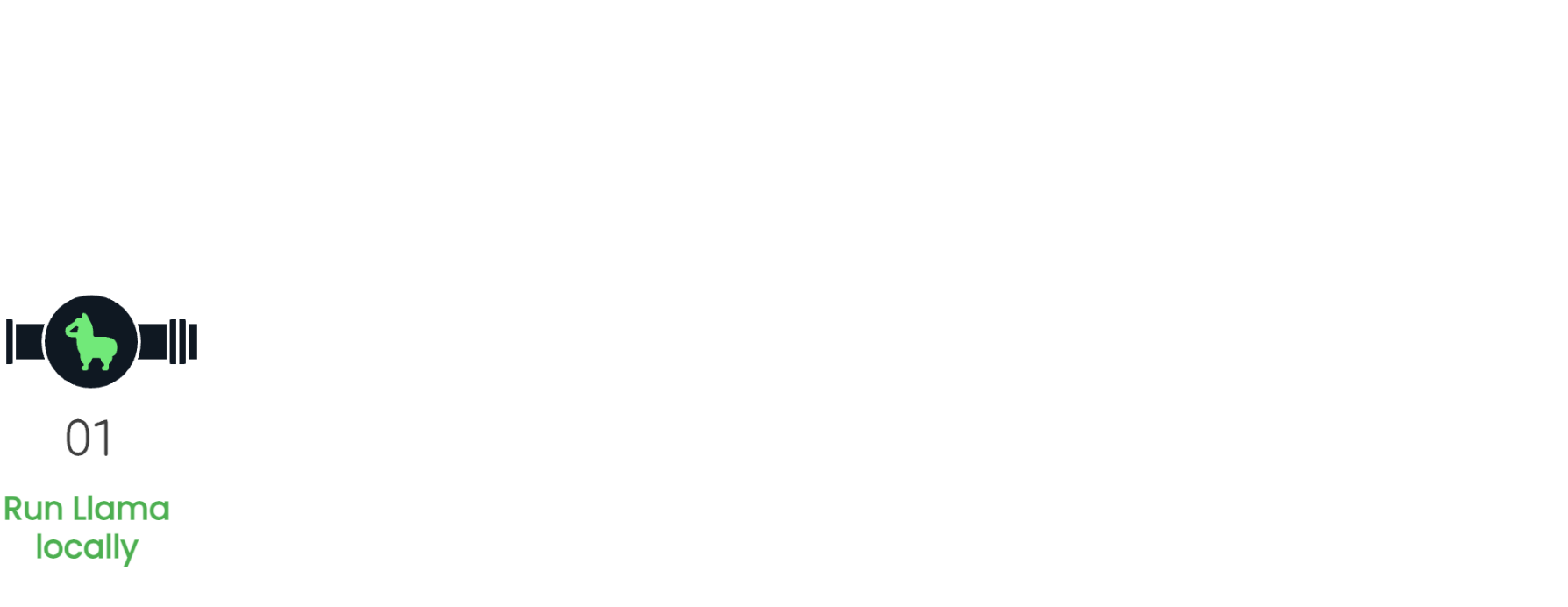
from llama_cpp import Llama

llm = Llama(model_path = "path/to/model.gguf")
複習一下
$$
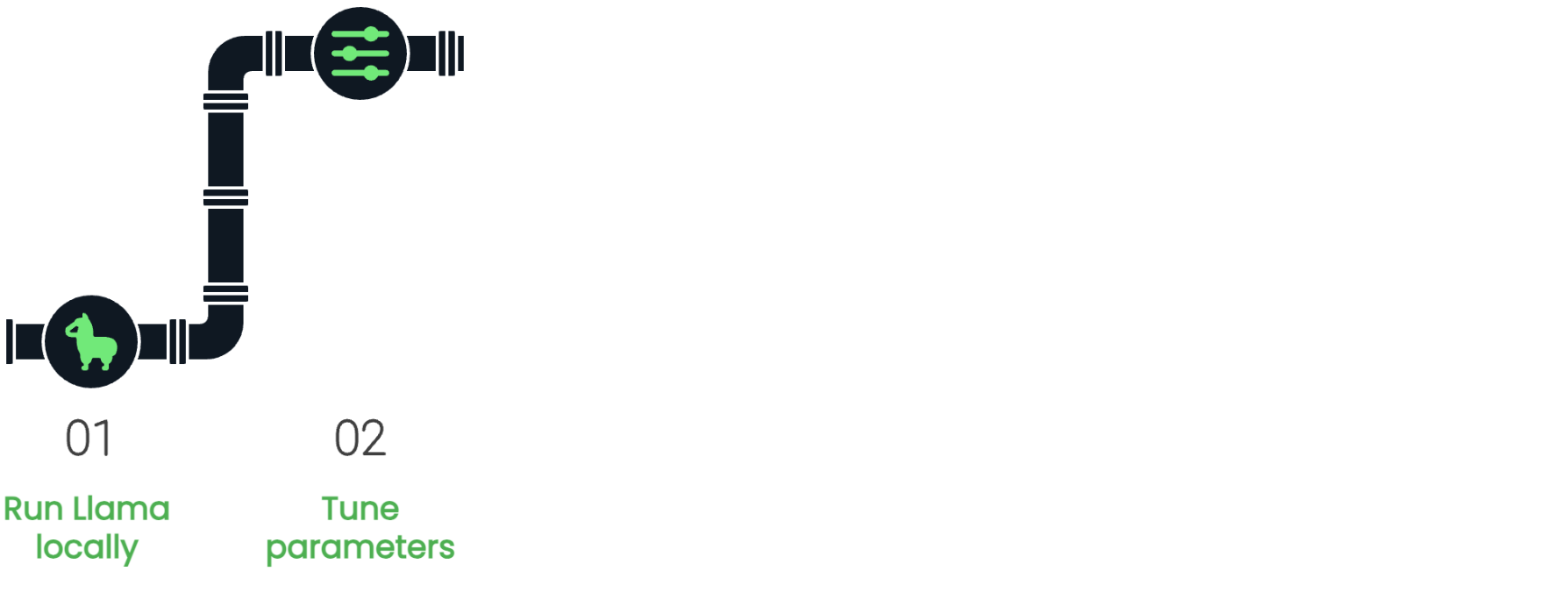
temperature、top_k、top_p參數
複習一下
message_list = [{"role": "system", "content": system_message},
               {"role": "user", "content": user_message}]
複習一下
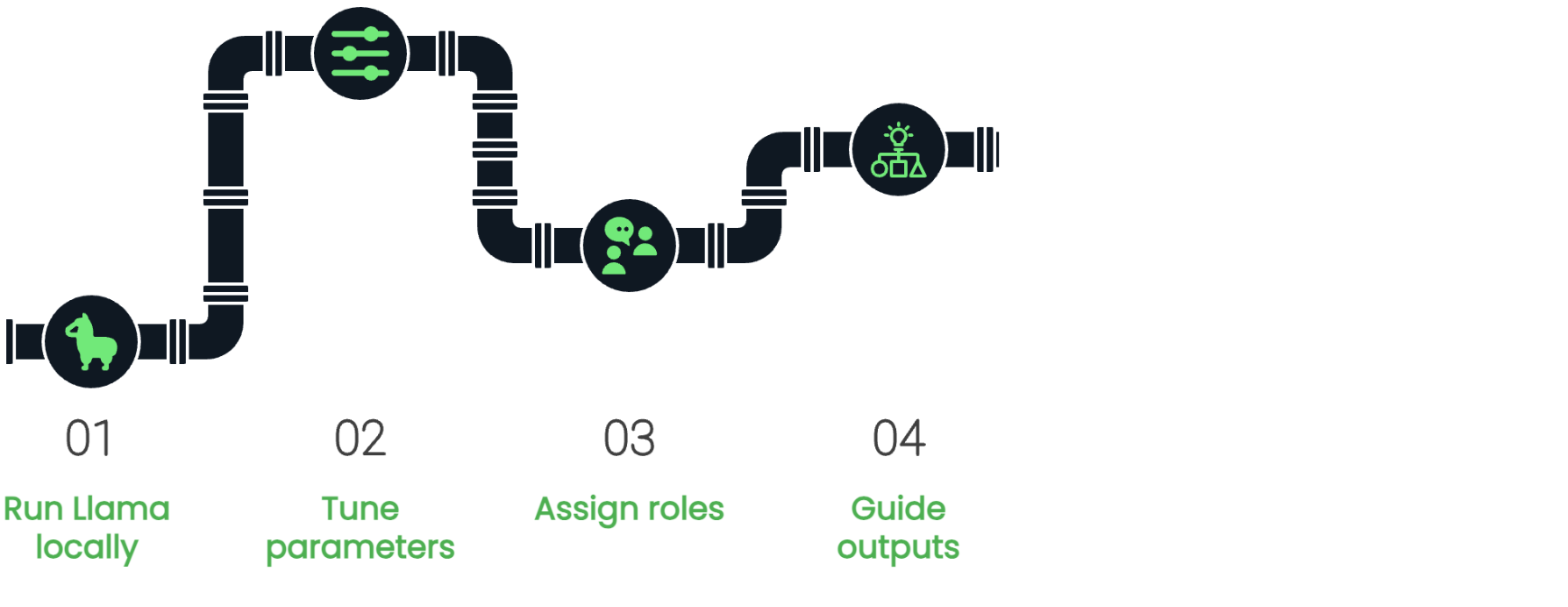
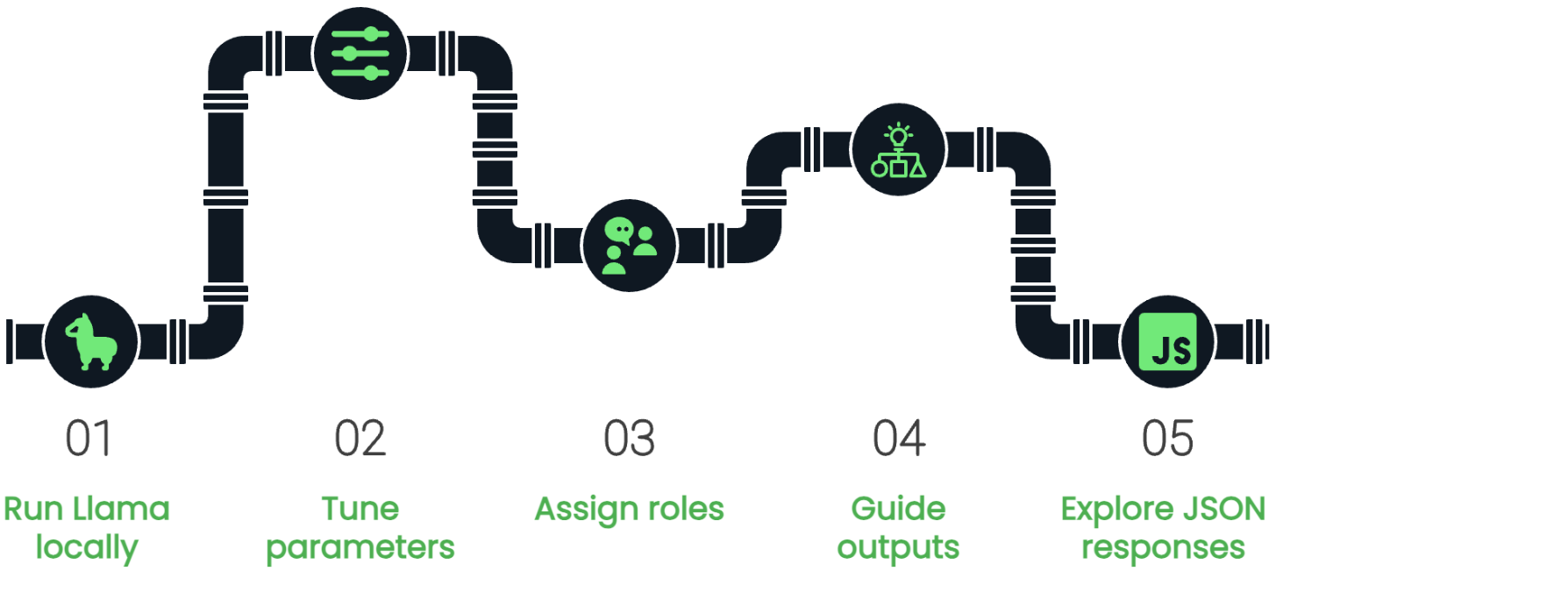
- 精準提示
stop字詞- Zero-shot/Few-shot 提示
複習一下
 $$
$$
response_format = {"type": "json_object"}
複習一下
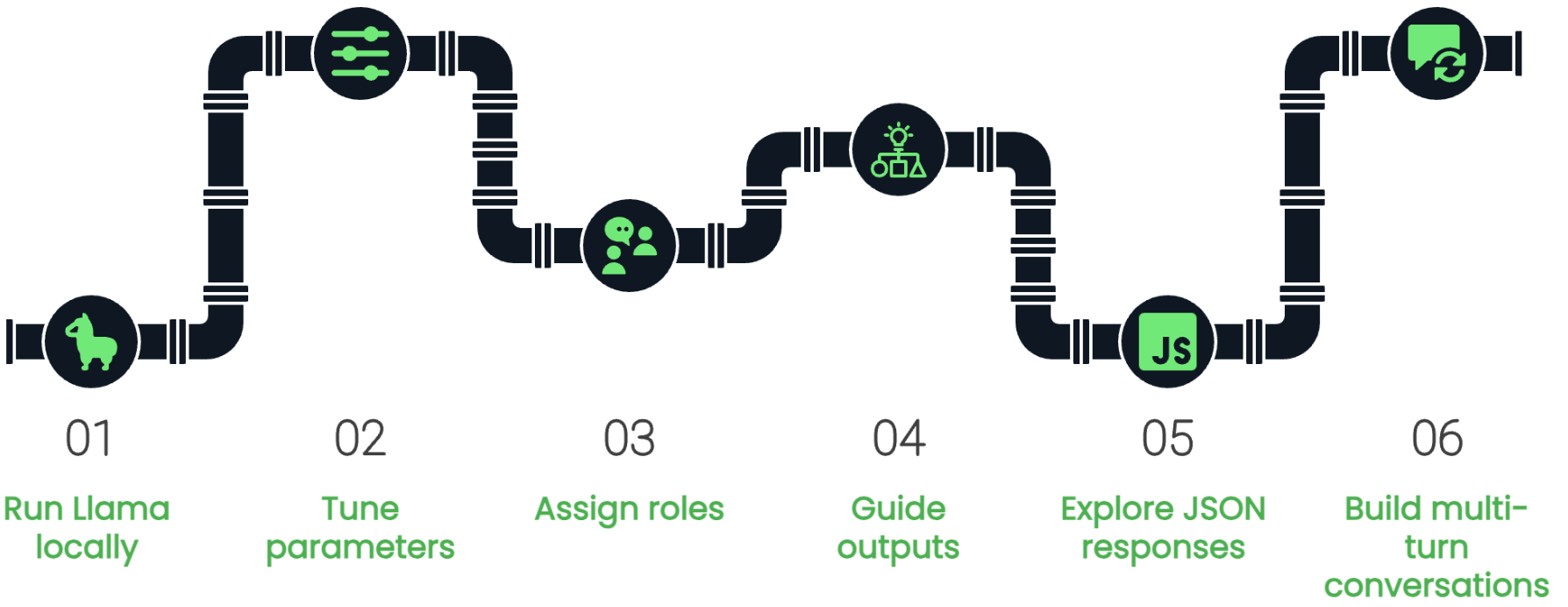
Conversation類別.create_completion()方法