建立對話

使用 Llama 3

Imtihan Ahmed

Machine Learning Engineer

維持脈絡

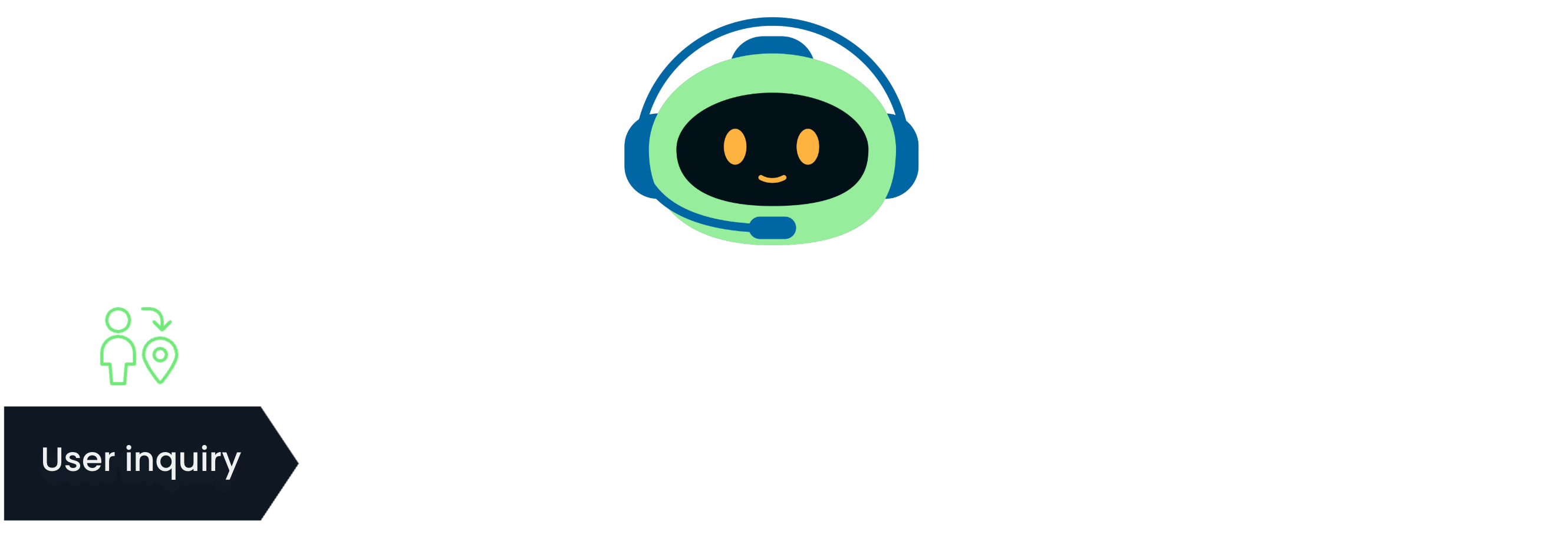
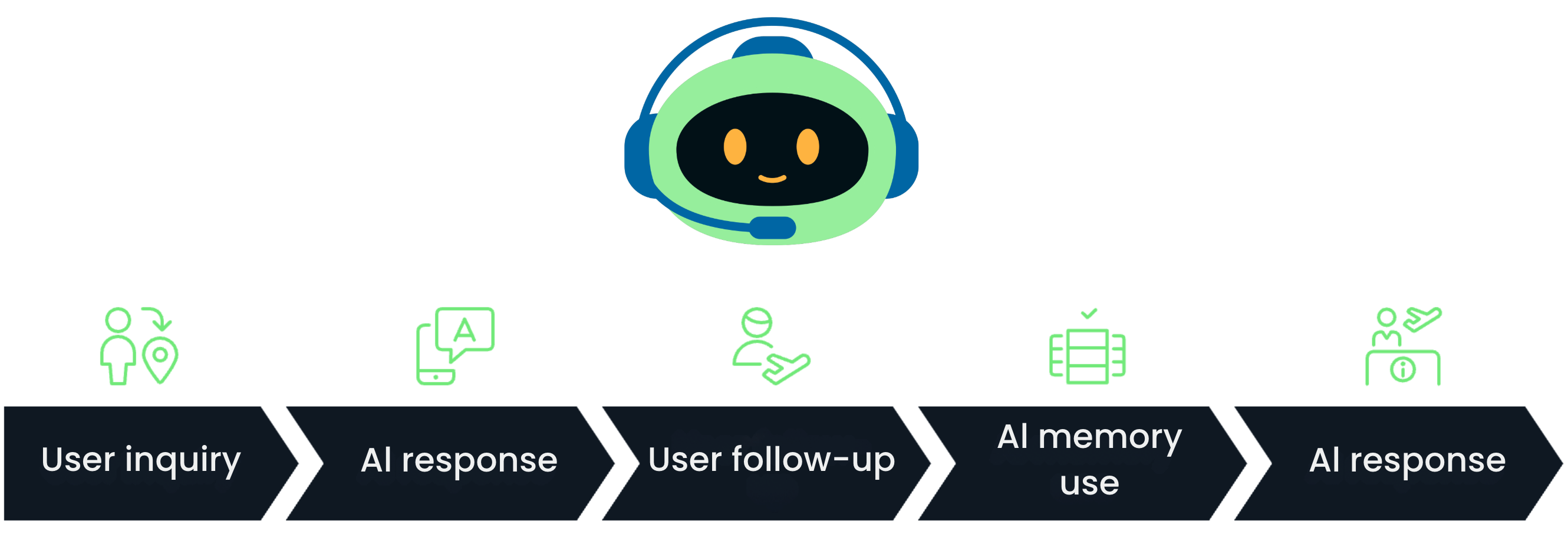
維持脈絡流程-步驟 1

使用 Llama 3

維持脈絡

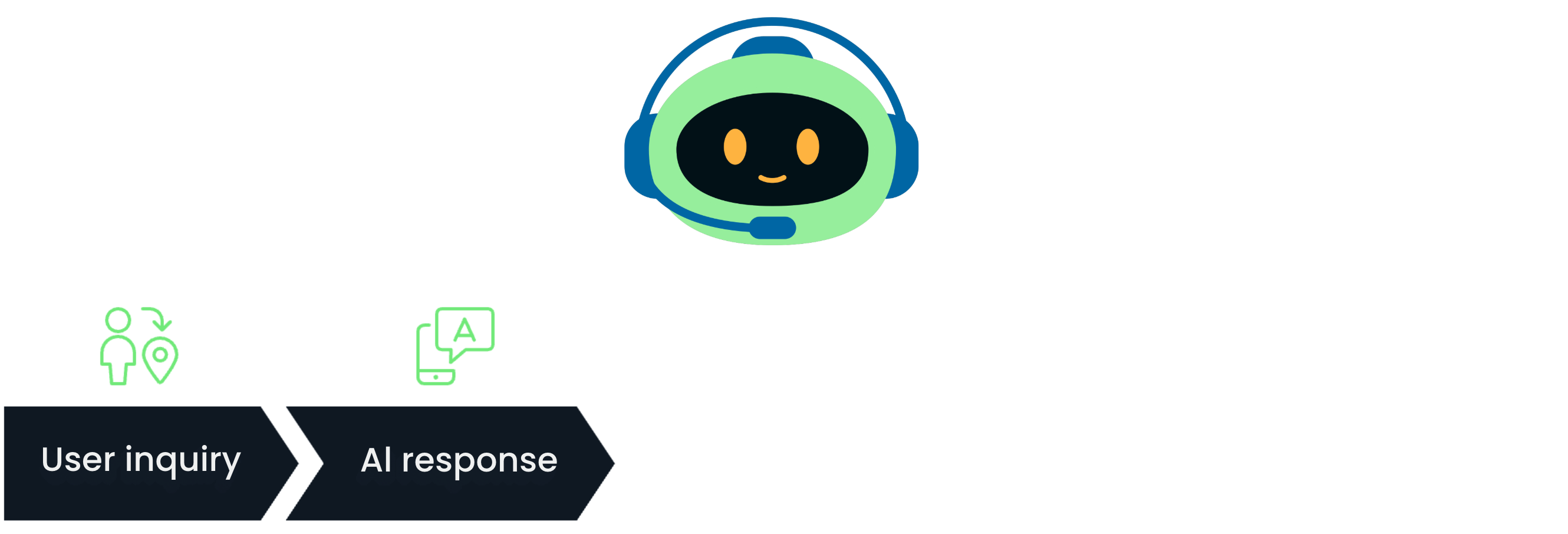
維持脈絡流程-步驟 2

使用 Llama 3

維持脈絡

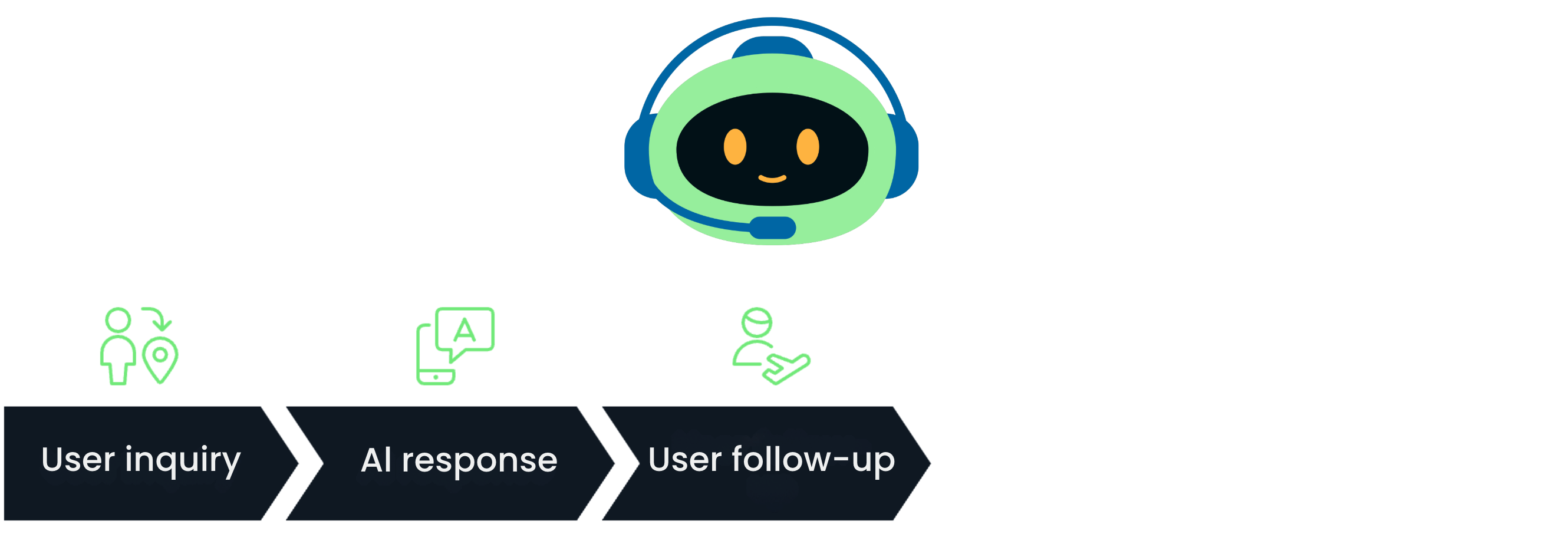
維持脈絡流程-步驟 3

使用 Llama 3

維持脈絡

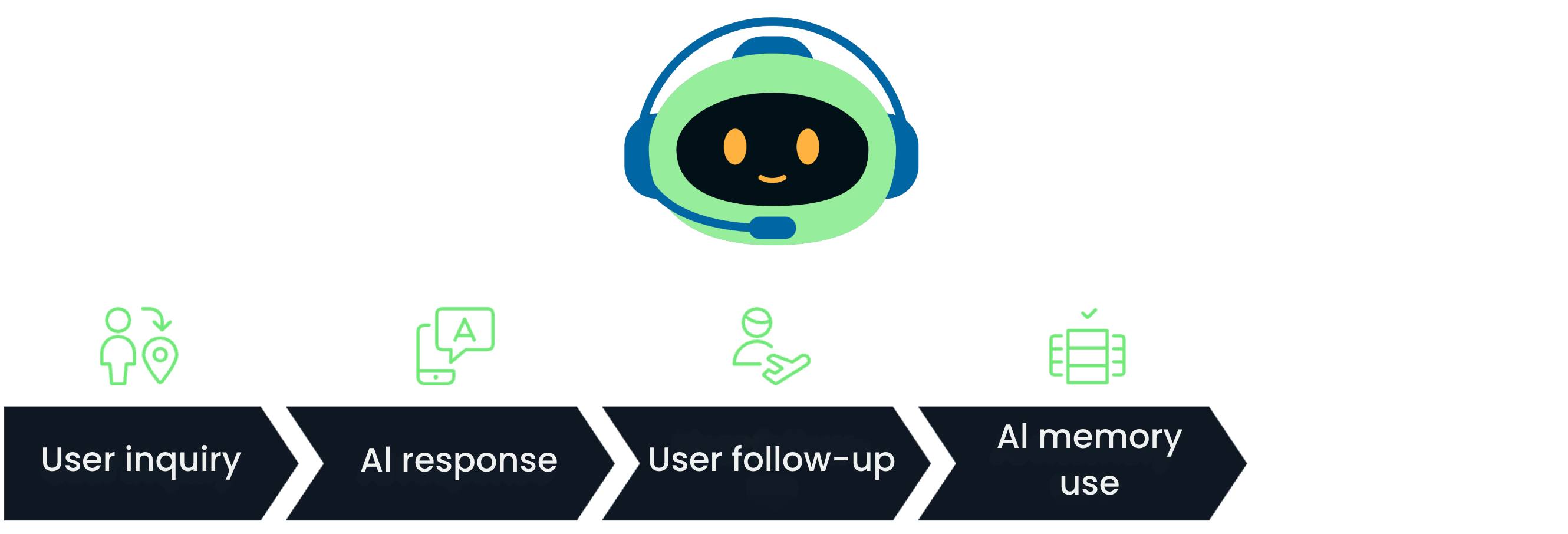
維持脈絡流程-步驟 4

使用 Llama 3

維持脈絡

維持脈絡流程-步驟 5

  • Conversation 類別追蹤聊天紀錄
使用 Llama 3

Conversation 類別

  • 可儲存先前訊息的歷史
class Conversation:

def __init__(self, llm: Llama, system_prompt='', history=[]): self.llm = llm self.system_prompt = system_prompt
self.history = [{"role": "system", "content": self.system_prompt}] + history
使用 Llama 3

Conversation 類別

  • 可儲存先前訊息的歷史
class Conversation:
    def __init__(self, llm: Llama, system_prompt='', history=[]):
        self.llm = llm
        self.system_prompt = system_prompt
        self.history = [{"role": "system", "content": self.system_prompt}] + history

def create_completion(self, user_prompt=''):
self.history.append({"role": "user", "content": user_prompt}) # 加入輸入
output = self.llm.create_chat_completion(messages=self.history)
conversation_result = output['choices'][0]['message'] self.history.append(conversation_result) # 加入輸出 return conversation_result['content'] # 回傳輸出
使用 Llama 3

執行多輪對話

conversation = Conversation(llm, system_prompt="You are a virtual travel assistant 
                                                helping with planning trips.")


response1 = conversation.create_completion("What are some destinations in France for a short weekend break?")
print(f"Response 1: {response1}")
response2 = conversation.create_completion("How about Spain?")
print(f"Response 2: {response2}")
使用 Llama 3

執行多輪對話

print(f"Response 1: {response1}")

print(f"Response 2: {response2}")

輸出

使用 Llama 3

執行多輪對話

print(f"Response 1: {response1}")

print(f"Response 2: {response2}")

輸出(重點標示)

使用 Llama 3

一起來練習吧!

使用 Llama 3

Preparing Video For Download...