產生結構化輸出

使用 Llama 3

Imtihan Ahmed

Machine Learning Engineer

以 JSON 呈現結構化輸出

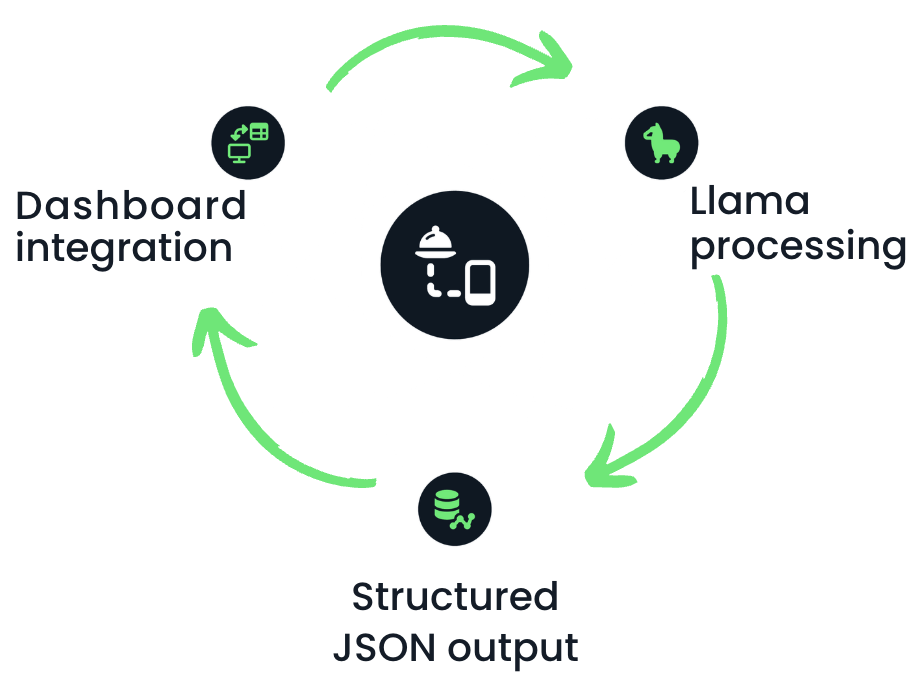
  • 範例:Llama 回應可作為儀表板輸入

  • 純文字回應不可行 ❌

  • 需要結構化輸出 ✅

餐飲分析公司的員工

自動化餐廳報告的流程圖

使用 Llama 3

使用聊天補全產生 JSON 回應

response_format = {"type": "json_object"}


message_list = [ {"role": "system", # System role defined as market analyst "content": "You are a food industry market analyst. You analyze sales data and generate structured JSON reports of top-selling beverages."},
{"role": "user", # User role to pass the request "content": "Provide a structured report on the top-selling beverages this year."} ]
使用 Llama 3

使用聊天補全產生 JSON 回應

output = llm.create_chat_completion(
         messages = message_list,

response_format = "json_object"
)
  • 回應的格式指定為 JSON
  • Llama 產生結構化回應,沒有散文式文字
使用 Llama 3

擷取 JSON 回應

print(output['choices'][0]['message']['content'])
{
  "report_name": "Top-Selling Beverages 2024",
  "top_beverages": [
    {
      "rank": 1,
      "beverage_name": "Coca-Cola Classic",
      "sales_volume": 2.1,
      "growth_rate": 1.9
    },... ]
}
使用 Llama 3

定義結構描述(schema)

response_format = {
"type": "json_object",

"schema": {
"type": "object",
"properties": { "Product Name": {"type": "string"}, "Category": {"type": "string"}, "Sales Growth": {"type": "float"}}
}
}
  • 可指定結構描述(schema):定義資料格式的規則
使用 Llama 3

定義結構描述(schema)

output = llm.create_chat_completion(
         messages = message_list,
         response_format = response_format)  

print(output['choices'][0]['message']['content'])
{
  "Product Name": "Coca-Cola",
  "Category": "Soft Drink",
  "Sales Growth": 12.5
}
使用 Llama 3

一起來練習吧!

使用 Llama 3

Preparing Video For Download...