Git 進階
Amanda Crawford-Adamo
Software and Data Engineer
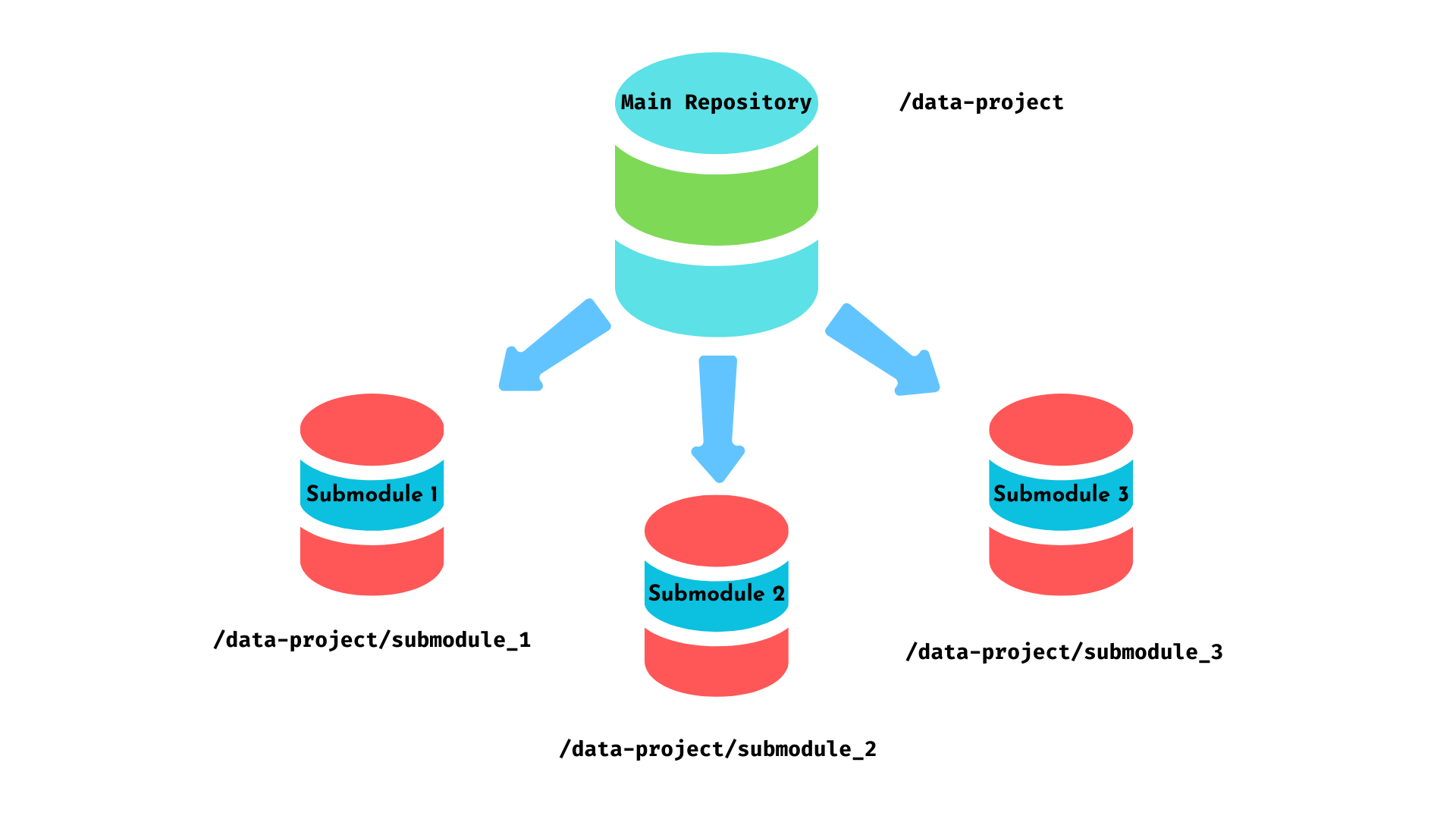
Git Submodule
git submodule
使用連結或在路徑資料夾下的目錄新增子模組。
git submodule add <repository link|dir> <path>
$$
範例
將資料驗證函式庫加入 ETL 專案,在 ETL 儲存庫的 libs/validator 資料夾下。
libs/validator
git submodule add https://github.com/example/data-validator.git libs/validator
列出專案中的所有子模組
git submodule status
$ git submodule status
e1f2...7w8x9 data_cleaning_lib
a1b2...q7r8 api_connector
d9e8...t3u2 visualization_toolkit
以最新變更更新子模組
有幾種方式:
git submodule update --init
git submodule update --init --remote
git submodule update --init <path_to_submodule>
移除子模組流程
git submodule deinit <submodule_name>
git rm <path>
將要放入新子模組儲存庫的所有檔案,複製到儲存庫外的另一個資料夾。
在新資料夾內,為子模組建立新的儲存庫:
git init <new-submodule>
使用 git filter-repo 從主專案中擷取相關檔案與歷史:
git filter-repo --path <extract_path> --invert-paths
將擷取出的儲存庫作為子模組加入主專案:
git submodule add <new-submodule_path> <path_to_store_submodule>
適用情境:
最佳實務: