進入上線前的準備
Azure App Services

Florin Angelescu
Azure Cloud Architect
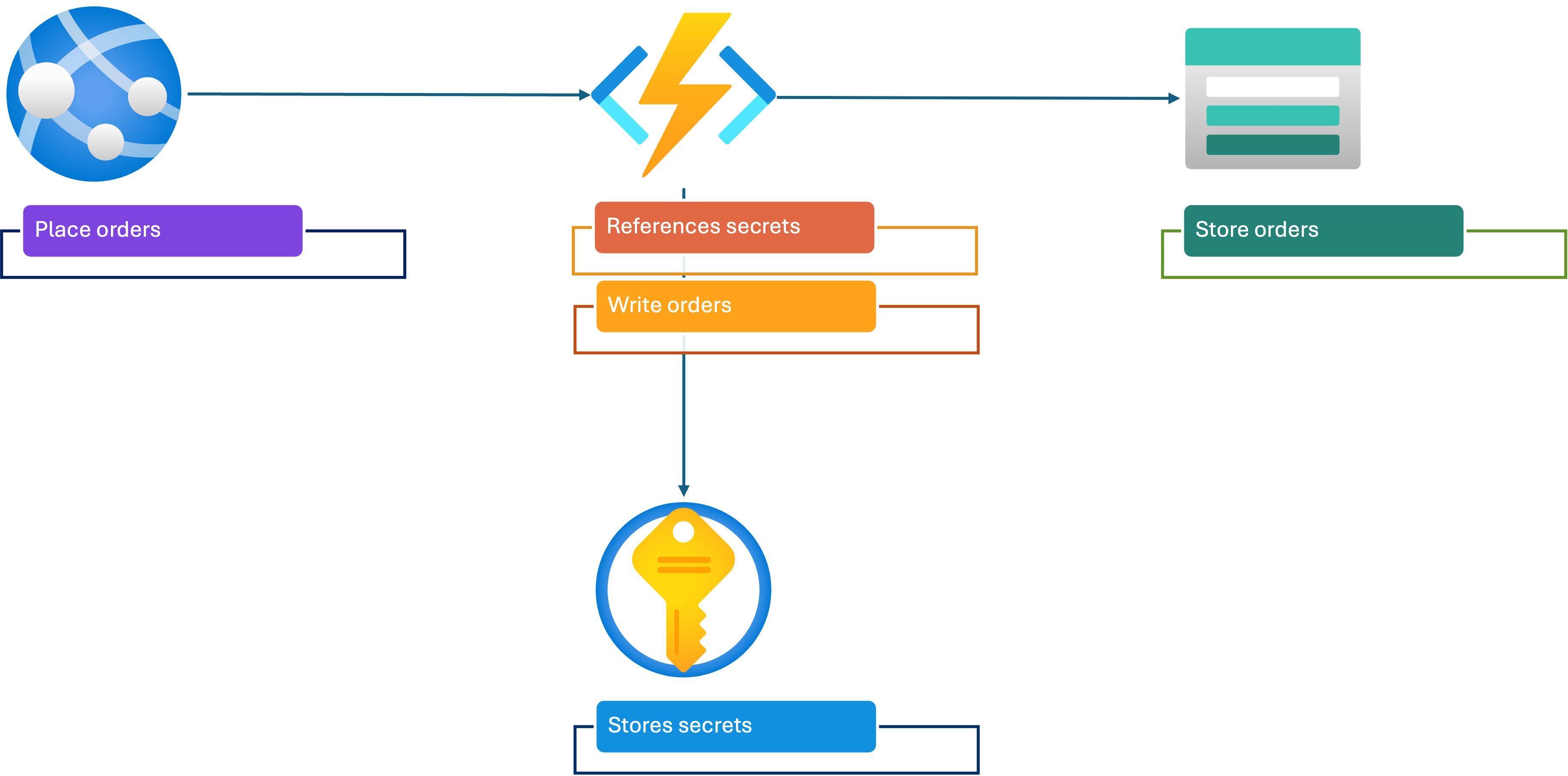
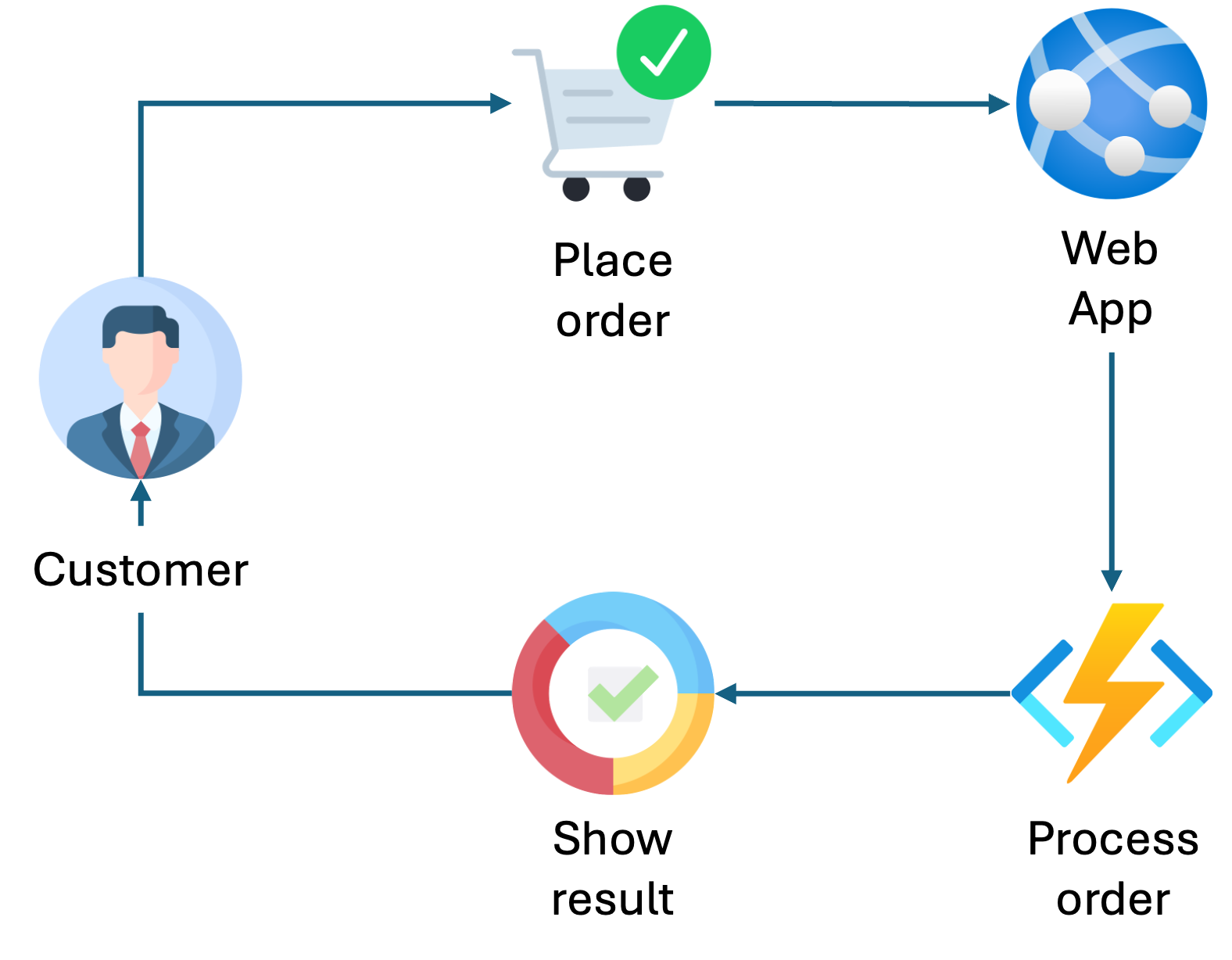
應用程式架構
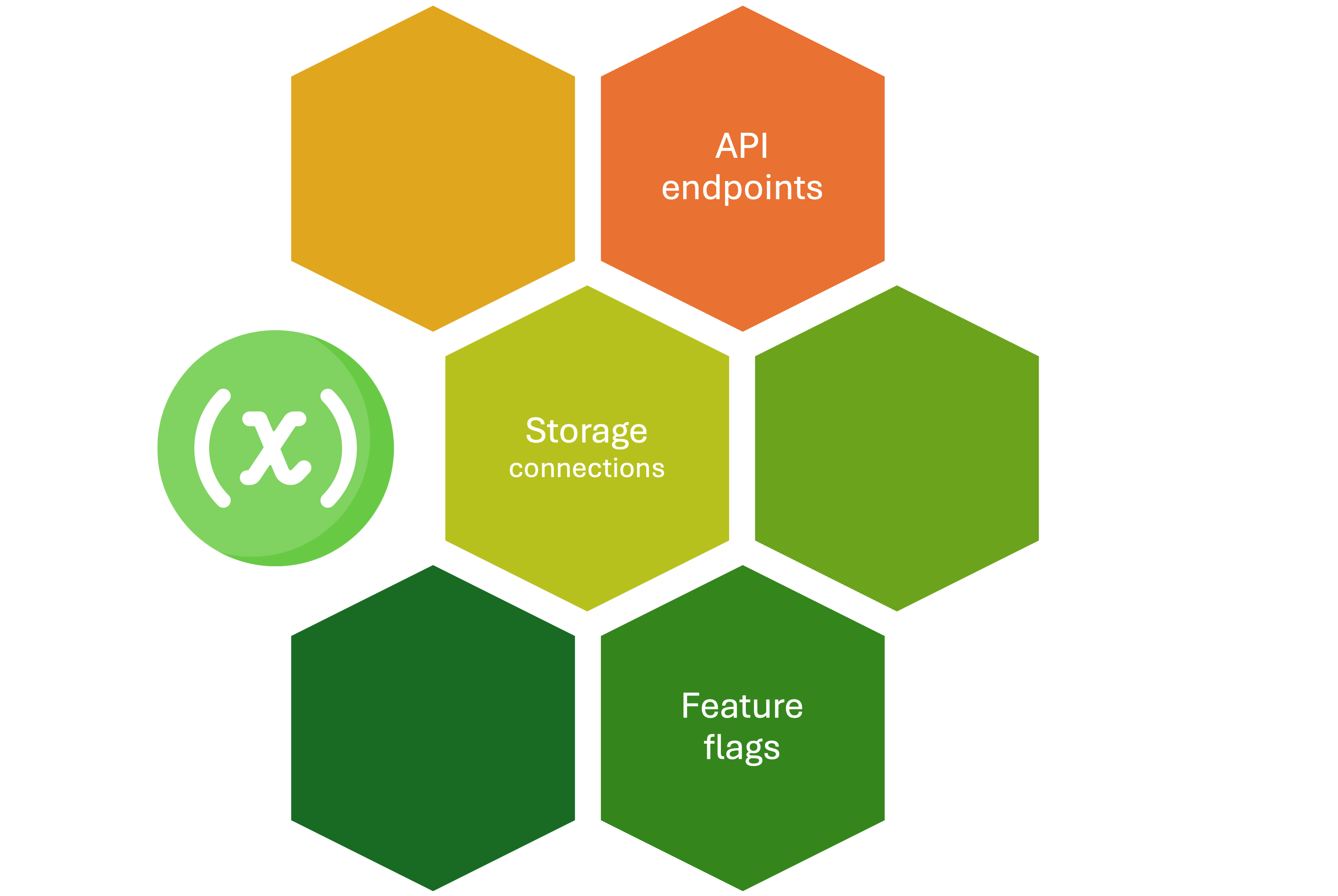
用環境變數做設定
用 Key Vault 管理密碼與機密
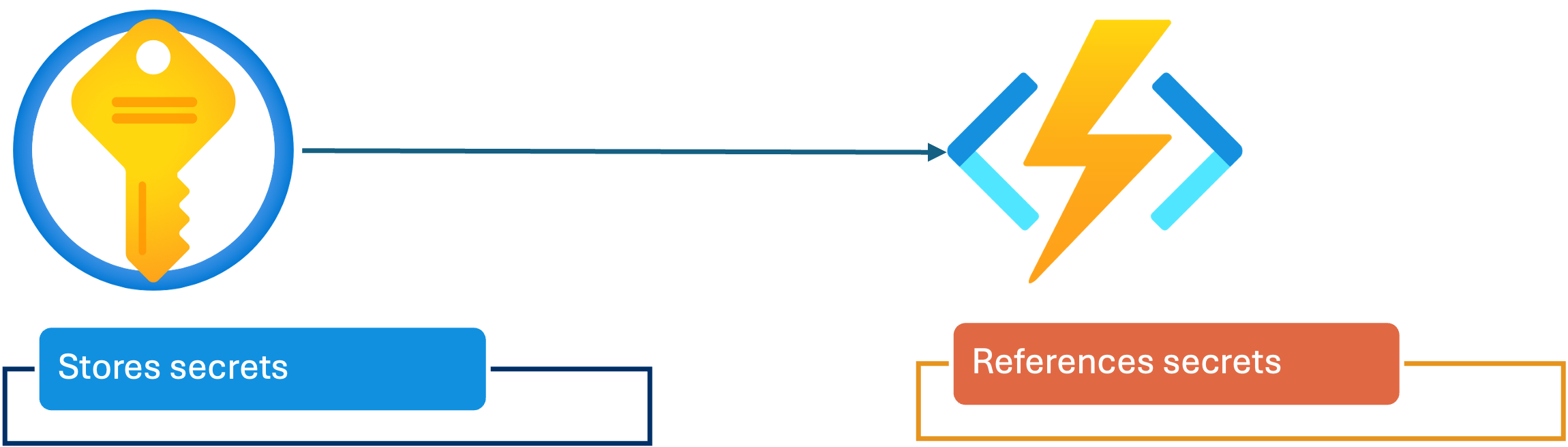
- 集中且安全的敏感資訊儲存
- 可以用名稱參照 Key Vault 的 secrets
- Azure 會擷取並注入 secret 到 Function 環境中
授權函式的存取權
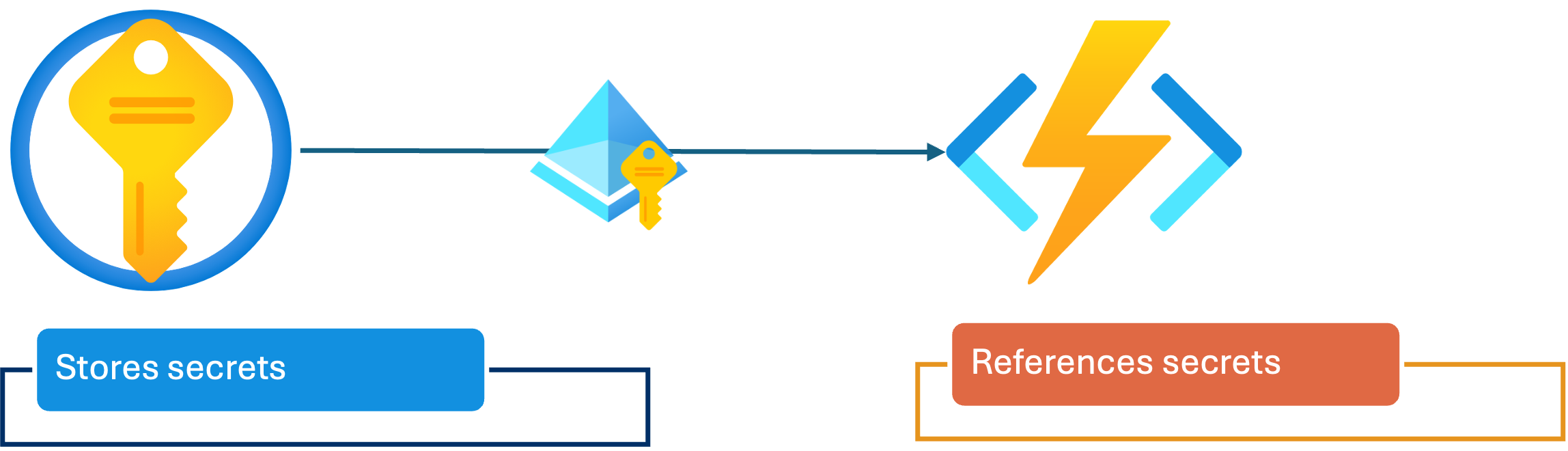
- Function 需要權限才能從 Key Vault 讀取 secret
- 可為 Function App 啟用 Managed Identity 以存取其他服務
1 RBAC、SAS 金鑰與其他主題,皆可在我們的「Implement Azure Security for Developers」課程中學到。
授權函式的存取權
- 我們可以透過下列方式授權:
- RBAC(角色型存取控制)
- 指派 Function 的身分為 Key Vault Secrets User 等角色
- Access Policies
- 明確允許該身分讀取特定 secrets
- RBAC(角色型存取控制)
1 RBAC、SAS 金鑰與其他主題,皆可在我們的「Implement Azure Security for Developers」課程中學到。
連線到儲存體帳戶
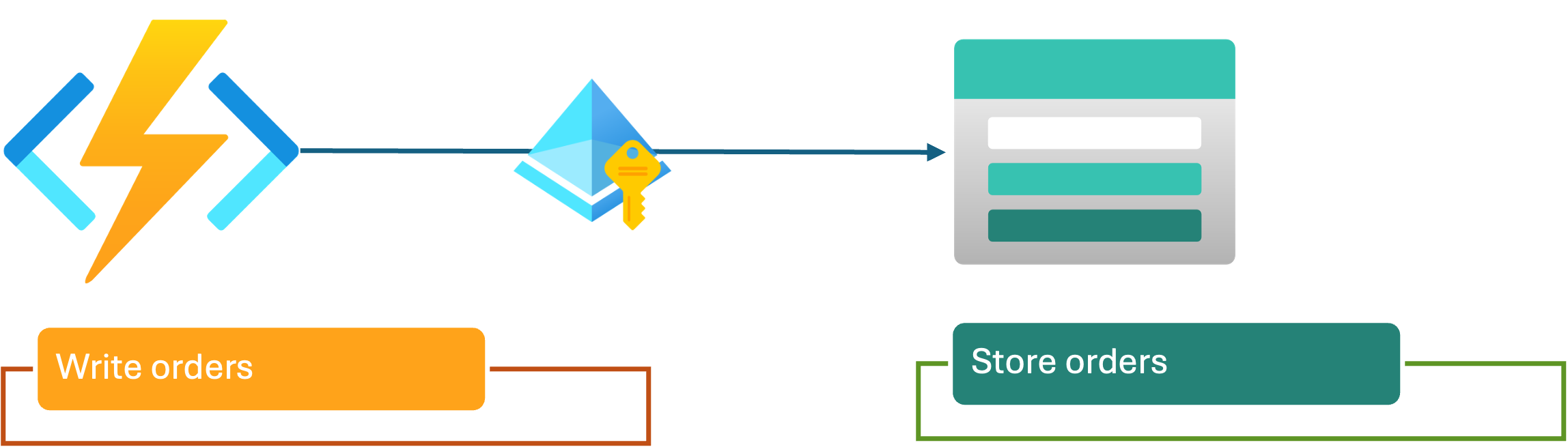
- 搭配 Managed Identity 的 RBAC
- 建議做法
- 將 Function 身分授與 Storage Blob Data Contributor 角色
- SAS 金鑰
- 提供範圍化存取的臨時權杖
- 可輪替,亦可存放於 Key Vault
連線到儲存體帳戶
- SAS 金鑰可在單一 blob 或容器層級產生
- 讓安全性符合業務需求
- RBAC:簡化與治理
- SAS 金鑰:細緻控管或跨租戶存取
把一切串起來