從 CLI 呼叫 pytest

Python 測試入門

Alexander Levin

Data Scientist

CLI 執行範例:語法

命令列介面(CLI):一種使用者介面,你可在終端機輸入文字指令與程式互動。

CLI 執行 slides.py 的指令:

pytest slides.py

意義: 「請使用 slides.py 模組中的測試來執行 pytest 框架」

Python 測試入門

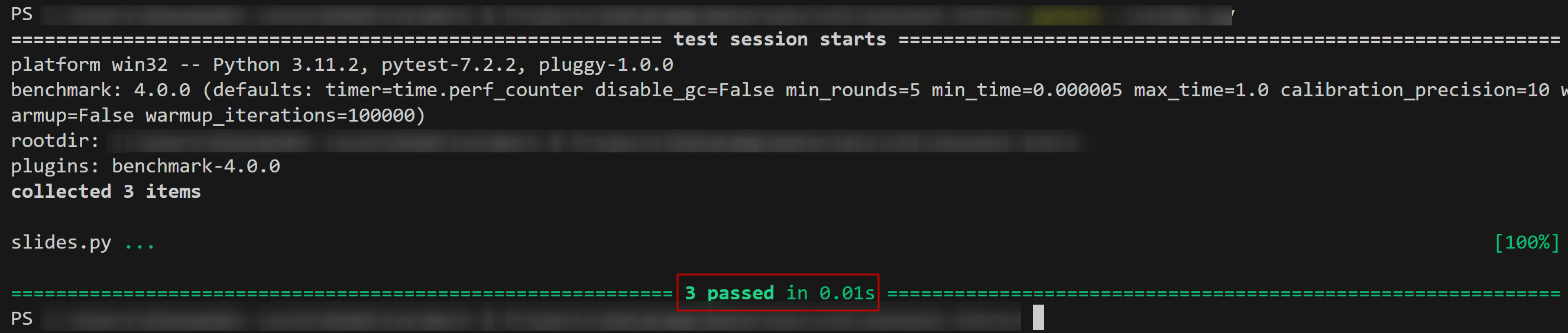
CLI 執行範例:輸出

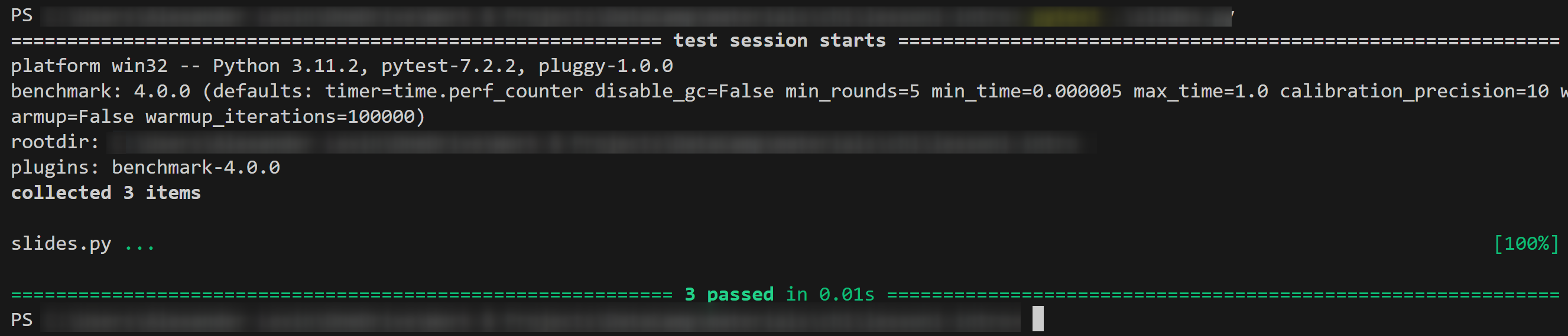
測試輸出:

測試輸出範例

Python 測試入門

CLI 執行範例:輸出

測試輸出:

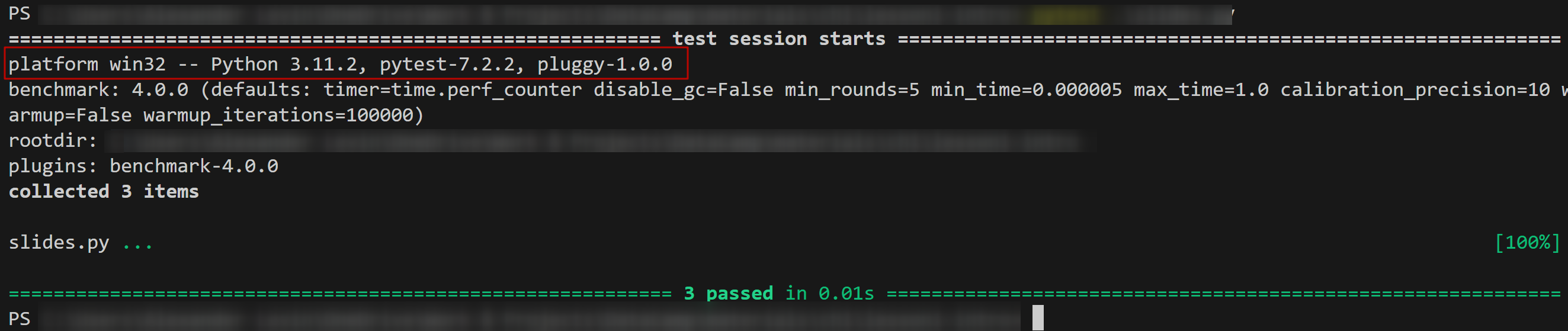
  • 模組版本

測試輸出範例-版本標示

Python 測試入門

CLI 執行範例:輸出

測試輸出:

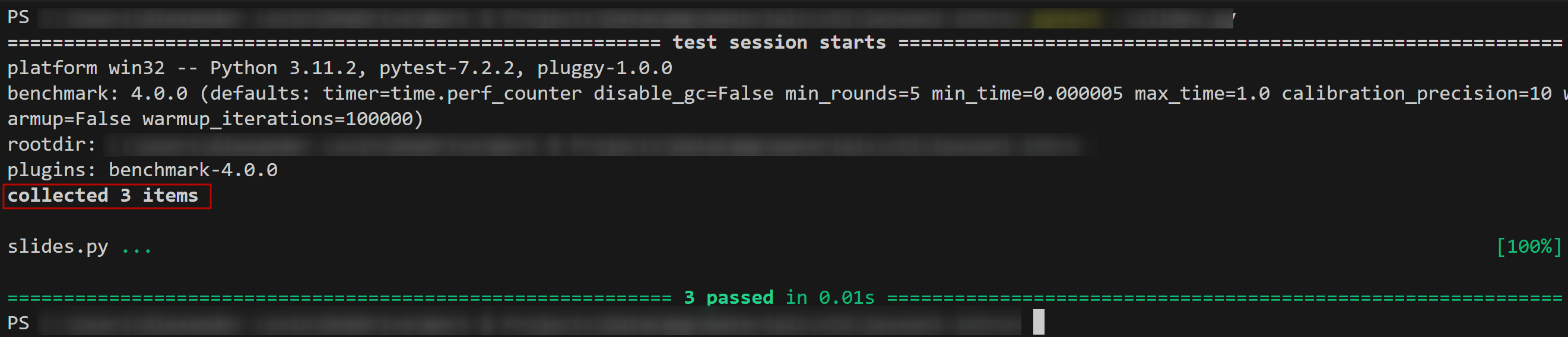
  • 「收集」到的測試數量

測試輸出範例-收集標示

Python 測試入門

CLI 執行範例:輸出

測試輸出:

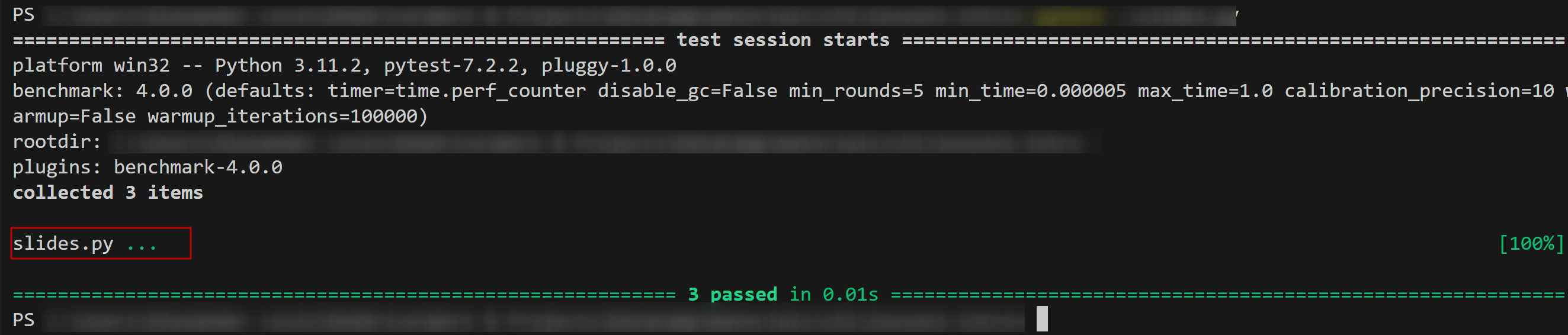
  • 測試腳本名稱

測試輸出範例-腳本名稱標示

Python 測試入門

CLI 執行範例:輸出

測試輸出:

  • 測試結果

測試輸出範例-結果標示

Python 測試入門

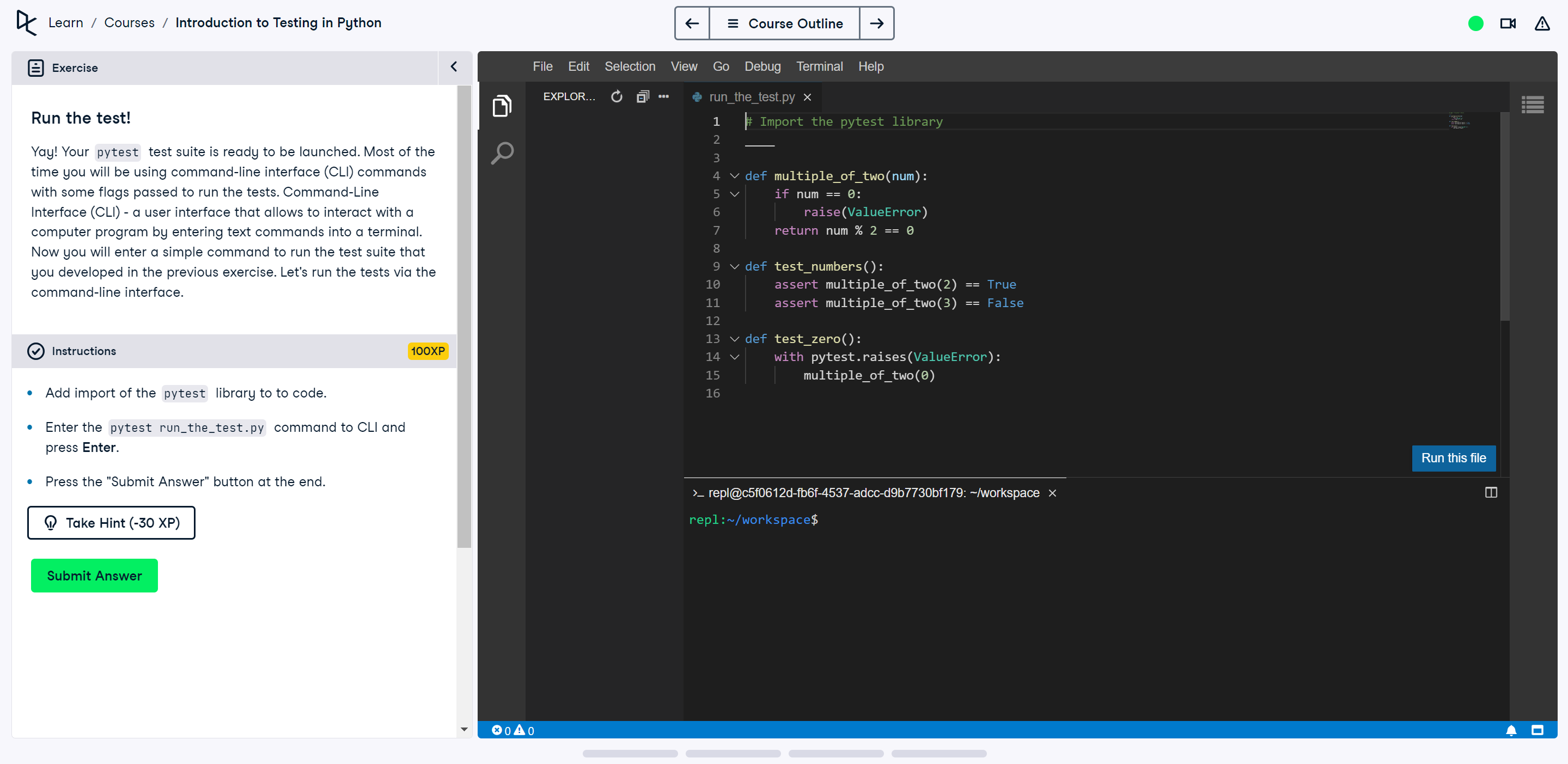
IDE 練習

IDE 範例

Python 測試入門

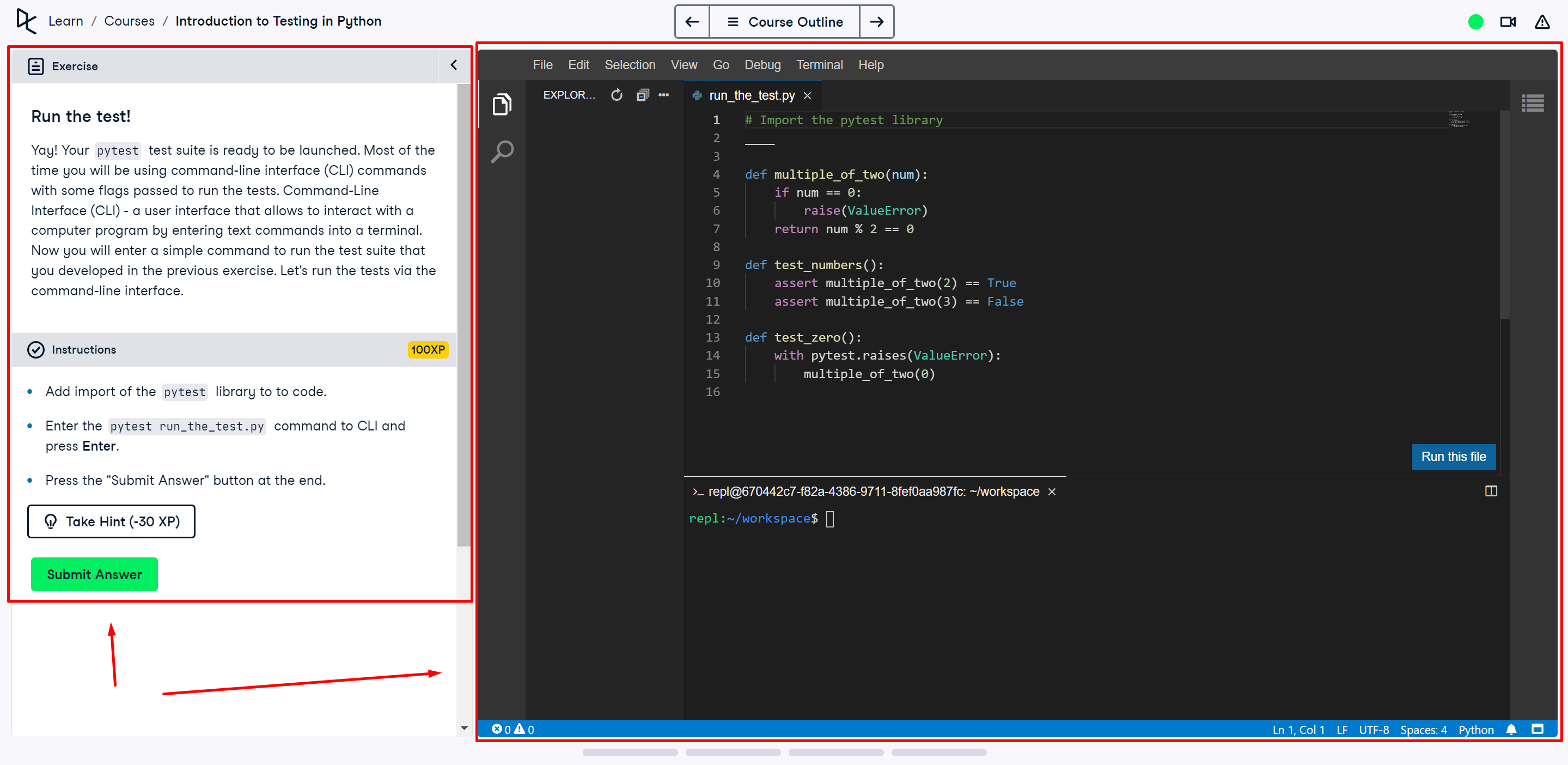
IDE 練習

帶箭頭的 IDE 範例

Python 測試入門

目錄引數

tests_dir/ 執行所有測試的指令:

pytest tests_dir/

意義: 「請使用 tests_dir 資料夾中找到的所有測試來執行 pytest 框架」。
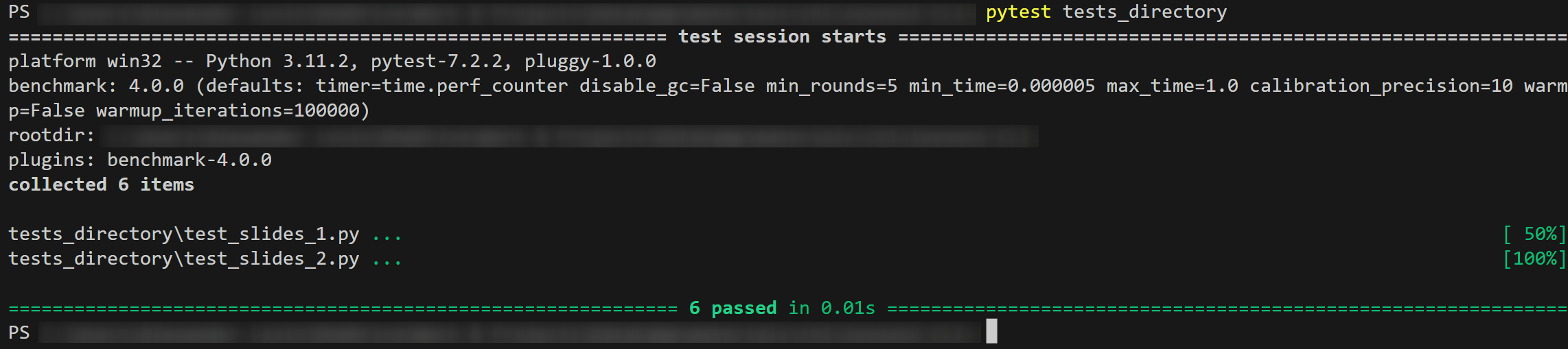
目錄測試輸出

Python 測試入門

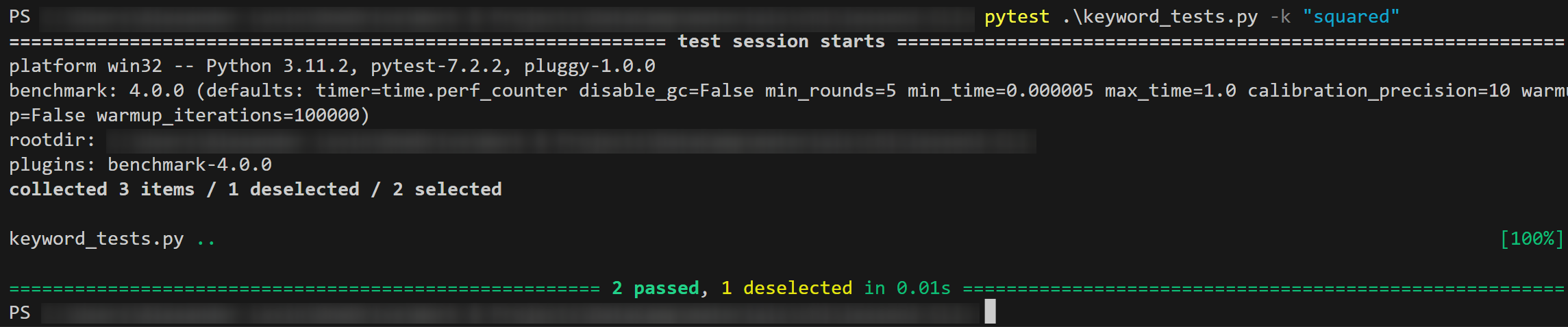
關鍵字引數:依名稱過濾測試

tests_ex.py 執行包含「squared」的測試指令:

pytest tests_ex.py -k "squared"

意義: 「請執行 pytest,僅跑 tests_ex.py 腳本中名稱含 squared 的測試」。

輸出: 關鍵字測試輸出
Python 測試入門

重點總結

  • IDE 練習:可在整合式開發環境撰寫程式,並使用命令列介面(CLI)
  • CLI 的 pytest 指令pytest 開頭
  • 測試來源
    • 傳入 script_name.py 執行單一腳本
    • 傳入 directory_name/ 執行資料夾內多個腳本
  • 關鍵字引數
    • 傳入 -k "keyword_expression"
  • 輸出 會提供此次執行的重要資訊
Python 測試入門

一起來練習吧!

Python 測試入門

Preparing Video For Download...