Python 測試入門
Alexander Levin
Data Scientist
autouse=True
當你需要對「所有測試」套用特定的環境準備或修改時。
例如,你想確保所有測試:
以上情境都應使用 「autouse」引數。
「autouse」fixture 範例:
import pytest
import pandas as pd

# Autoused fixture
@pytest.fixture(autouse=True)
def set_pd_options():
    pd.set_option('display.max_columns', 5000)

# Test function
def test_pd_options():
    assert pd.get_option('display.max_columns') == 5000
「autouse」fixture 的錯誤範例:
import pytest
import pandas as pd

# Wrong autoused fixture
@pytest.fixture(autouse=True)
def wrong_fixture():
    return [1,2,3,4,5]

# Test function
def test_type():
    assert type(wrong_fixture) == list
修正後的正確 fixture 範例:
import pytest
import pandas as pd

# Wrong autoused fixture
@pytest.fixture
def correct_fixture():
    return [1,2,3,4,5]

# Test function
def test_type(correct_fixture):
    assert type(correct_fixture) == list
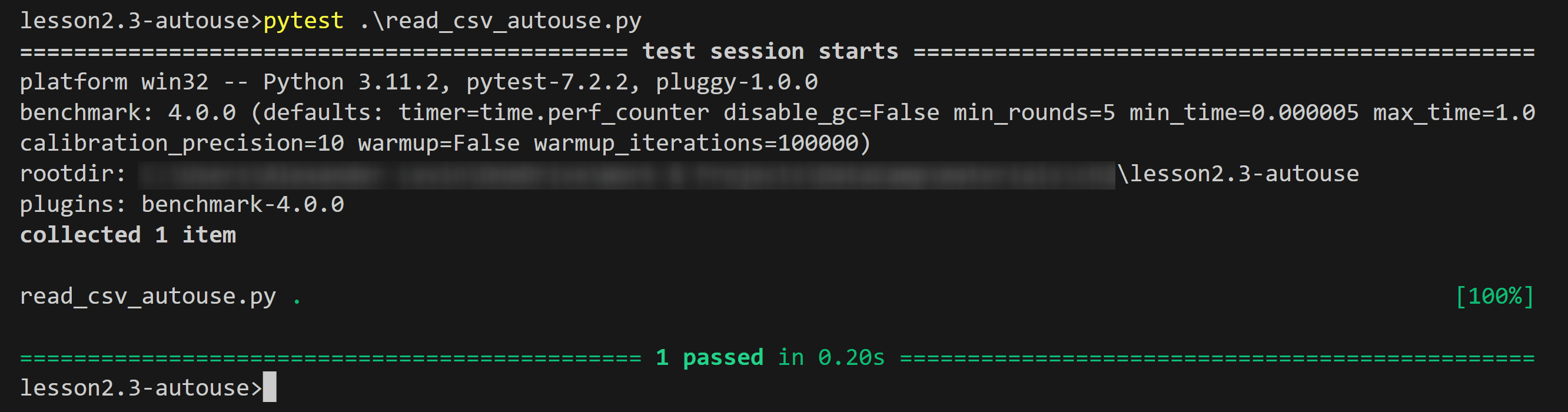
範例輸出:
autouse
@pytest.fixture(autouse=True)