Databricks Lakehouse 入門
Gang Wang
Senior Data Scientist
$$
my_project/
|-- databricks.yml
|-- src/
|   |-- etl_pipeline.py
|   |-- data_quality.py
|-- resources/
|   |-- jobs/
|   |   |-- nightly_etl.yml
|   |-- pipelines/
|       |-- sales_pipeline.yml
|-- tests/
    |-- test_etl.py
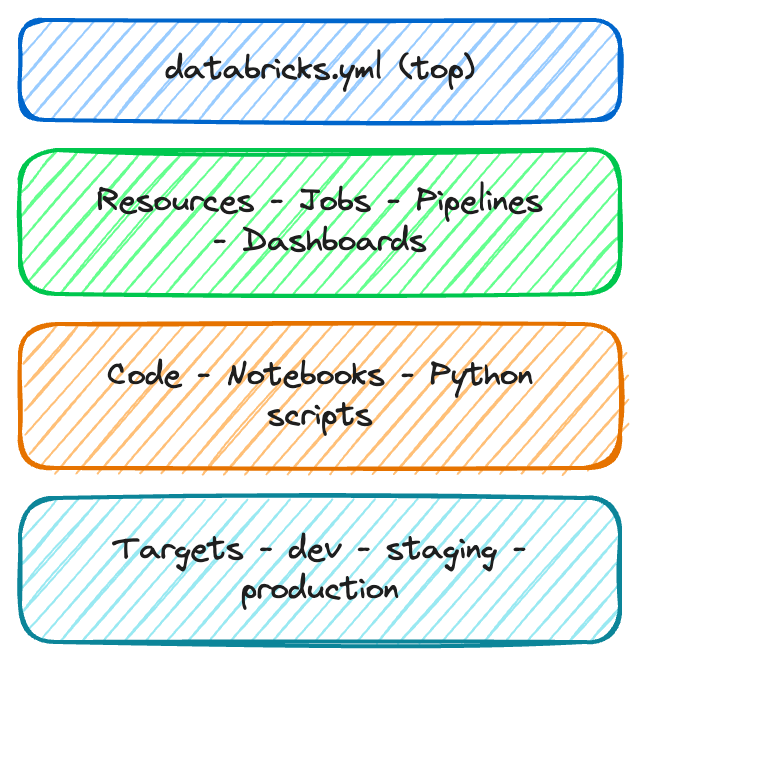
databricks.yml
src/
resources/
tests/
bundle:
  name: sales_analytics

workspace:
  host: https://myworkspace.databricks.com

targets:
  dev:
    default: true
    workspace:
      root_path: /Users/me/dev
  production:
    workspace:
      root_path: /Shared/production
    permissions:
      - level: CAN_MANAGE
        group_name: data_engineers
resources:
  jobs:
    nightly_etl:
      name: "Nightly ETL Pipeline"
      schedule:
        quartz_cron: "0 0 2 * * ?"
      tasks:
        - task_key: ingest
          notebook_task:
            notebook_path: src/etl.py
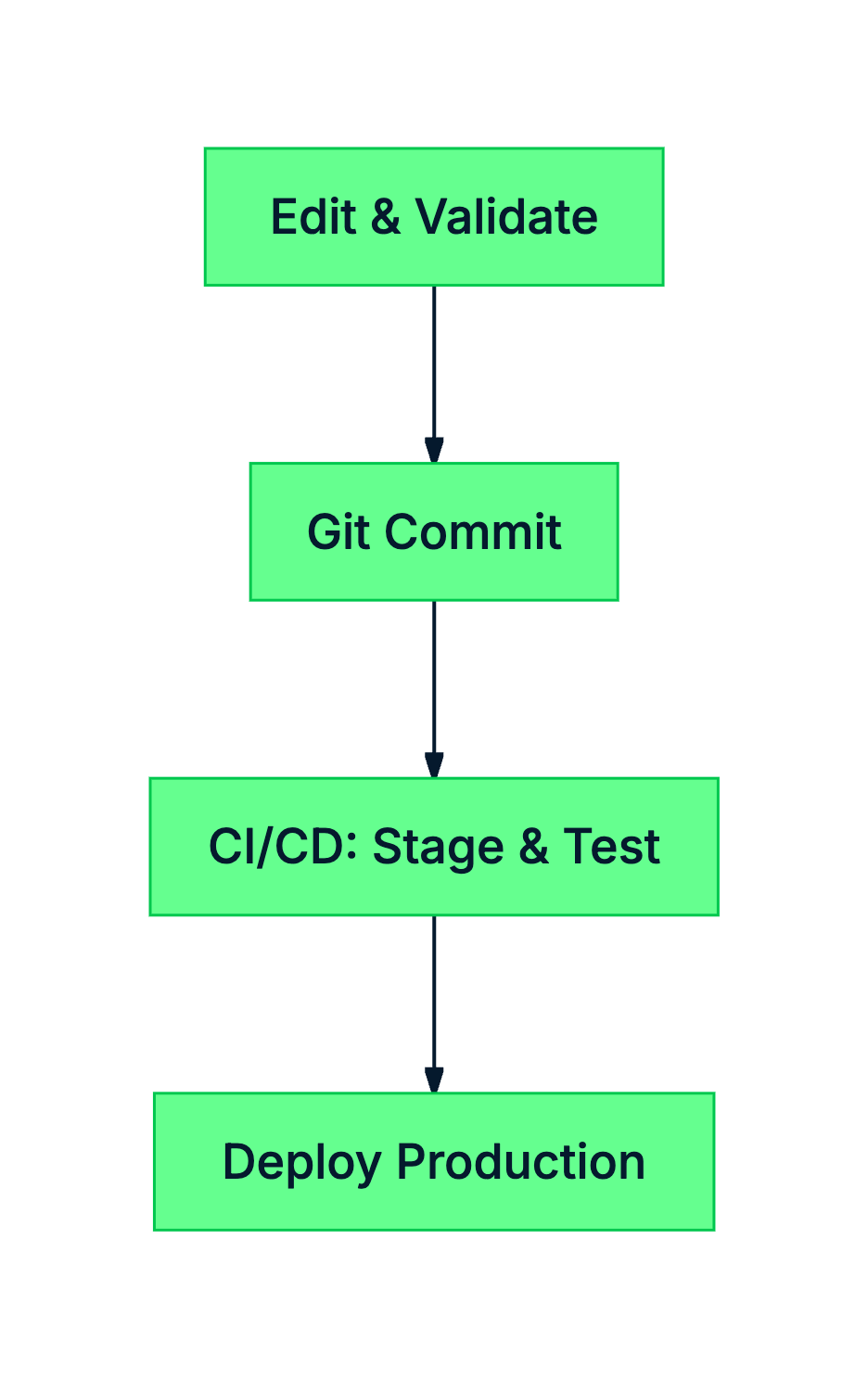
bundle validate
bundle deploy
bundle run
bundle destroy
# 部署前先驗證
databricks bundle validate

# 部署到 production
databricks bundle deploy \
  --target production

# 觸發執行
databricks bundle run nightly_etl
validate
deploy
run
destroy