API 版本控管與文件

使用 FastAPI 將 AI 佈署到生產環境

Matt Eckerle

Software and Data Engineering Leader

為何要做 API 版本控管?

 

  • 將 API 端點視為菜單項目
  • 讓舊客戶持續滿意
  • 有些客戶想要新選項
  • 迭代而不影響既有客戶

餐廳

使用 FastAPI 將 AI 佈署到生產環境

雲端 AI 作業的 API

from pydantic import BaseModel

class AIJobV1(BaseModel):
    job_name: str
    data: bytes
class AIJobV1(BaseModel):
    job_name: str
    data: bytes
    config: dict

FastAPI 標誌 AI 雲端

使用 FastAPI 將 AI 佈署到生產環境

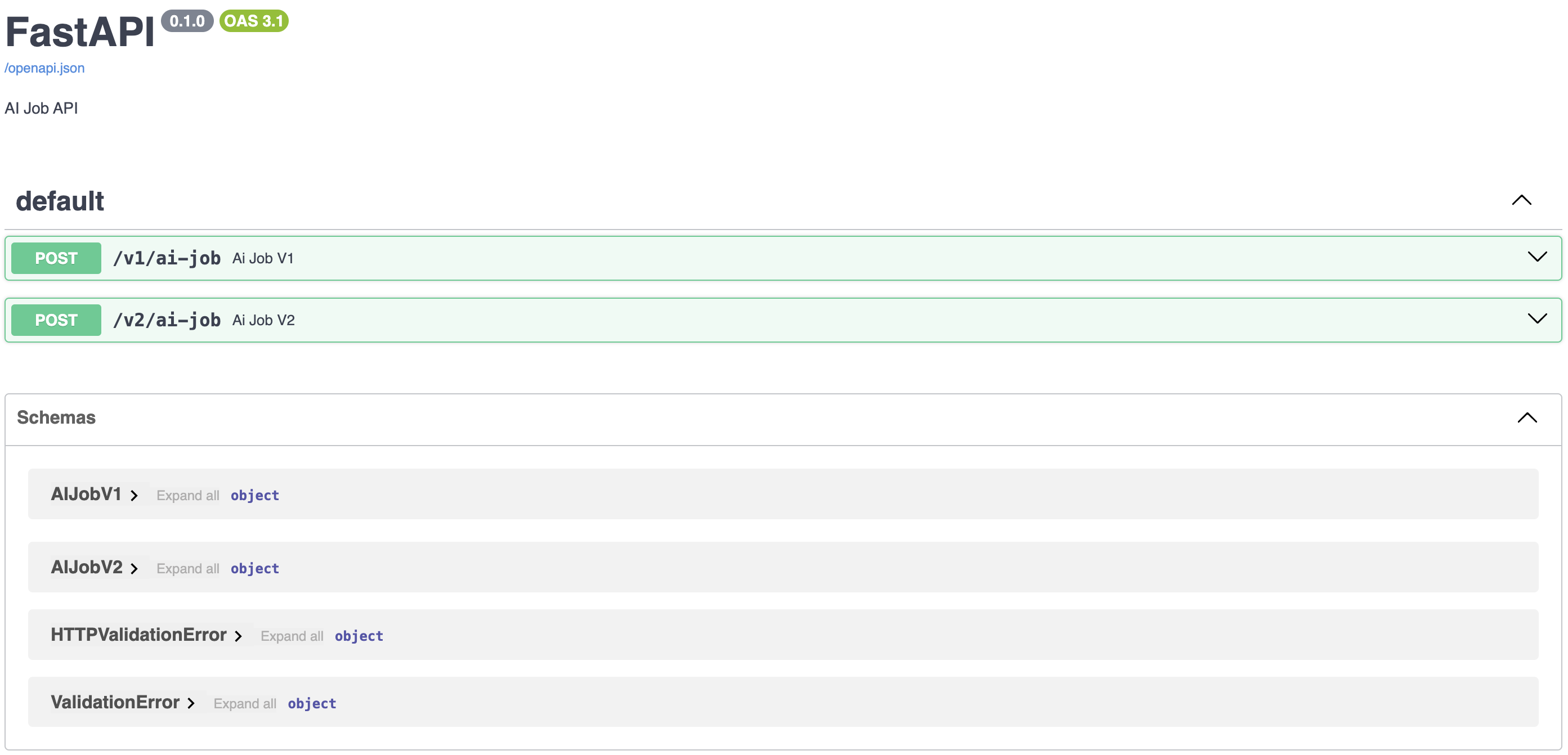
版本化端點

from pydantic import BaseModel

class AIJobV1(BaseModel):
    job_name: str
    data: bytes

class AIJobV2(BaseModel): job_name: str data: bytes config: dict
from fastapi import FastAPI

app = FastAPI()

@app.post("/v1/ai-job")
def ai_job_v1(job: AIJobV1):
    ...

@app.post("/v2/ai-job") def ai_job_v2(job: AIJobV2): ...
使用 FastAPI 將 AI 佈署到生產環境

何時要更新端點版本


  • 結構發生破壞性變更
  • 底層函式有變更
    • 模型程式碼已更新
    • 模型訓練集已更新
    • 前/後處理已更新
使用 FastAPI 將 AI 佈署到生產環境

用選填欄位進行迭代


  • 迭代不一定要版本控管
  • 使用選填欄位可擴充資料且不破壞結構
from pydantic import BaseModel

class AIJobV1(BaseModel):
    job_name: str
    data: bytes


from typing import Optional class AIJobV1(BaseModel): job_name: str data: bytes config: Optional[dict]
使用 FastAPI 將 AI 佈署到生產環境

用 Swagger 撰寫 API 文件


  • API 文件的標準工具
    • 追蹤端點與版本
    • 以 OpenAPI 標準中繼資料為基礎


Swagger 標誌

OpenAPI 標誌

使用 FastAPI 將 AI 佈署到生產環境

Swagger UI

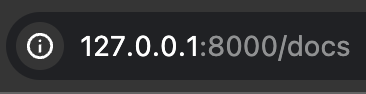
Swagger 網址 Swagger 介面

使用 FastAPI 將 AI 佈署到生產環境

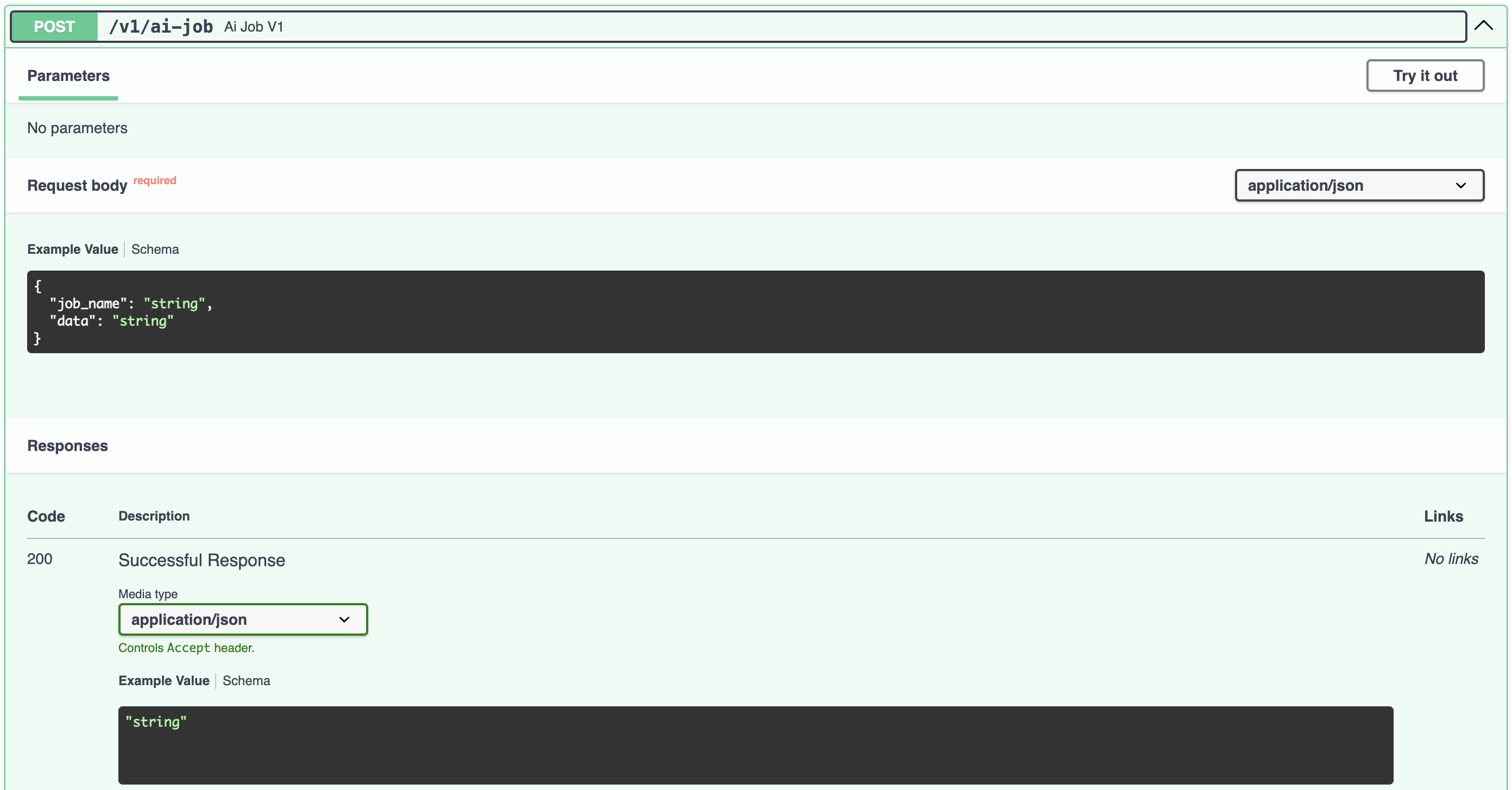
端點的 Swagger UI

FastAPI 的端點 Swagger UI

使用 FastAPI 將 AI 佈署到生產環境

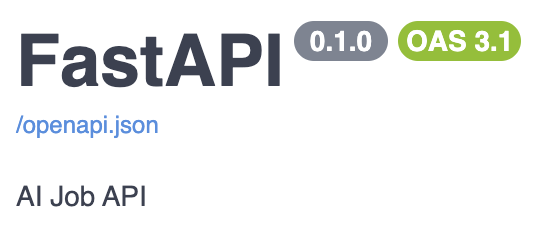
使用 FastAPI 的 description 欄位

from fastapi import FastAPI

app = FastAPI(
    description="AI Job API"
)

含描述標頭的 FastAPI Swagger UI

使用 FastAPI 將 AI 佈署到生產環境

一起來練習吧!

使用 FastAPI 將 AI 佈署到生產環境

Preparing Video For Download...