使用 SDK 與 REST API 的 CRUD 操作

開發 Azure Storage

Shahzad Mian

Content developer, DataCamp

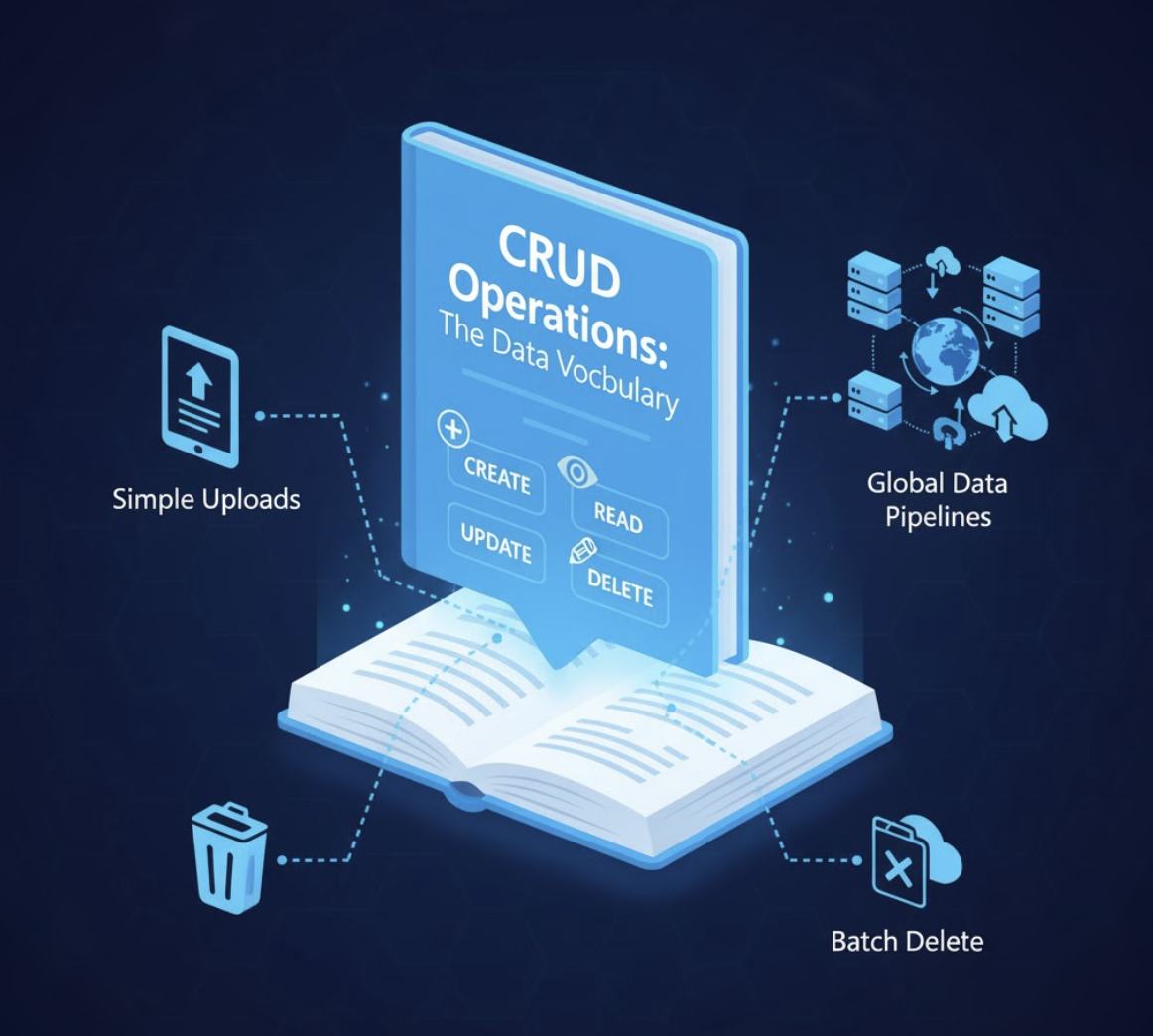
CRUD

  • Create-新增資料

sales report

  • Read-讀取資料

Customer profile picture

  • Update-更新資料

Changing menu

  • Delete-刪除資料

Delete button

開發 Azure Storage

CRUD

Image of CRUD operations

開發 Azure Storage

SDK 與 REST API 比較

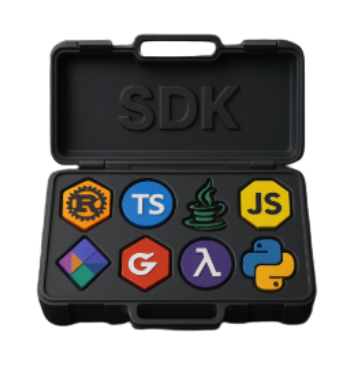
Software Development Kits

  • 特定語言的函式庫
  • 適合需要特定語言的大型應用
  • 簡化驗證與請求

SDk powertool box

REST Application Programming Interface

  • 使用標準 HTTP 呼叫
  • 適合快速腳本、整合或輕量裝置

Multi use tool

開發 Azure Storage

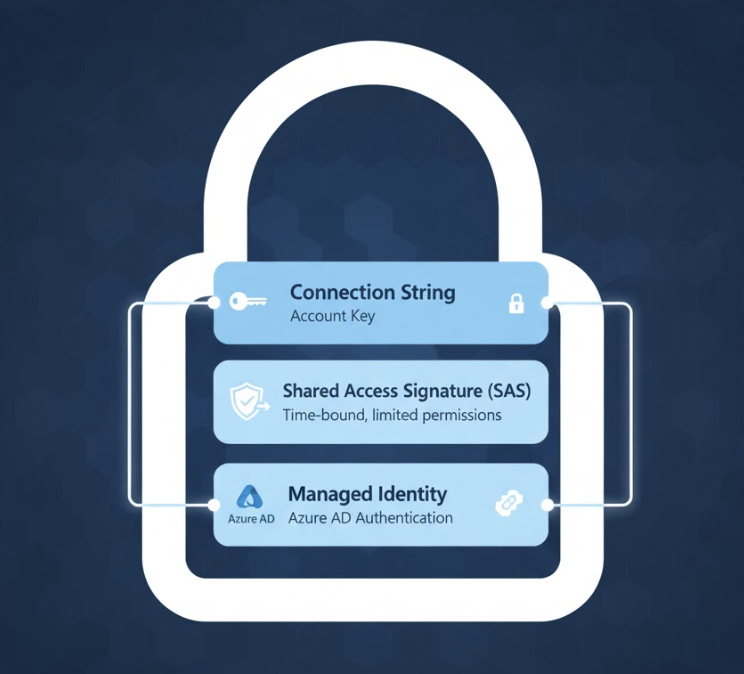
3 種驗證方式

  • 連線字串。
    • 最適合本機開發。
  • 共用存取權杖(Shared Access Signature)。
    • 提供限時存取。
  • 受控身分(Managed Identity)搭配 Azure Active Directory。
    • 最適合正式環境。

Security

開發 Azure Storage

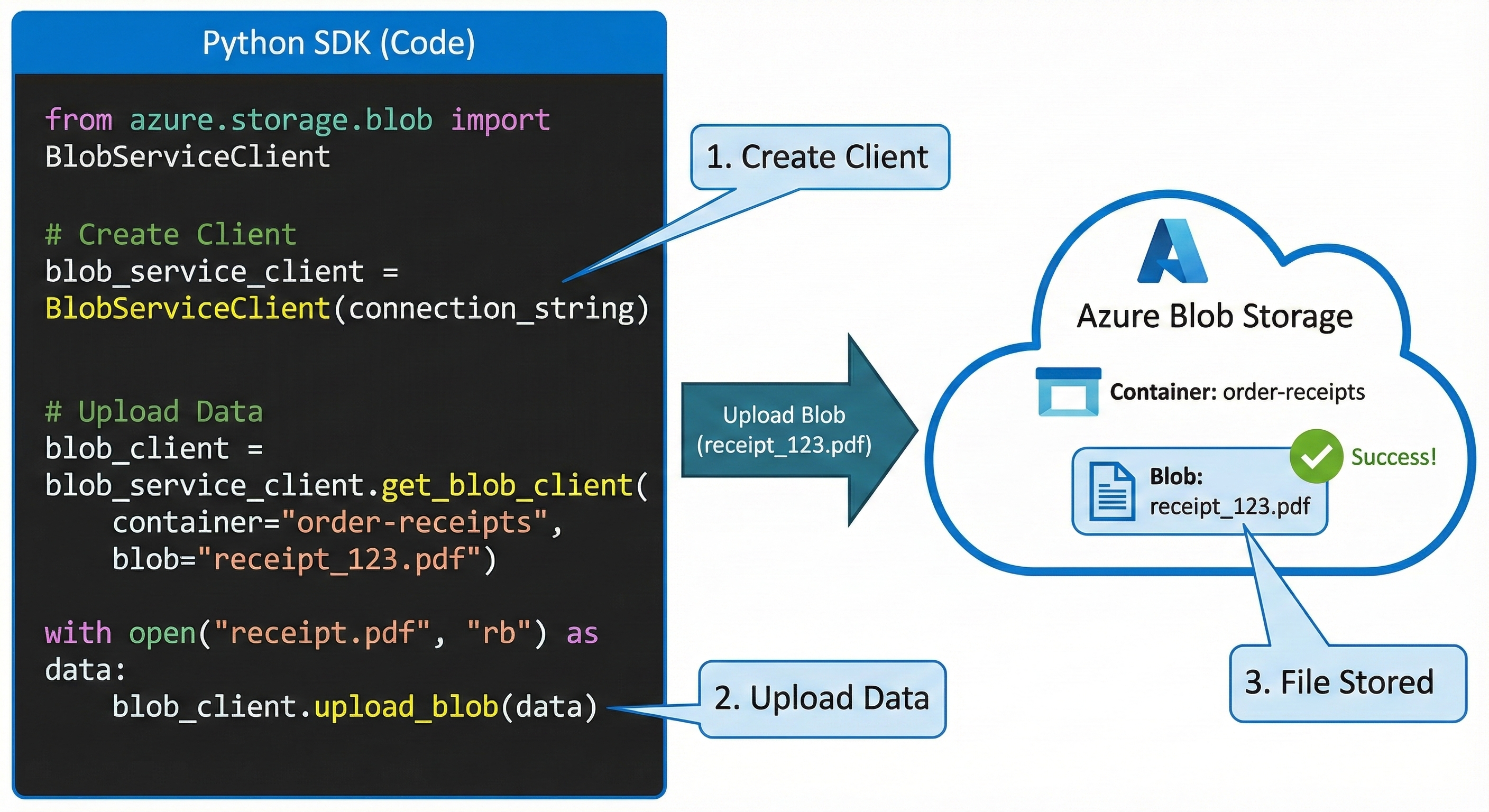
使用 Python SDK 建立

Gemini_Generated_Image_jtug9zjtug9zjtug.png

開發 Azure Storage

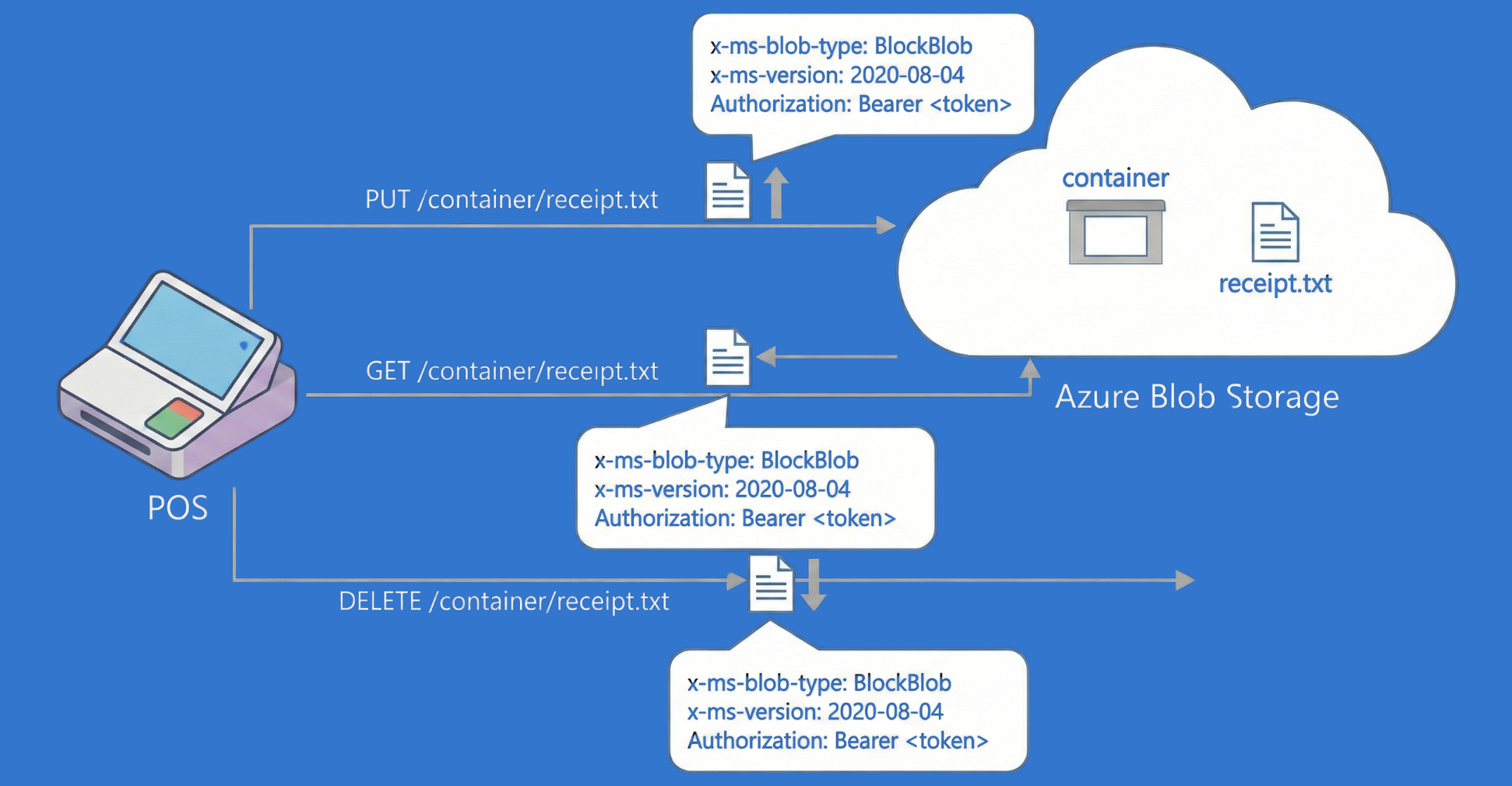
REST API 實作示範

Screenshot 2025-11-26 at 3.41.35 pm.png

開發 Azure Storage

為何 CRUD 重要

  • 開發者常需要儲存、擷取與修改資料。
  • Azure SDK 與 REST API 能安全且高效地處理這些工作。
  • Cipher Coffee 範例:
    • 將訂單收據儲存為 blob。
    • 擷取網站的宣傳圖片。
    • 以生命週期原則移除過期行銷檔案。

Data moving

開發 Azure Storage

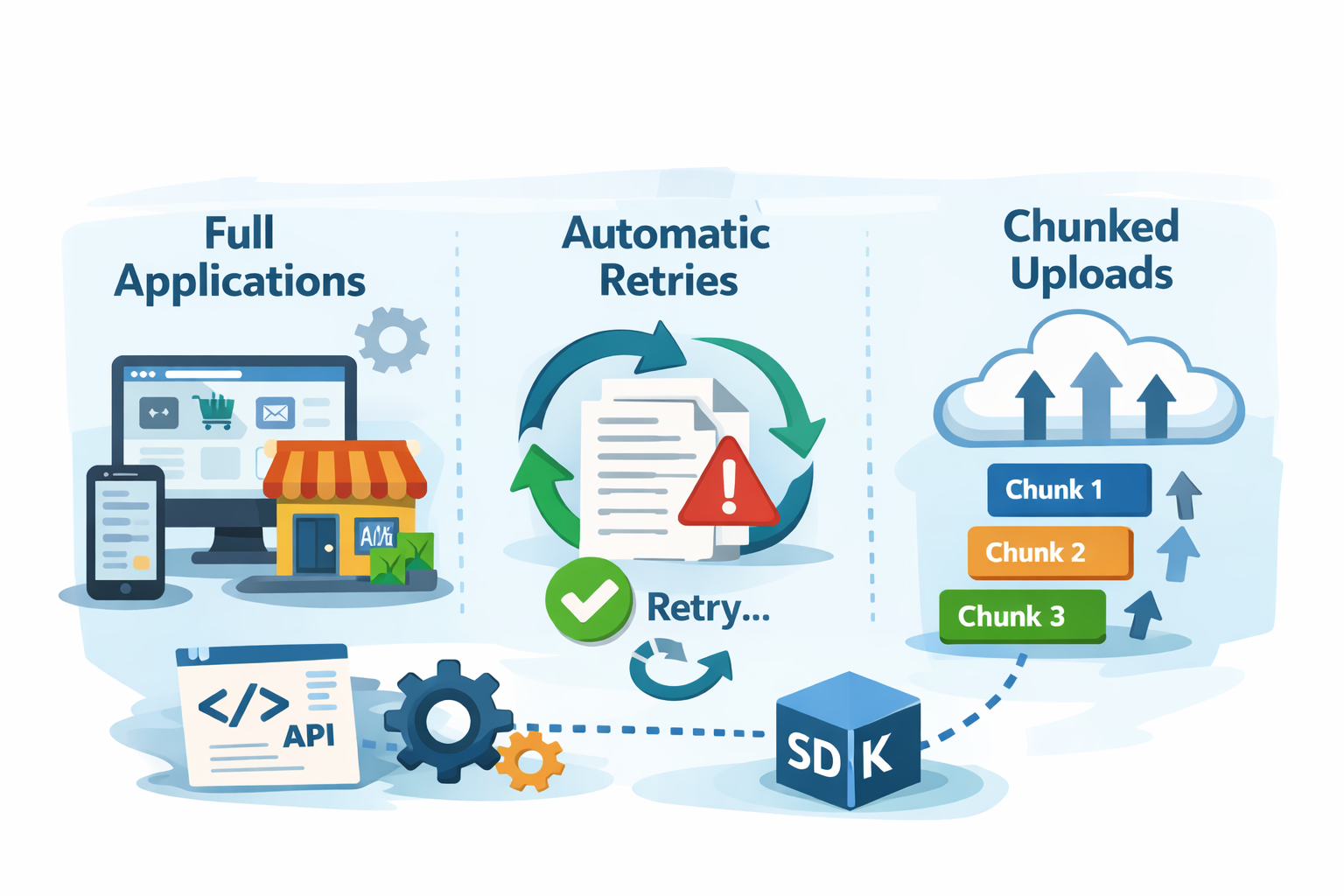
何時使用 SDK

SDK uses

開發 Azure Storage

錯誤處理與最佳實務


Retrying coffee shot

  • 在 SDK 中使用 try-except 區塊
  • 檢查 REST 回應中的 HTTP 狀態碼

最佳實務

  • 批次作業以減少網路呼叫。

  • 使用非同步方法以提高吞吐量。

  • 對暫時性失敗重試(HTTP 429 或 503)。

  • 記錄 x-ms-request-id 以利偵錯。

開發 Azure Storage

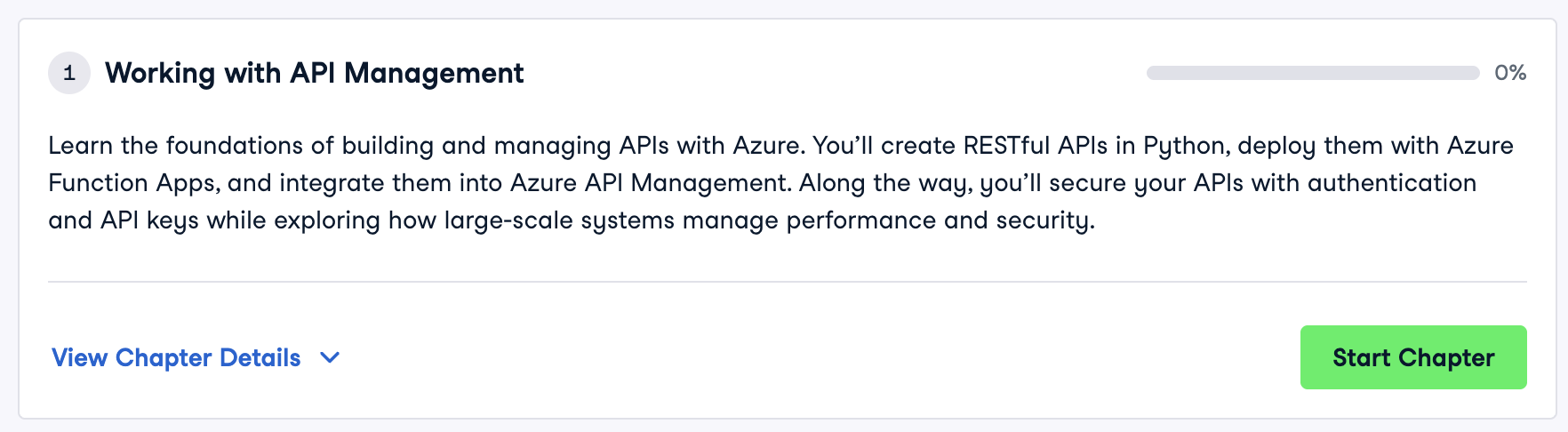
Azure API 管理

Course image

Chapter image

開發 Azure Storage

一起來練習吧!

開發 Azure Storage

Preparing Video For Download...