表格儲存體

開發 Azure Storage

Shahzad Mian

Content developer, DataCamp

Table 儲存體

儲存體圖示

開發 Azure Storage

認識 Table 儲存體

  • 何時選用 Azure Table Storage 或 Cosmos DB。
  • 了解以 tables、entities、properties 組織資料。
  • 在 Table 中執行建立、讀取、更新、刪除。

Table storage 與 CosmosDB

CRUD

開發 Azure Storage

什麼是 Table 儲存體?

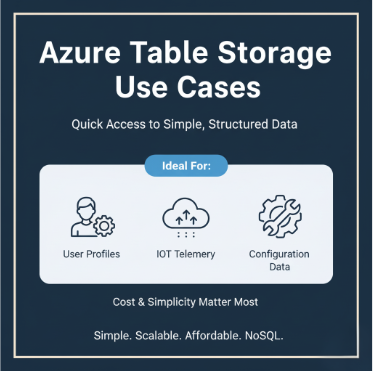
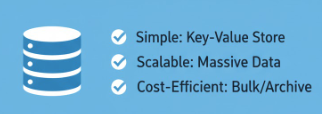
  • Azure Table Storage 提供簡單、無結構描述的結構化資料儲存。
  • 很適合輕量情境:
    • 日誌
    • IoT 遙測
    • 組態設定
  • 針對直接查詢,快速又省錢。
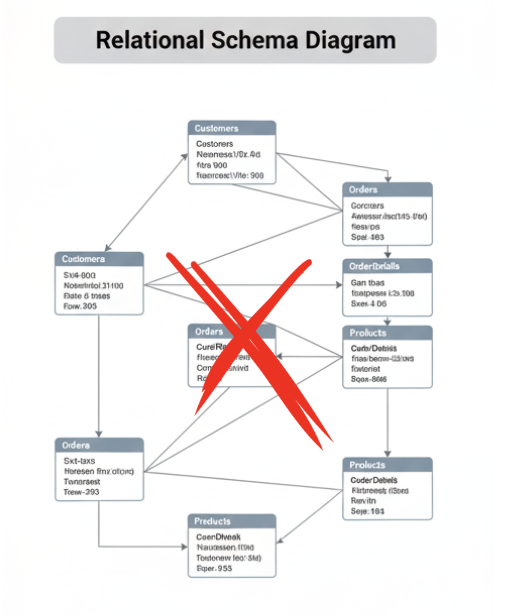
  • 不需要複雜結構或關聯。

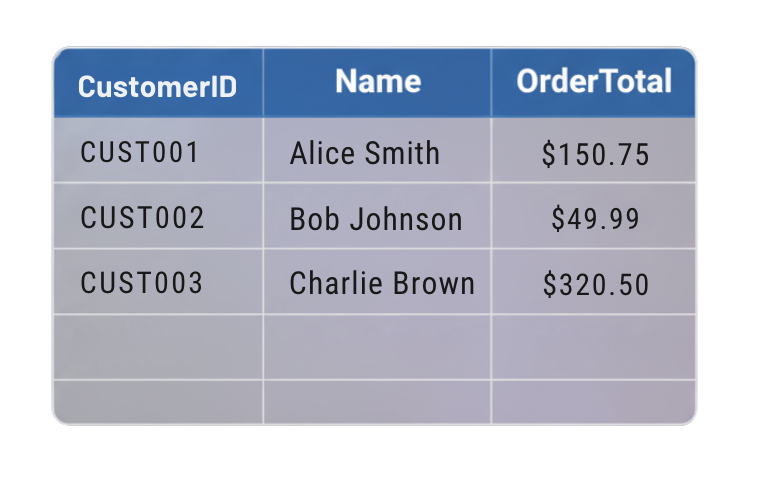
資料表格

關聯式綱要圖,標示「Complex joins = Not needed here

開發 Azure Storage

何時使用 Table 儲存體

  • 用於快速、低成本地存取結構化資料的簡單鍵值查詢。
  • 常見情境:
    • 儲存 IoT 感測器讀值。
    • 組態資料。
  • 追求簡單與可擴充性,非複雜查詢。

何時使用 Table 儲存體

開發 Azure Storage

何時改用 Cosmos DB?

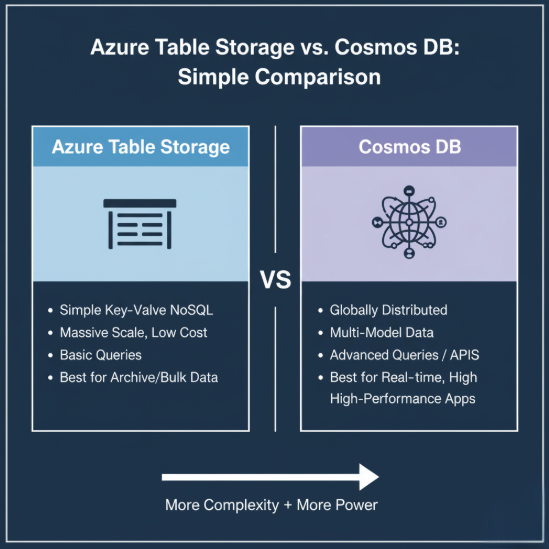
  • Cosmos DB=進階查詢、全球分散、或多種 API。
    • 低延遲的全球複寫與豐富索引。
    • 適合大規模、高效能應用。
    • 需相容 MongoDB、Cassandra 等 API 時更合適。
  • 取捨:功能更多,成本也更高。

Azure Table vs Cosmos DB

開發 Azure Storage

資料組織方式

Table 儲存體範例

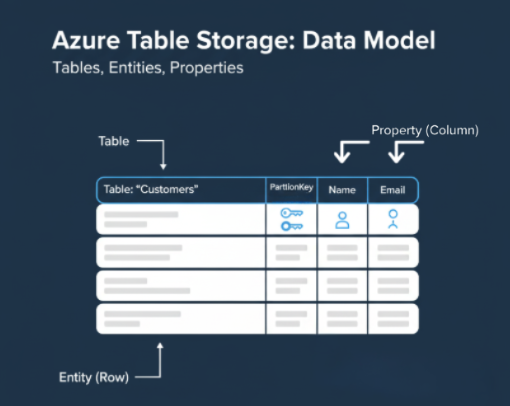
  • Table Storage 中的資料以 tables 分組。
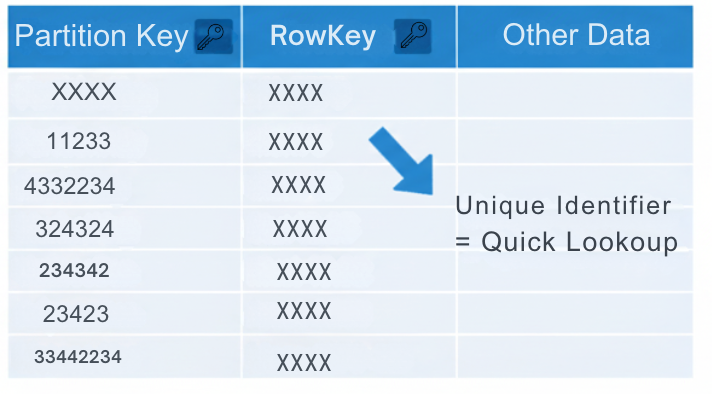
  • 每個 table 包含 entities,類似資料列。
  • 每個 entity 有 properties,類似資料行。
  • 每個 entity 必須有 PartitionKeyRowKey 作為唯一識別。
  • 這些鍵讓查詢在大規模下仍快速高效。
開發 Azure Storage

CRUD 作業

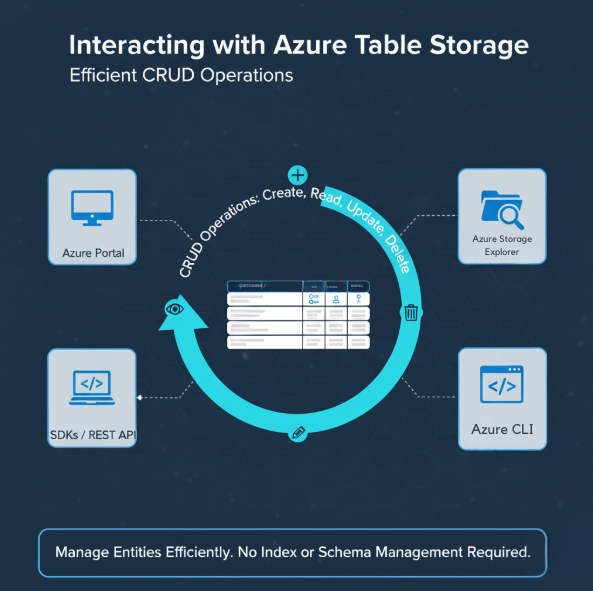
  • 你可以透過下列方式執行 CRUD:
    • Azure 入口網站。
    • SDK 或 REST API。
    • Azure Storage Explorer。
  • 管理資料時不必擔心索引或結構更新。

CRUD 操作

開發 Azure Storage

建立範例

  • 新增 entity 時,需定義唯一的 PartitionKeyRowKey
  • 客戶紀錄範例如下:
      "PartitionKey": "CustomerA",
      "RowKey": "1001",
      "Name": "Ava",
      "Points": 120

開發 Azure Storage

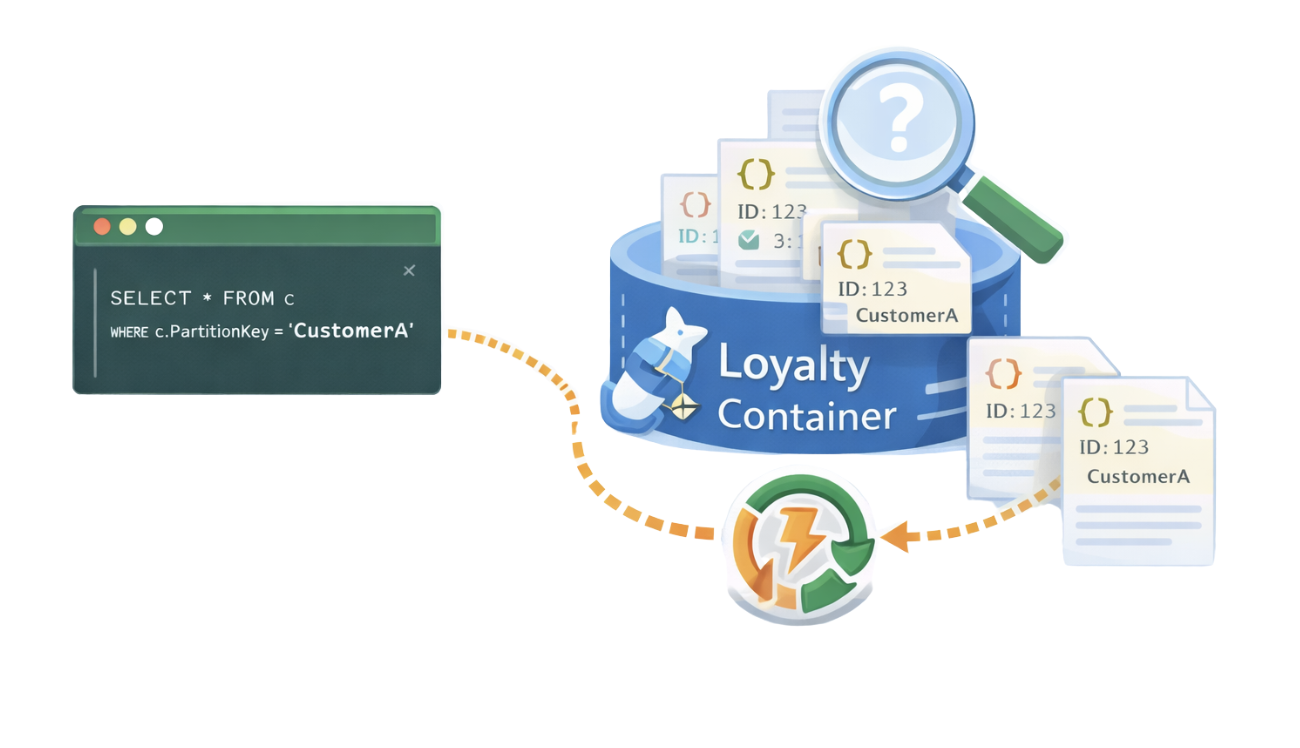
查詢

Screenshot 2025-12-29 at 10.39.44 pm.png

開發 Azure Storage

更新與刪除

  • 更新會以新值取代 entity 的屬性。

  • 刪除會完全移除 entity。

  • 指令範例:


table_client.update_entity(entity)
table_client.delete_entity("CustomerA","1001")
  • 打好使用 Table Storage 的基礎。
開發 Azure Storage

重點整理

  • 對簡單、可擴充、成本效益佳的結構化資料,用 Table Storage。

  • 每筆紀錄都需要 PartitionKeyRowKey

  • 若需更豐富查詢、全球複寫或多資料模型,改用 Cosmos DB。

  • 兩者可在混合式資料架構中互補。

Table 儲存體重點

含 partition key 與 row keys 的表格

開發 Azure Storage

一起來練習吧!

開發 Azure Storage

Preparing Video For Download...