透過網站分享檔案
Python 中的 AWS Boto 入門

Maksim Pecherskiy
Data Engineer
提供 HTML 頁面
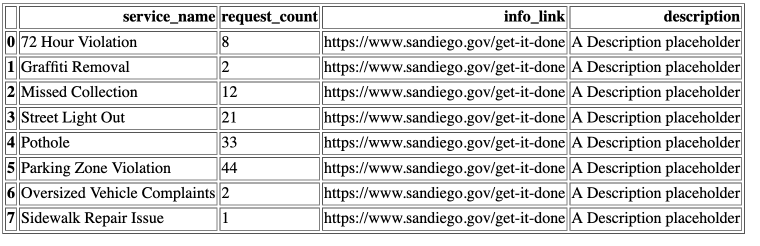
Pandas 的 HTML 表格
將 DataFrame 轉為 HTML
df.to_html('table_agg.html')
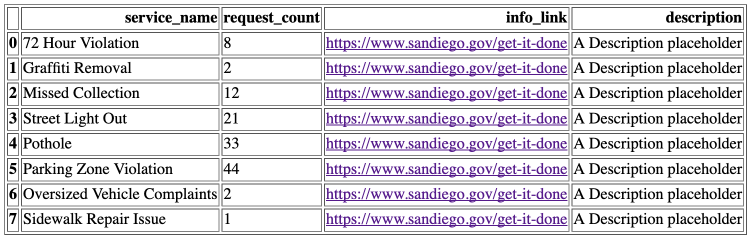
含連結的 Pandas HTML 表格
將 DataFrame 轉為 HTML
df.to_html('table_agg.html', render_links=True)
選擇特定欄位輸出為 HTML
將 DataFrame 轉為 HTML
df.to_html('table_agg.html',
           render_links=True,
           columns['service_name', 'request_count', 'info_link'])
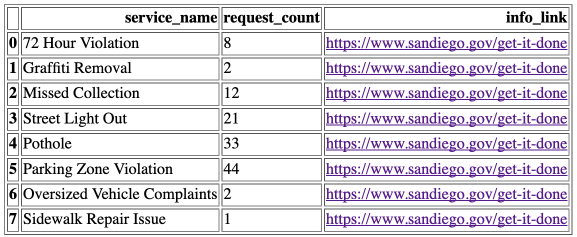
邊框設定
將 DataFrame 轉為 HTML
df.to_html('table_agg.html',
           render_links=True,
           columns['service_name', 'request_count', 'info_link'],
           border=0)
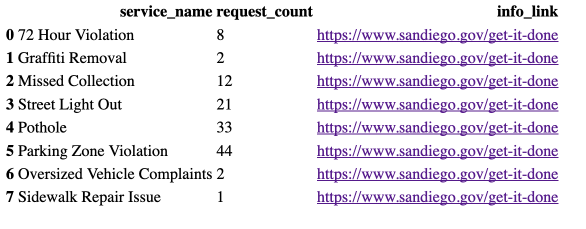
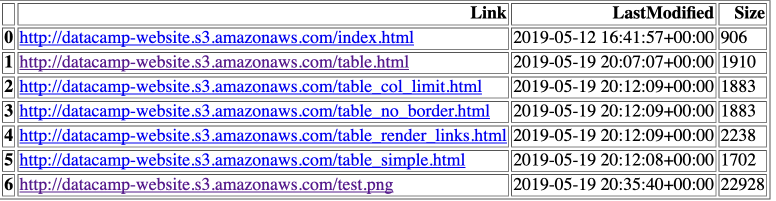
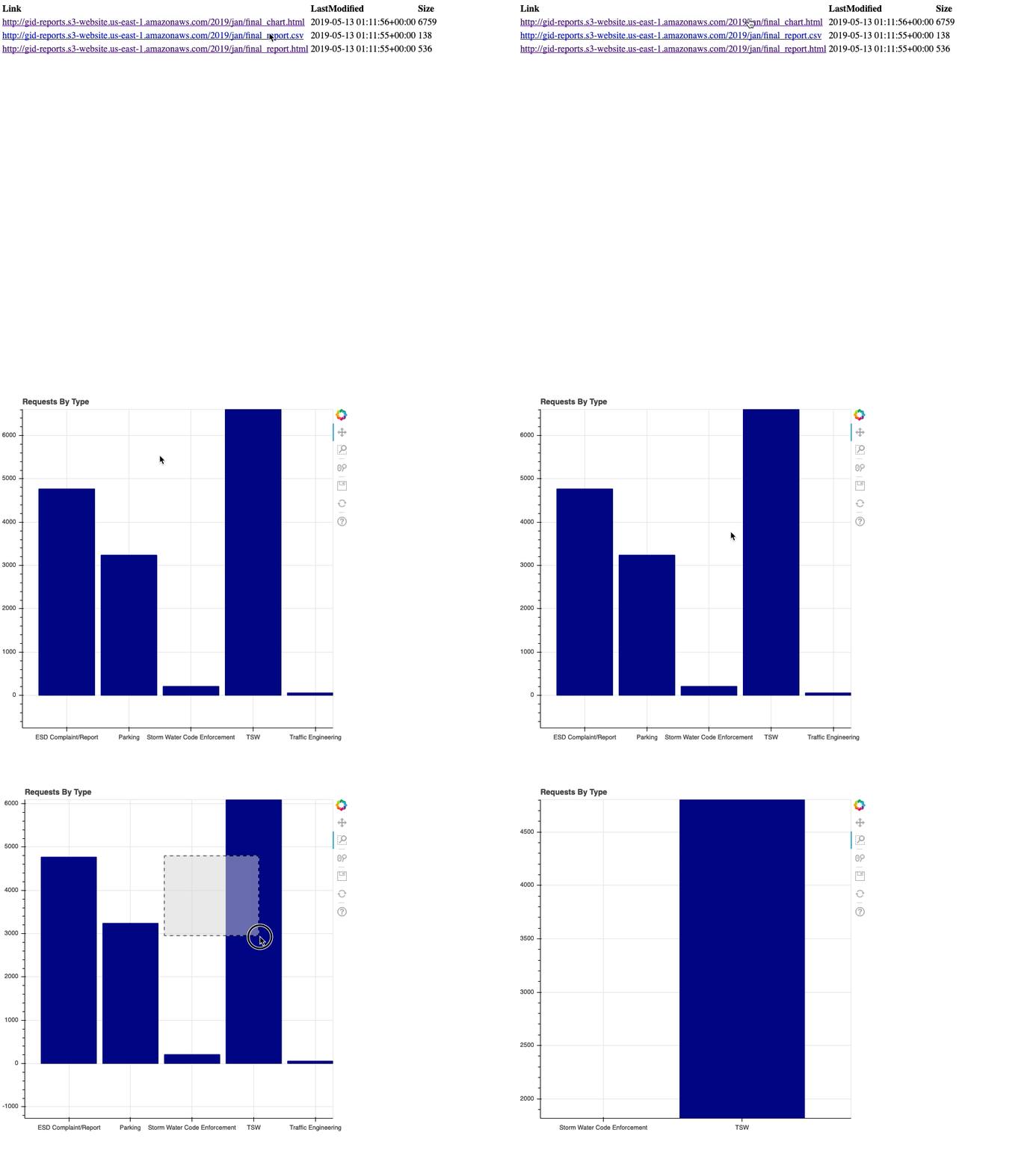
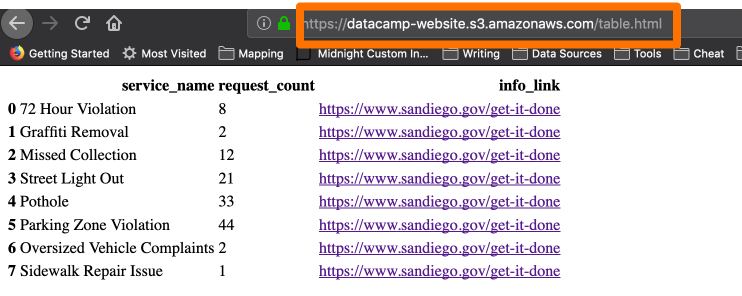
HTML 頁面
產生索引頁面
# 列出 gid-reports 存放貯體中以 2019/ 開頭的物件 r = s3.list_objects(Bucket='gid-reports', Prefix='2019/')# 將回應內容轉為 DataFrame objects_df = pd.DataFrame(r['Contents'])

產生索引頁面
# 建立一個「Link」欄,包含網站網址 + key
base_url = "http://datacamp-website."
objects_df['Link'] = base_url + objects_df['Key']
# 將 DataFrame 寫出為 HTML
objects_df.to_html('report_listing.html',
                   columns=['Link', 'LastModified', 'Size'],
                   render_links=True)