Airflow 核心概念

使用 Airflow 建置資料管線

Volker Janz

Senior Developer Advocate at Astronomer

認識你的講師

  Volker Janz 個人照

$$

Volker Janz

$$

  • Astronomer 資深開發者倡議者
  • 在遊戲領域擔任資料工程師 14+ 年
  • 1.x 版 起使用 Airflow
  • Data Engineer Things 的講者、導師與電子報主編
使用 Airflow 建置資料管線

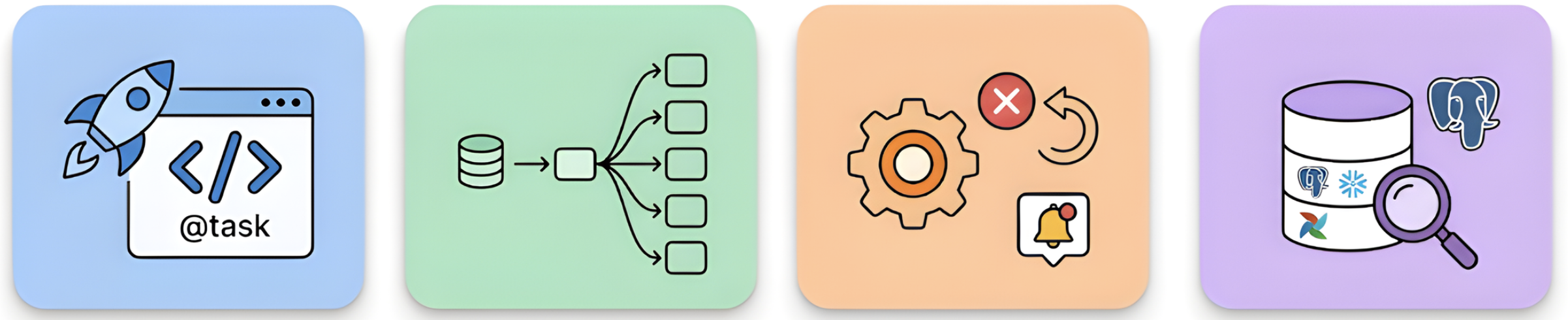
你將打造什麼


  • TaskFlow API 撰寫 Dags
  • 以任務對映與資產式排程建立動態工作流程
  • 重試與回呼 處理失敗
  • 透過 Airflow 執行 SQL 工作負載

各章節內容視覺化

使用 Airflow 建置資料管線

開始之前


$$

  • 熟悉 Dags、tasks 與 operators
  • 了解 排程基礎

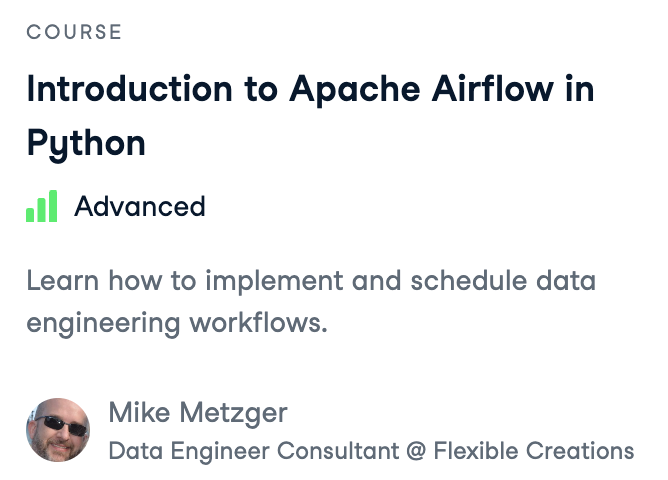
Introduction to Airflow - 課程頁面

使用 Airflow 建置資料管線

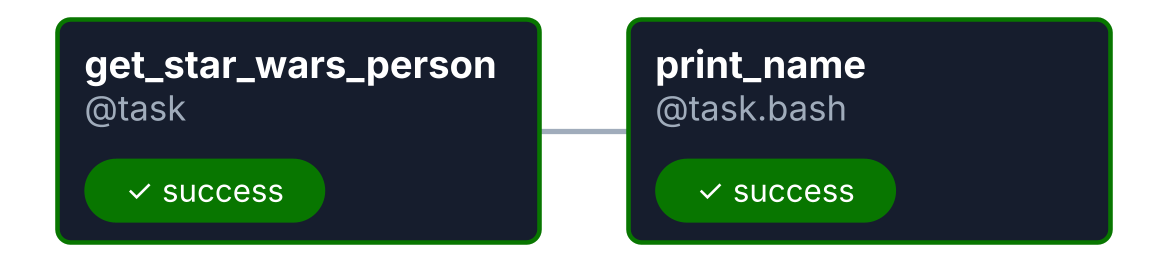
快速複習

from airflow.sdk import dag, task

@dag
def star_wars_dag():


@task def get_star_wars_person(): import requests return requests.get("https://swapi.dev/api/people/1/").json()
@task.bash def print_name(person): return f"echo '{person['name']}'"
person = get_star_wars_person() print_name(person) star_wars_dag()
  • Dag:含相依性的任務集合
  • Tasks:獨立的工作單元
  • Operators / decorators:定義每個任務要做什麼
  • Dependencies:決定執行順序

$$

簡單的 Dag

使用 Airflow 建置資料管線

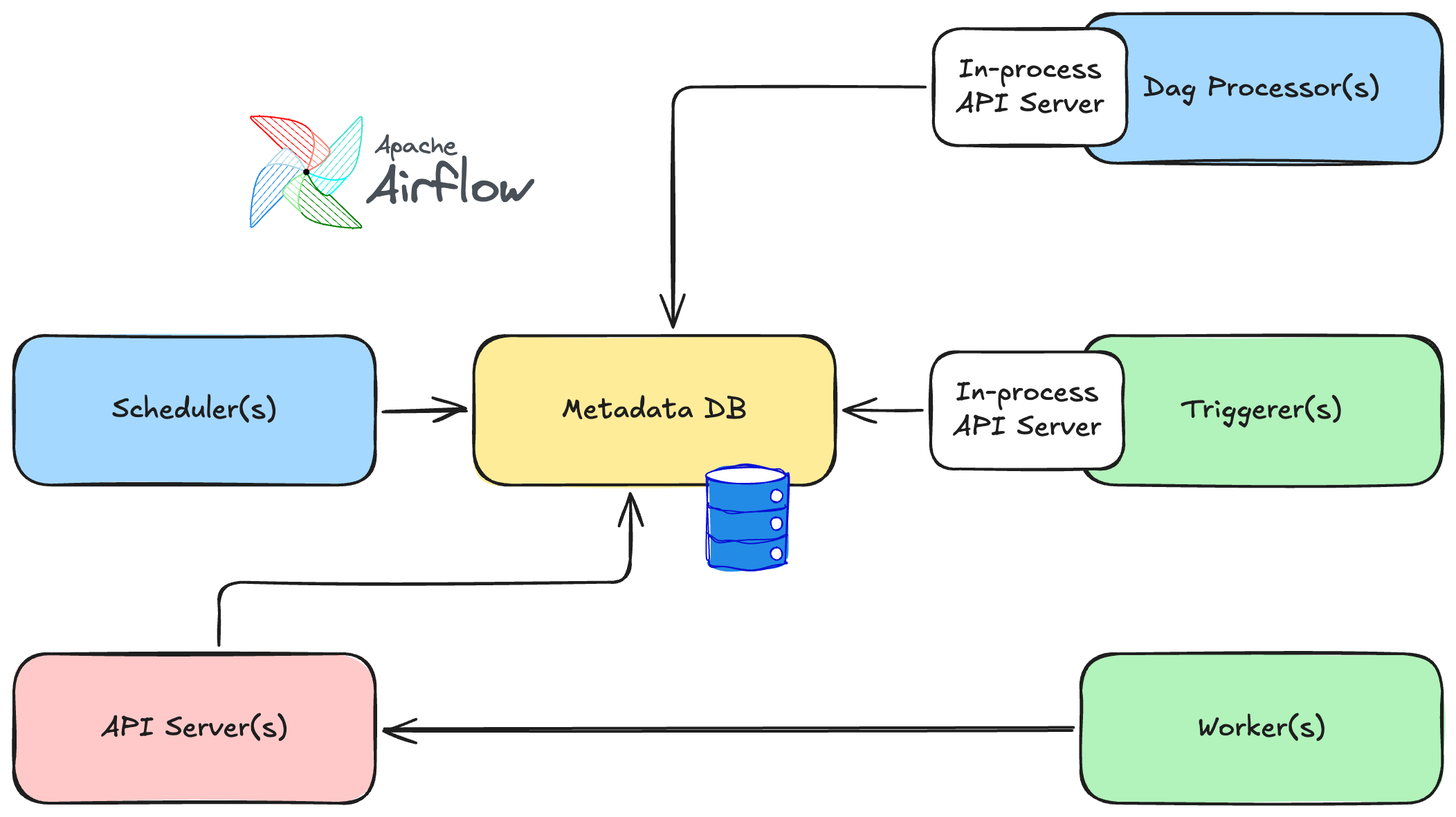
Airflow 架構

$$

Airflow 3 架構


$$

  • 協調編排:Scheduler、Dag Processor
  • 執行:Worker、Triggerer
  • 介面與儲存:API Server、Metadata DB
使用 Airflow 建置資料管線

排程方式

# 不自動執行:手動觸發(預設)
@dag(schedule=None)
def my_pipeline(): ...

# 依時間:每天上午 6 點執行 @dag(schedule="0 6 * * *") def daily_pipeline(): ...
# 資料感知:當某 Asset 更新時執行 @dag(schedule=[Asset("my_asset")]) def downstream_pipeline(): ...
使用 Airflow 建置資料管線

撰寫 Dags 的兩種方式

傳統 operators

extract = PythonOperator(
    task_id="extract",
    python_callable=extract_fn)
extract >> transform
  • 當沒有可用的 decorators 時使用

TaskFlow API

@task
def extract():
    return {"users": 150}

data = extract()
transform(data)
  • 簡單的 Python 裝飾器
  • 較少樣板程式碼
  • 可與傳統 operators 搭配
使用 Airflow 建置資料管線

本課程的練習

$$

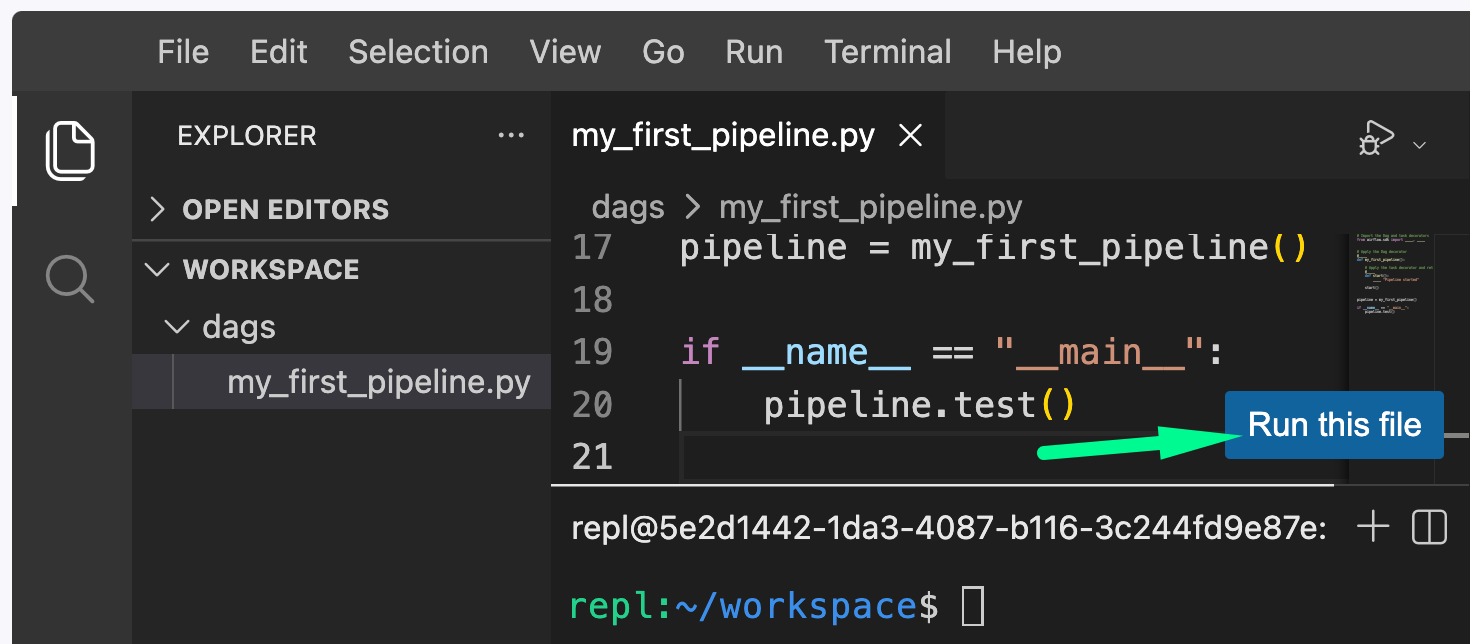
IDE 練習截圖


  • IDE 練習:編輯實際的 .py
  • 「Run this file」 或用 python3 filename.py
  • dag.test() 會在單一程序中跑完整個 Dag
使用 Airflow 建置資料管線

一起來練習吧!

使用 Airflow 建置資料管線

Preparing Video For Download...