Java 中的資料匯入
Anthony Markham
VP Quant Developer
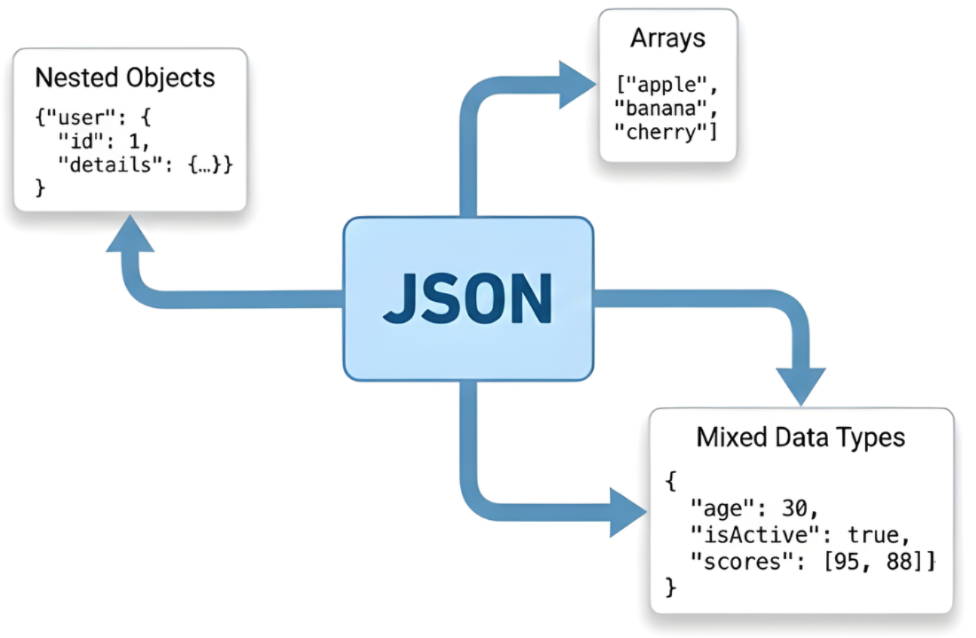
$$
{
  "customer": {
    "name": "John Doe",
    "address": {
      "street": "123 Main St",                            <- 巢狀資訊
      "city": "Boston",                                   <- 巢狀資訊
      "coordinates": {"lat": 42.3601, "lng": -71.0589}    <- 巢中之巢的資訊
    }
  }
}
$ $
JsonReadOptions
JsonReadOptions options = JsonReadOptions

    .builder("complex.json")

    .tableName("Products")

    .missingValueIndicator("N/A")

    .build();

Table data = new JsonReader().read(options);
JsonReadOptions options = JsonReadOptions
.builder("complex.json")
.tableName("Products")
.missingValueIndicator("N/A")
.build();
Table data = new JsonReader().read(options);
missingValues = data.stringColumn("name").isMissing();
joinOn
Table phones = Table.read().csv("phones.csv");   // name, phone

Table diets  = Table.read().csv("diets.csv");    // name, diet


// Perform the inner join on the two tables
Table joined = phones.joinOn("name").inner(diets);
Table phones = Table.read().csv("phones.csv"); // name, phone
Table diets = Table.read().csv("diets.csv"); // name, diet
// Perform the inner join on the two tables Table joined = phones.joinOn("name").inner(diets);