Pipeline 工作與評估

使用 Hugging Face 的多模態模型

James Chapman

Curriculum Manager, DataCamp

Pipelines 與模型元件

目前作法

from transformers import BlipProcessor, BlipForConditionalGeneration
checkpoint = "Salesforce/blip-image-captioning-base"
processor = BlipProcessor.from_pretrained(checkpoint)
model = BlipForConditionalGeneration.from_pretrained(checkpoint)

Pipelines

from transformers import pipeline
pipe = pipeline("image-to-text", model=checkpoint)
使用 Hugging Face 的多模態模型

範例比較

直接使用前處理器與模型

inputs = processor(images=image, 
                   return_tensors="pt")
gen = model.generate(**inputs)
processor.decode(gen[0])

Pipeline

pipe(image)
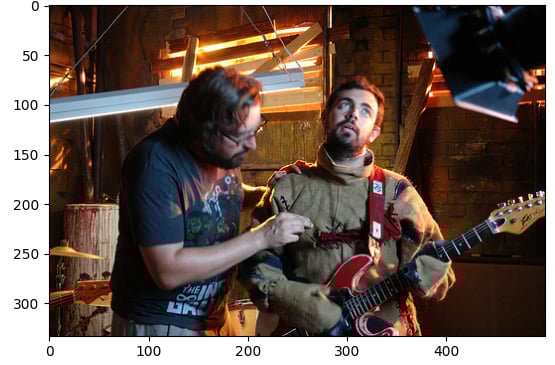
[{'generated_text': 
'a man wearing a black shirt'}]

資料點5

使用 Hugging Face 的多模態模型

尋找模型與任務

透過 API 尋找可用於 pipeline 的模型:

from huggingface_hub import HfApi
model = list(api.list_models(task="text-to-image", limit=5))
pipe = pipeline("text-to-image", model[0].id)
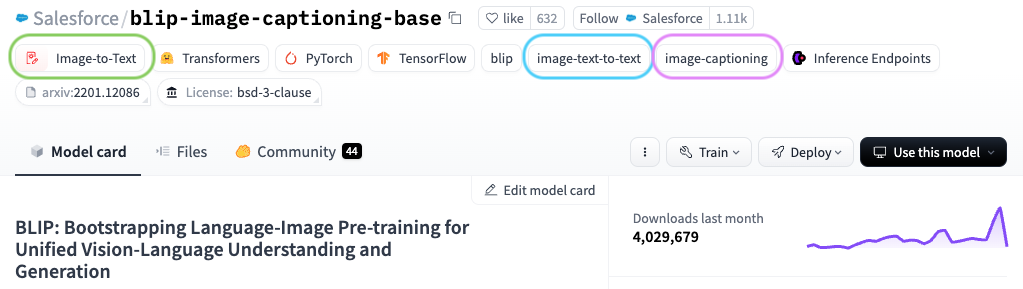
Hugging Face 上模型首頁的螢幕截圖

使用 Hugging Face 的多模態模型

傳遞模型選項

  • 底層為 MusicgenForConditionalGeneration
pipe = pipeline(task="text-to-audio", 
                model="facebook/musicgen-small", framework="pt")
generate_kwargs = {"temperature": 0.8, "max_new_tokens": 20}

outputs = pipe("Classic rock riff", generate_kwargs=generate_kwargs)
  • temperature(0-1):控制隨機性與創造性
  • max_new_tokens:限制產生的新權杖數
使用 Hugging Face 的多模態模型

評估 pipeline 表現

  • Accuracy:正確分類所占比例
  • Precision:預測為某類時有多常是對的
  • Recall:實際屬於某類中有多少被找回
  • F1 分數:結合 precision 與 recall
from evaluate import evaluator

task_evaluator = evaluator("image-classification")
metrics_dict = { "precision": "precision", "recall": "recall", "f1": "f1", }
label_map = pipe.model.config.label2id
使用 Hugging Face 的多模態模型

評估 pipeline 表現

eval_results = task_evaluator.compute(
  model_or_pipeline=pipe,

data=dataset,
metric=evaluate.combine(metrics_dict),
label_mapping=label_map)
print(eval_results)
{'precision': 0.999001923076923, 
'recall': 0.999, 
'f1': 0.9989999609405906, ...}
pipe = pipeline(task="image-classification",
model="ideepankarsharma2003/AI_ImageClassi
fication_MidjourneyV6_SDXL"
)
dataset = load_dataset("ideepankarsharma2003/
Midjourney_v6_Classification_small_shuffled")
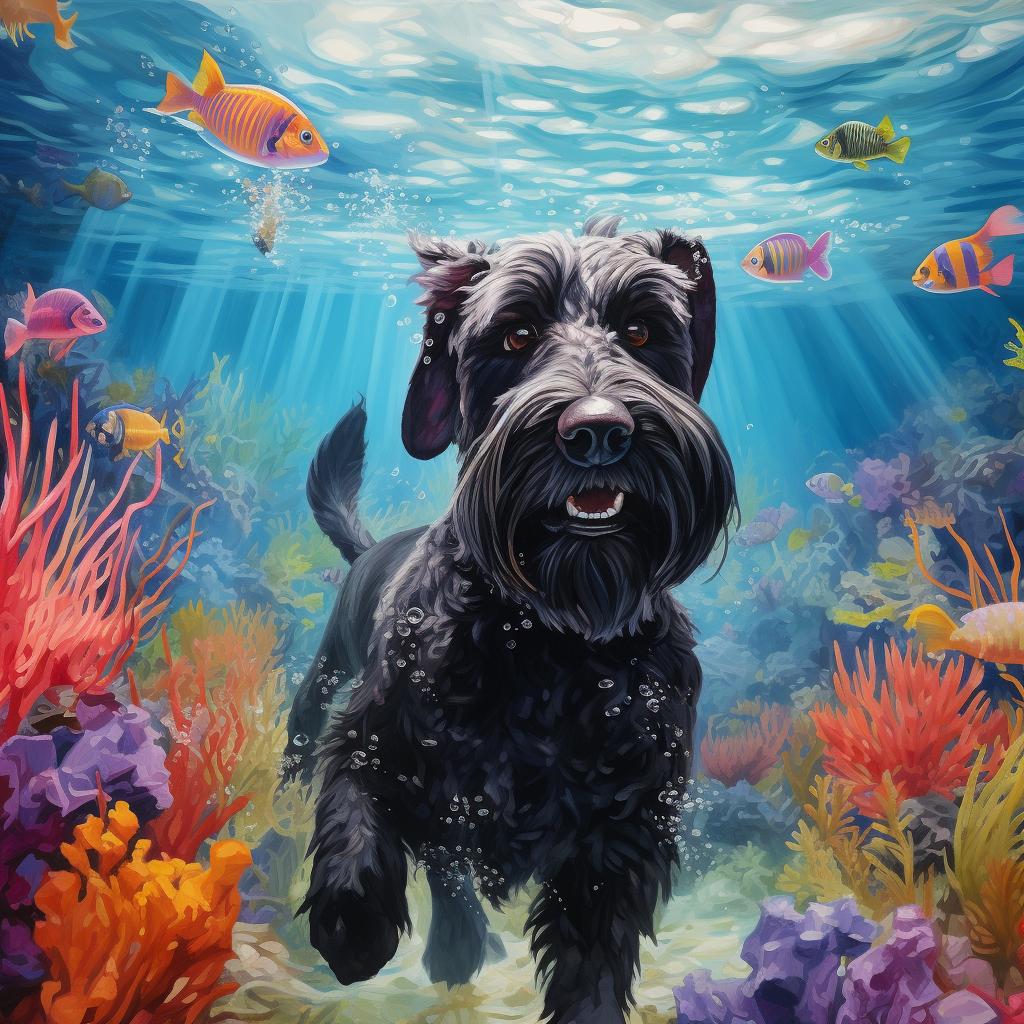
資料集中的 AI 產生影像範例:水下的狗

使用 Hugging Face 的多模態模型

一起來練習吧!

使用 Hugging Face 的多模態模型

Preparing Video For Download...