輸入資料

Python 的 TensorFlow 入門

Isaiah Hull

Visiting Associate Professor of Finance, BI Norwegian Business School

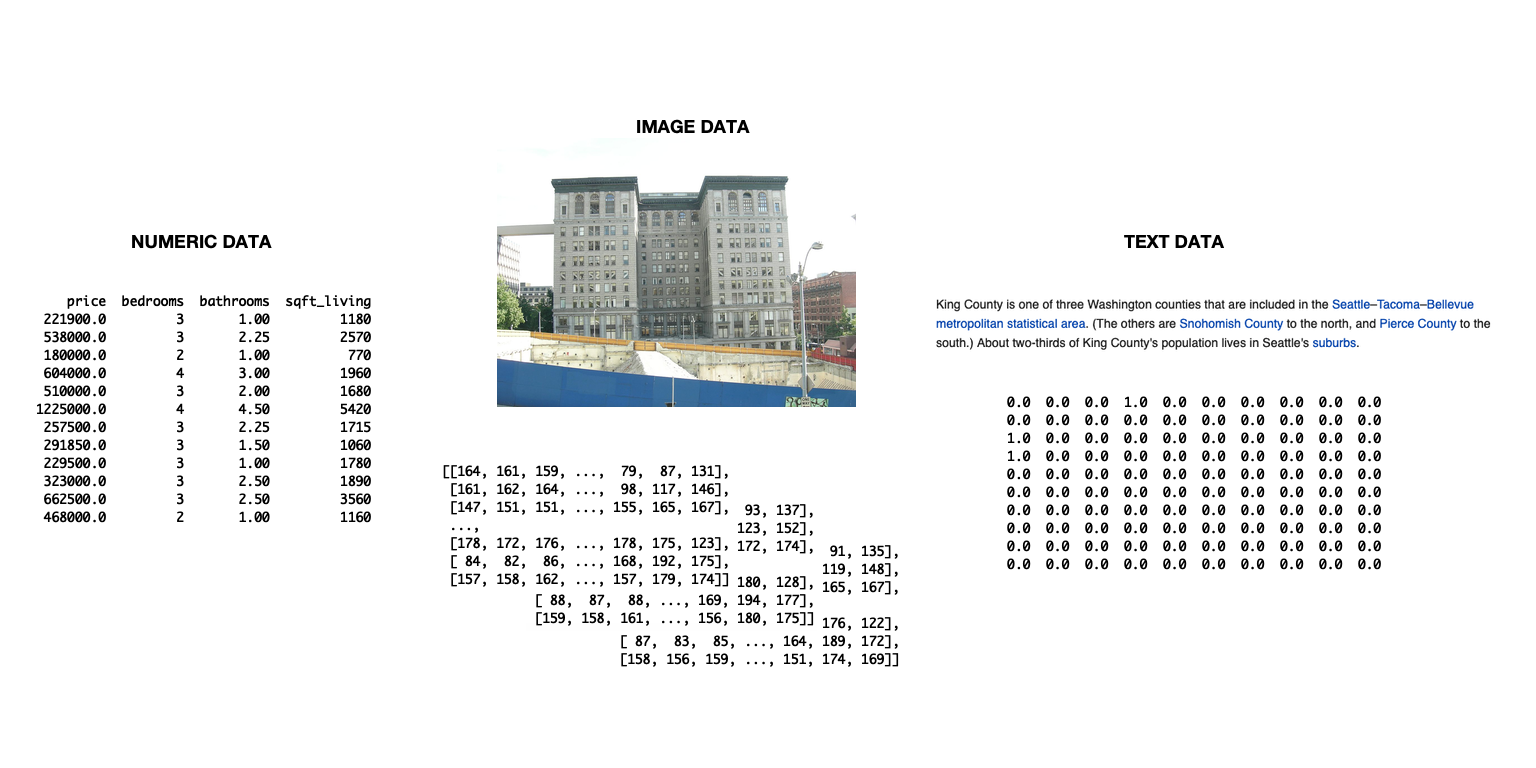
投影片顯示三種不同的資料型態示意圖:文字資料、影像資料與數值資料。

Python 的 TensorFlow 入門

為 TensorFlow 匯入資料

  • 可用 tensorflow 匯入資料
    • 有助管理複雜 pipeline
    • 本章不需要
  • 本章採較簡單作法
    • pandas 匯入資料
    • 轉為 numpy 陣列
    • 直接在 tensorflow 使用,無需修改
Python 的 TensorFlow 入門

如何匯入並轉換資料

# Import numpy and pandas
import numpy as np
import pandas as pd

# Load data from csv
housing = pd.read_csv('kc_housing.csv')

# Convert to numpy array
housing = np.array(housing)
  • 本章聚焦於 csv 格式的資料
  • pandas 也能處理其他格式
    • 例如 read_json(), read_html(), read_excel()
Python 的 TensorFlow 入門

read_csv() 的參數

參數 說明 預設
filepath_or_buffer 接受檔案路徑或 URL。 None
sep 欄位分隔符號。 ,
delim_whitespace 是否以空白為分隔的布林值。 False
encoding 如需,指定編碼。 None
Python 的 TensorFlow 入門

使用混合型資料集

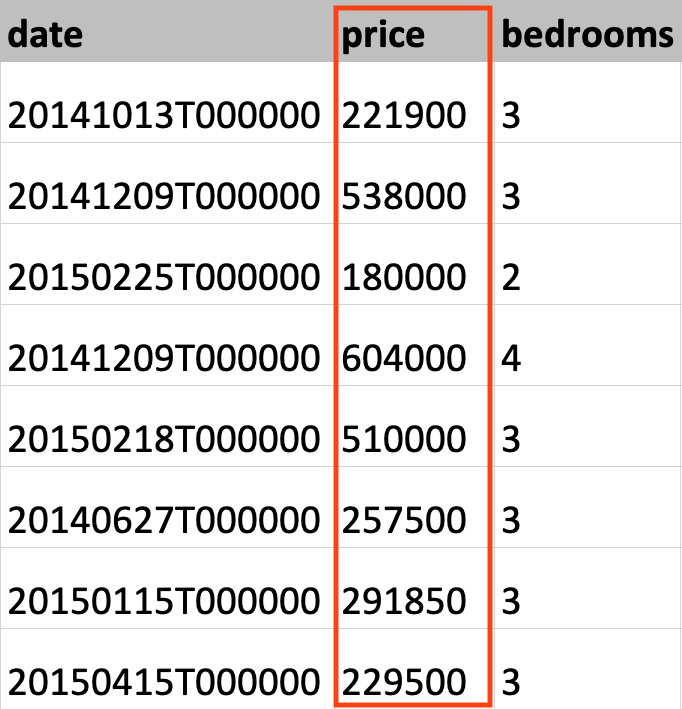
此圖為 King County 房價資料集的一部分,並標示出房價欄位。

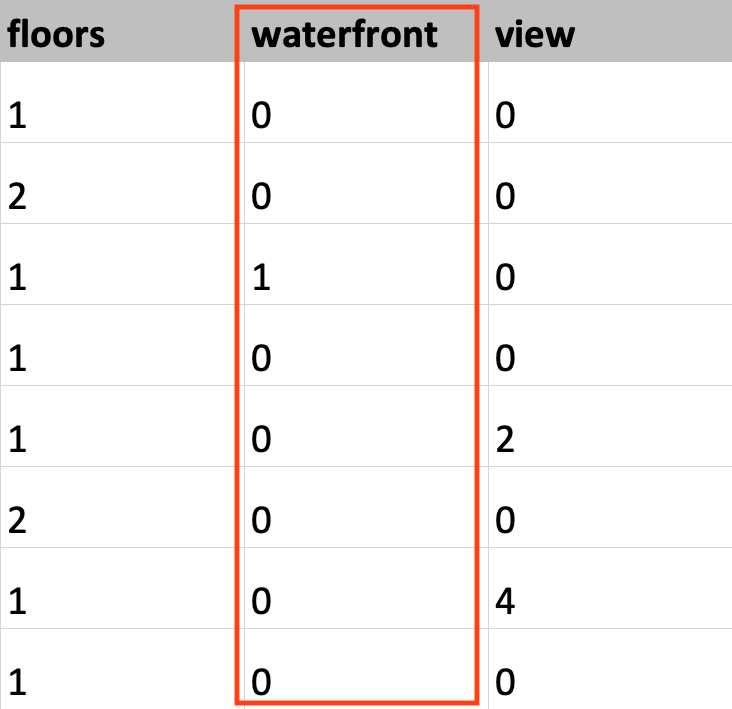
此圖為 King County 房價資料集的一部分,並標示出 waterfront 欄位。

Python 的 TensorFlow 入門

設定資料型別

# Load KC dataset
housing = pd.read_csv('kc_housing.csv')

# Convert price column to float32
price = np.array(housing['price'], np.float32)

# Convert waterfront column to Boolean
waterfront = np.array(housing['waterfront'], np.bool)
Python 的 TensorFlow 入門

設定資料型別

# Load KC dataset
housing = pd.read_csv('kc_housing.csv')

# Convert price column to float32
price = tf.cast(housing['price'], tf.float32)

# Convert waterfront column to Boolean
waterfront = tf.cast(housing['waterfront'], tf.bool)
Python 的 TensorFlow 入門

一起來練習吧!

Python 的 TensorFlow 入門

Preparing Video For Download...