Dash 的進階 CSS
使用 Dash 與 Plotly 建立儀表板

Alex Scriven
Data Scientist
物件間距的 CSS
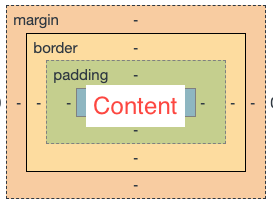
「盒模型」將每個 HTML 元素視為有多層的方框:
- 物件內容(
height與width屬性) - 內距(content 之外)
- 邊框(介於內距與外距之間)
- 外距(邊框之外,用來與其他元素分隔)
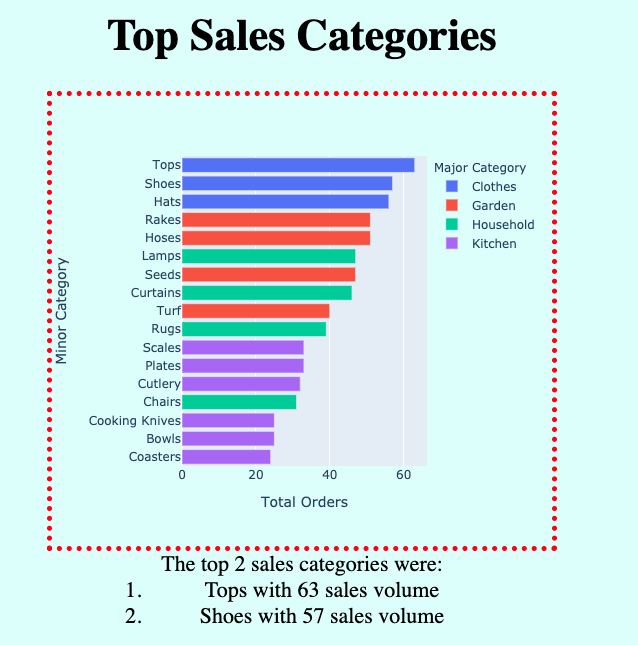
在應用中加上邊框
CSS 間距
$$
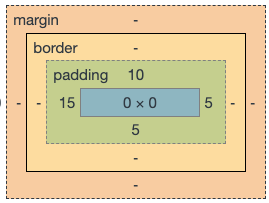
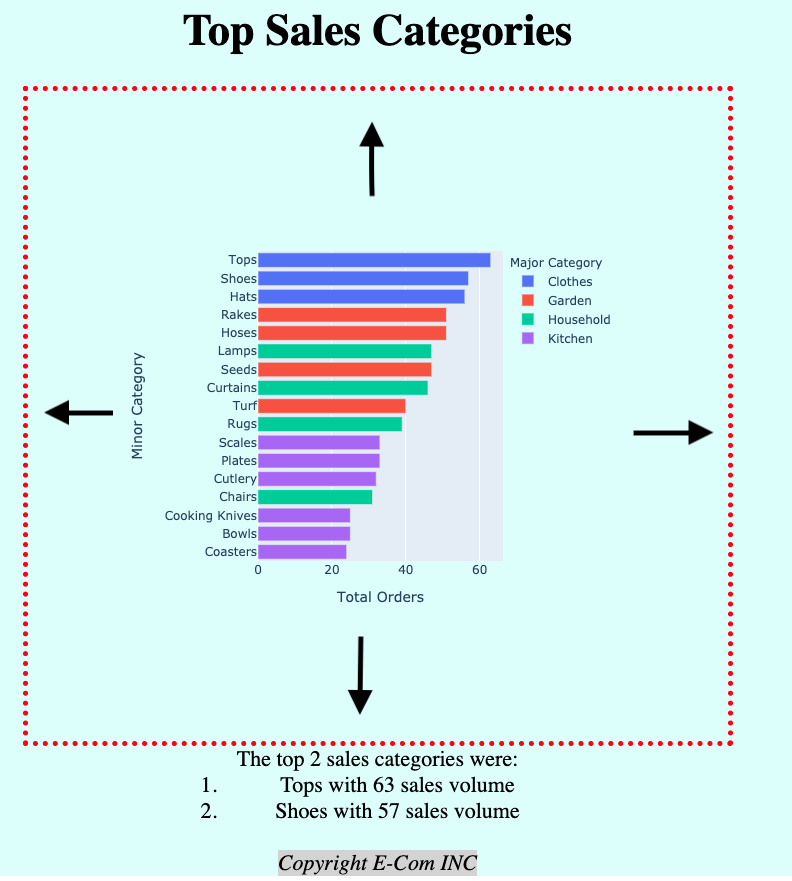
在 Dash 中加入內距
無內距:
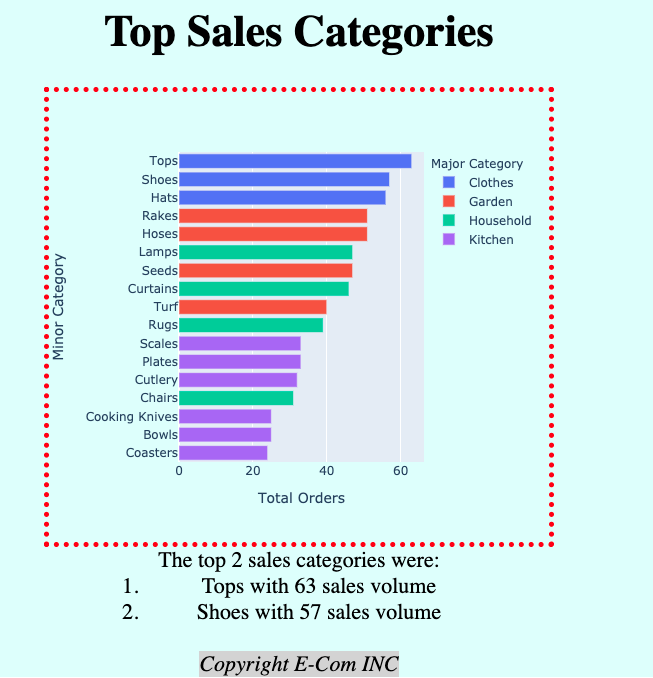
加入 'padding':'100px':
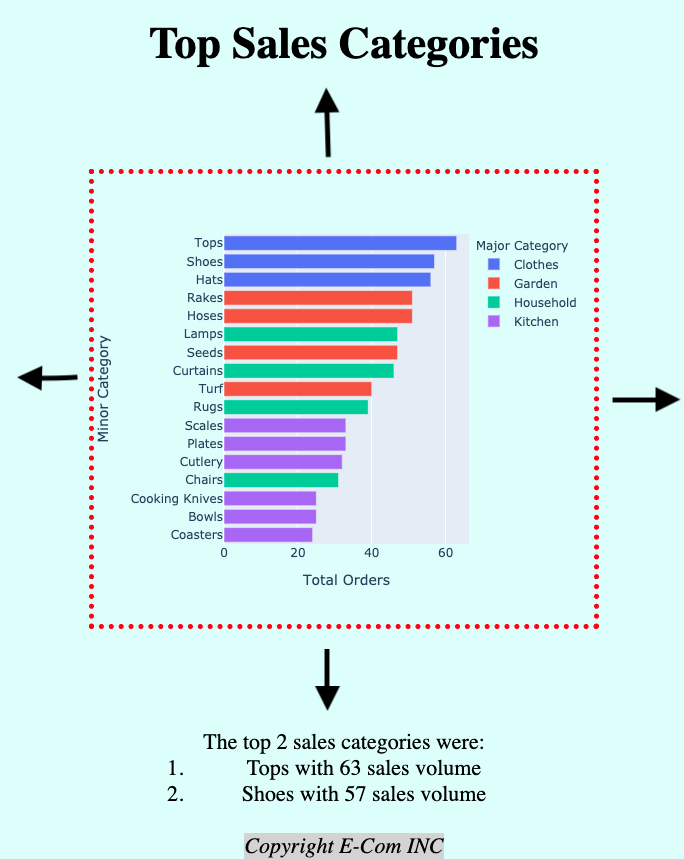
在 Dash 中加入外距
無外距:
加入 margin: 100px auto:
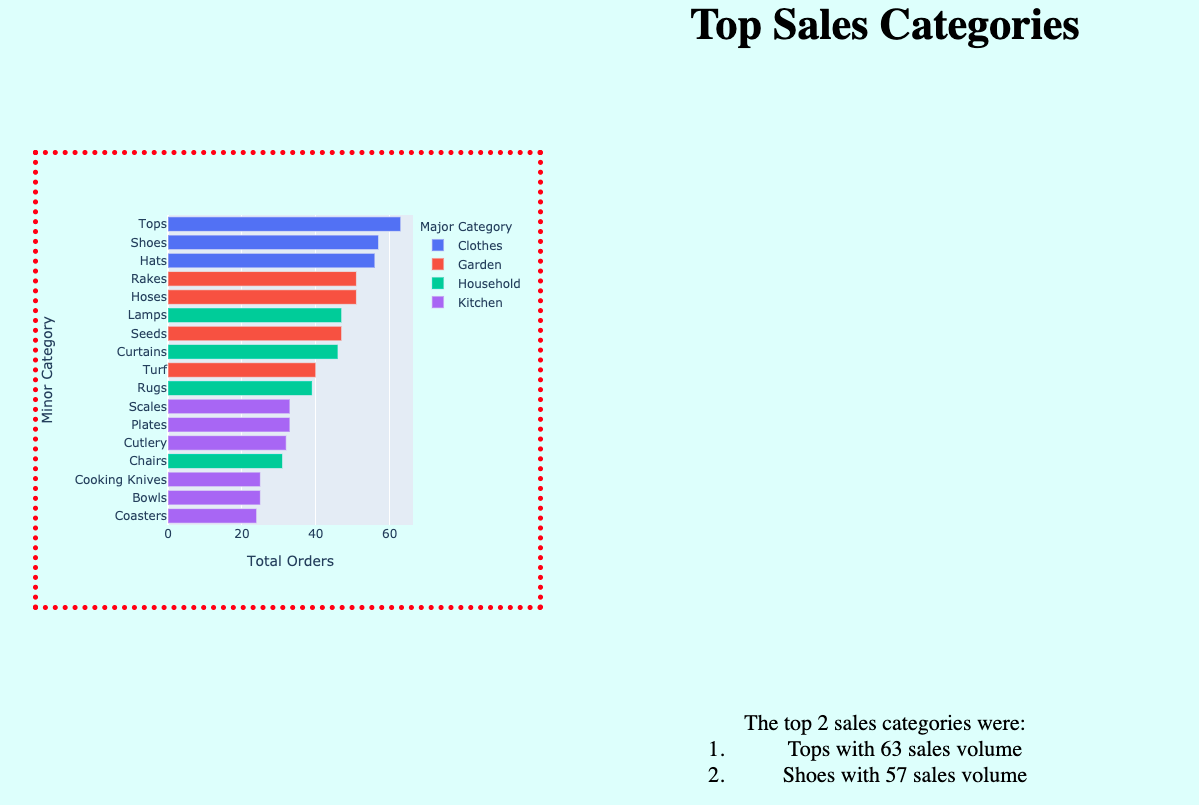
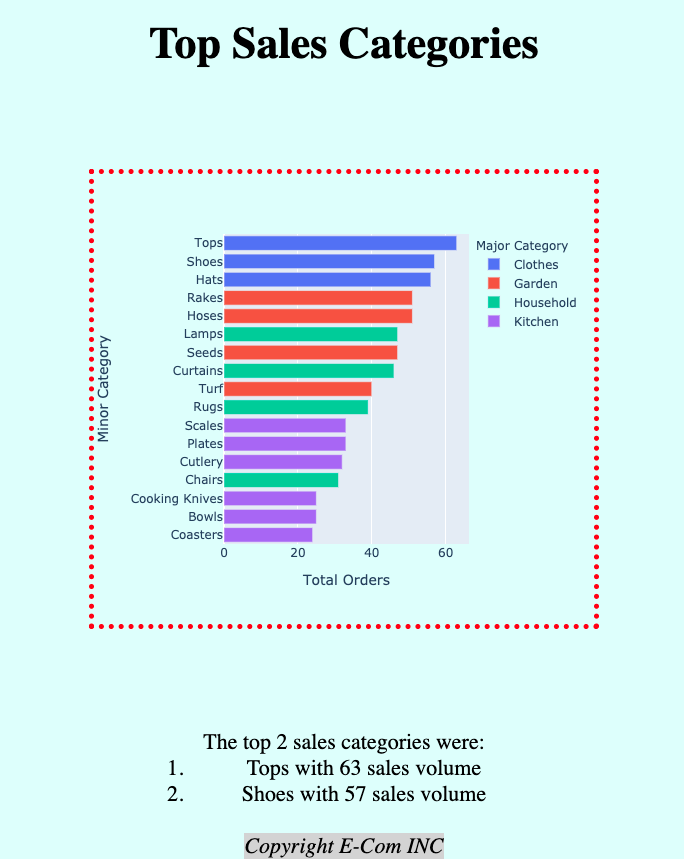
用 auto 外距置中
範例:'margin':'100px'
範例:'margin':'100px auto'
inline-block 元素
$$