進階提示策略

Amazon Bedrock 入門

Nikhil Rangarajan

Data Scientist

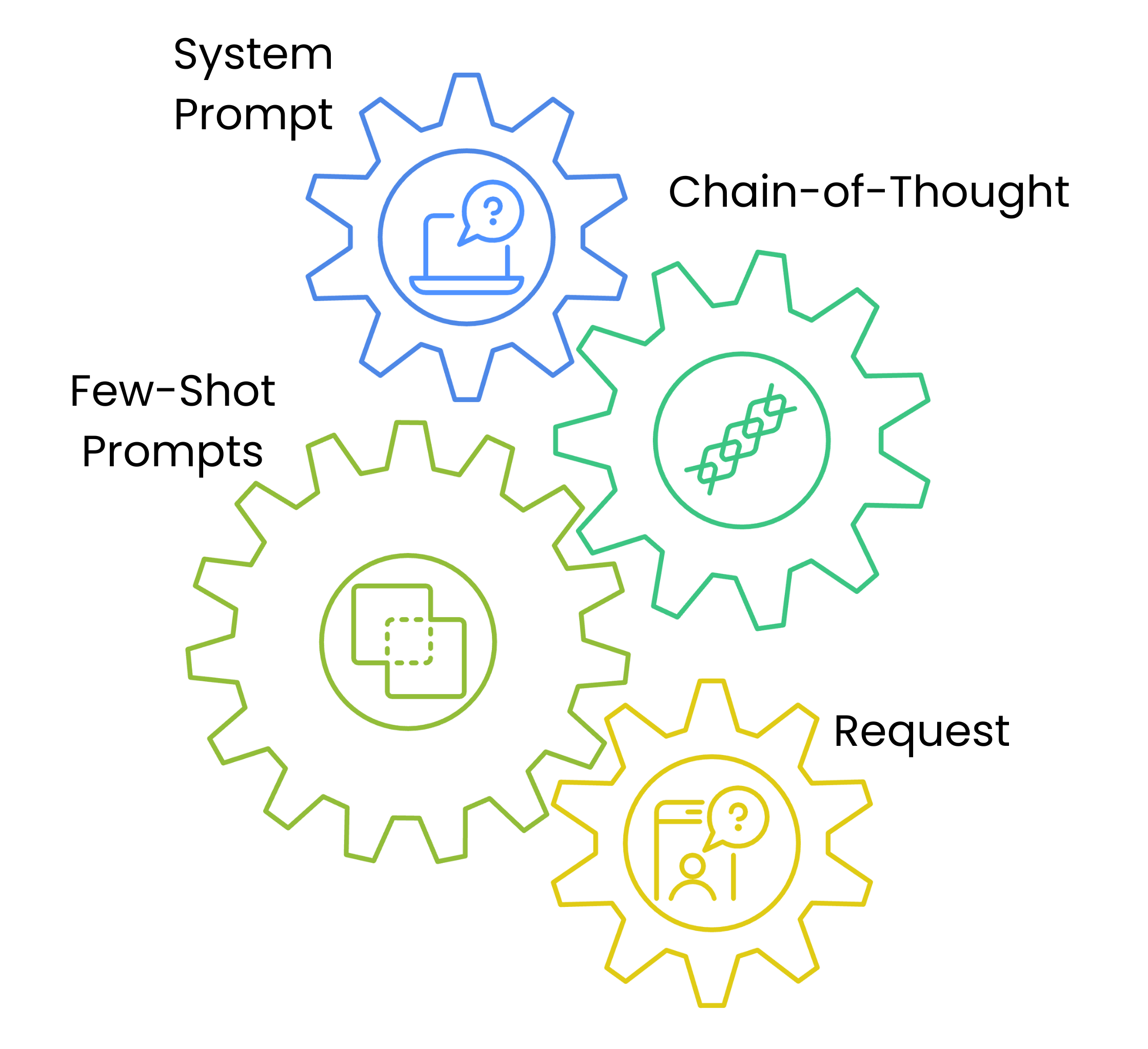
提示架構

  • 系統提示設定風格與取徑
  • 思路鏈提示提供解題架構
  • 少樣本提示給範例
  • 逐層加深理解,提升穩定性

一張含四個連動齒輪的圖,依序顯示提示架構:System Prompt、Chain of Thought Steps、Few-Shot Examples、Content Request。

Amazon Bedrock 入門

系統提示與風格控制

prompt_template = {
    "system_prompt": f"""System: Write in a professional but approachable tone.""",

"content_type": "blog_post",
"examples": [ { "title": "Cloud Migration Basics", "content": "Moving to the cloud doesn't have to be complex..." } ],
"task": f"Write a blog post about {topic}"
}
Amazon Bedrock 入門

思路鏈提示(Chain-of-thought)

def generate_message_content(text_data):
    steps = [
        "1. Understand the target audience",
        "2. Outline key points",
        "3. Draft a promotional email"
    ]

text_data["text"] += f"\nSteps:{' '.join(steps)}"
return text_data
  • 💡 引導模型的思考流程
Amazon Bedrock 入門

內容調適與參數設定

parameters = {

"blog_post": {"temperature": 0.7, "top_p": 0.9}, "social_media": {"temperature": 0.8, "top_p": 0.95},
"technical": {"temperature": 0.4, "top_p": 0.8}
}
content_type = "blog_post" prompt_data["parameters"] = parameters[content_type]
  • 依內容型態調整參數
  • 參數預設維持一致性
Amazon Bedrock 入門

用範本產生提示

# Write the prompt
topic = "Cloud Security"
content_type = "blog_post"
prompt = f"Write a {topic} blog post. Use this example: {prompt_template["examples"][0]}"


# Define the parameters temperature = parameters[content_type]["temperature"] top_p = parameters[content_type]["top_p"]
# Call the model response = bedrock.invoke_model(modelId=model_id, body=json.dumps({"messages": [{"role": "user","content": [{"type": "text", "text": prompt}]}], "temperature": temperature, "top_p": top_p}))
Amazon Bedrock 入門

一起來練習吧!

Amazon Bedrock 入門

Preparing Video For Download...