管理 AI 對話

Amazon Bedrock 入門

Nikhil Rangarajan

Data Scientist

Conversation state management in Bedrock

  • 管理對話:讓 AI 互動自然、連貫的關鍵
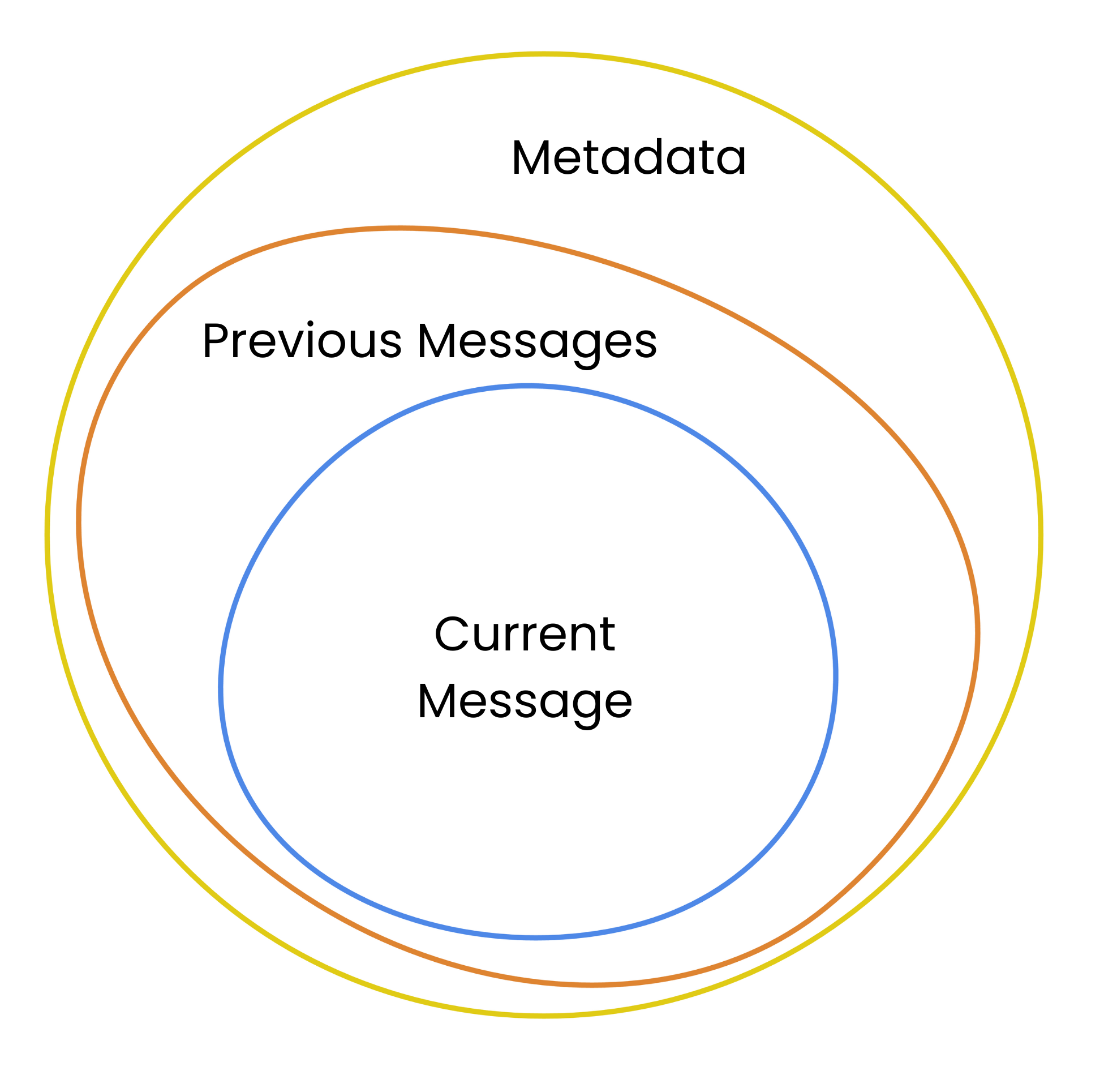
  • 對話脈絡:包含歷史與中繼資料
  • Claude 模型能納入脈絡

一張插圖,三個圓圈分別代表對話的元素:訊息、歷史與中繼資料。

Amazon Bedrock 入門

實作對話管理

  • ConversationManager 類別處理對話核心功能
  • 訊息歷史以角色儲存使用者與助理的訊息
  • 結構化作法確保可擴充與可維護性
class ConversationManager:

def __init__(self): self.bedrock = boto3.client('bedrock-runtime')
self.conversation_history = [] self.max_tokens = 8000
def add_message(self, role, content): self.conversation_history .append({"role": role,
"content": content
})
Amazon Bedrock 入門

實際使用 ConversationManager

  • 將新訊息加入對話紀錄
  • 確保使用者輸入已記錄
  • 幫助模型維持脈絡


conversation_manager = ConversationManager()
conversation_manager.add_message("user", "What's the weather like?")
Amazon Bedrock 入門

實際使用 ConversationManager

  • 轉成訊息格式
  • 限制送出的文字量
  • 將已格式化的對話送進模型
# Send the latest context to the model
conversation_history = conversation_manager.conversation_history
messages = "\n\n".join(
    f"{msg['role']}: {msg['content']}" 
    for msg in conversation_history[-2:]) # Only most recent exchanges


# Send the full message to the model response = conversation_manager.bedrock.invoke_model( modelId="amazon.nova-micro-v1:0", body=messages)
Amazon Bedrock 入門

一起來練習吧!

Amazon Bedrock 入門

Preparing Video For Download...