物件:R 的基石

給 SAS 使用者的 R

Melinda Higgins, PhD

Research Professor/Senior Biostatistician Emory University

物件是 R 的基礎積木
  • 在 R 中,一切都是物件
  • 單一值(純量)
  • 向量
  • 矩陣
  • 資料集
  • 函式輸出

物件 abc 基礎積木

給 SAS 使用者的 R

操作單一元素

  • 建立物件 x
  • 指派數值 4 給 x
  • 檢視 x 內容
  • [1] 表示 x 有 1 個元素
  • 建立 y 為 x 的平方
  • 檢視結果,輸入 y
x <- 4
x
[1] 4
y <- x * x
y
[1] 16
給 SAS 使用者的 R

其他元素型別

  • 指派字詞「fish」給 y
  • 指派布林值 FALSEz
  • 檢視 yz
y <- "fish"
z <- FALSE
y
z
[1] "fish"

[1] FALSE
給 SAS 使用者的 R

將單一元素組成向量

# Combine three numbers
c(5, 3, 2)

三個數字 5 3 2

給 SAS 使用者的 R

將單一元素組成向量

# Assign numeric vector to x
x <- c(5, 3, 2)

# View result
x

Result

[1] 5 3 2

5 3 2 組成欄向量

給 SAS 使用者的 R

建立字元向量

# Add word child into character vector
y <- c("child")

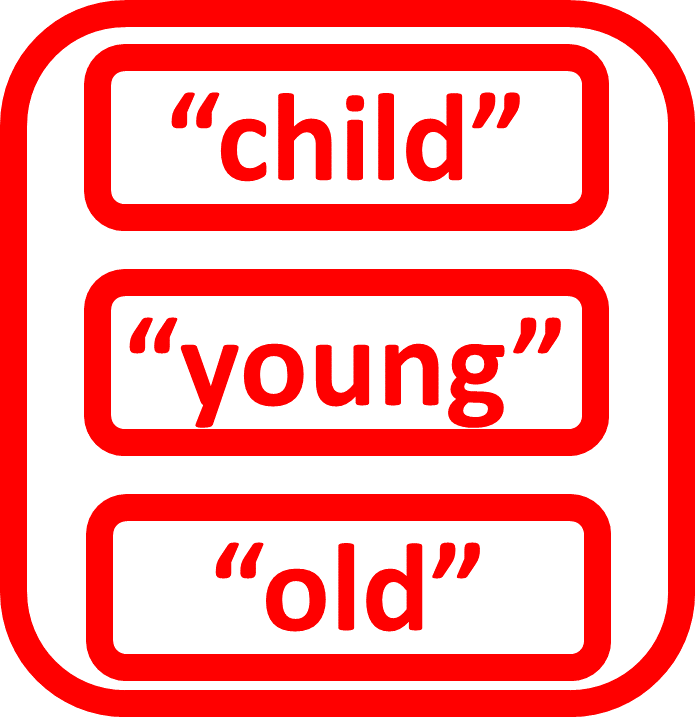
組合三個單字 child

給 SAS 使用者的 R

建立字元向量

# Add second word young
y <- c("child", "young")

young

給 SAS 使用者的 R

建立字元向量

# Add third word old
y <- c("child", "young", "old")

# View y
y

Result

[1] "child" "young" "old"

old

給 SAS 使用者的 R

建立布林向量

# Add TRUE into logical vector
z <- c(TRUE)
  • 第 1 個元素為 TRUE
  • 不需雙引號
  • 布林元素為 TRUEFALSE
  • 必須使用 ALL CAPS
  • 也可用 TF

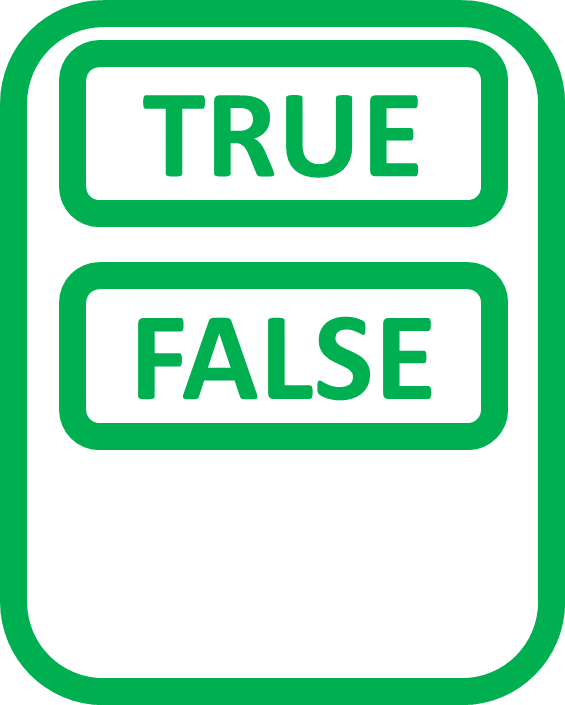
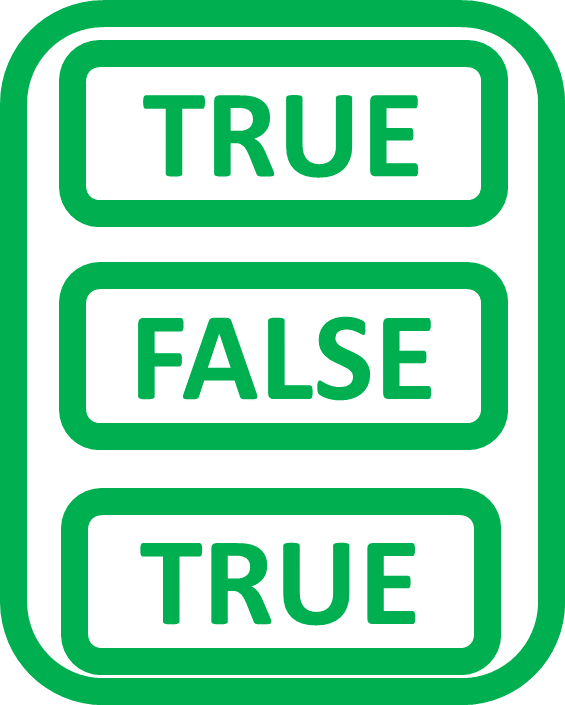
組合三個布林值 true 全大寫

給 SAS 使用者的 R

建立布林向量

# Add FALSE as second element
z <- c(TRUE, FALSE)

false 全大寫

給 SAS 使用者的 R

建立布林向量

# Add third element TRUE
z <- c(TRUE, FALSE, TRUE)

# View z
z

Result

[1]  TRUE FALSE TRUE

true 全大寫

給 SAS 使用者的 R

由向量建立矩陣

#  Create numeric vector a
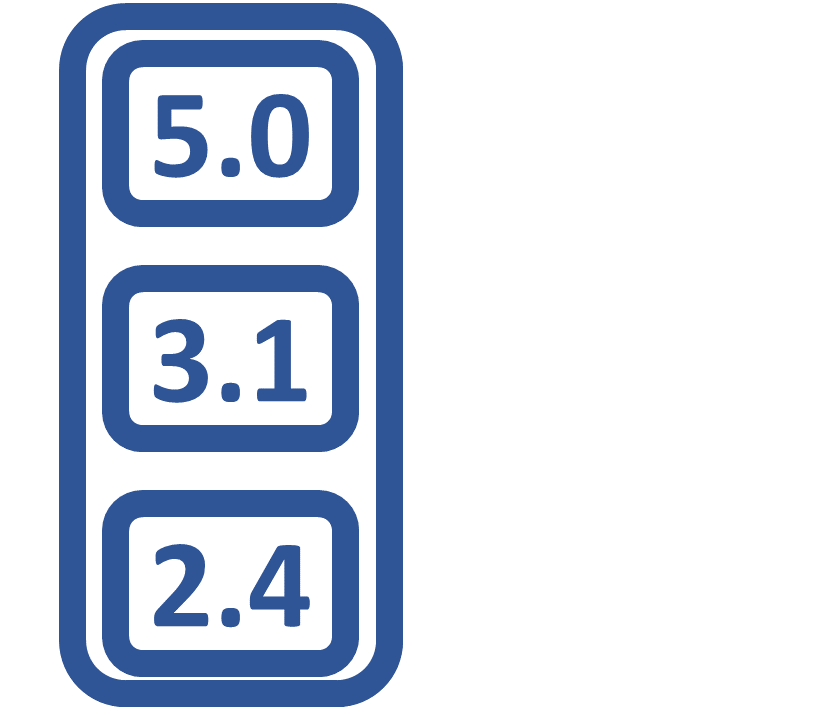
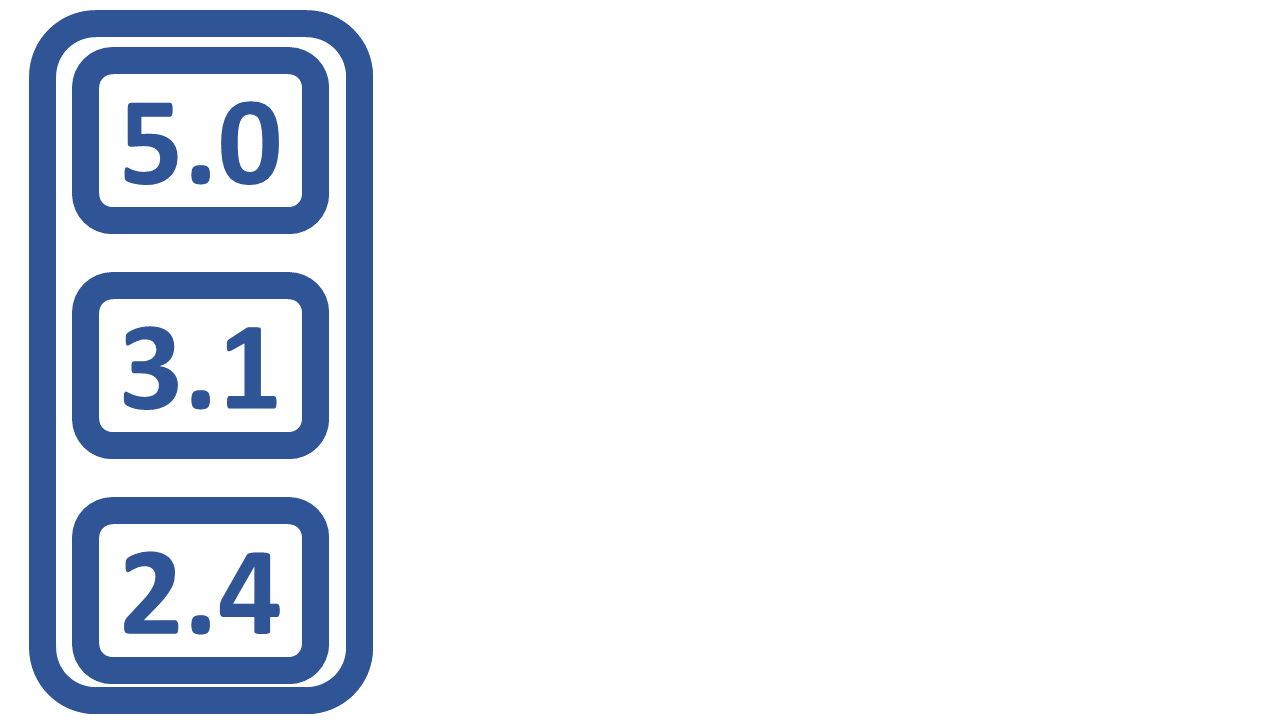
a <- c(5.0, 3.1, 2.4)
  • 以向量建立矩陣
  • 向量需同型且同長

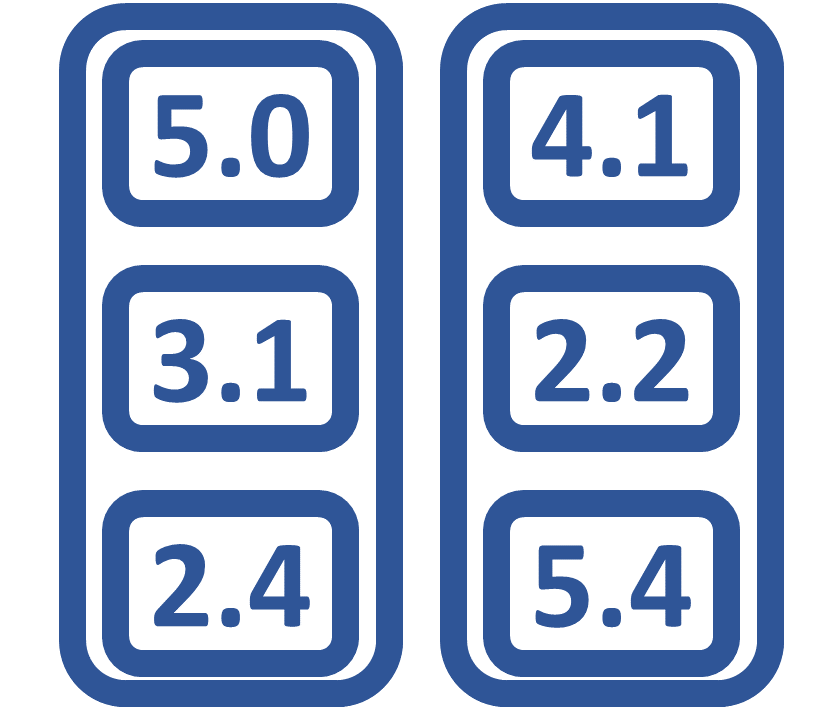
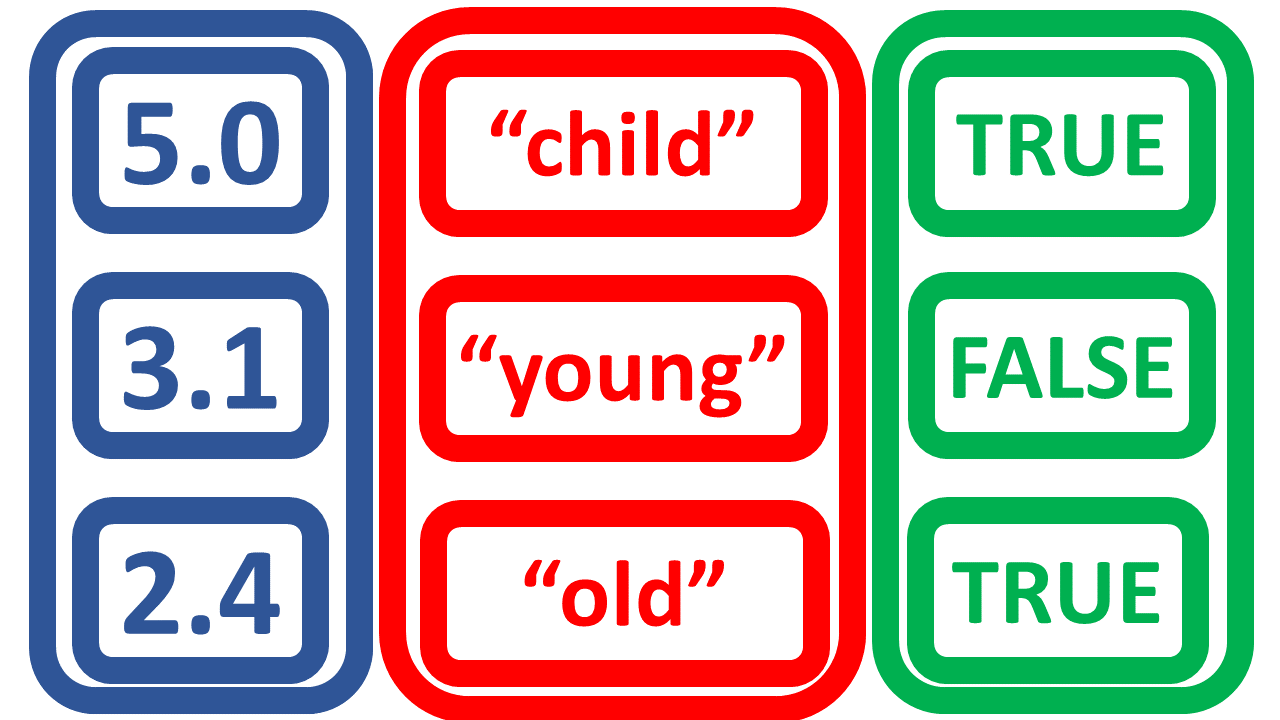
第一個向量數字 5.0 3.1 2.4

給 SAS 使用者的 R

由向量建立矩陣

#  Create numeric vector a
a <- c(5.0, 3.1, 2.4)

#  Create numeric vector b
b <- c(4.1, 2.2, 5.4)

第二個向量 4.1 2.2 5.4

給 SAS 使用者的 R

由向量建立矩陣

# Make m from a,b with 3 rows 2 columns
m <- matrix(c(a, b),
            nrow = 3,
            ncol = 2)

# View m
m
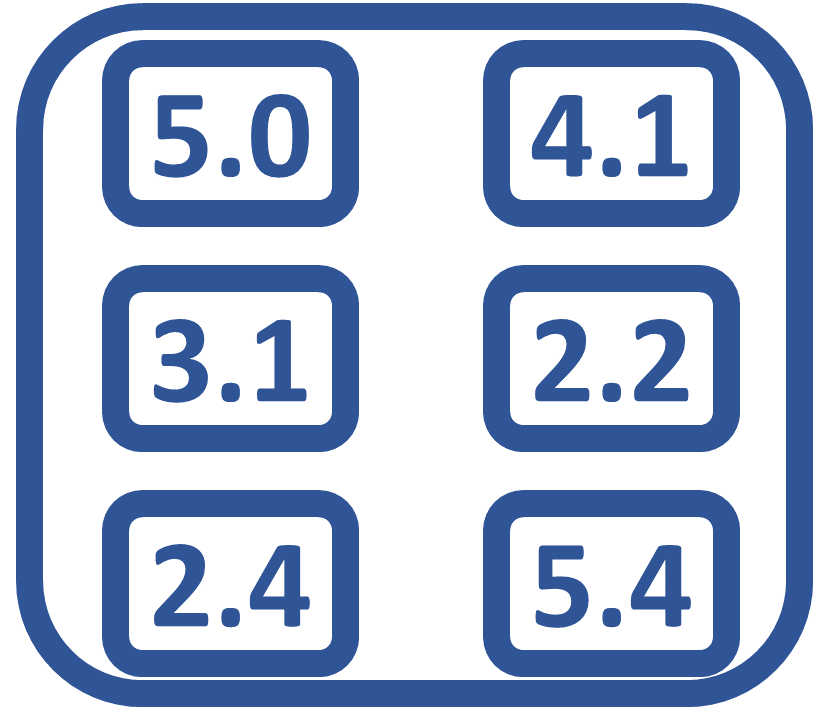
          [,1] [,2]
     [1,]  5.0  4.1
     [2,]  3.1  2.2
     [3,]  2.4  5.4

將向量組成 3 列 2 欄矩陣

給 SAS 使用者的 R

由向量建立資料框

# Create numeric variable score
score <- c(5.0, 3.1, 2.4)

# View score
score
     5.0 3.1 2.4
  • 資料框由向量建立
  • 向量需同長
  • 向量可為不同型別

數值向量 5.0 3.1 2.4

給 SAS 使用者的 R

由向量建立資料框

# Create character variable age
age <- c("child","young","old")

# View age
age
     "child" "young" "old"

字元向量含 child young old

給 SAS 使用者的 R

由向量建立資料框

# Create logical variable test
test <- c(TRUE, FALSE, TRUE)

# View test
test
     TRUE FALSE TRUE

布林向量 true false true

給 SAS 使用者的 R

由向量建立資料框

# Combine to create data frame
d <- data.frame(score, age, test)

# View data frame
d
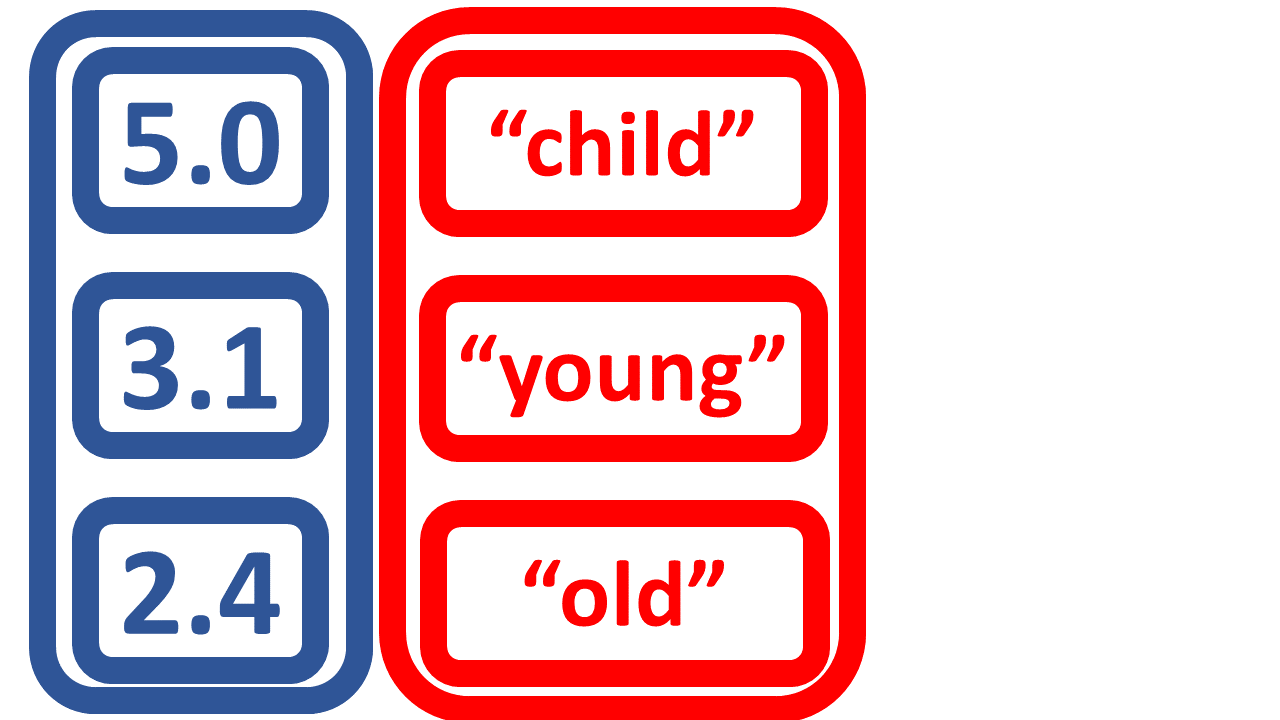
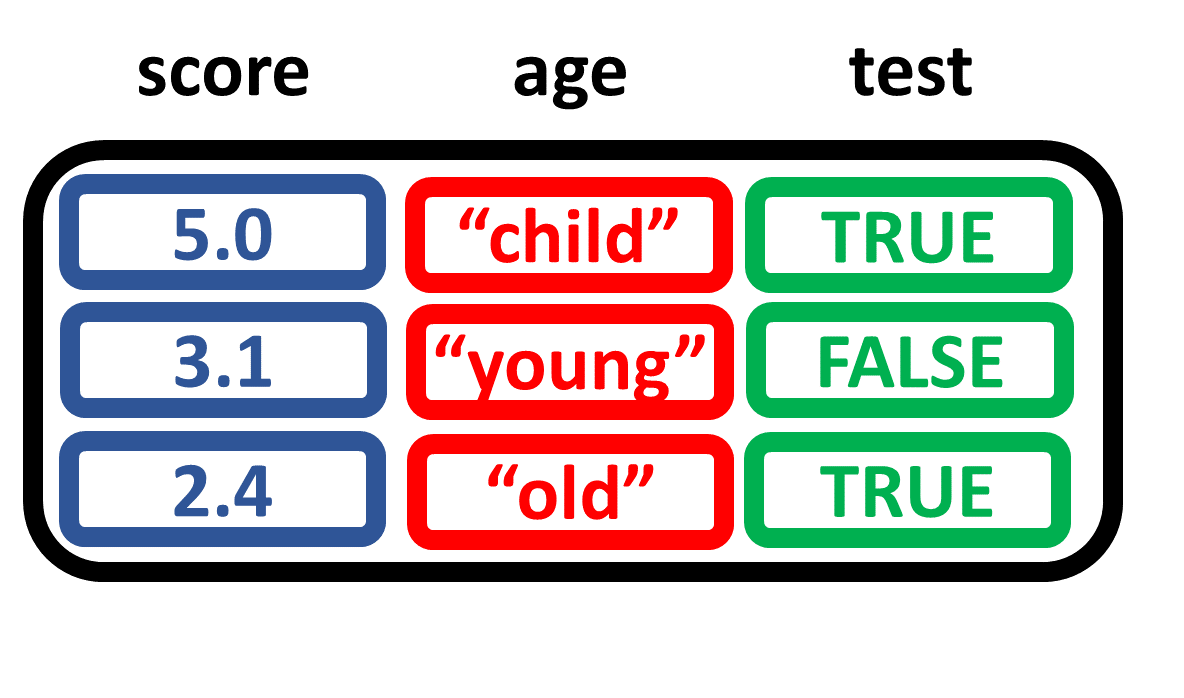
     score   age  test
       5.0 child  TRUE
       3.1 young FALSE
       2.4   old  TRUE

三個向量組成資料框

給 SAS 使用者的 R

判斷物件型別

  • 建立數值向量 x
  • 判斷 xclass
  • 檢視 x 的結構 str
x <- c(5, 3, 2)
class(x)
 [1] "numeric"
str(x)
 num [1:3] 5 3 2
給 SAS 使用者的 R

判斷物件型別

  • 字元向量 y;布林向量 z
  • 判斷 yzclass
  • 檢視 yz 的結構 str
str(y)
 chr [1:3] "child" "young" "old"
str(z)
 logi [1:3] TRUE FALSE TRUE
y <- c("child","young","old")
z <- c(TRUE, FALSE, TRUE)
class(y)
 [1] "character"
class(z)
 [1] "logical"
給 SAS 使用者的 R

判斷物件型別

  • 建立矩陣 m
  • 取得 m 的類別
  • 檢視 m 的結構 str
str(m)
 num [1:3, 1:2] 5 3.1 2.4 4.1 2.2 5.4
a <- c(5.0, 3.1, 2.4)
b <- c(4.1, 2.2, 5.4)
m <- matrix(c(a, b),
            nrow = 3,
            ncol = 2)
class(m)
 [1] "matrix"
給 SAS 使用者的 R

判斷物件型別

  • 建立 data.frame d
  • 取得 dclass
  • 檢視 d 的結構 str
str(d)
'data.frame':    3 obs. of 3 variables:
 $ score: num  5 3.1 2.4
 $ age  : Factor w/ 3 levels
         "child","old",..: 1 3 2
 $ test : logi  TRUE FALSE TRUE
score <- c(5.0, 3.1, 2.4)
age <- c("child","young","old")
test <- c(TRUE, FALSE, TRUE)
d <- data.frame(score, age, test)
class(d)
 [1] "data.frame"
1 針對 3 個年齡類別,`Factor` 類別在此已自動建立。
給 SAS 使用者的 R

一起在 R 建立並操作資料物件

給 SAS 使用者的 R

Preparing Video For Download...