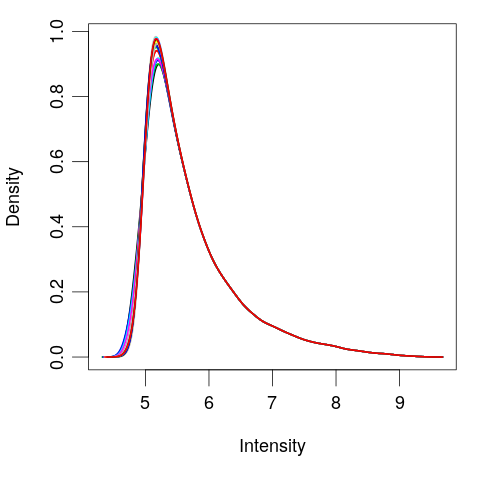
正規化與篩選
使用 R 中的 limma 進行差異表達分析

John Blischak
Instructor
視覺化
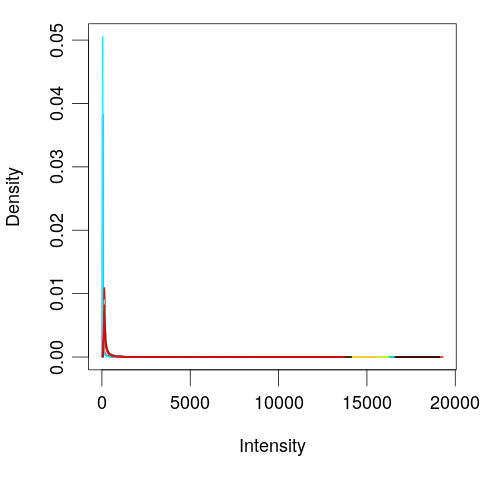
對數轉換
# Log tranform
exprs(eset) <- log(exprs(eset))
plotDensities(eset, legend = FALSE)
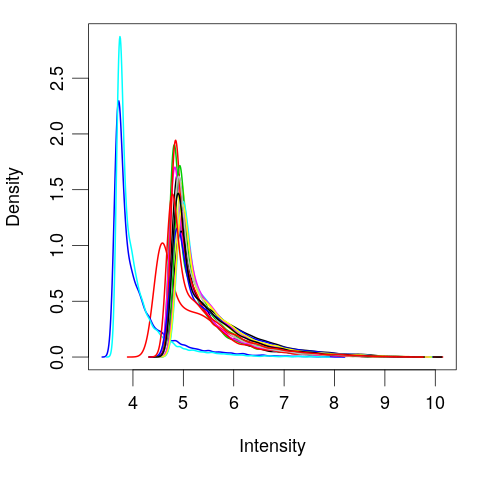
分位數正規化
# Quantile normalize exprs(eset) <- normalizeBetweenArrays(exprs(eset))plotDensities(eset, legend = FALSE)
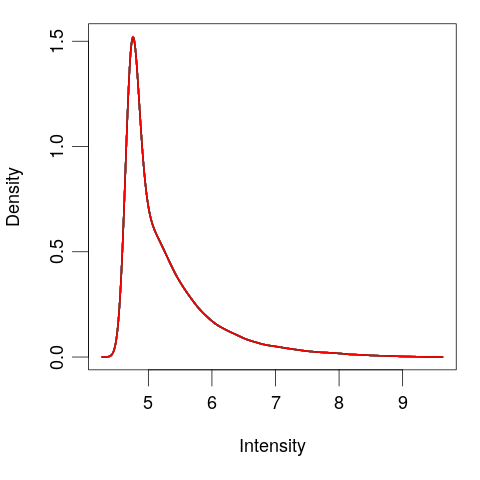
基因篩選
# View the normalized data
plotDensities(eset, legend = FALSE)
abline(v = 5)
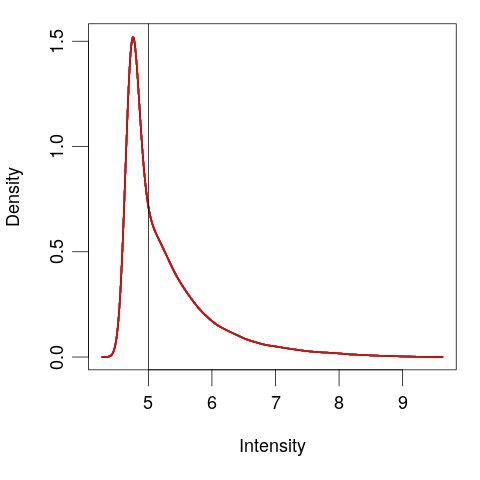
# Create logical vector
keep <- rowMeans(exprs(eset)) > 5
# Filter the genes
eset <- eset[keep, ]
plotDensities(eset, legend = FALSE)