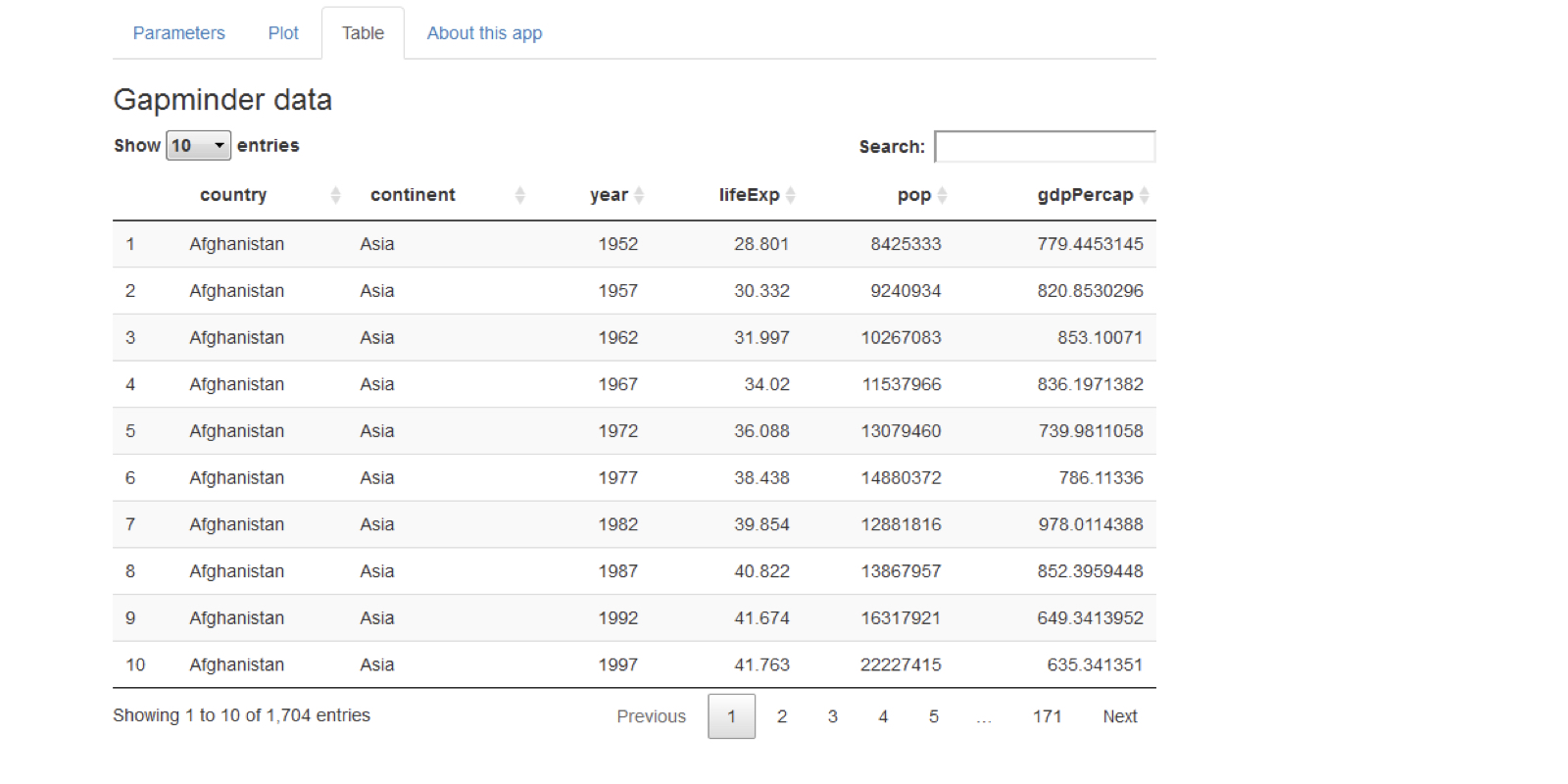
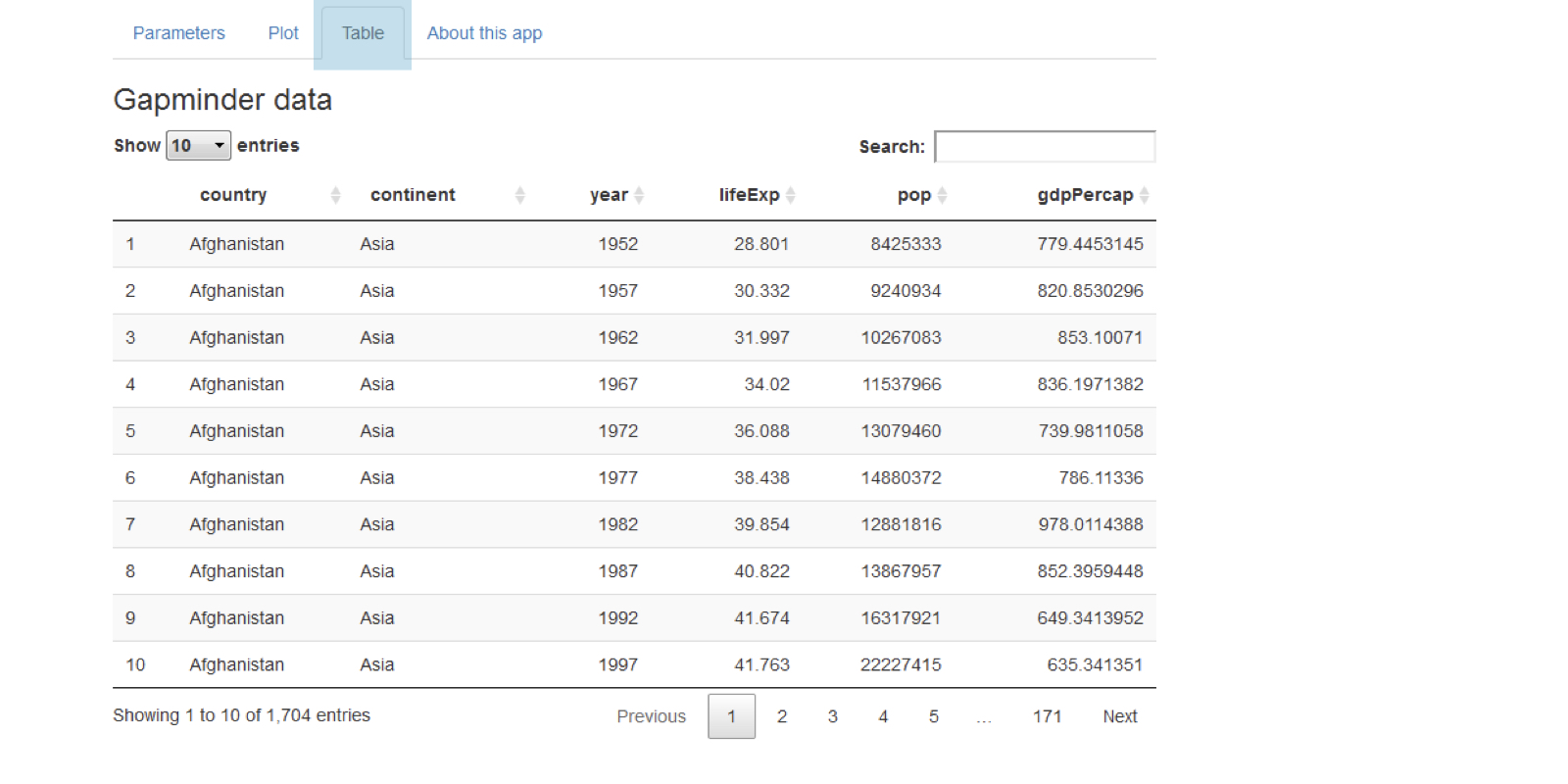
視覺強化

案例研究:使用 R 的 Shiny 建置網頁應用程式

Dean Attali

Shiny Consultant

Shiny 表格

tableOutput("table")

output$table <- renderTable({ gapminder })
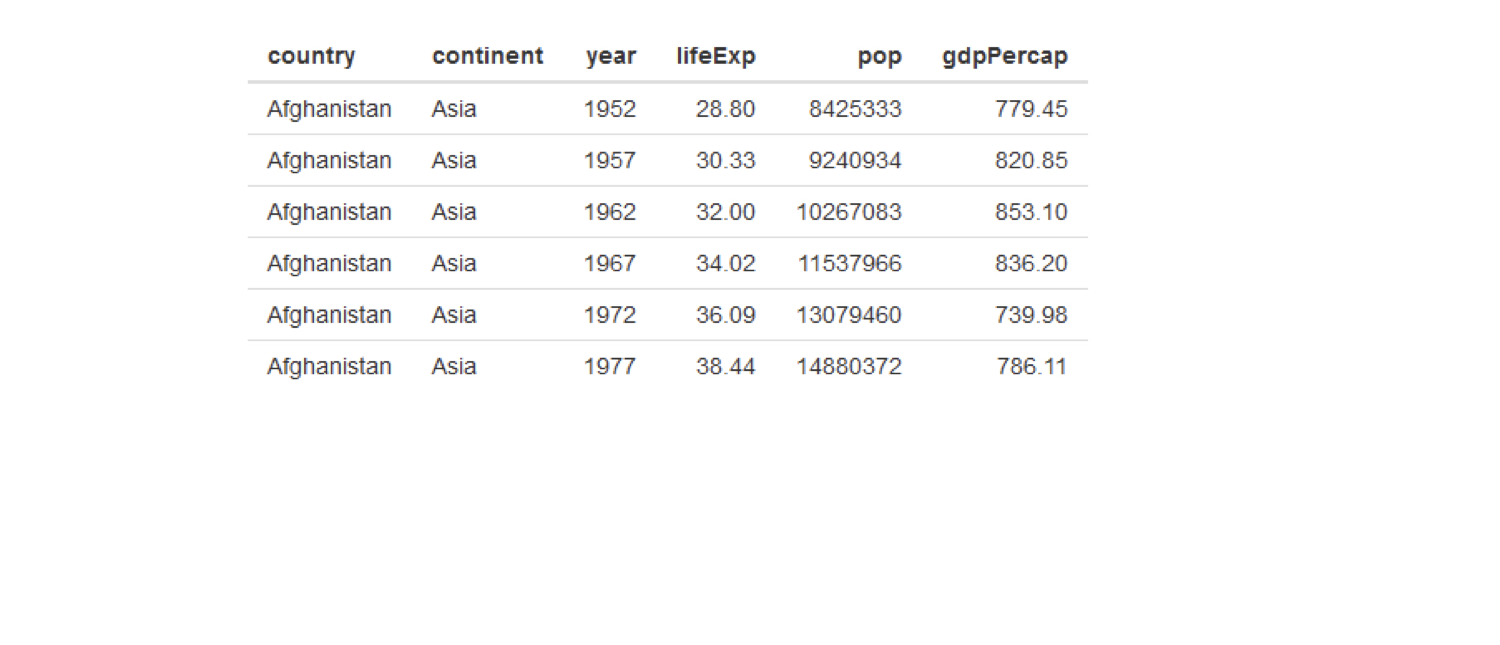
chapter3_4_visual_enhancements.003.png

案例研究:使用 R 的 Shiny 建置網頁應用程式

用 DT 做更好的表格

DT::dataTableOutput("table")

output$table <- DT::renderDataTable({ gapminder })
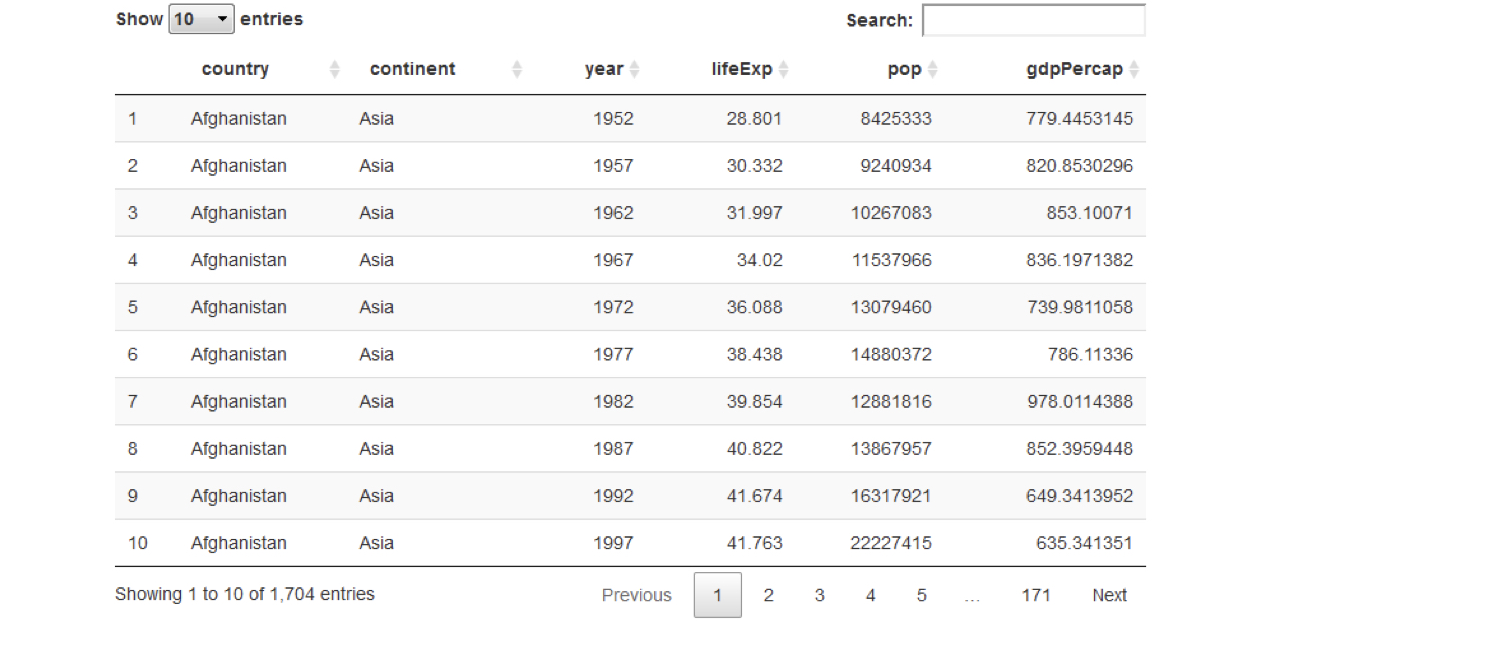
chapter3_4_visual_enhancements.004.png

案例研究:使用 R 的 Shiny 建置網頁應用程式

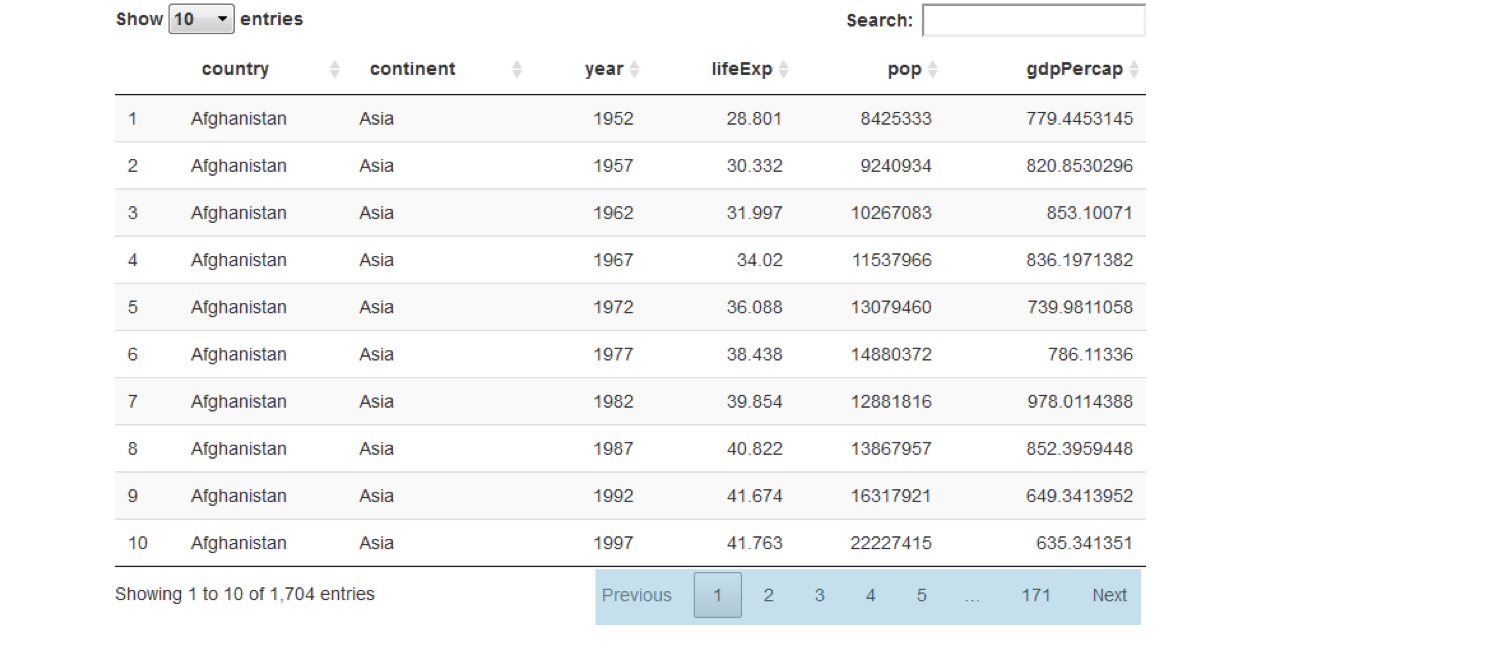
用 DT 做更好的表格

DT::dataTableOutput("table")

output$table <- DT::renderDataTable({ gapminder })
chapter3_4_visual_enhancements.005.png

案例研究:使用 R 的 Shiny 建置網頁應用程式

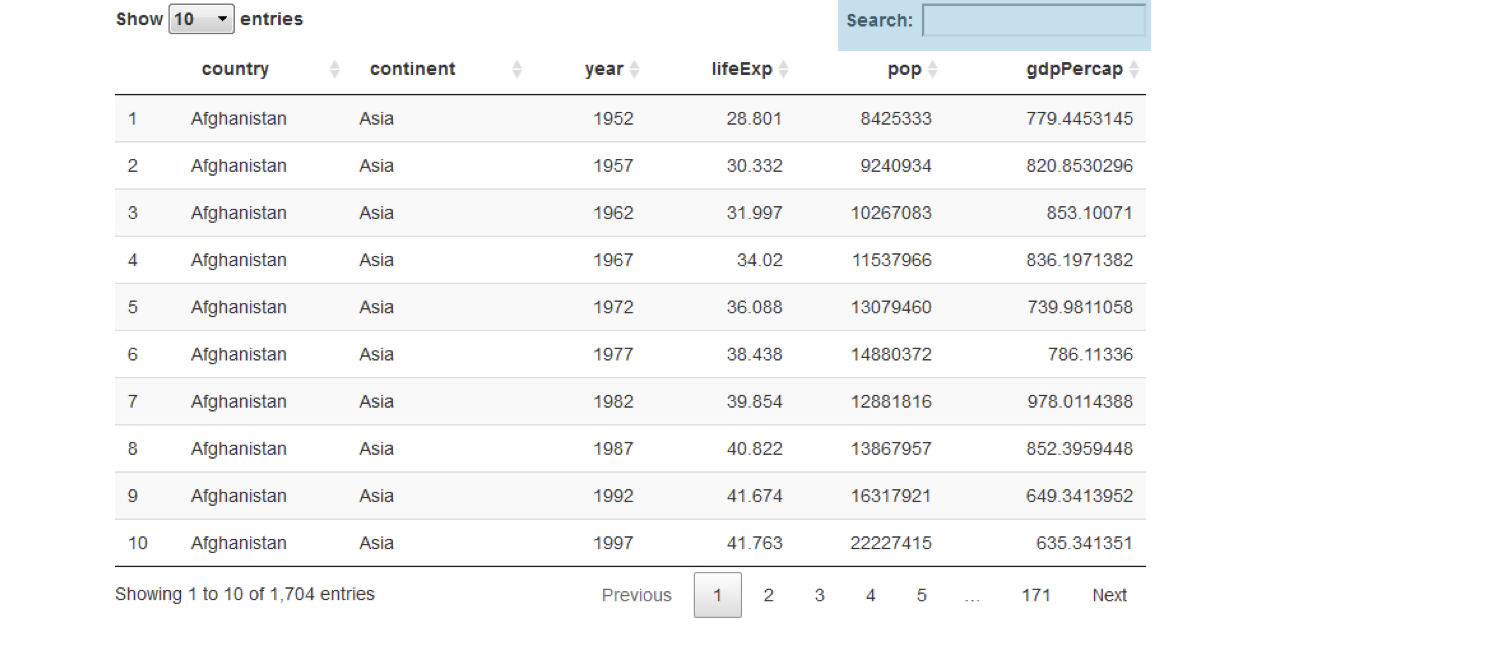
用 DT 做更好的表格

DT::dataTableOutput("table")

output$table <- DT::renderDataTable({ gapminder })
chapter3_4_visual_enhancements.006.png

案例研究:使用 R 的 Shiny 建置網頁應用程式

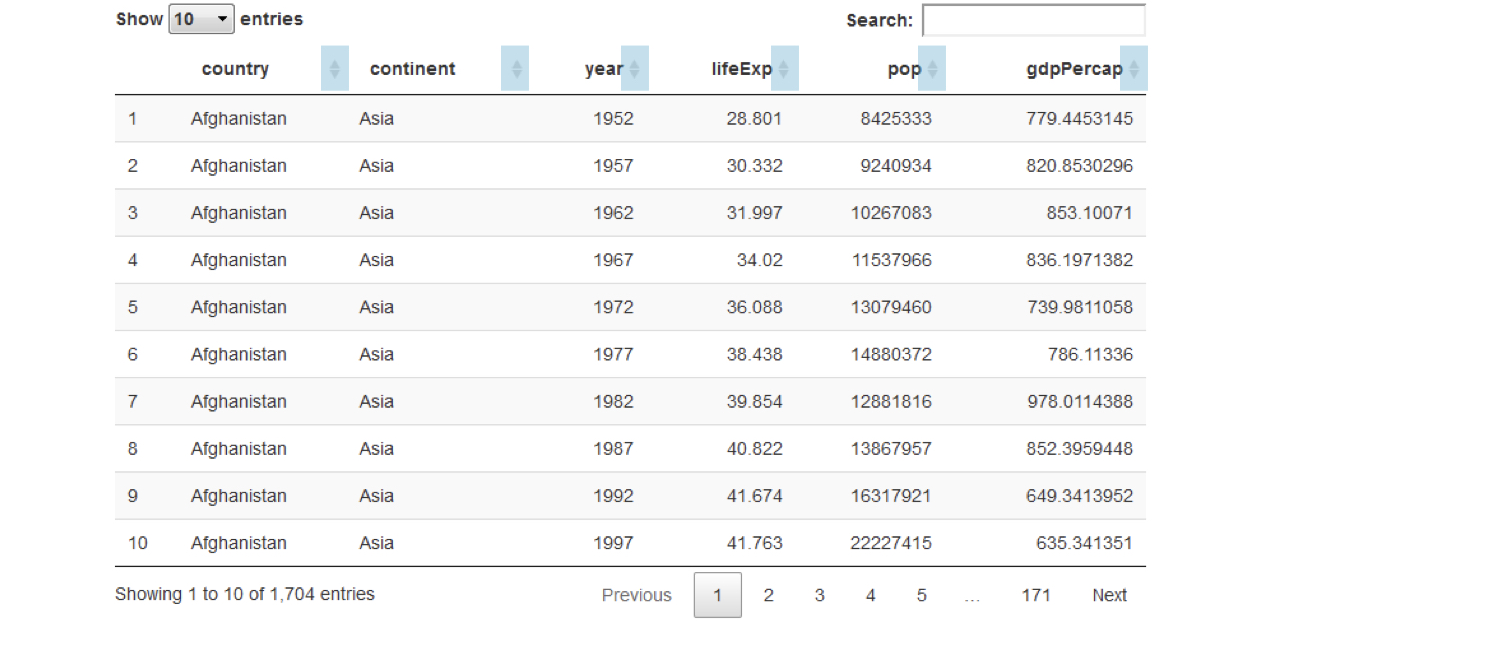
用 DT 做更好的表格

DT::dataTableOutput("table")

output$table <- DT::renderDataTable({ gapminder })
chapter3_4_visual_enhancements.007.png

案例研究:使用 R 的 Shiny 建置網頁應用程式

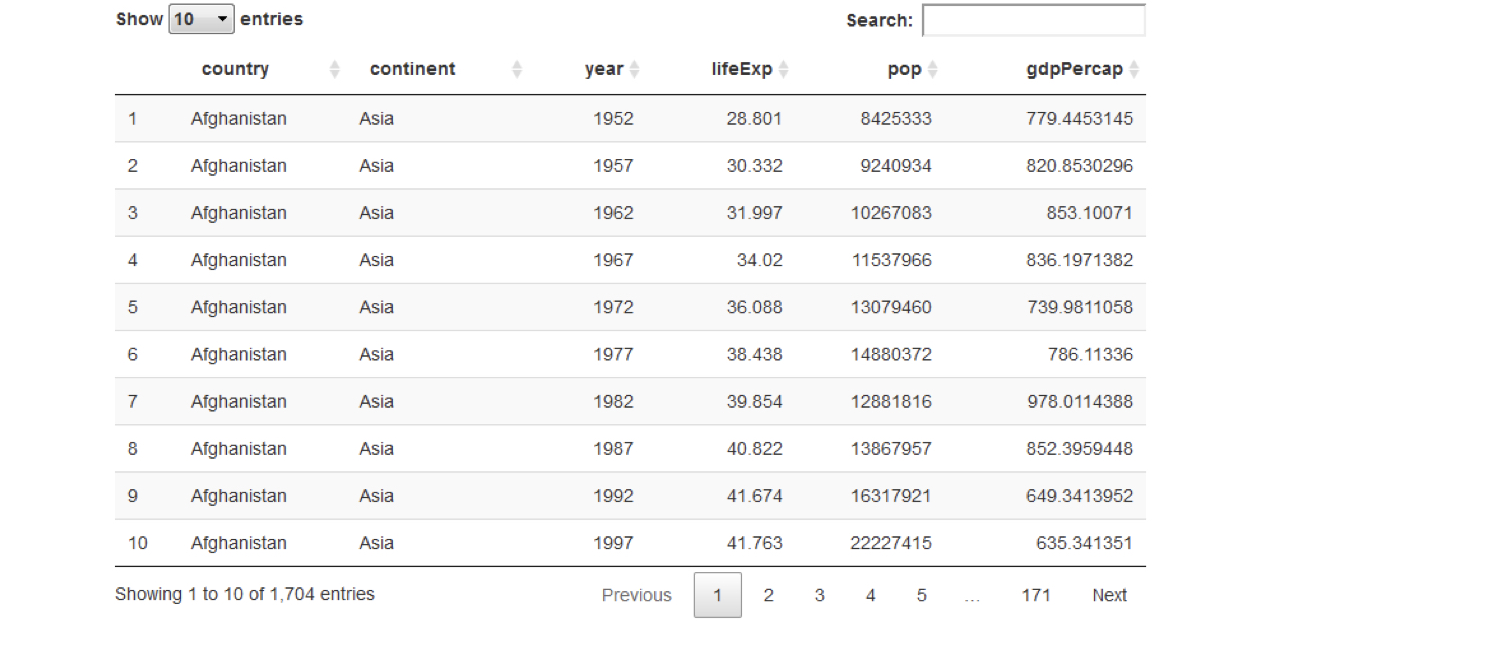
用 DT 做更好的表格

DT::dataTableOutput("table")

output$table <- DT::renderDataTable({ gapminder })
chapter3_4_visual_enhancements.008.png

案例研究:使用 R 的 Shiny 建置網頁應用程式

把 UI 分成多個分頁

chapter3_4_visual_enhancements.009.png

案例研究:使用 R 的 Shiny 建置網頁應用程式

把 UI 分成多個分頁

chapter3_4_visual_enhancements.010.png

案例研究:使用 R 的 Shiny 建置網頁應用程式

把 UI 分成多個分頁

tabPanel(title = "tab 1", "content goes here")

tabPanel(title = "tab 2", "second tab", plotOutput("plot"))
fluidPage(

tabsetPanel(
tabPanel(title = "tab 1", "first tab content goes here"), tabPanel(title = "tab 2", "second tab", plotOutput("plot")), tabPanel(title = "tab 3", textInput("text", "Name", ""))
)
)

chapter3_4_visual_enhancements.016.png

案例研究:使用 R 的 Shiny 建置網頁應用程式

CSS:微調應用外觀

  • Cascading Style Sheets
  • 用標記語言自訂網頁中任何元素的外觀
    • Shiny 的 UI 就是網頁
  • 背景色、文字色、字級、留白、字型等
案例研究:使用 R 的 Shiny 建置網頁應用程式

CSS 語法

  • CSS 規則語法

    #ID {
      property: value;
      property: value;
      ...
    }
    
  • ID 是要套用樣式的元素 ID

  • 在 Shiny 中加入 CSS,使用 tags$style()

    ui <- fluidPage(
      tags$style("
        #ID {
          property: value;
        }
      ")
    )
    
案例研究:使用 R 的 Shiny 建置網頁應用程式

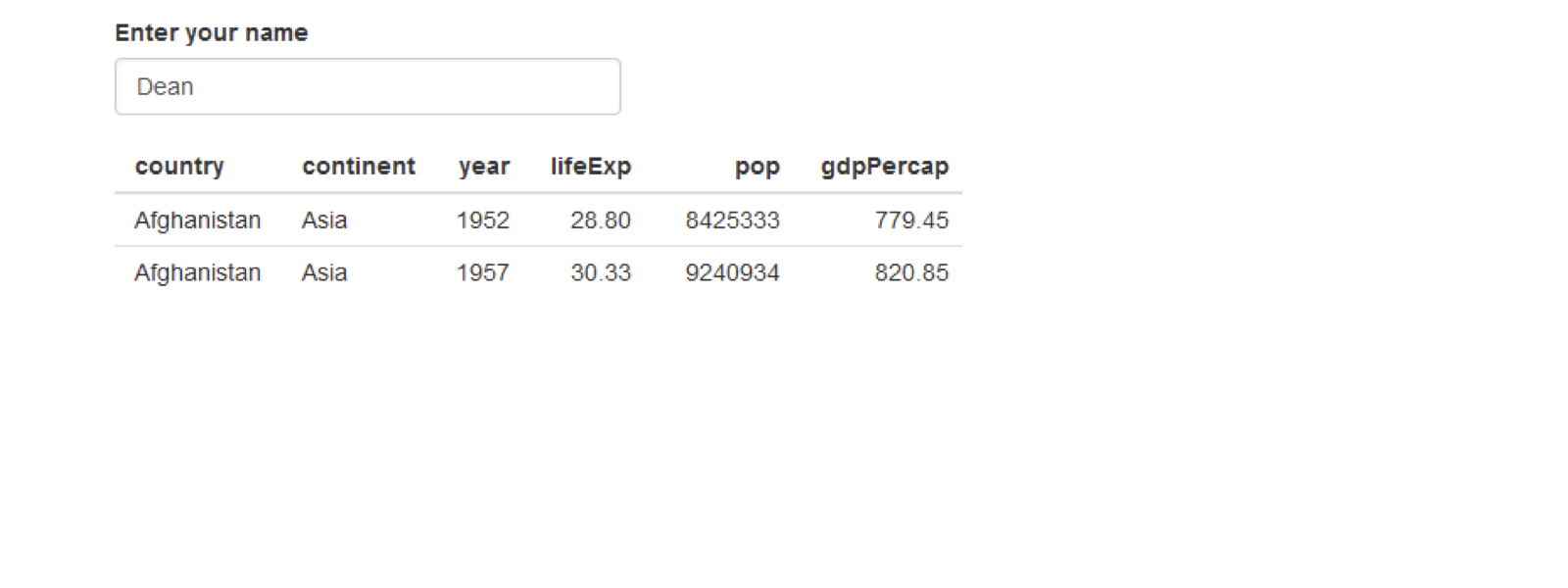
CSS 範例

ui <- fluidPage(
  textInput("name", "Enter your name", "Dean"),
  tableOutput("table")
)
chapter3_4_visual_enhancements.029.png

案例研究:使用 R 的 Shiny 建置網頁應用程式

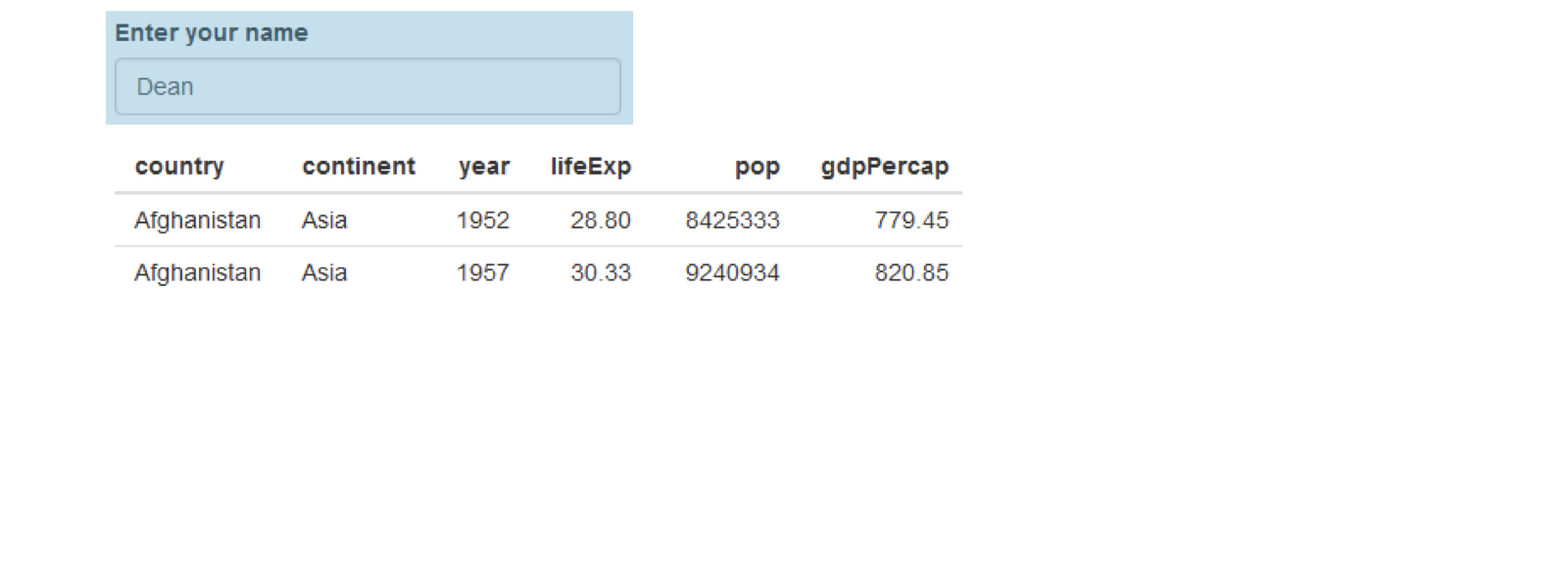
CSS 範例

ui <- fluidPage(
  textInput("name", "Enter your name", "Dean"),
  tableOutput("table")
)
chapter3_4_visual_enhancements.030.png

案例研究:使用 R 的 Shiny 建置網頁應用程式

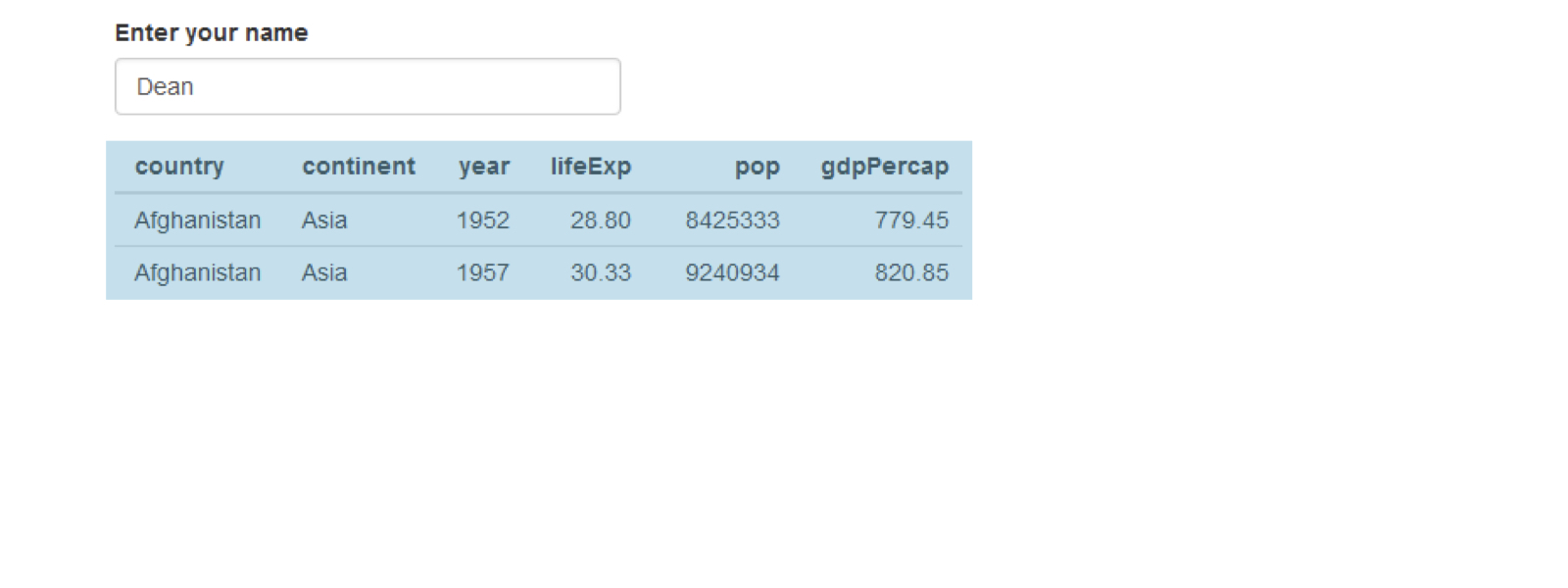
CSS 範例

ui <- fluidPage(
  textInput("name", "Enter your name", "Dean"),
  tableOutput("table")
)
chapter3_4_visual_enhancements.031.png

案例研究:使用 R 的 Shiny 建置網頁應用程式

CSS 範例

ui <- fluidPage(
  textInput("name", "Enter your name", "Dean"),
  tableOutput("table")
)
chapter3_4_visual_enhancements.032.png

案例研究:使用 R 的 Shiny 建置網頁應用程式

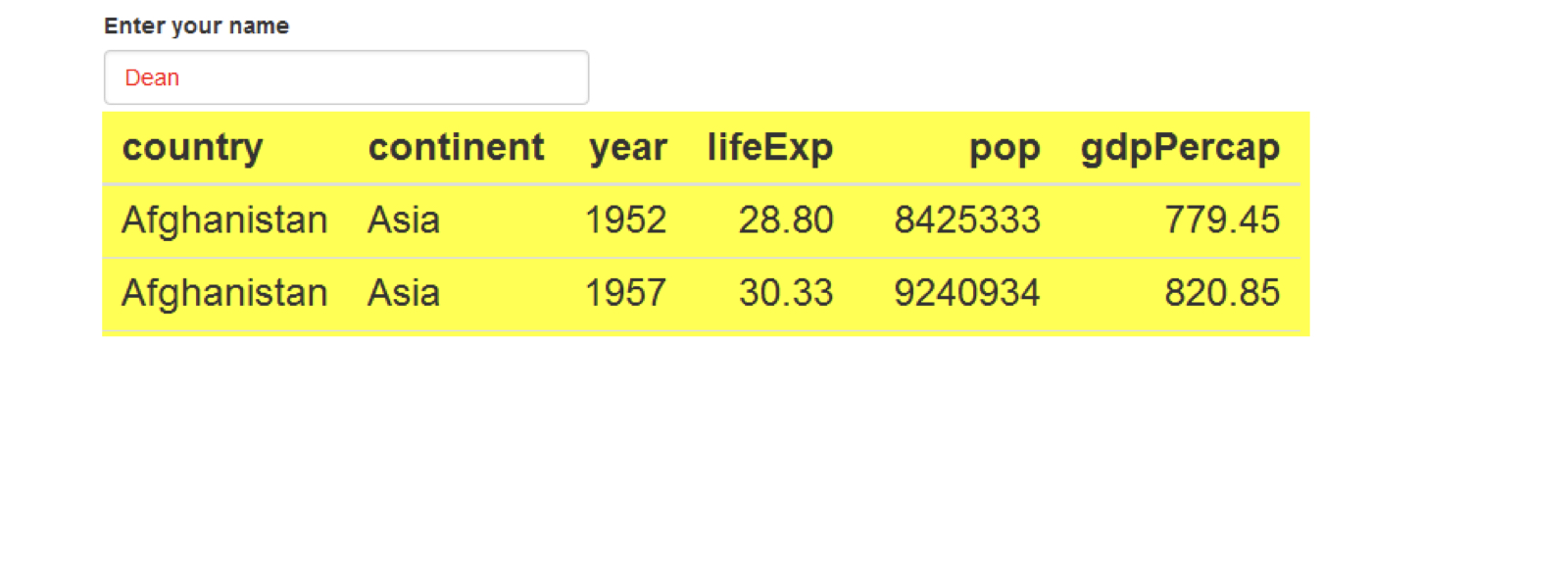
CSS 範例

css <- "

#name { color: red; }
#table { background: yellow; font-size: 24px; }
"
ui <- fluidPage(

tags$style(css),
textInput("name", "Enter your name", "Dean"), tableOutput("table") )
案例研究:使用 R 的 Shiny 建置網頁應用程式

一起來練習吧!

案例研究:使用 R 的 Shiny 建置網頁應用程式

Preparing Video For Download...