加入文字來源

案例研究:使用 R 的 Shiny 建置網頁應用程式

Dean Attali

Shiny Consultant

多行文字輸入(Textarea)

  • data 參數是文字,要用 textInput()

    加入文字來源的範例介面

  • textAreaInput() 類似,但可輸入多行

    textAreaInput(inputId, label, value, rows, ...)

    

textAreaInput 多行文字輸入

案例研究:使用 R 的 Shiny 建置網頁應用程式

檔案輸入 - UI

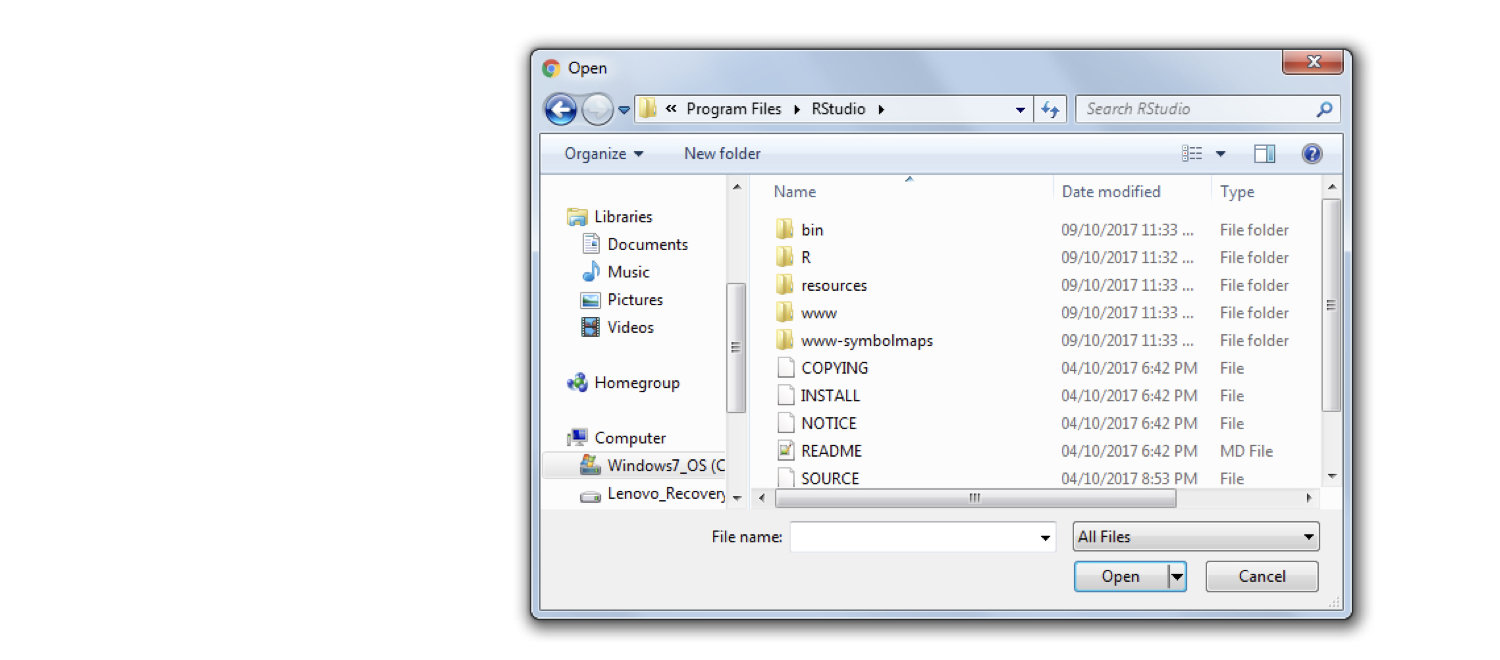
  • 檔案輸入:上傳(文字)檔到 Shiny 應用程式
fileInput(inputId, label, ...)
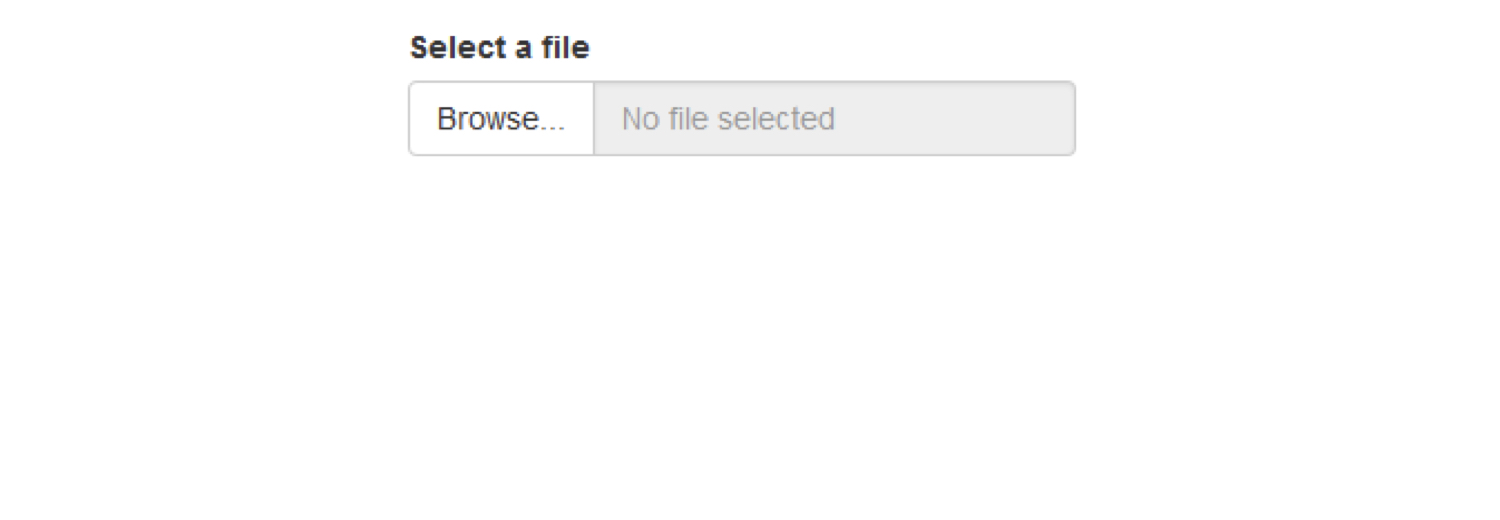
檔案上傳按鈕與介面

案例研究:使用 R 的 Shiny 建置網頁應用程式

檔案輸入 - UI

檔案輸入元件的更多選項

  • 使用 ?fileInput() 查看更多選項
案例研究:使用 R 的 Shiny 建置網頁應用程式

檔案輸入 - 伺服端

  • 選擇檔案後,會上傳並可供 Shiny 使用。
  • 文字輸入:input$<inputId> 是文字
  • 數值輸入:input$<inputId> 是數字
  • 檔案輸入:input$<inputId> 不是檔案
案例研究:使用 R 的 Shiny 建置網頁應用程式

檔案輸入 - 伺服端

  • 檔案輸入:input$<inputId> 是每個檔案 1 列的資料框

    • 欄位:namesizetypedatapath
       name        size   type         datapath
    1  myfile.txt  6000   text/plain   C:/path/to/temporary/file/0.txt
    
    • 最重要的是 datapath:檔案路徑
  • 讀取選取的檔案:

      input$<inputId>$datapath
    
    • 文字檔:

      readLines(input$<inputId>$datapath)
      
案例研究:使用 R 的 Shiny 建置網頁應用程式

一起來練習吧!

案例研究:使用 R 的 Shiny 建置網頁應用程式

Preparing Video For Download...