更多輸入類型
案例研究:使用 R 的 Shiny 建置網頁應用程式

Dean Attali
Shiny Consultant
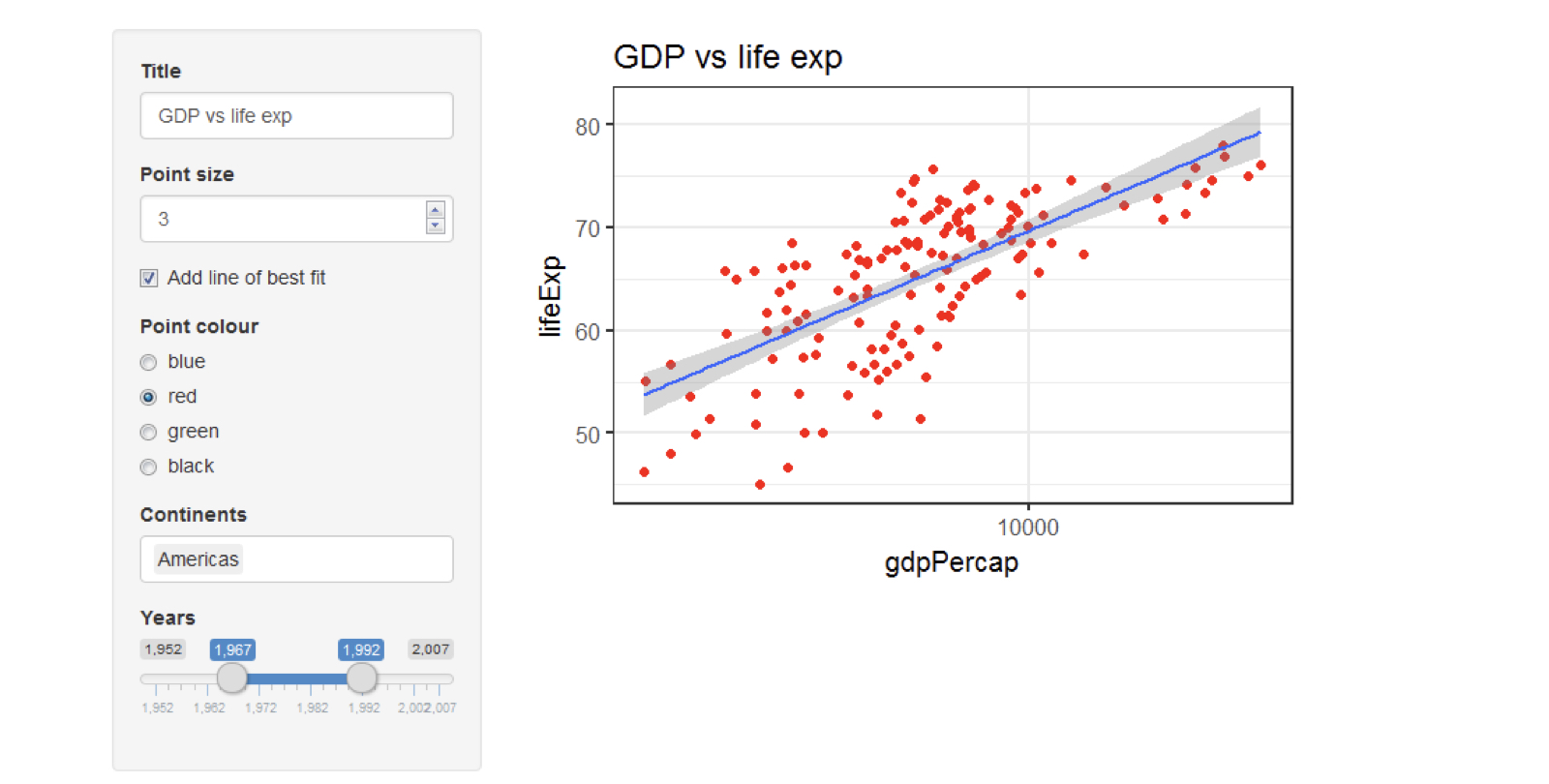
Gapminder 繪圖應用程式
滑桿輸入
sliderInput("slider", "Choose a number",
            value = 15, min = 5, max = 20)

sliderInput("slider2", "Choose a number",
            value = c(10, 15), min = 5, max = 20)

str(input$slider2)
num [1:2] 10 15
單選按鈕
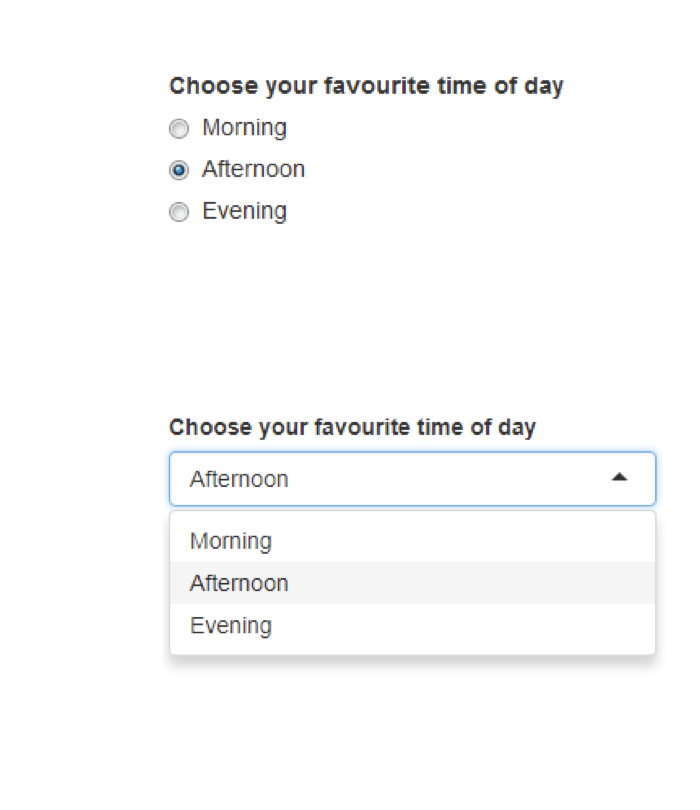
radioButtons("radio", "Choose your favorite time of day",
             choices = c("Morning", "Afternoon", "Evening"),
             selected = "Afternoon")

下拉式選單輸入
selectInput("select", "Choose your favorite time of day",
            choices = c("Morning", "Afternoon", "Evening"),
            selected = "Afternoon")

下拉式選單輸入
selectInput("select", "Choose your favorite time of day",
            choices = c("Morning", "Afternoon", "Evening"),
            selected = "Afternoon")

下拉式選單輸入
selectInput("select", "Choose your favorite time of day",
            choices = c("Morning", "Afternoon", "Evening"),
            selected = "Afternoon")

下拉式選單輸入
- 允許多選
selectInput("select", "Choose your favorite time of day",
            choices = c("Morning", "Afternoon", "Evening"),
            selected = c("Afternoon", "Evening"),
            multiple = TRUE)

單選按鈕 vs 下拉式選單