R 的 plotly 互動式資料視覺化:中級
Adam Loy
Statistician, Carleton College
動畫選項
繪圖選項
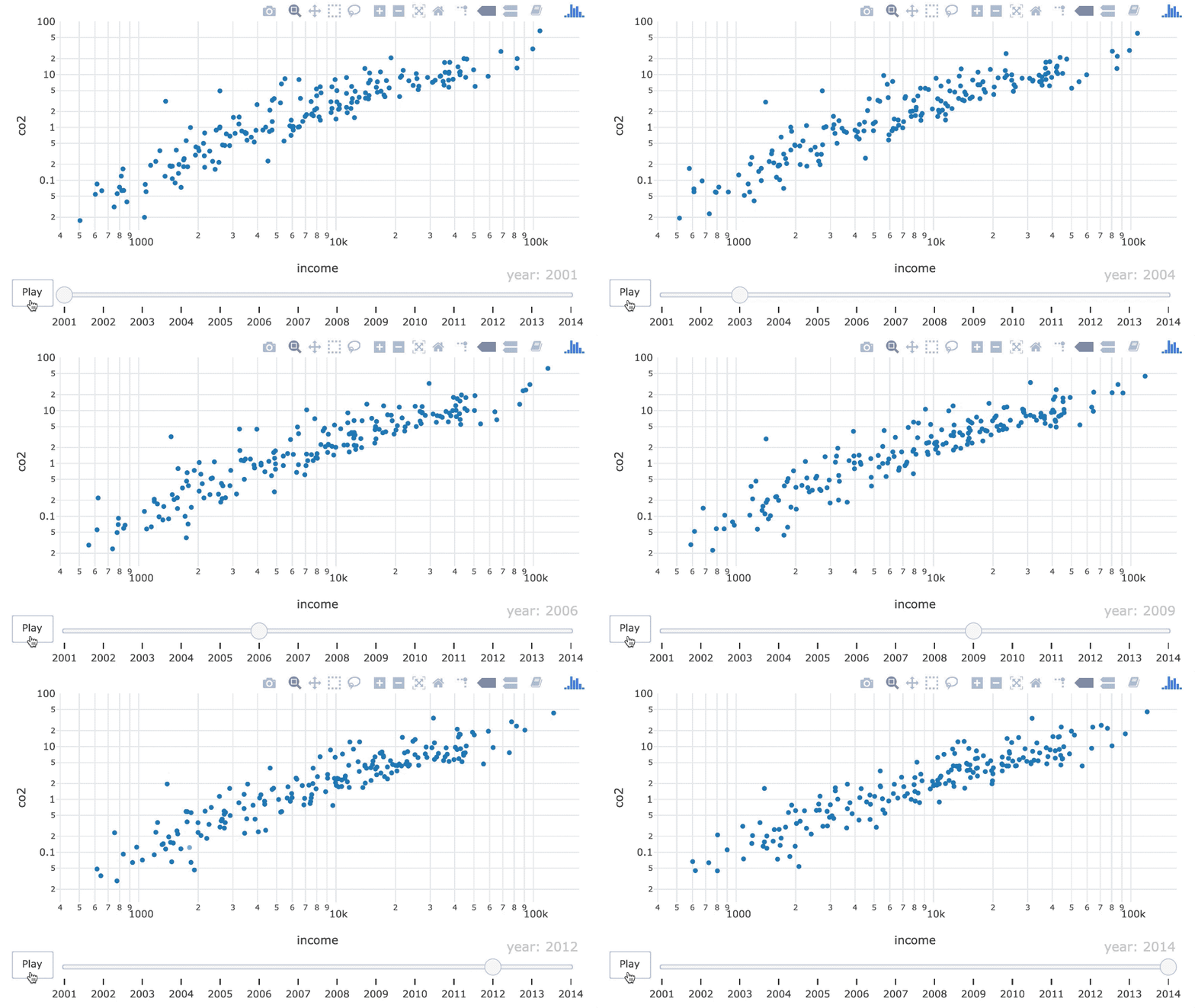
ani <- world_indicators %>%
  plot_ly(x = ~income, y = ~co2) %>%
  add_markers(frame = ~year,
              ids = ~country,
              showlegend = FALSE) %>%
  layout(xaxis = list(type = "log"),
         yaxis = list(type = "log"))
ani %>%
  animation_opts(
      frame = 500,
      transition = frame,
      easing = "linear",
      redraw = TRUE
   )
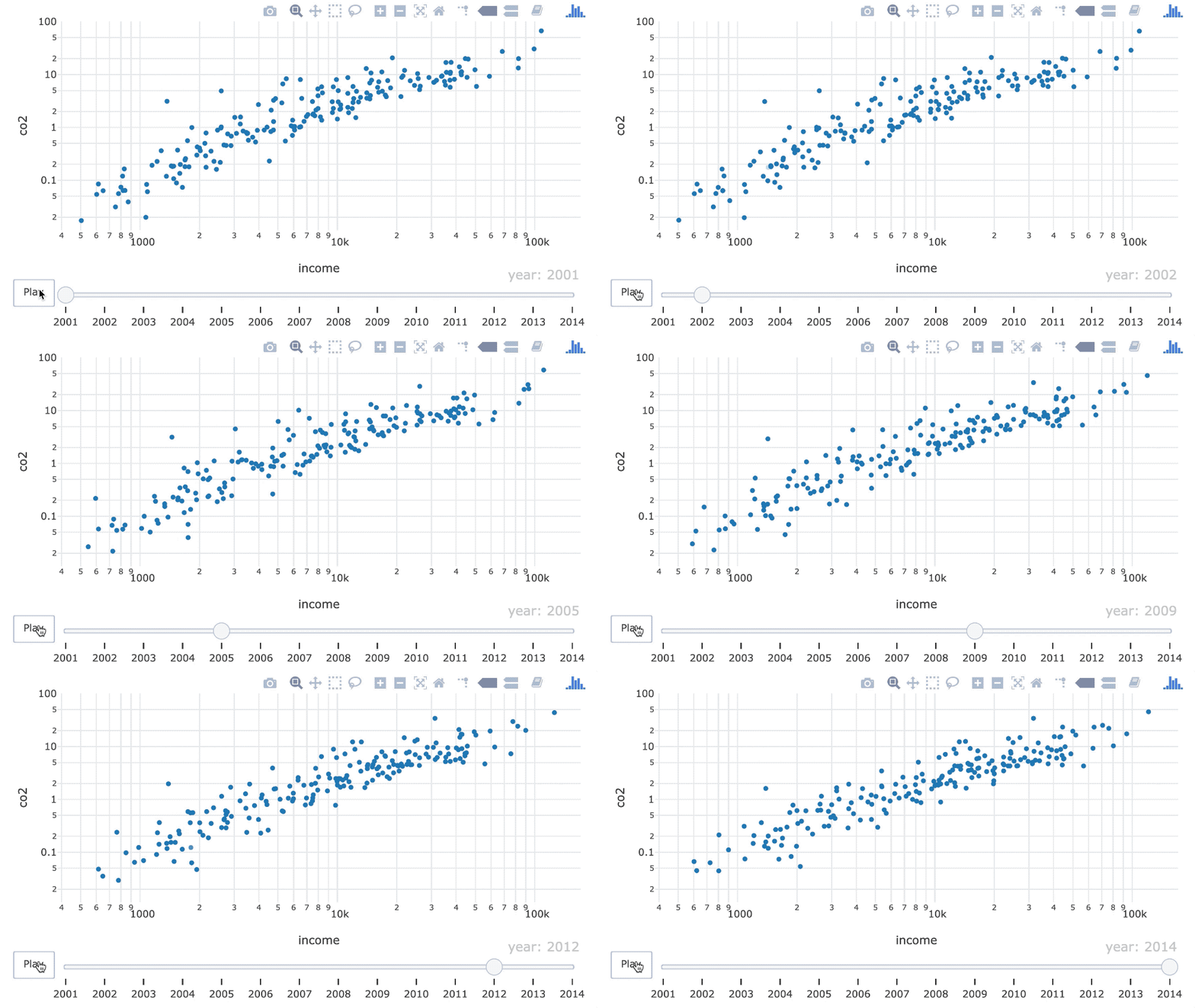
ani %>%
  animation_opts(frame = 300)
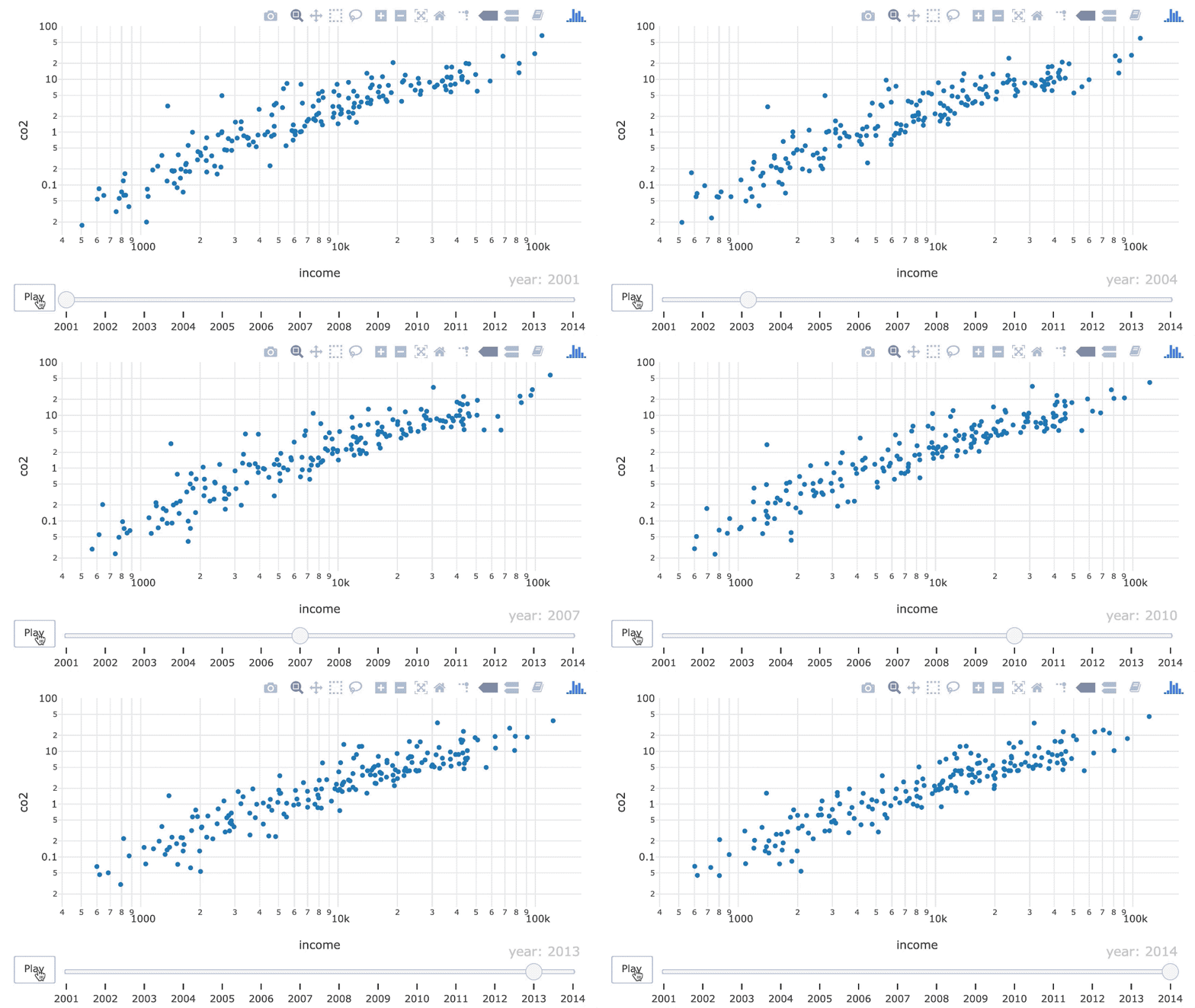
ani %>%
  animation_opts(
     frame = 700,
     transition = 350
  )
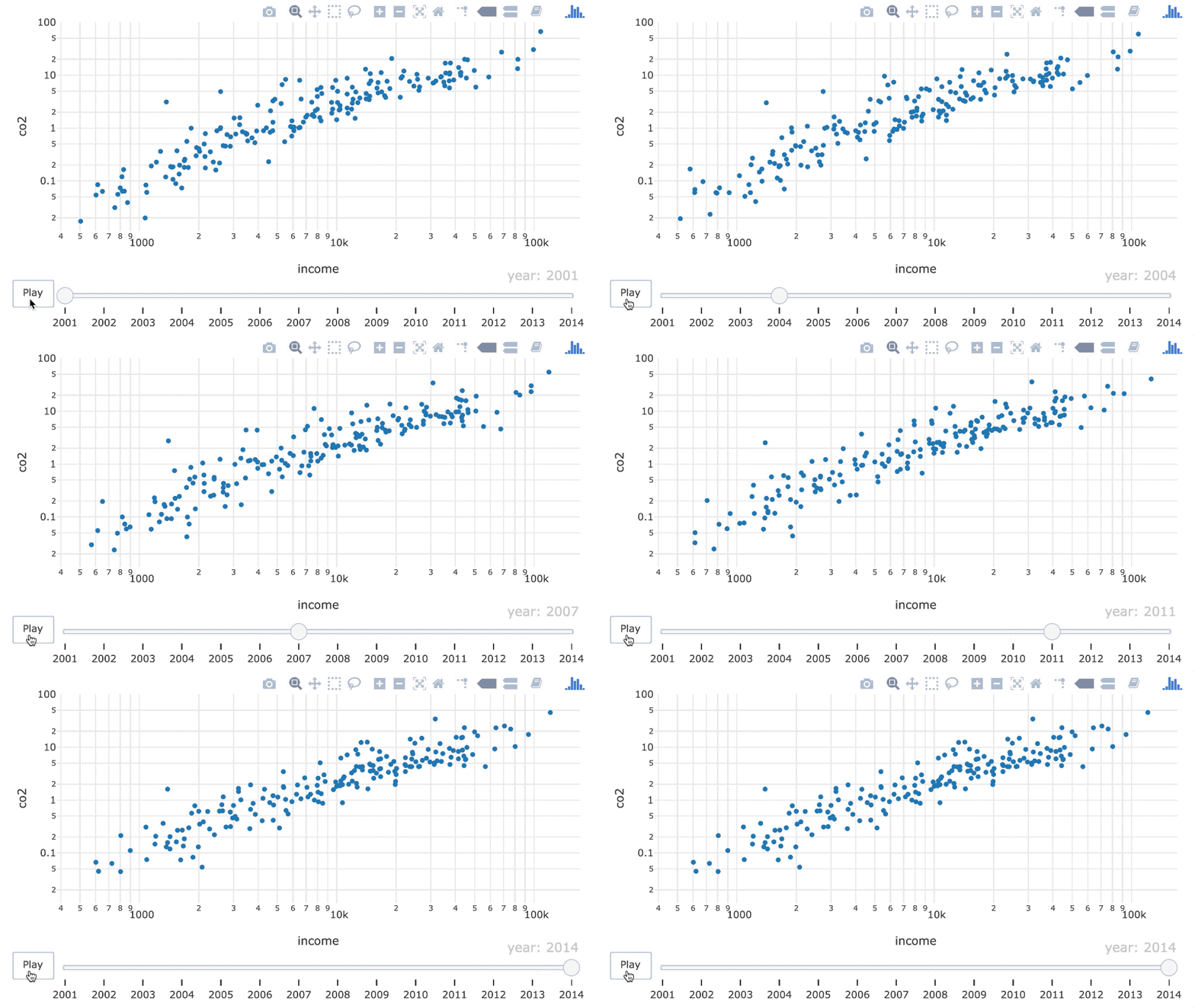
ani %>%
  animation_opts(easing = "bounce")
基本緩動選項:
"linear", "quad", "cubic", "sin", "exp", "circle", "elastic", "back", "bounce"
"linear"
"quad"
"cubic"
"sin"
"exp"
"circle"
"elastic"
"back"
"bounce"
ani
ani %>%
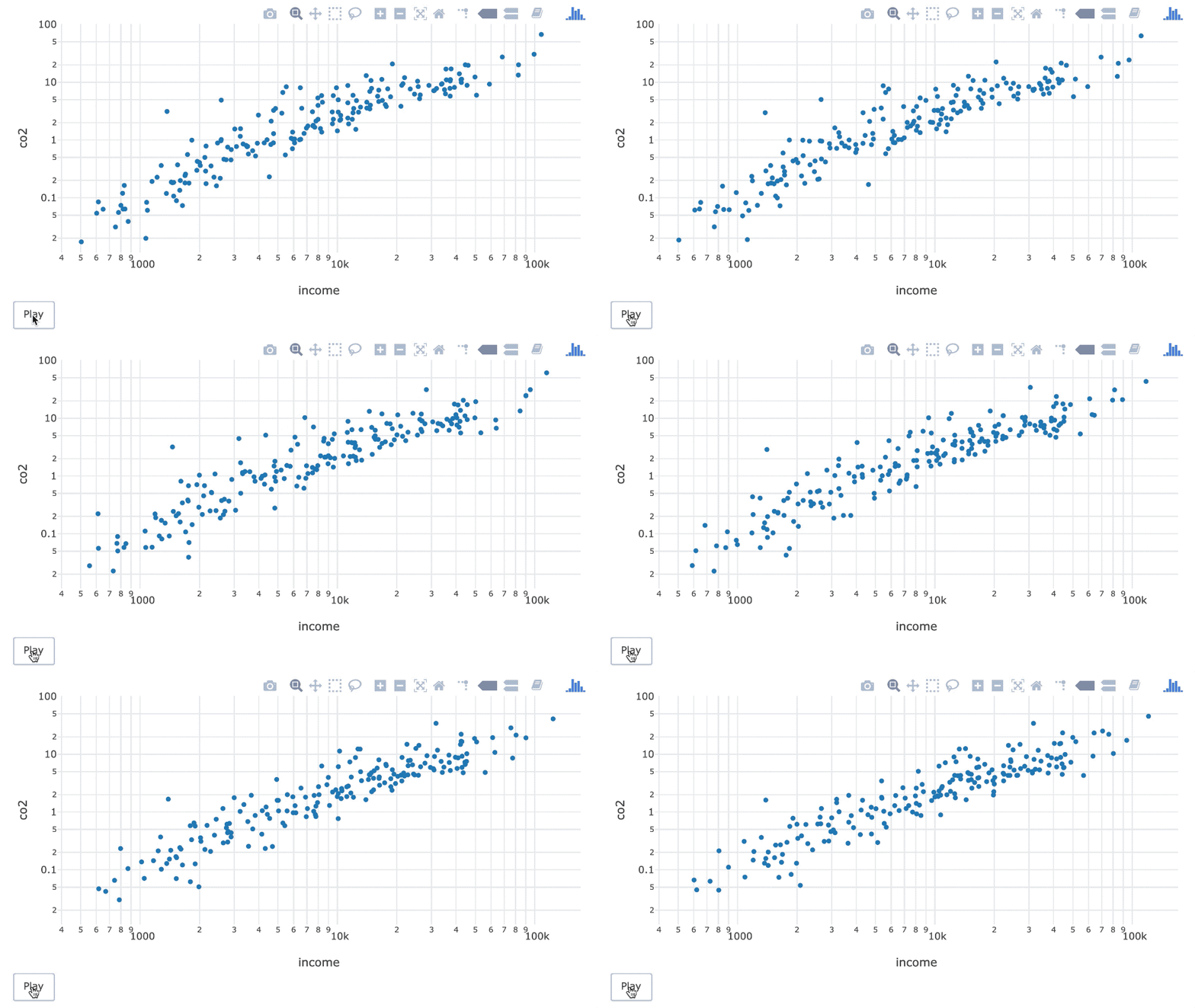
  animation_slider(hide = TRUE)
ani %>%
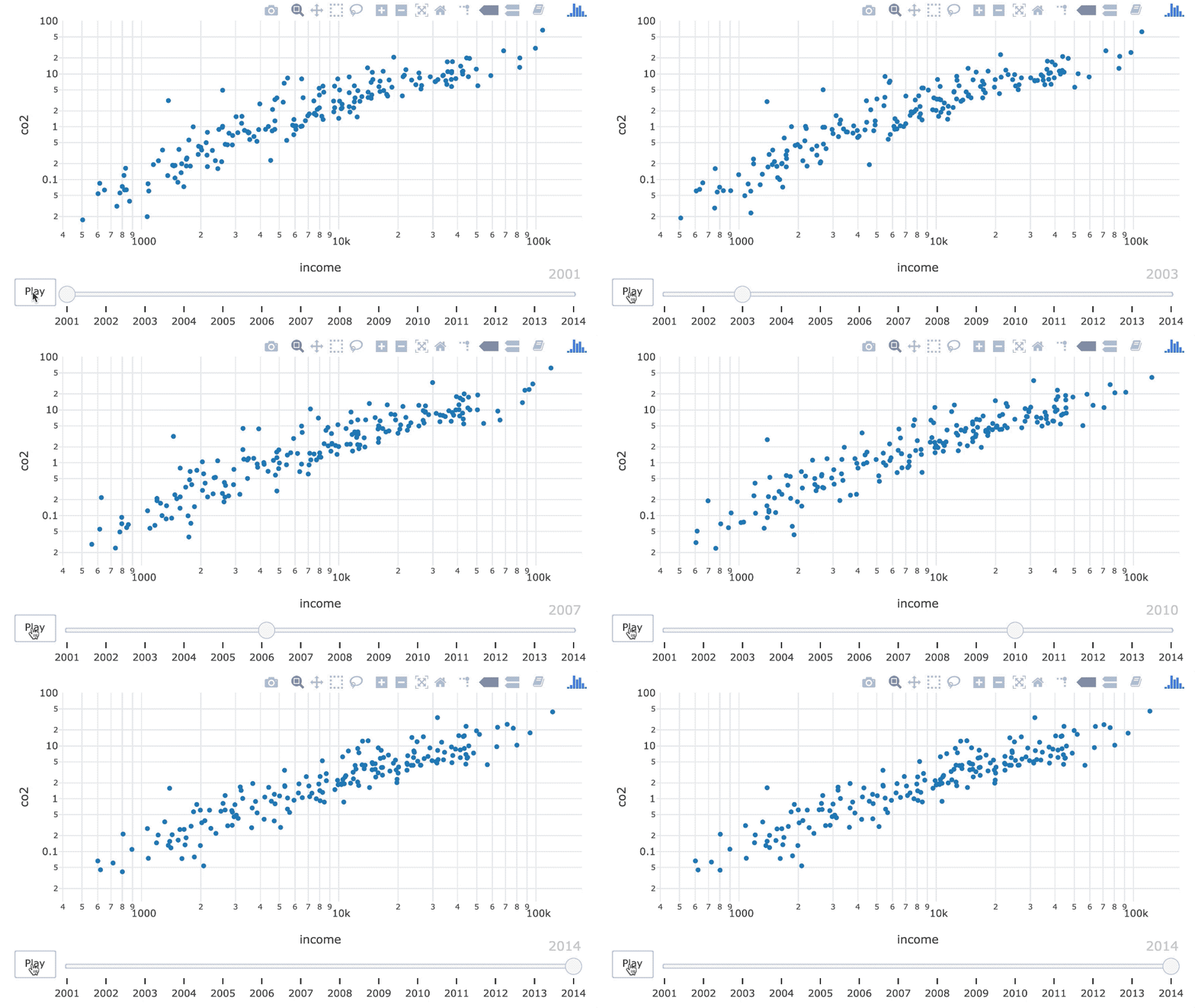
  animation_slider(
     currentvalue = list(prefix=NULL)
  )
ani %>%
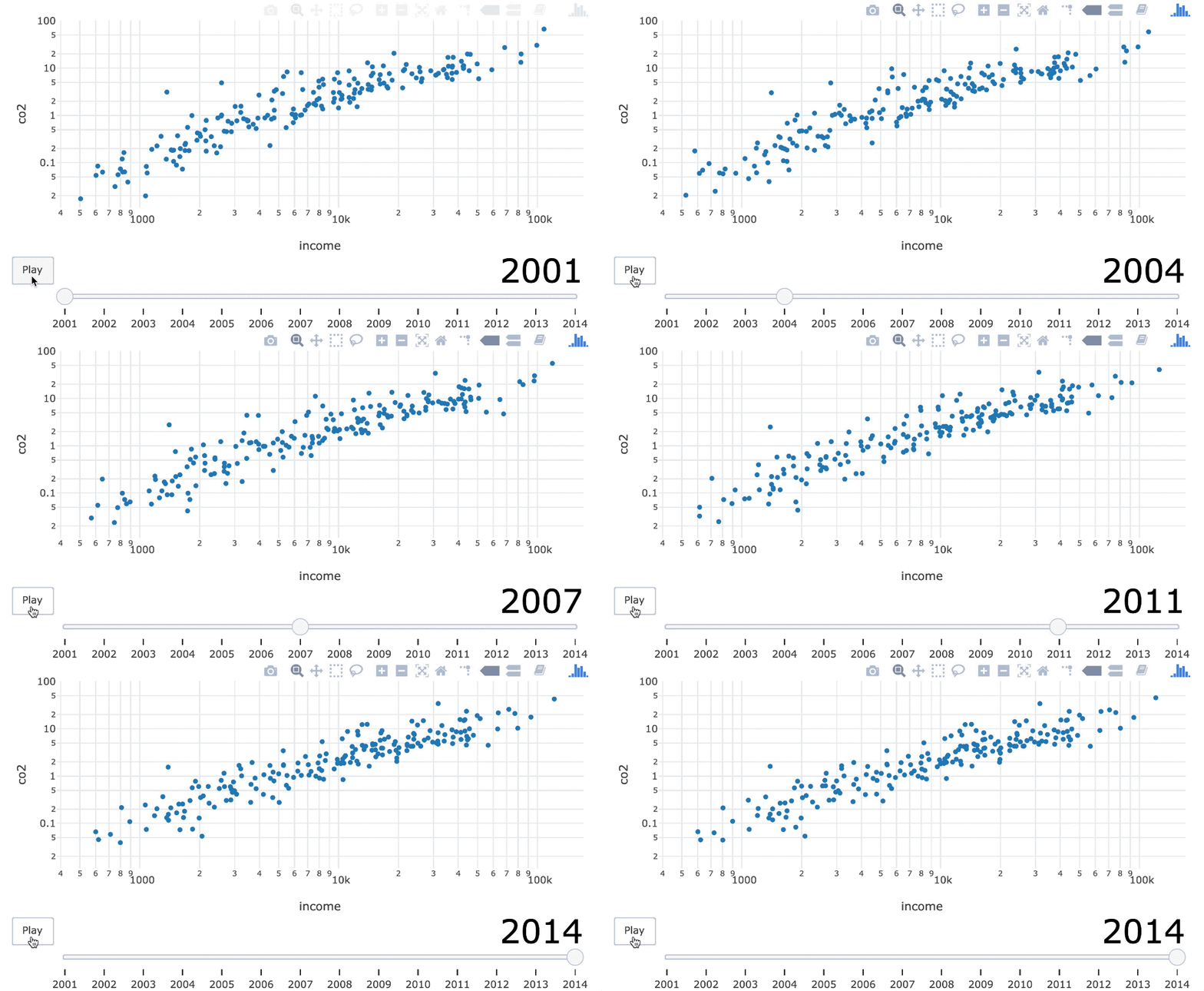
  animation_slider(
     currentvalue = list(prefix=NULL,
        font = list(
           color = "black",
           size = 40
        )
     )
  )