什麼是 Microsoft Copilot?

善用 Microsoft Copilot

Susanth Sutheesh

Copilot Solution Engineer, Microsoft
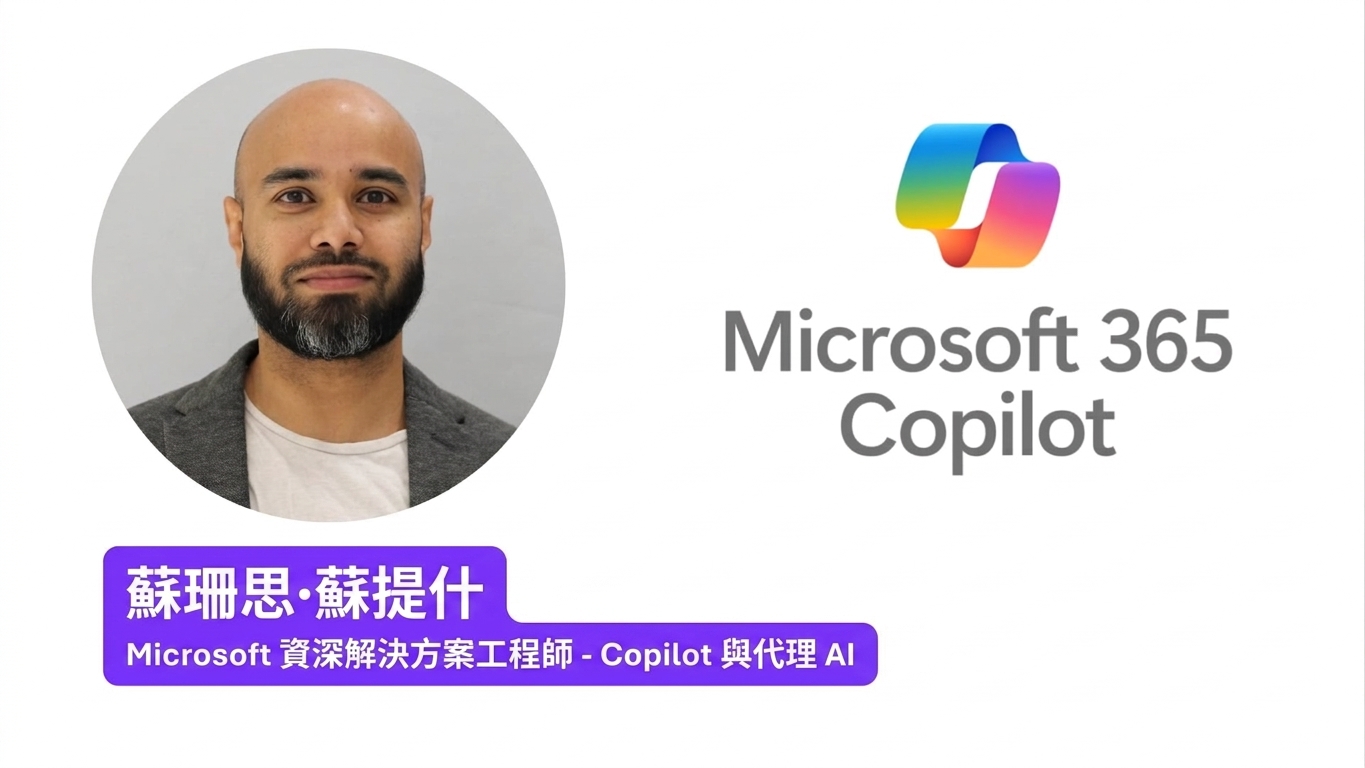
講師簡介卡:Susanth Sutheesh,Microsoft 的 Copilot 解決方案工程師

善用 Microsoft Copilot

你將學到什麼

$$

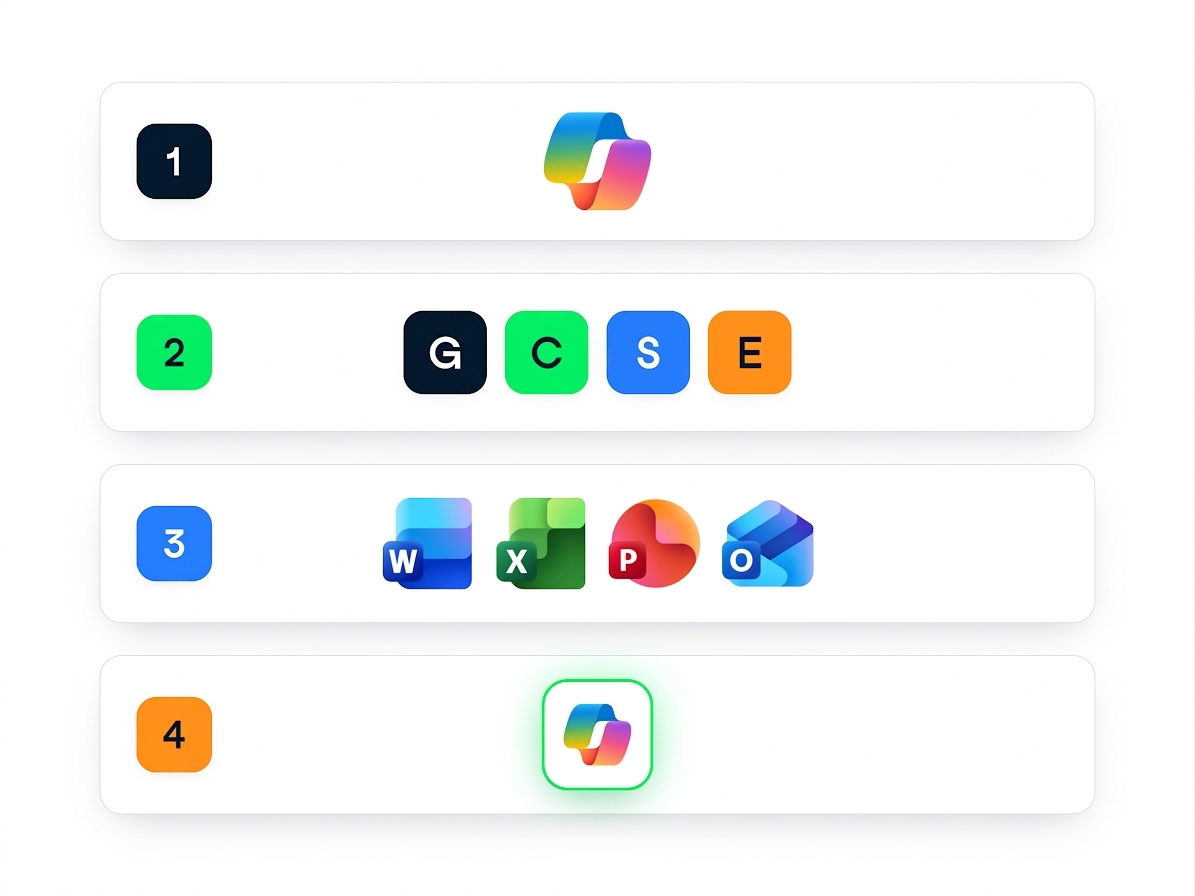
  • 什麼是 Copilot,以及它如何幫助你
  • 撰寫更佳提示的 GCSE 框架
  • Copilot 於 Word、Excel、PowerPoint、Outlook 中的應用
  • 建立你自己的 代理(agents)


四步課程地圖:Copilot 標誌、G、C、S、E 框架方塊、Word/Excel/PowerPoint/Outlook 標誌,以及代理圖示

善用 Microsoft Copilot

同名,不同產品


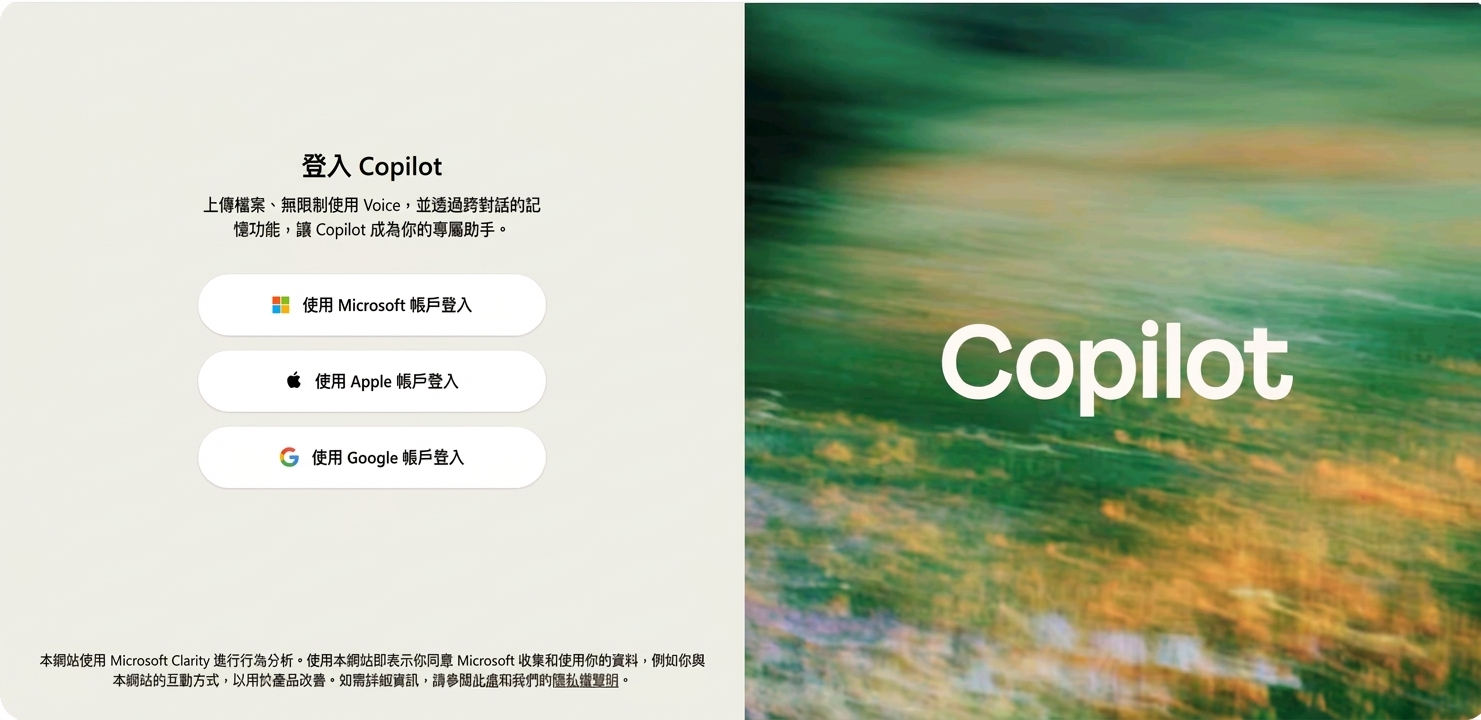
consumer 版 Copilot 的登入頁(copilot.microsoft.com),可用 Microsoft、Apple 或 Google 登入


  • 工作帳戶-Microsoft 365 Copilot,可在網頁或 Word、Excel、PowerPoint 內使用
  • 個人帳戶-消費者版,僅限網頁
  • 需另行授權:Security Copilot、Copilot Studio
善用 Microsoft Copilot

Copilot 的組成

$$

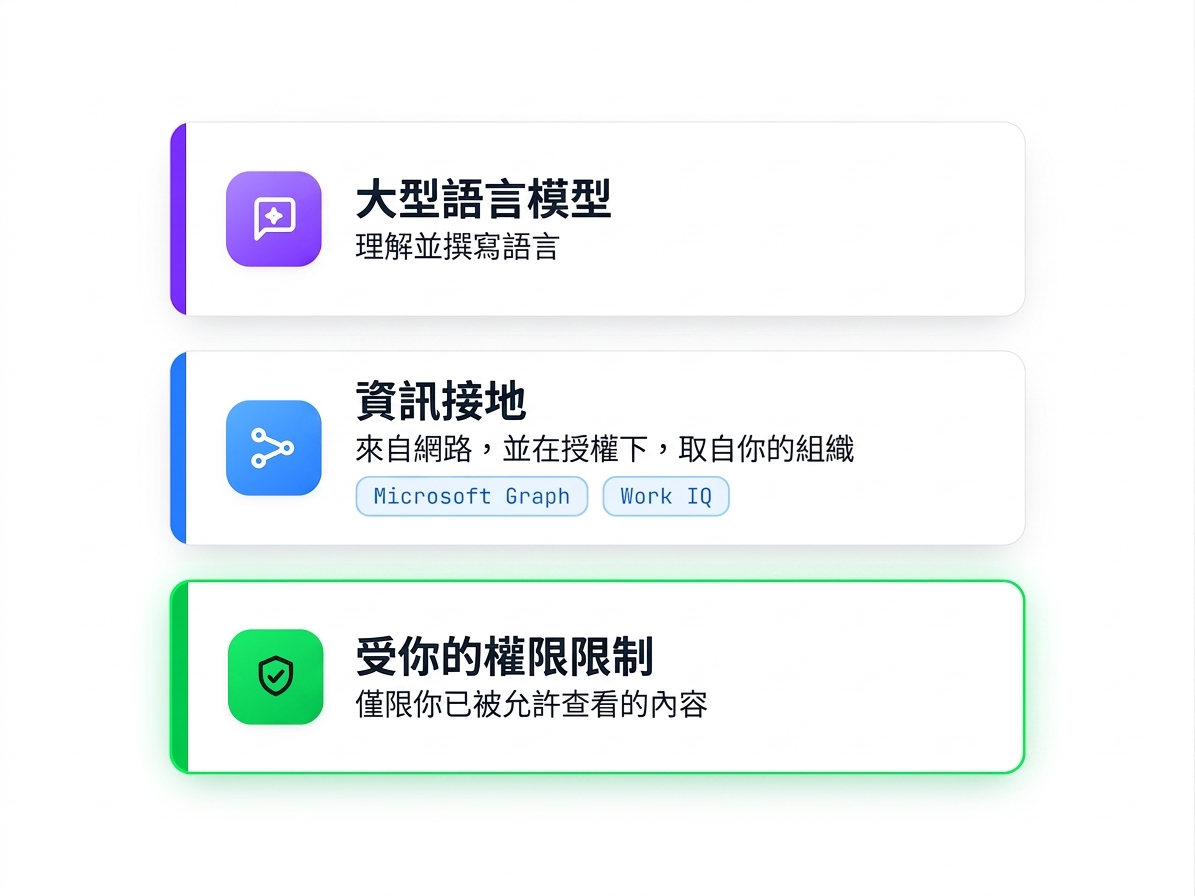
  • 大型語言模型 處理語言
  • Grounding 連結真實資訊
  • Work IQ 連到你的工作內容
  • 僅能看見你已擁有的權限所允許的內容

$$

三層結構:大型語言模型處理語言,grounding 透過 Microsoft Graph 與 Work IQ 連到網路與你的組織,一切受你既有權限限制

善用 Microsoft Copilot

Copilot 出現在哪裡

$$

$$

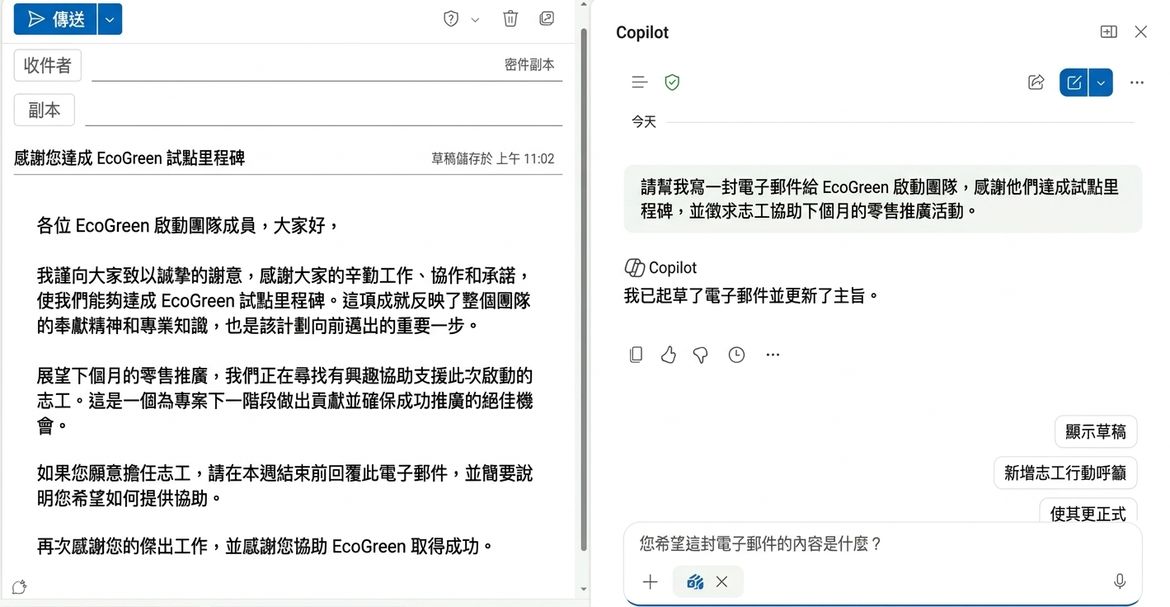
在 Outlook 中由 Copilot 撰寫郵件,側邊欄顯示請求與微調選項

$$

  • Copilot app:m365.cloud.microsoft
  • 內嵌於各個 應用程式

    • Word:起草與改寫
    • Excel:分析資料、建立圖表
    • PowerPoint:製作與調整簡報
    • Outlook:撰寫回覆、精簡信件串
    • Teams:會議重點回顧
善用 Microsoft Copilot

Copilot 不會預設包含

$$

  • 部分 Copilot 包含於合格的 Microsoft 365 授權中,但僅限網頁資料
  • 付費附加元件可存取你的檔案、郵件與會議
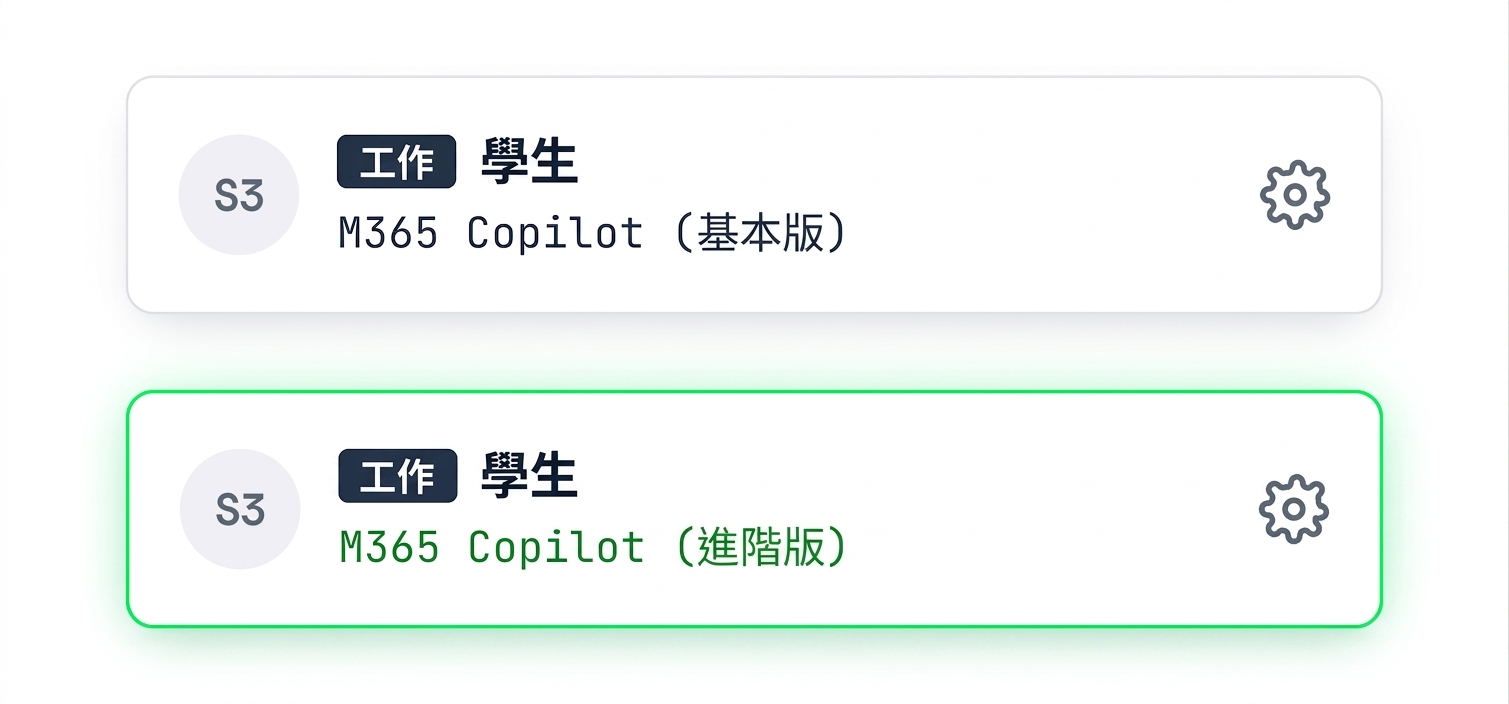
  • 你的授權決定 Copilot 可存取的範圍

$$

$$

兩個產品內標籤,皆有 Work 徽章:M365 Copilot(Basic)與以綠色標示的 M365 Copilot(Premium,付費附加)

善用 Microsoft Copilot

你的工作資料持續受保護

$$

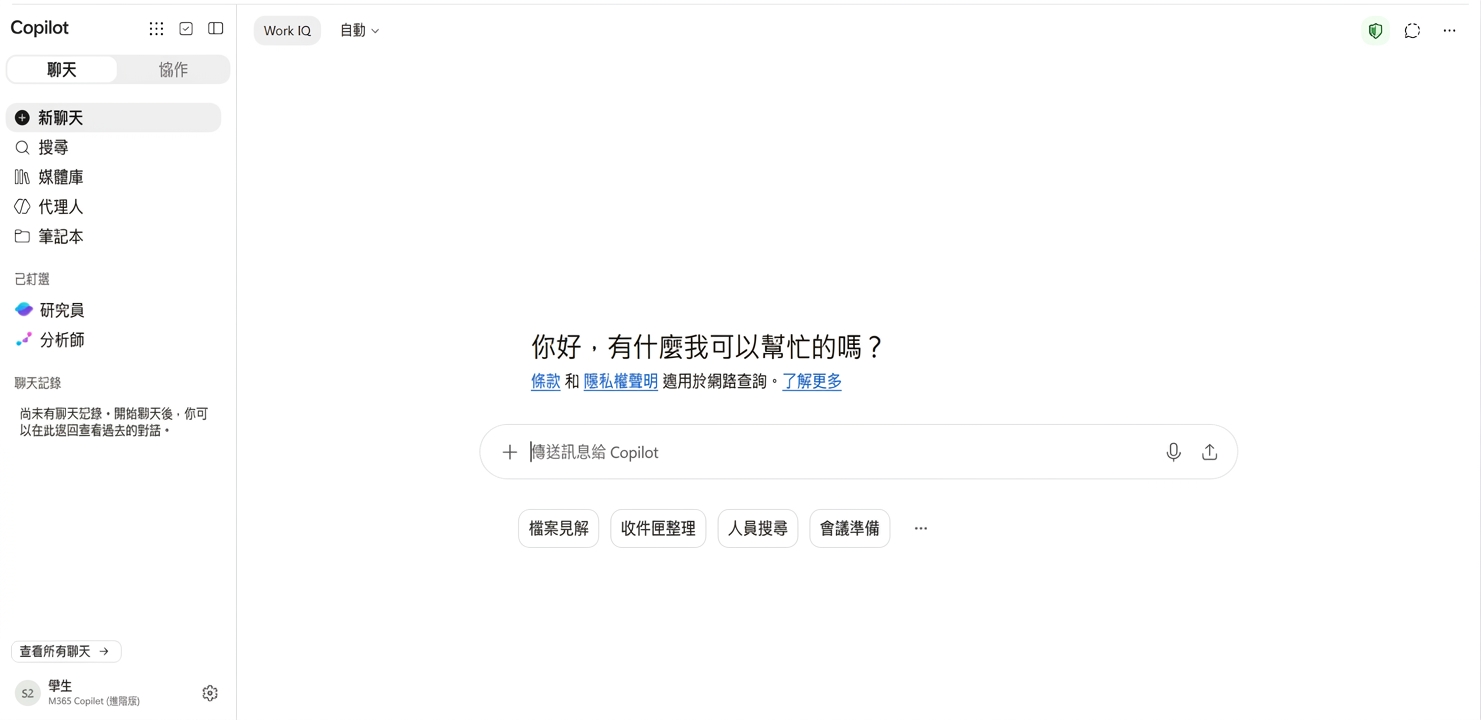
以工作帳戶登入的 Copilot 聊天頁面,顯示 Work 徽章與授權標籤

$$

  • 提示與回應受 Enterprise Data Protection 保護
  • 你的內容不會用於訓練公開模型
  • 你的資料會留在你的區域
善用 Microsoft Copilot

你可以選擇模型

$$

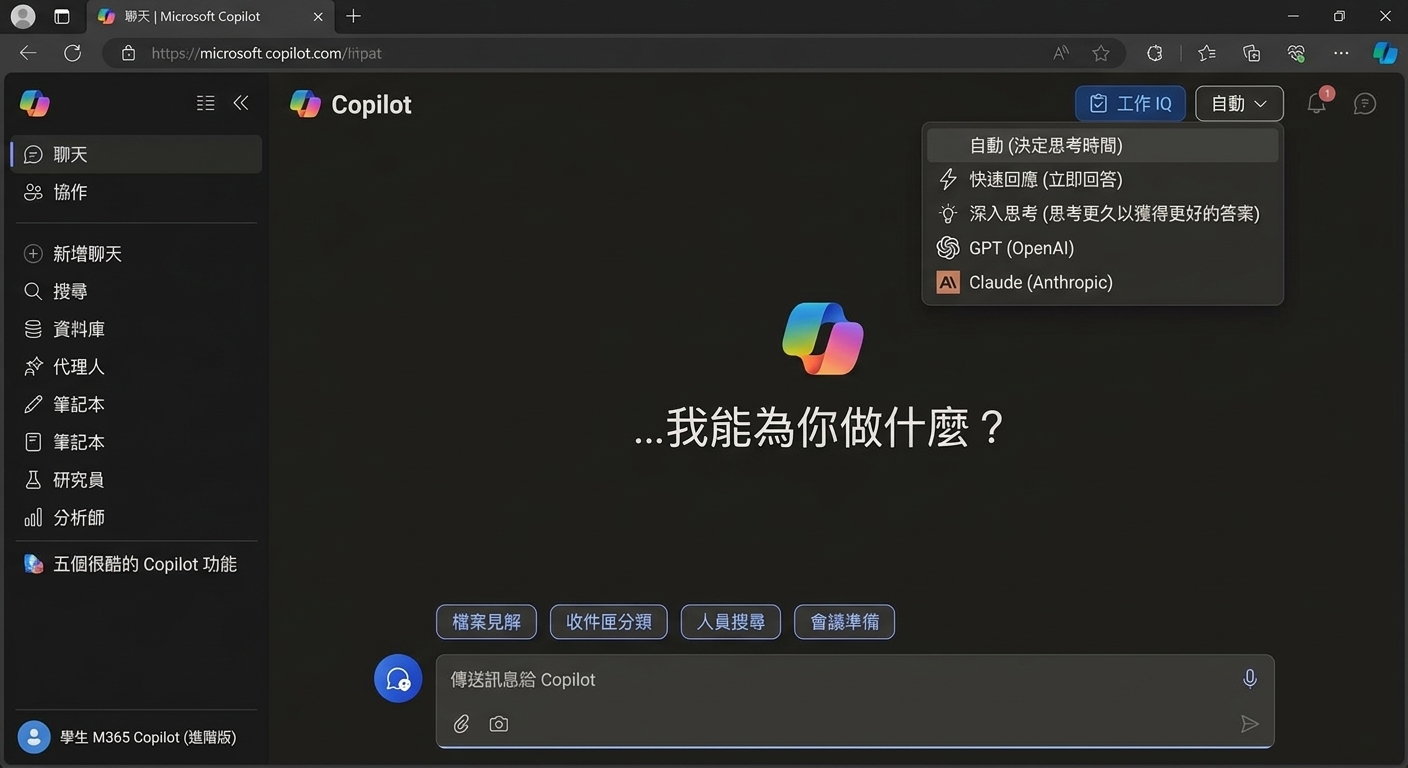
  • 在選擇器中從不同供應商挑選模型
  • 或選擇快速回應或更深入推理模式
  • 切換模型不會改變你的資料保護
  • 你的 admin 決定你能看到哪些模型

$$

Copilot 模型選擇器,同列快速與深入推理選項及不同供應商的模型

善用 Microsoft Copilot

一起來練習吧!

善用 Microsoft Copilot

Preparing Video For Download...