使用 Microsoft Copilot 的提示技巧

善用 Microsoft Copilot

Susanth Sutheesh

Copilot Solution Engineer, Microsoft

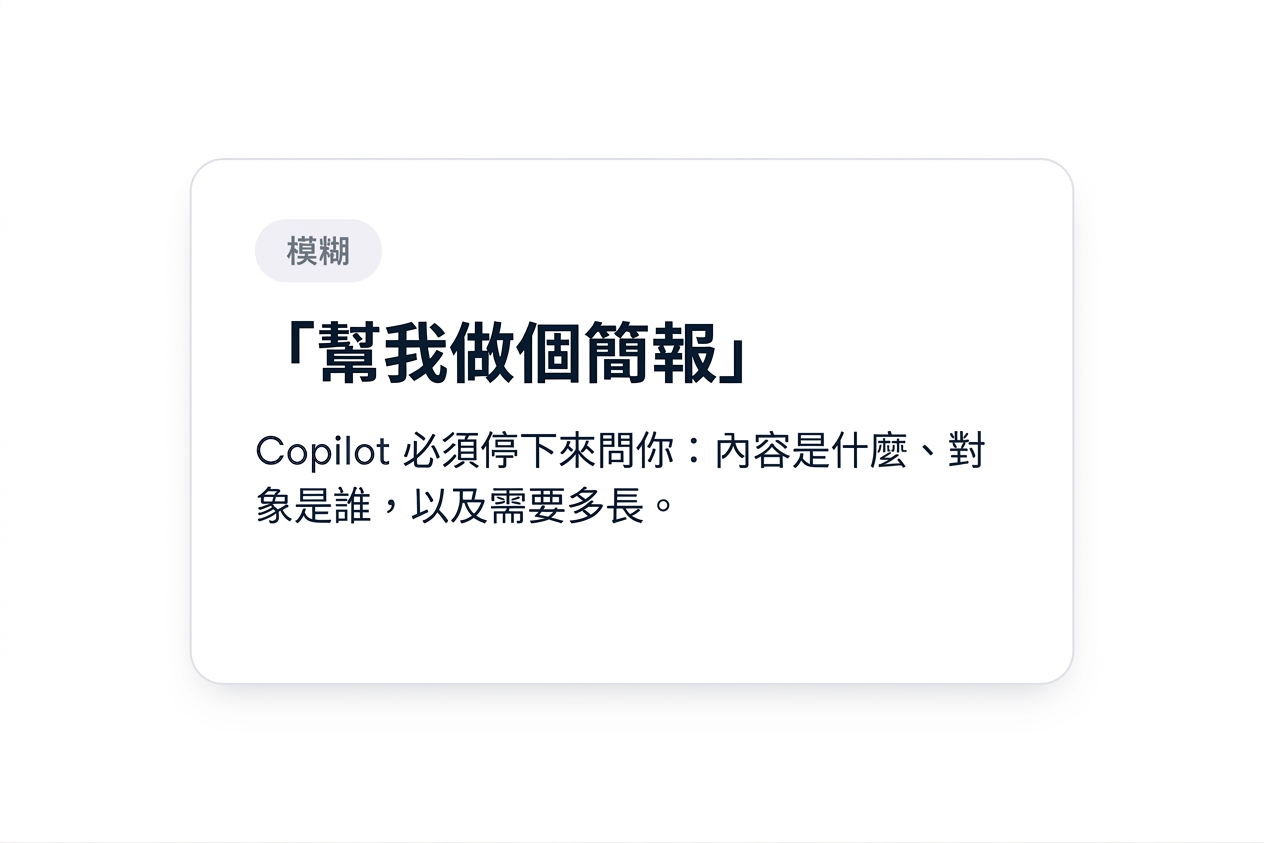
單張標示為 VAGUE 的卡片,寫著「Make me a deck」,並註記 Copilot 必須停下來詢問是什麼主題、對誰、多長

善用 Microsoft Copilot


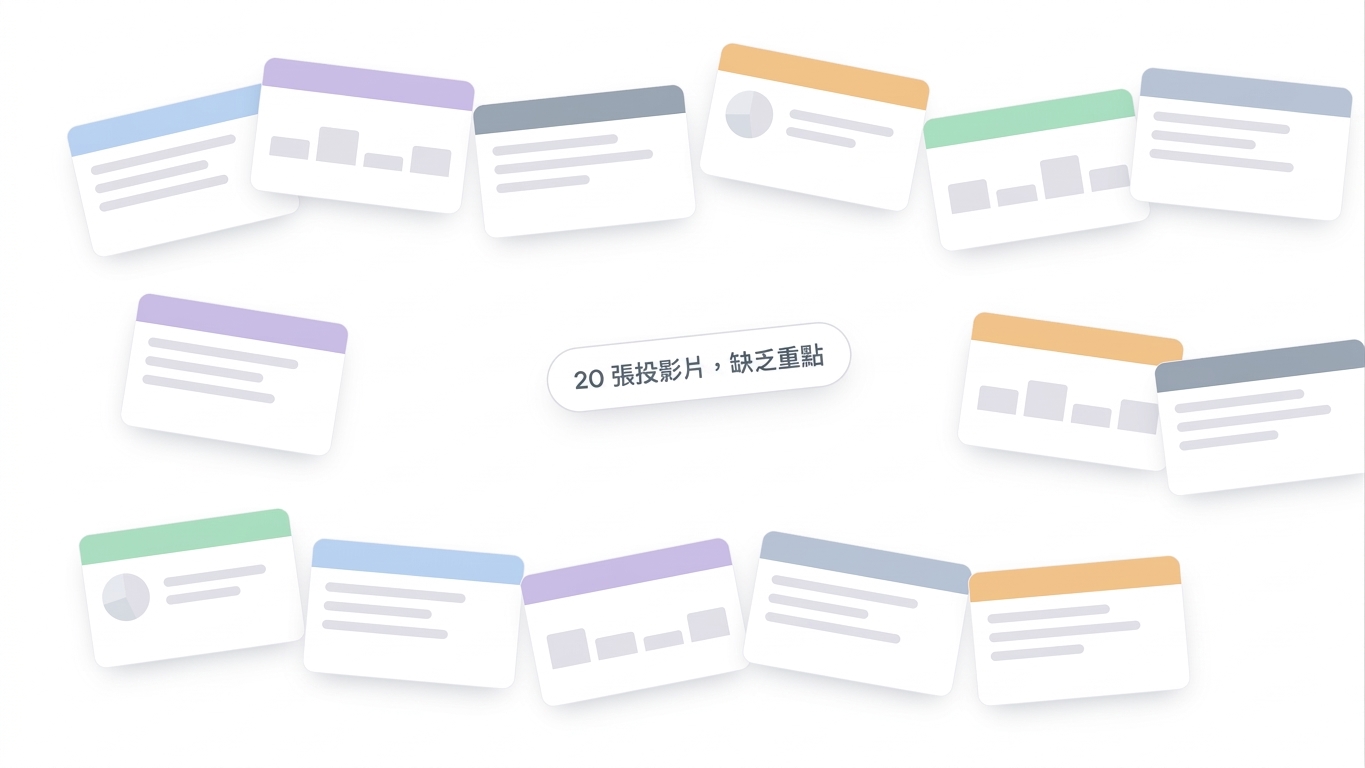
一疊雜亂無章且無重點的投影片,標示「20 slides, no focus」,代表含糊請求造成過量輸出

善用 Microsoft Copilot

為何提示工程很重要


含糊的提示:

「Can you put together a presentation?」

Copilot 會停下來問:什麼主題?對哪個受眾?長度多長?


清楚且明確的提示:

「Create a 5-slide deck on why prompt engineering matters, with 2-3 bullets per slide, in beginner-friendly language」

結果:第一次就產出可用草稿

善用 Microsoft Copilot

GCSE 框架

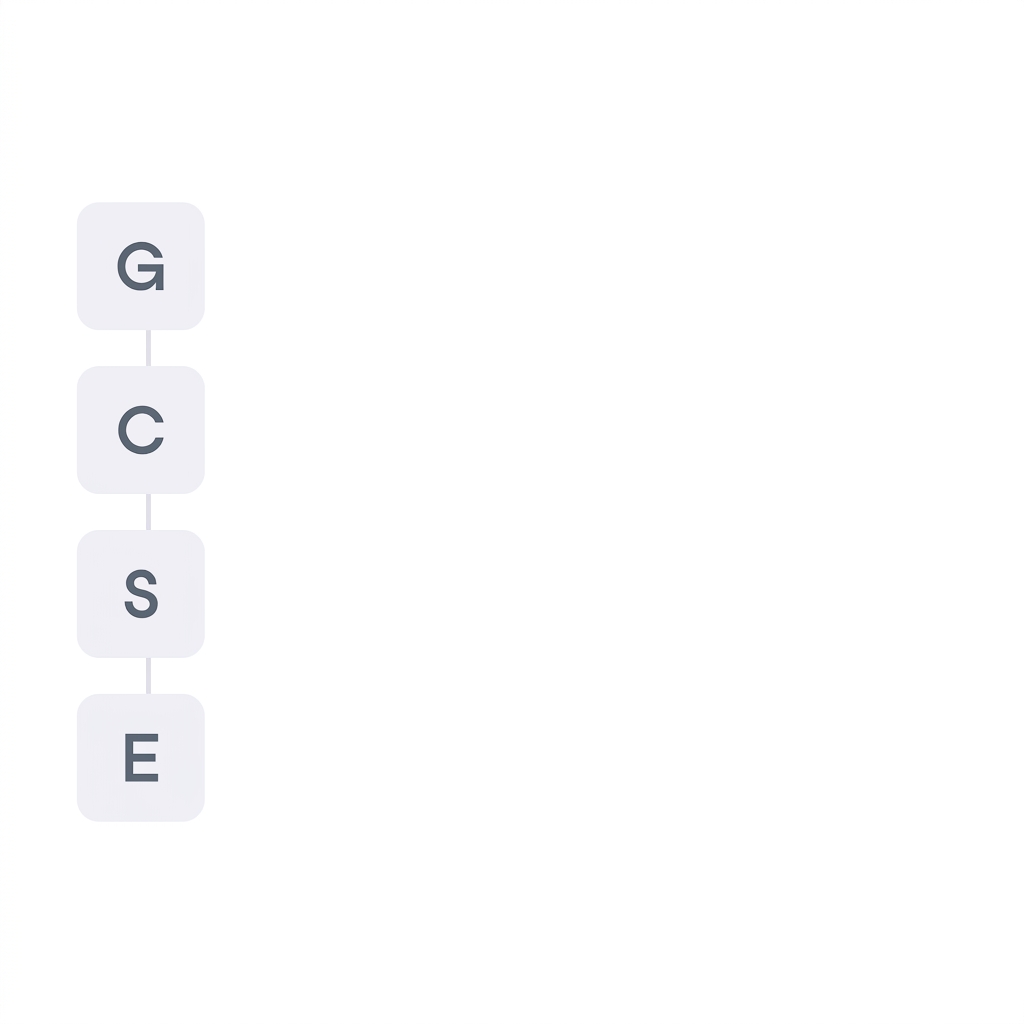
GCSE 提示框架的四個字母 G、C、S、E


  • Goal 目標
  • Context 脈絡
  • Source 資源
  • Expectation 期望
善用 Microsoft Copilot

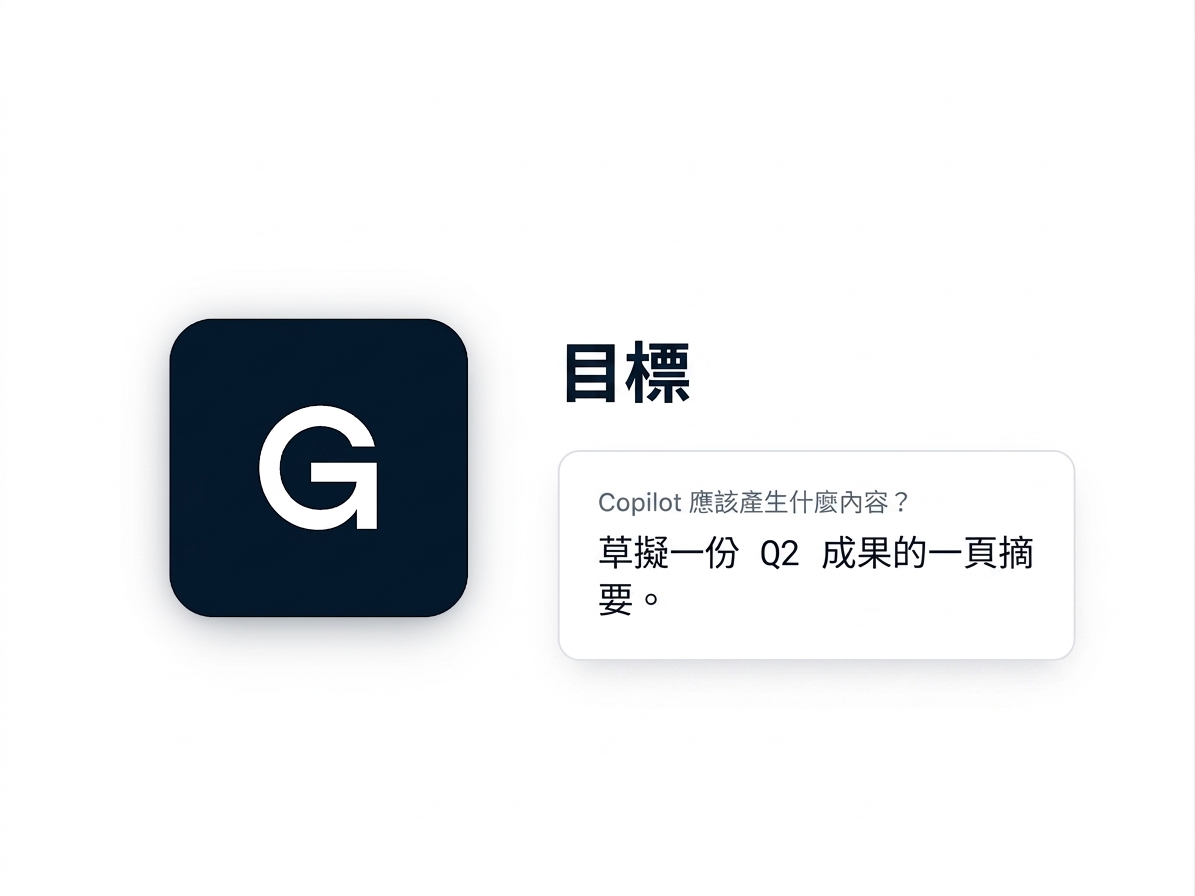
Goal

GCSE 框架中的「Goal」方塊與簡短提示範例


  • 以動詞開頭
  • 指明你要產出的內容
善用 Microsoft Copilot

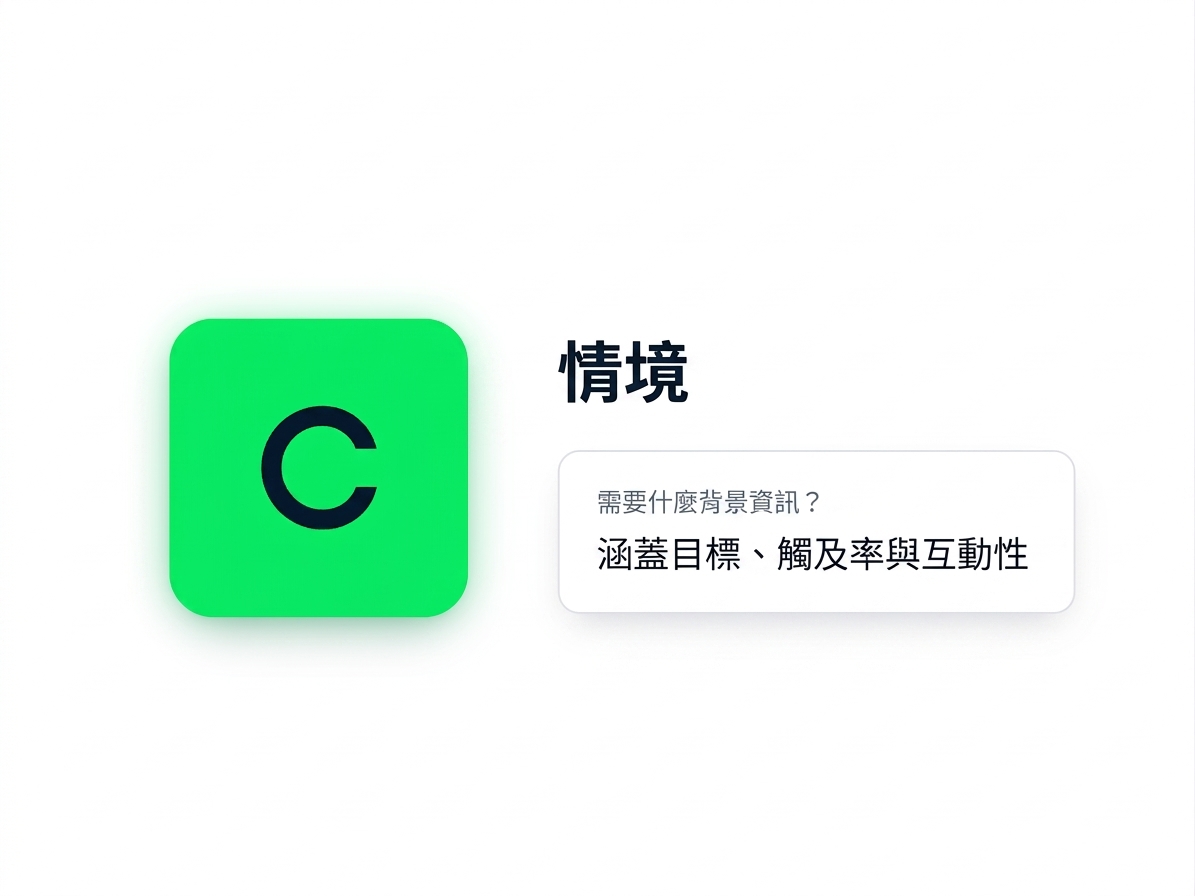
Context

GCSE 框架中的「Context」方塊與簡短提示範例


  • Copilot 無法自行推斷的背景
  • 受眾是誰、必須涵蓋什麼
善用 Microsoft Copilot

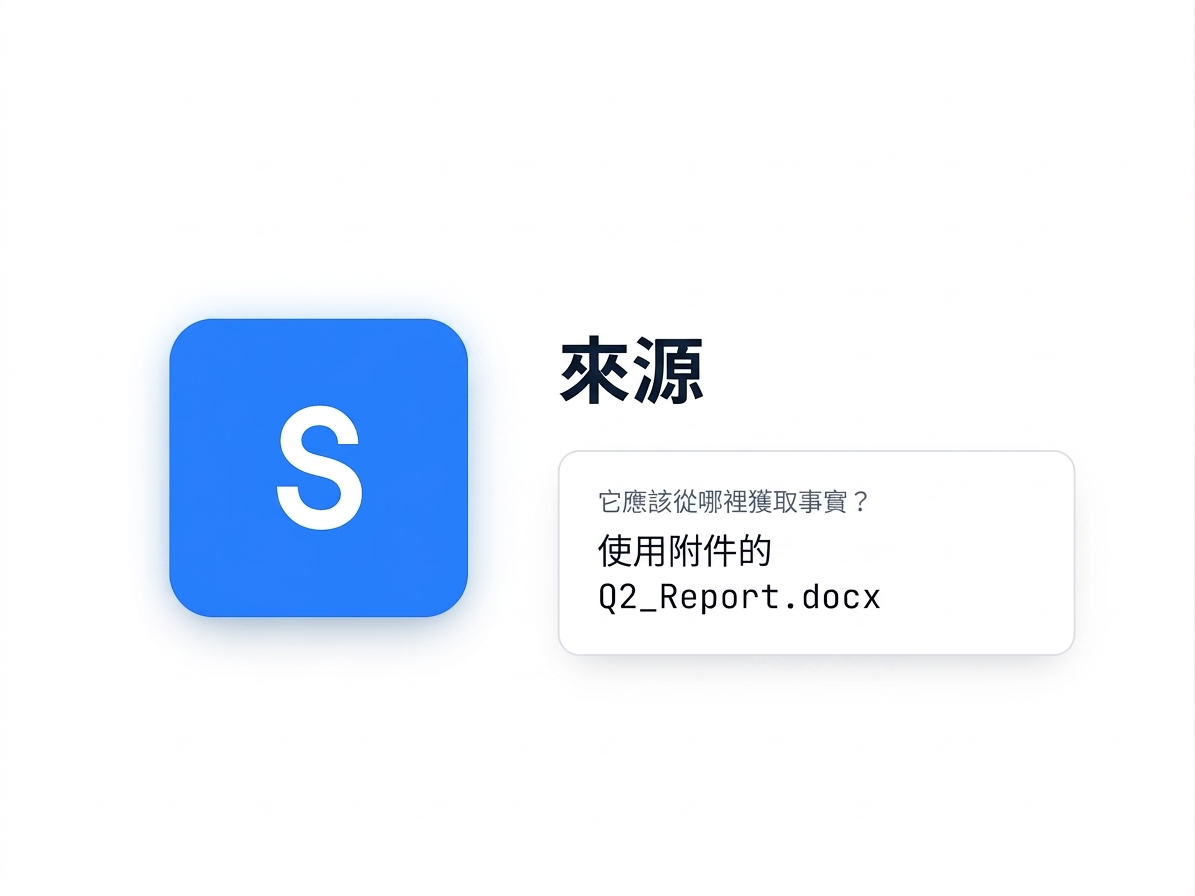
Source

GCSE 框架中的「Source」方塊與簡短提示範例


  • 指向確切檔案
  • 含糊的來源會讓 Copilot 去搜尋
善用 Microsoft Copilot

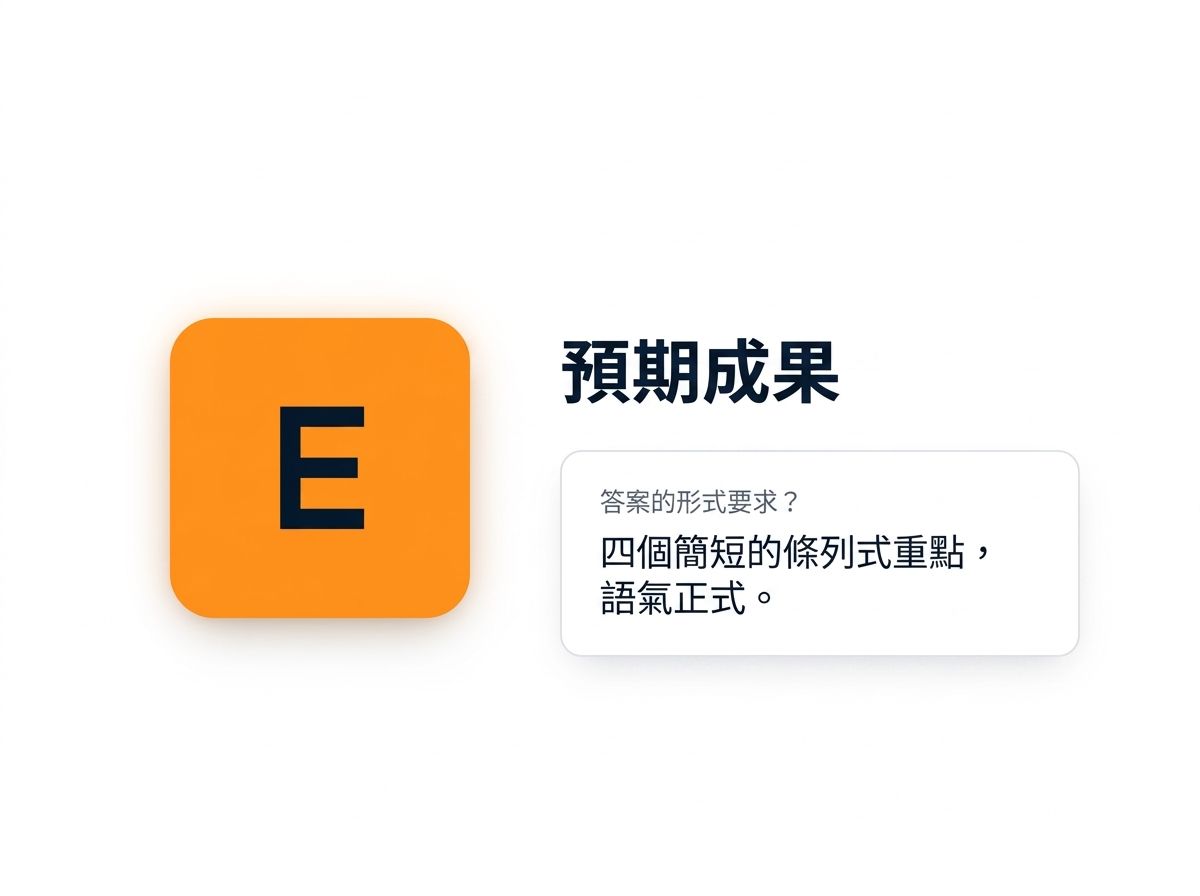
Expectation

GCSE 框架中的「Expectation」方塊與簡短提示範例


  • 格式、長度與語氣
  • 讓答案可直接使用
善用 Microsoft Copilot

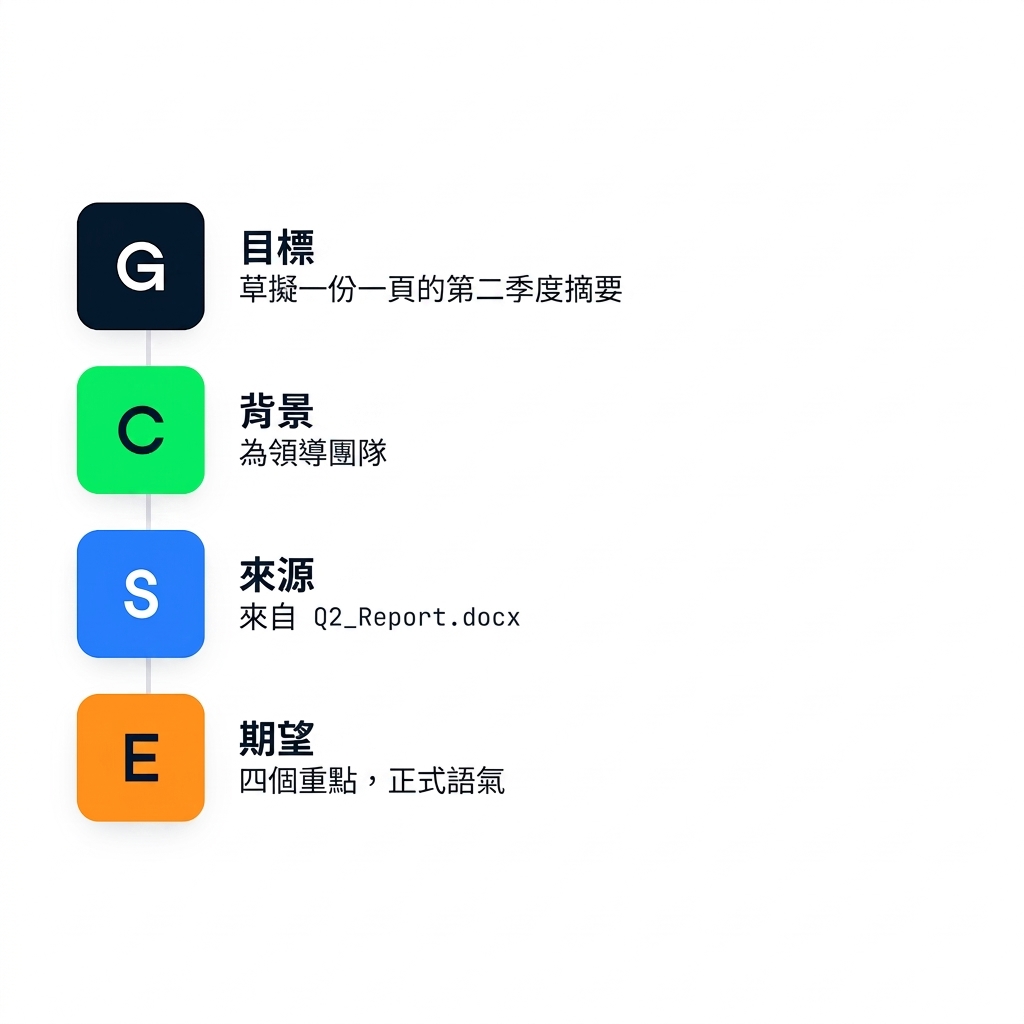
GCSE 框架

四個 GCSE 字母——Goal、Context、Source、Expectation——以清單堆疊呈現


  • 寫提示前先檢查四項
  • 適用於任何 AI 助理,不只 Copilot
善用 Microsoft Copilot

整合運用


一則提示,涵蓋四部分:

「Summarize the key points from our Q2 sales strategy - it covers April to June, across online ads, retail promotions and social campaigns.」

Goal+Context

善用 Microsoft Copilot

整合運用


一則提示,涵蓋四部分:

「Summarize the key points from our Q2 sales strategy - it covers April to June, across online ads, retail promotions and social campaigns.」

Goal+Context

「Use the attached Q2_Sales_Strategy.docx. Give me four short bullet points in a professional tone.」

Source+Expectation

善用 Microsoft Copilot

一起來練習吧!

善用 Microsoft Copilot

Preparing Video For Download...