Run-after: असफलताओं को सलीके से संभालें
इंटरमीडिएट Power Automate
Dani Kahil
Solution Architect | Microsoft MVP
Power Automate में try-catch नहीं है
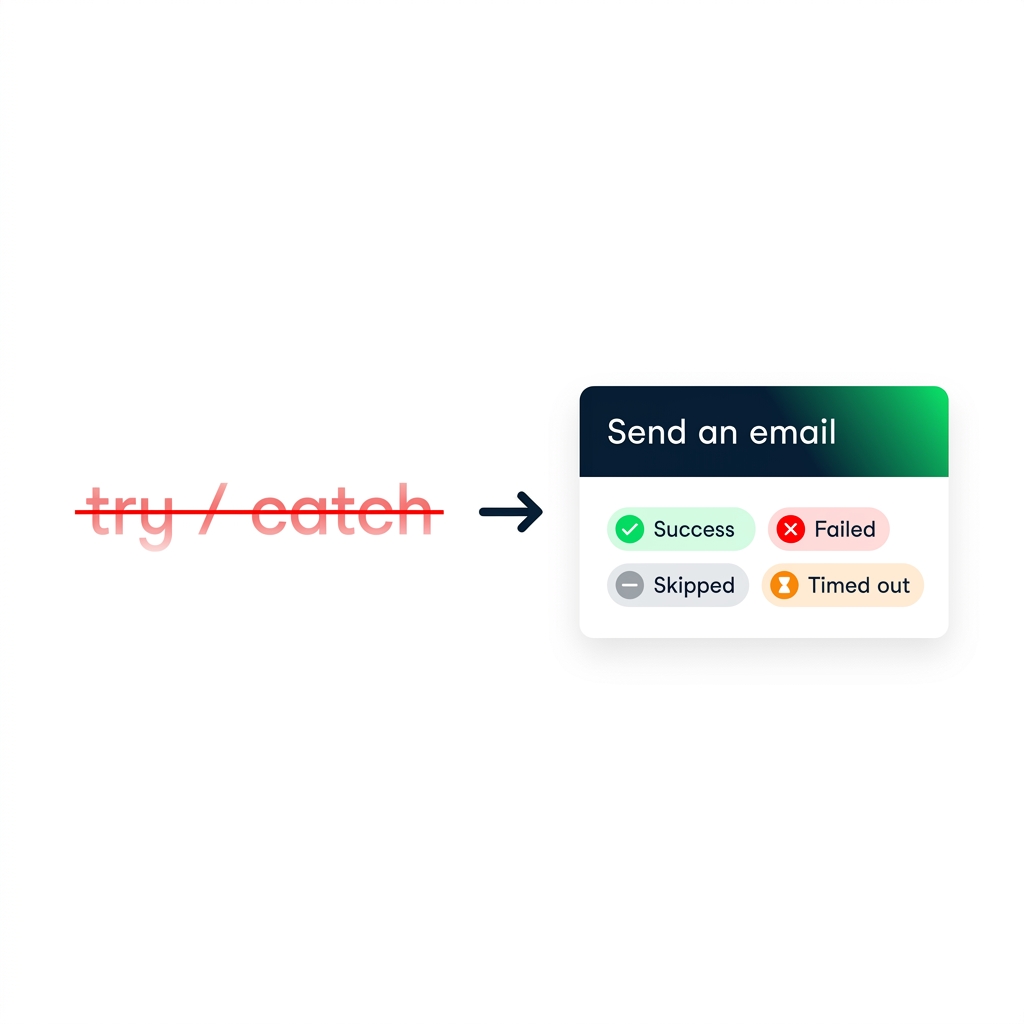
try / catch
कीवर्ड नहीं है
हर action में
run-after
सेटिंग होती है
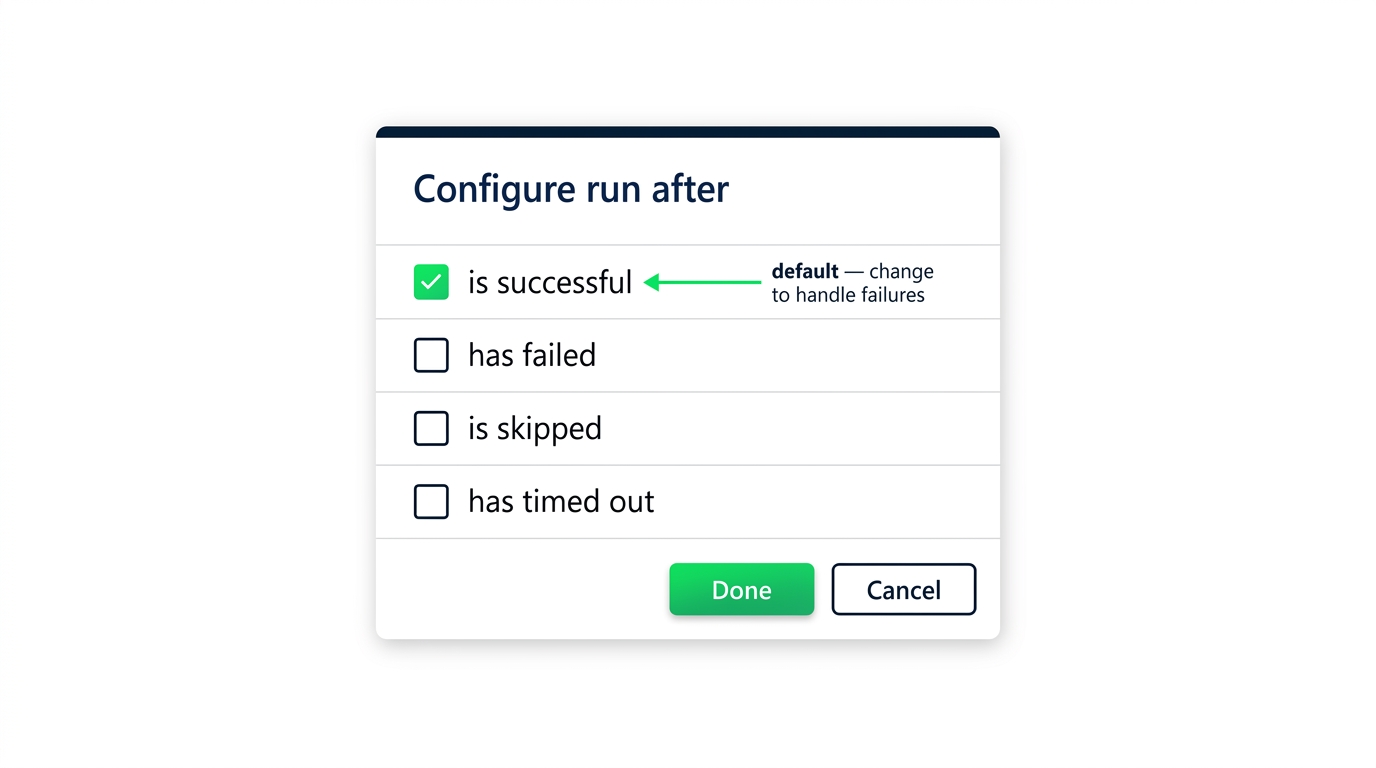
Run-after = कौन से पिछले स्टेप के स्टेटस यह स्टेप ट्रिगर करेंगे
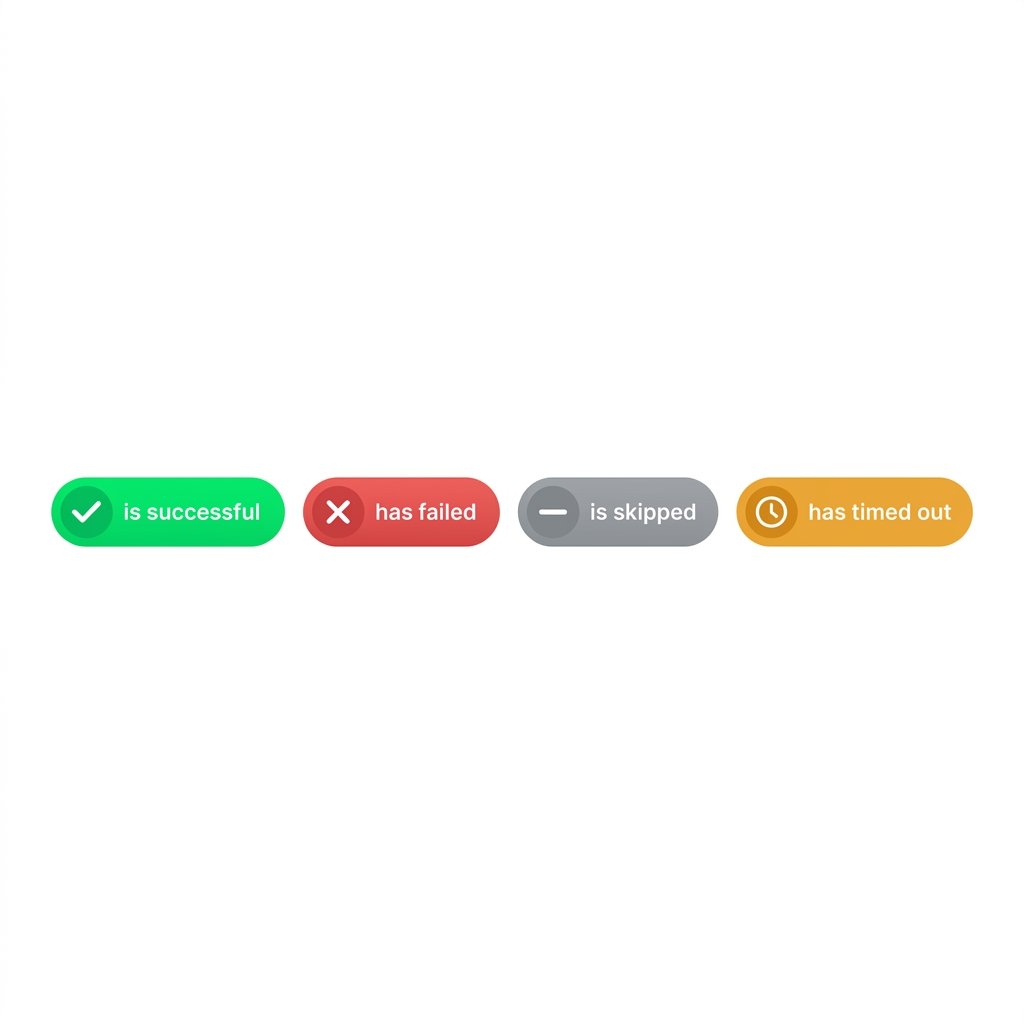
चार run-after स्टेट्स
is successful
— डिफॉल्ट
has failed
— action में error आया
is skipped
— Condition या Scope ने स्किप किया
has timed out
— समय-सीमा पार की
Failure-handler पैटर्न: parallel branches
$$
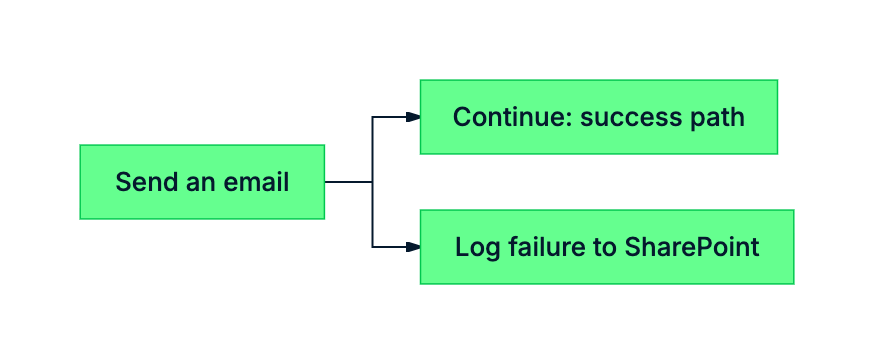
जोखिम वाले action के बाद एक
parallel branch
जोड़ें
उसकी run-after को
has failed
या
has timed out
पर सेट करें
ओरिजिनल पाथ का डिफॉल्ट
is successful
ही रहे
सबसे आम run-after बग
डिफॉल्ट वाला failure handler कभी ट्रिगर नहीं होगा
नई branches
is successful
को इनहेरिट करती हैं
Retries: parallel branches से redundancy
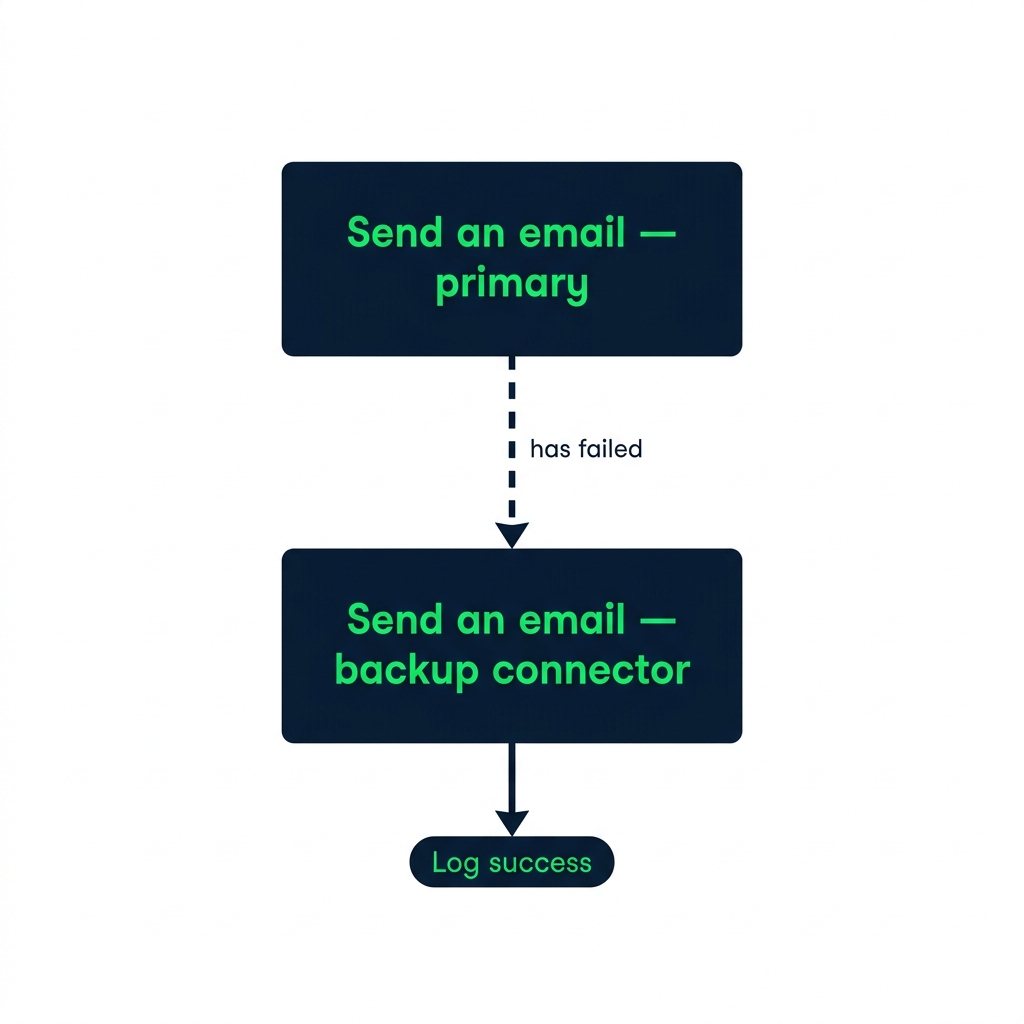
किसी दूसरे connector पर retry
चेन करने के लिए run-after का उपयोग करें
Parallel branch से ओरिजिनल पाथ स्वतंत्र रहता है
अभ्यास करते हैं!
इंटरमीडिएट Power Automate
Preparing Video For Download...