條件:依合約金額分支

Power Automate 中級

Dani Kahil

Solution Architect | Microsoft MVP

一句話看懂 Condition 動作


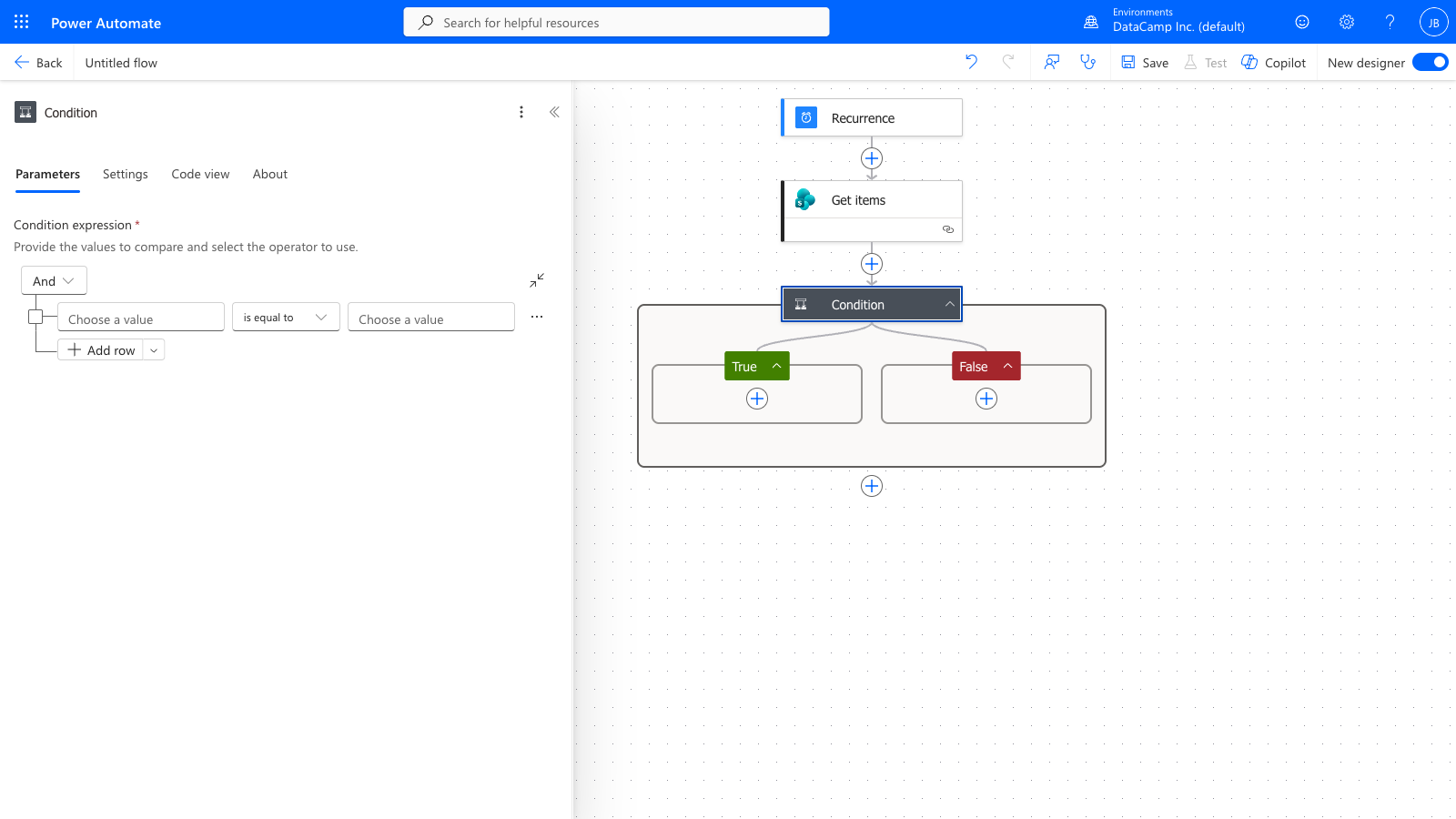
Power Automate 設計介面中的 Condition 動作,顯示條件運算式欄位與下方的 True/False 分支容器


  • Condition 會評估布林運算式
  • True → 執行 True 分支
  • False → 執行 False 分支
Power Automate 中級

For each 中的條件

$$

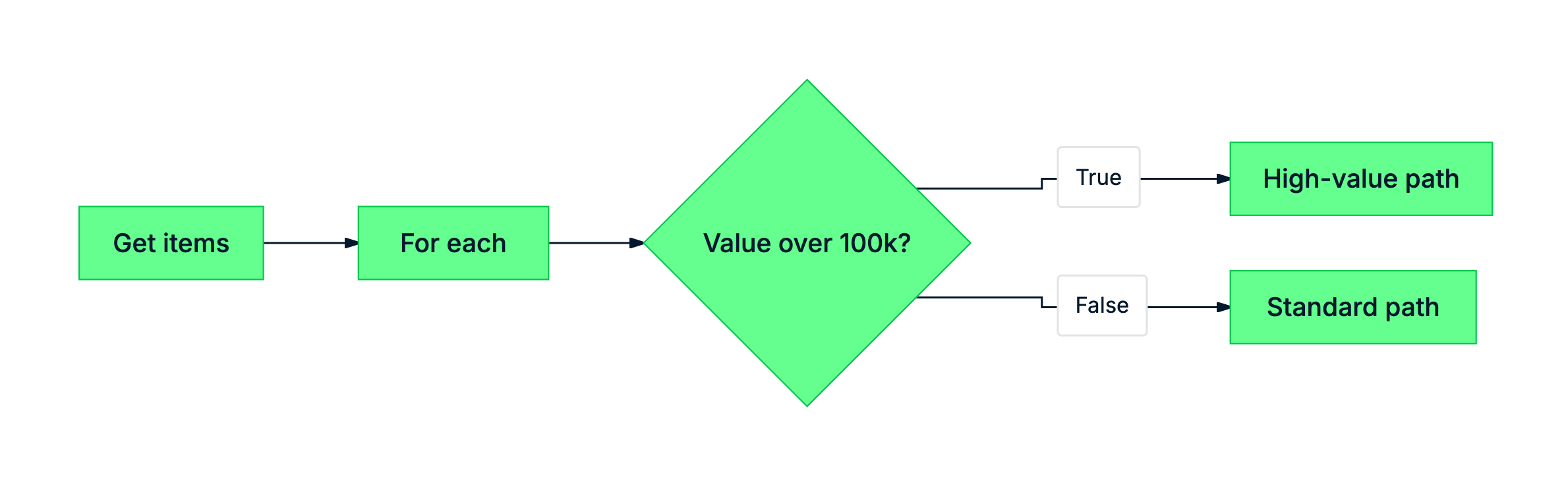
mermaid: 綠-海軍藍:在 For each 逐一處理合約時,用 Condition 分流標準與高金額續約


  • 將 Condition 放在迴圈本體「內部」
  • 會「每列」重新評估
  • 每列各自走自己的分支
Power Automate 中級

字串 vs 數字的陷阱

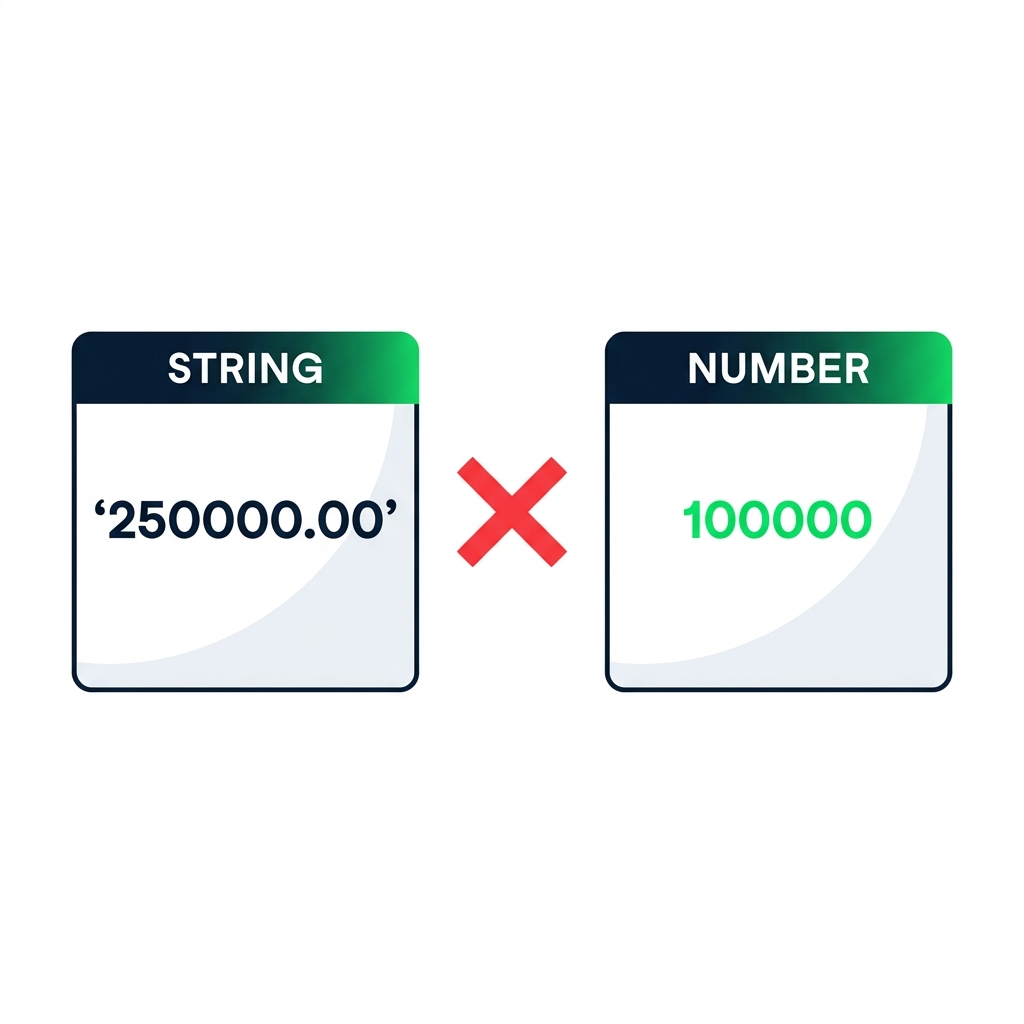
nanobanana:純白背景的扁平風插圖並排兩個方框。左框標示「STRING」,內含以引號括起的 '250000.00',深海軍藍色;右框標示「NUMBER」,內含 100000(無引號),DataCamp 綠色。兩者之間有一個大型紅色 X,表示無法比較。極簡風,無陰影。


  • 數值欄有時會變成字串
  • '250000.00' vs 100000 — 以字典序比較
  • 結果:'2...' < '1...' — 跑錯分支(變成綠色)
  • 修正:用 int() 或 float() 轉型
Power Automate 中級

撰寫運算式

nanobanana:純白背景的極簡扁平插圖。上半部並排兩個方框:左框粗體大寫標示「STRING」,內含 '"250000.00"';右框標示「NUMBER」,內含 100000(無引號)。中間以紅色大 X 表示不可直接比較。下方一列顯示運算式 `int("250000.00") > 100000`,右側有綠色勾勾。2D 扁平,無陰影、無 3D。


  • 在 For Each 裡用 items('For each')['contractvalue']
  • 外層包 int(),強制做數值比較
  • 運算子:is greater than,值:100000
Power Automate 中級

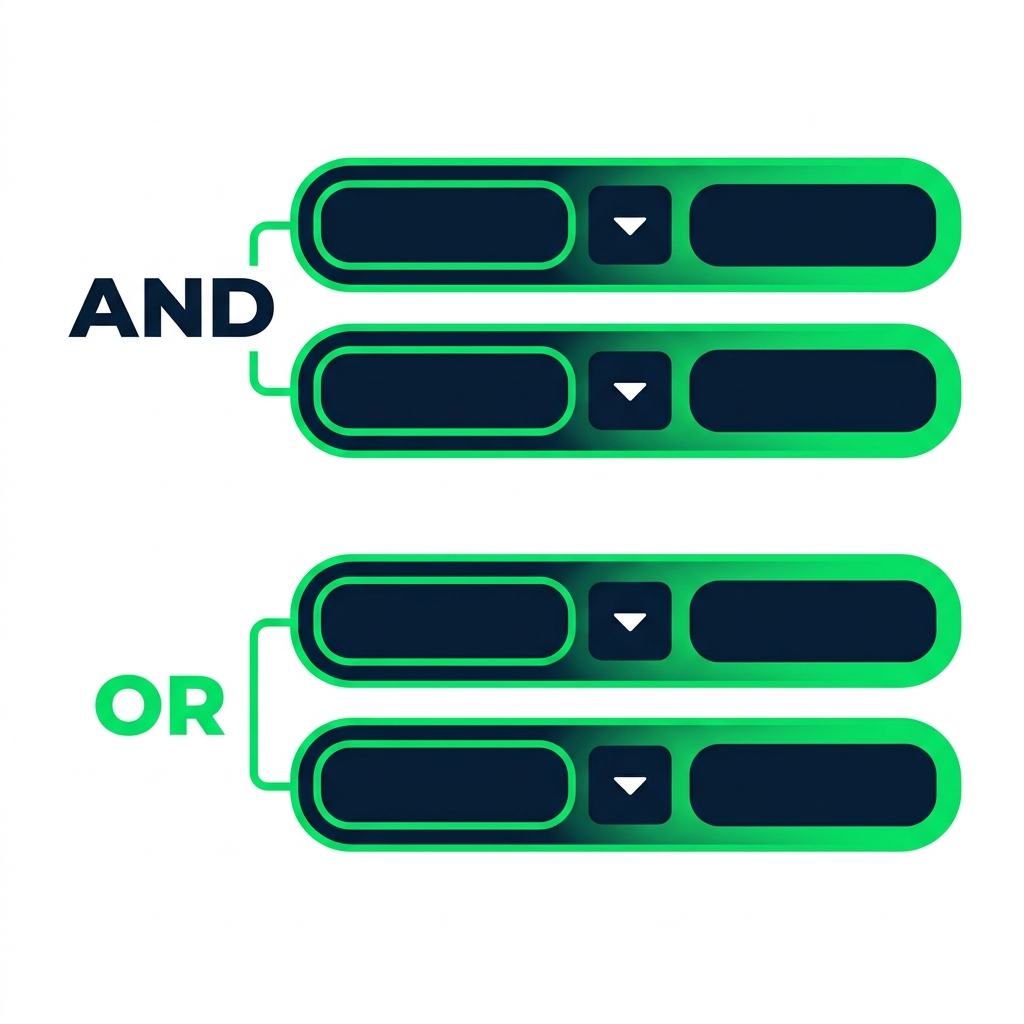
AND、OR 與群組化

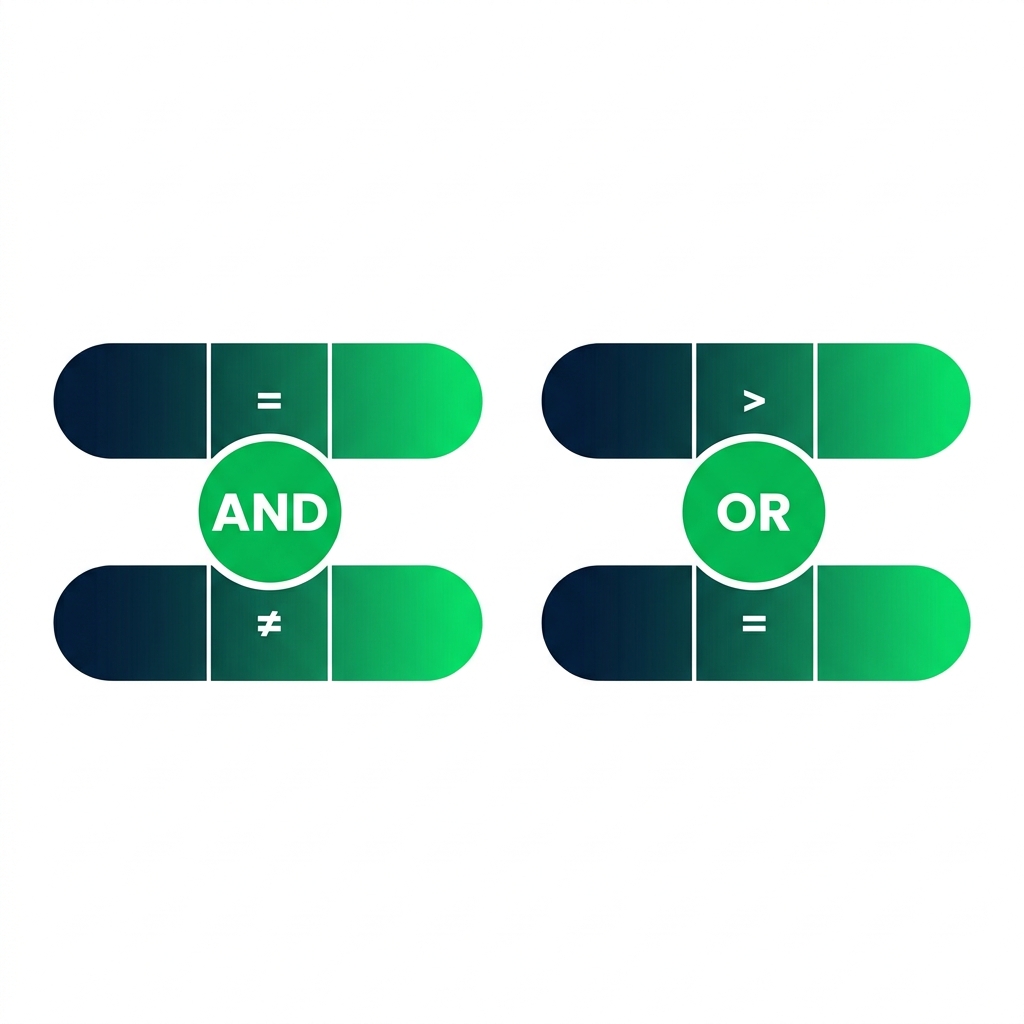
nanobanana:half:純白背景的極簡扁平插圖,顯示兩組堆疊的條件列。左側:兩條水平膠囊狀條件列,中間以醒目的綠色 AND 相連;右側:兩條水平膠囊狀條件列,以綠色 OR 相連。每個條件膠囊含左值、運算子、右值三段。配色為 DataCamp 海軍藍與綠。2D 扁平、無陰影,除 AND 與 OR 外無其他文字。


  • AND:群組內每一列都要為真
  • OR:至少一列為真
  • 以群組混搭 AND 與 OR 於同一個 Condition
Power Automate 中級

一起來練習吧!

Power Automate 中級

Preparing Video For Download...