恭喜!

Power Automate 中級

Dani Kahil

Solution Architect | Microsoft MVP

你的學習軌跡

$$

Power Automate


  • 第 1 章 — 選對觸發條件
  • 第 2 章 — 讀取資料、辨識人員、發送通知
  • 第 3 章 — 分支、路由、失敗復原
  • 第 4 章 — 核准、共用、上線到 production
Power Automate 中級

你現在能上線的內容

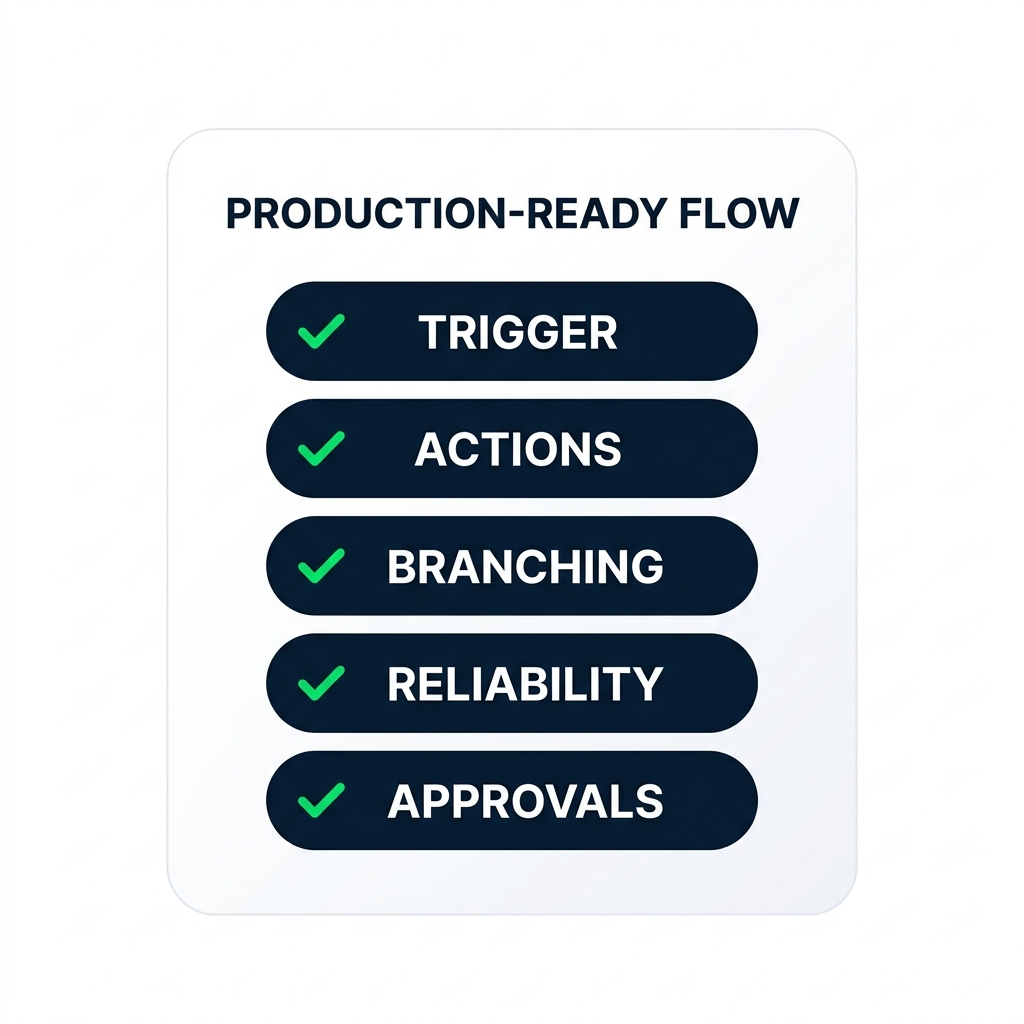
nanobanana: A clean flat minimalist illustration on a pure white background. A single rounded rectangle card labelled "PRODUCTION-READY FLOW" in bold uppercase. Inside the card, five smaller horizontal pill rows stacked vertically, each with a small green checkmark on the left. From top to bottom the pills read in bold uppercase: "TRIGGER", "ACTIONS", "BRANCHING", "RELIABILITY", "APPROVALS". No other elements. Flat 2D, no shadows.


  • 在 SharePoint 與 Excel 建立流程
  • 分支、失敗復原、核准路由
  • 交接流程:共同擁有、可稽核、持續運作
Power Automate 中級

Power Automate 的下一步

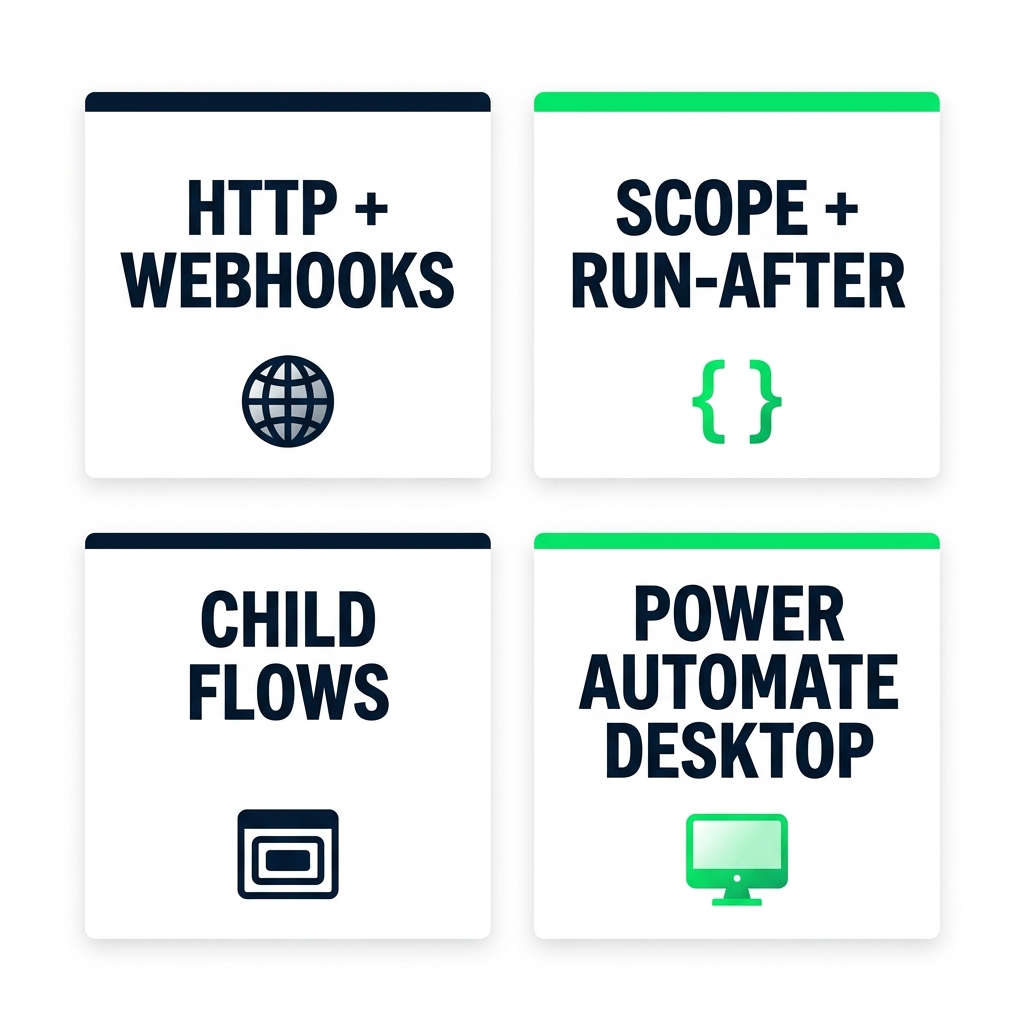
nanobanana: A clean flat minimalist illustration on a pure white background. Four rectangular cards arranged in a 2x2 grid. Each card has a bold uppercase label at the top and a small icon below. Top-left card: "HTTP + WEBHOOKS" with a globe icon in DataCamp navy. Top-right card: "SCOPE + RUN-AFTER" with a try-catch braces icon in DataCamp green. Bottom-left card: "CHILD FLOWS" with a nested-rectangles icon in DataCamp navy. Bottom-right card: "POWER AUTOMATE DESKTOP" with a desktop-monitor icon in DataCamp green. Equal sizing on all four cards. Flat 2D, no shadows.


  • HTTP / webhooks:與外部系統溝通
  • Scope + Run After:結構化 try/catch/finally
  • Child flows 與 Power Automate Desktop 處理舊式 UI
  • Microsoft 認證
Power Automate 中級

謝謝你

Power Automate 中級

Preparing Video For Download...