Run-after:优雅处理失败
Power Automate 中级
Dani Kahil
Solution Architect | Microsoft MVP
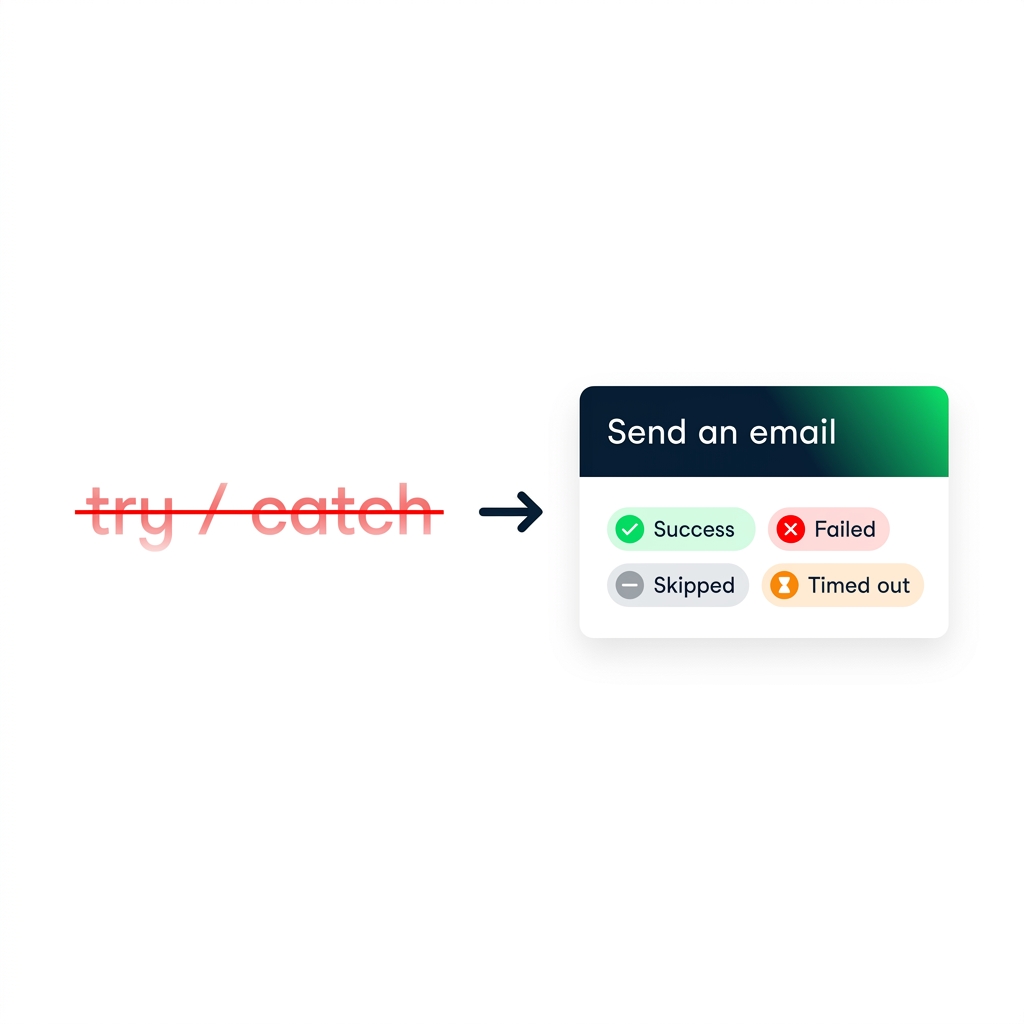
Power Automate 中没有 try-catch
没有
try / catch
关键字
每个动作都有
run-after
设置
Run-after = 由哪些前置步骤状态触发本步骤
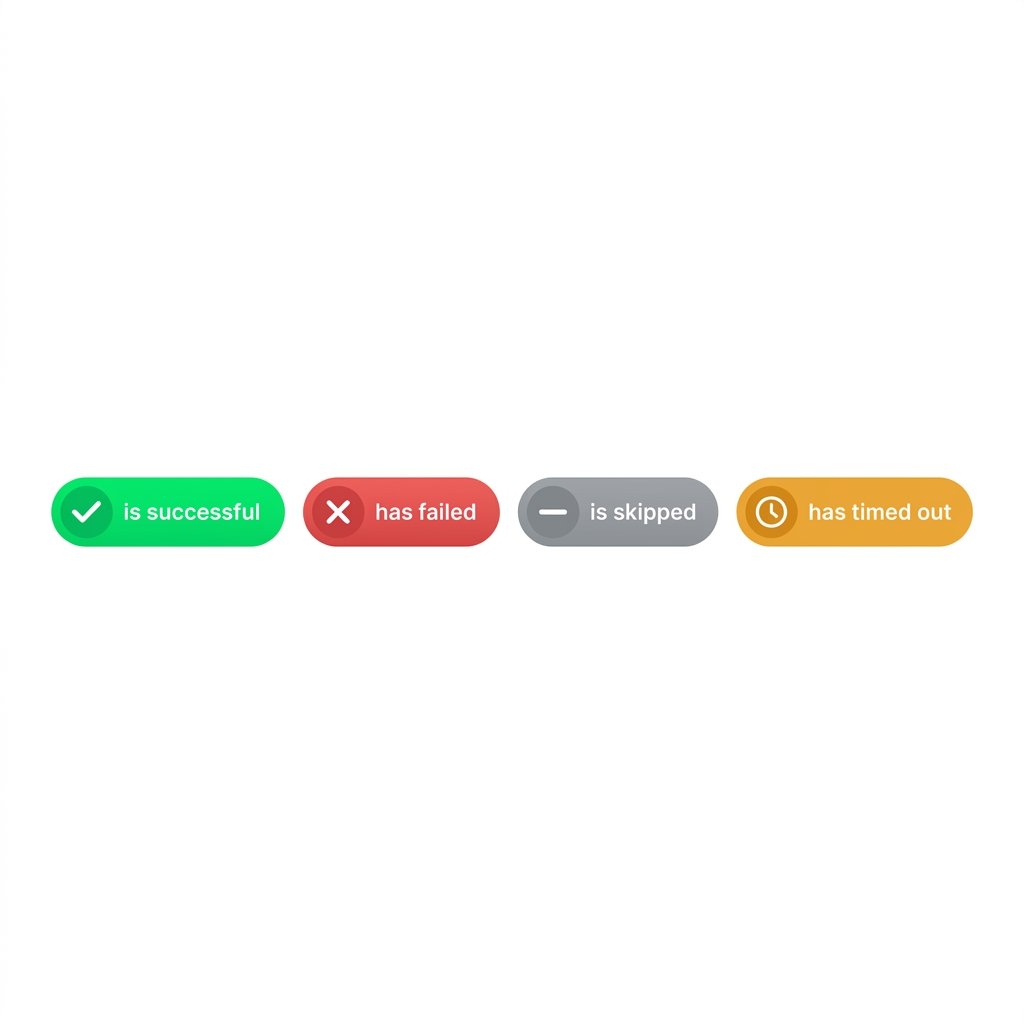
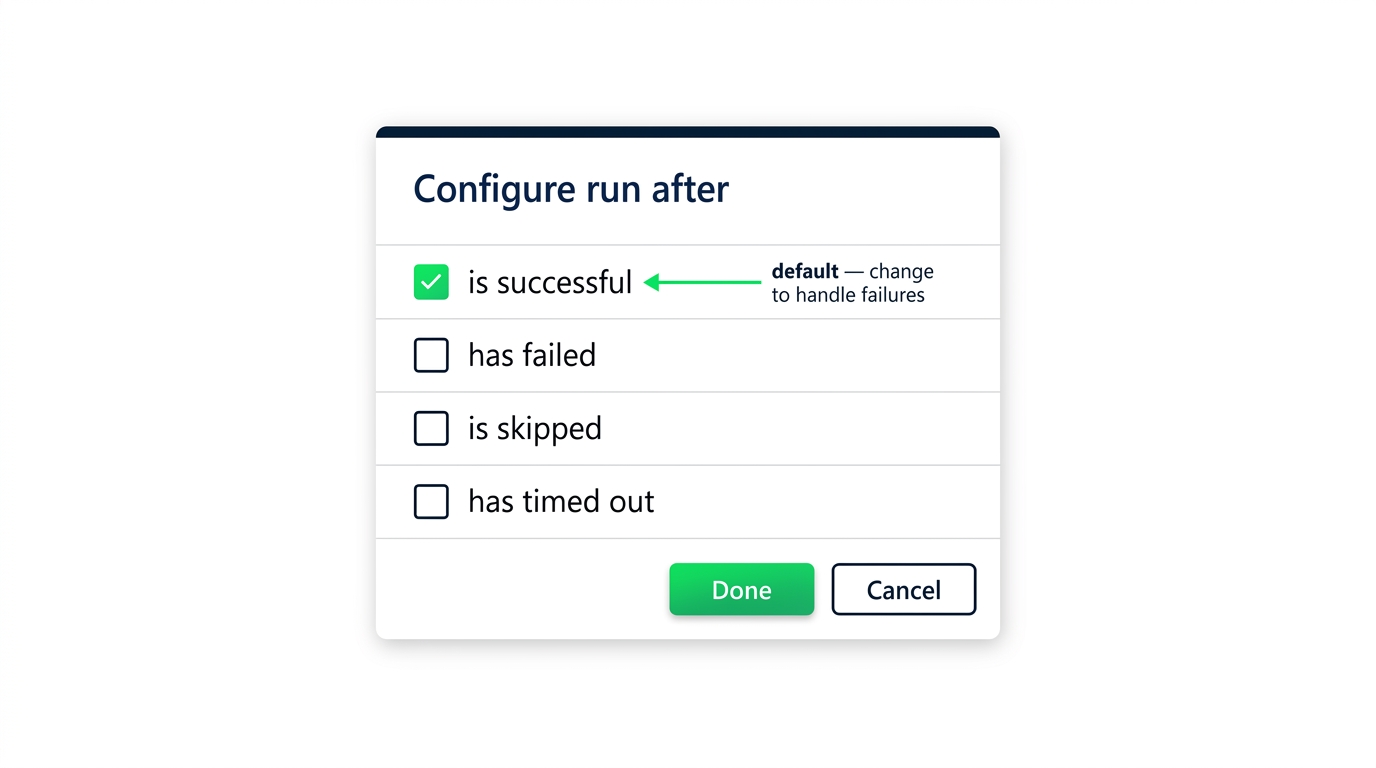
四种 run-after 状态
is successful
— 默认
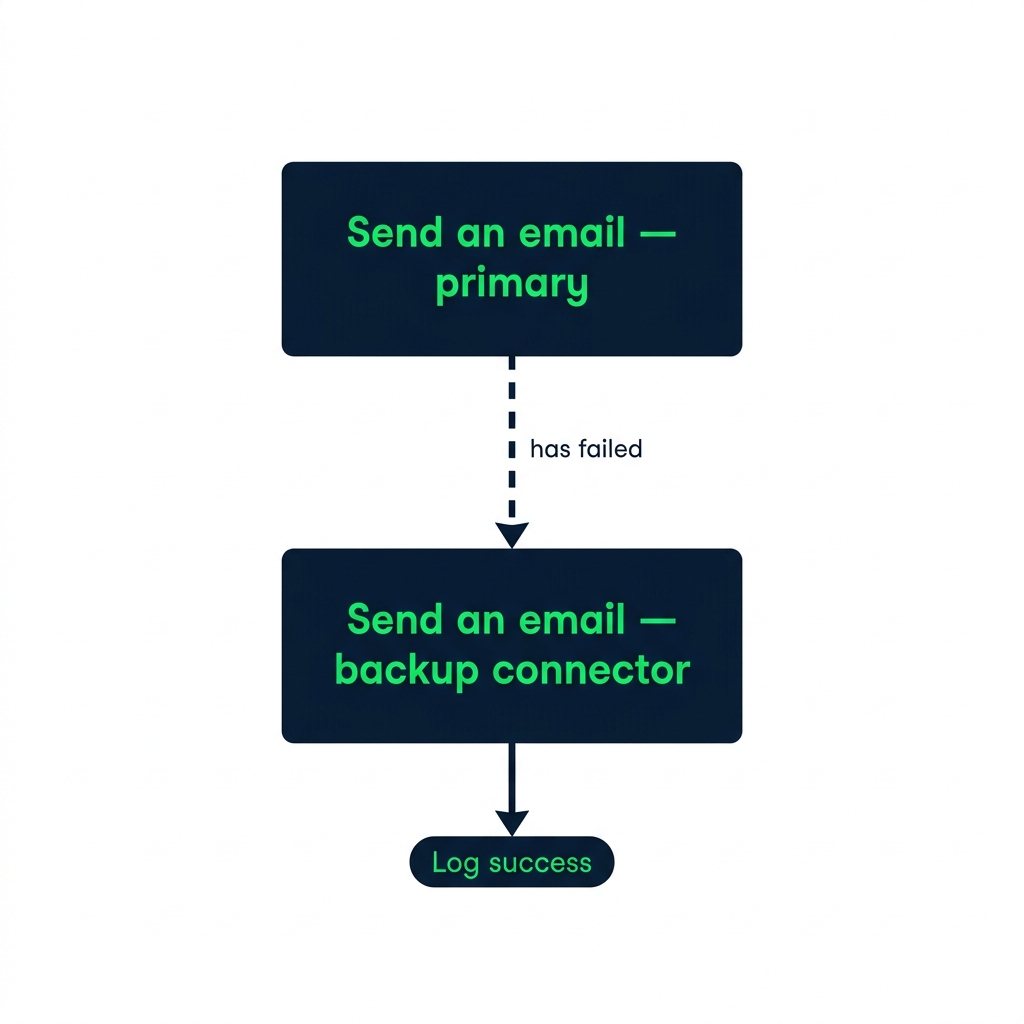
has failed
— 动作出错
is skipped
— 被 Condition 或 Scope 跳过
has timed out
— 超出时间限制
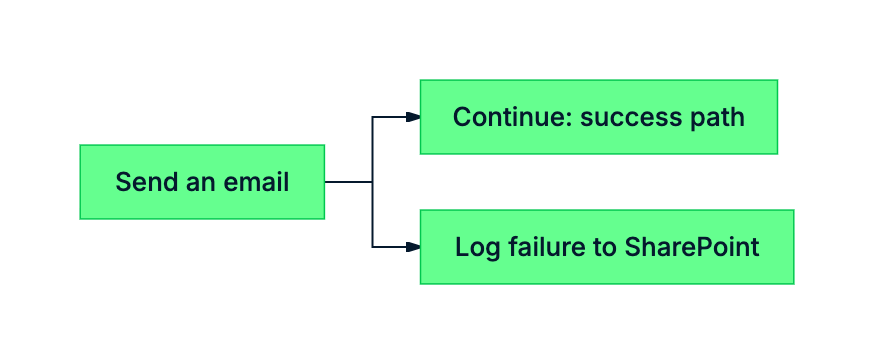
并行分支:失败处理的常用模式
$$
在高风险动作后添加
并行分支
将其 run-after 设为
has failed
或
has timed out
原路径保持默认
is successful
最常见的 run-after 错误
使用默认值的失败处理器永远不会触发
新分支会继承
is successful
重试:并行分支提供冗余
用 run-after 串联
在不同连接器上重试
并行分支让原路径保持独立
让我们一起练习吧!
Power Automate 中级
Preparing Video For Download...