Power Automate 中的连接器

Power Automate 入门

Anushika Agarwal

Cloud Data Engineer

什么是连接器?

Power Automate 作为中心连接器,辐射连接邮件、日历、聊天、数据库与表格服务的示意图


  • 连接器是 Power Automate 与服务之间的桥梁
  • 超过 1,000 个连接器:邮件、文件、数据库、企业系统
  • 每个连接器公开该服务的触发器与操作
  • 每个连接器登录一次(少数显示 Create)。Power Automate 会记住您的凭据
Power Automate 入门

Standard 与 Premium 的区别

$$

Screenshot 2026-06-09 at 11.17.34.png

Screenshot 2026-06-09 at 11.18.09.png


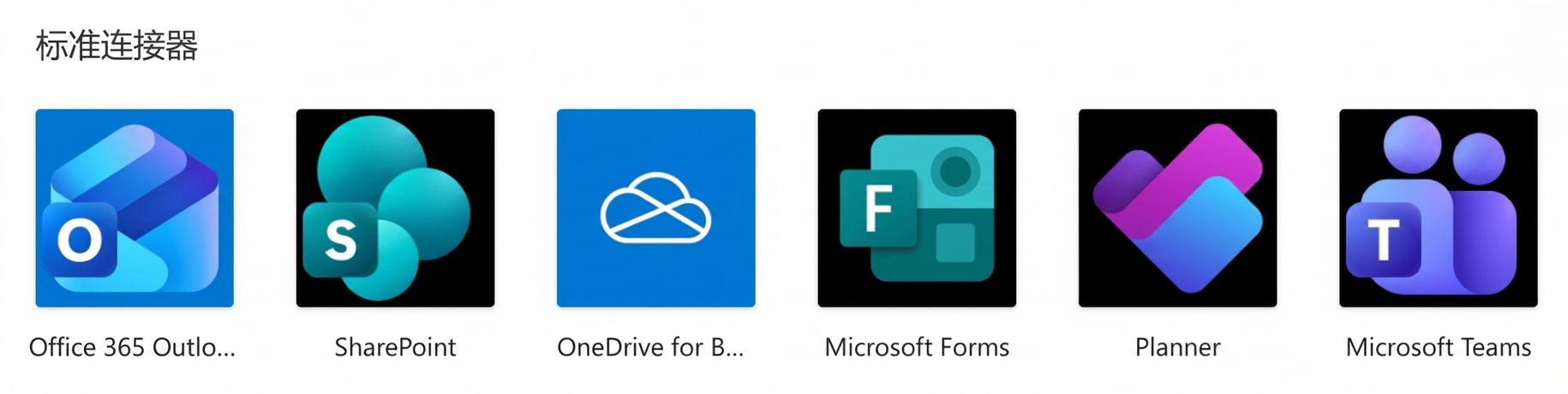
  • Standard → 大多 Microsoft 365 订阅已包含
    • Outlook、SharePoint、Teams、OneDrive、Forms
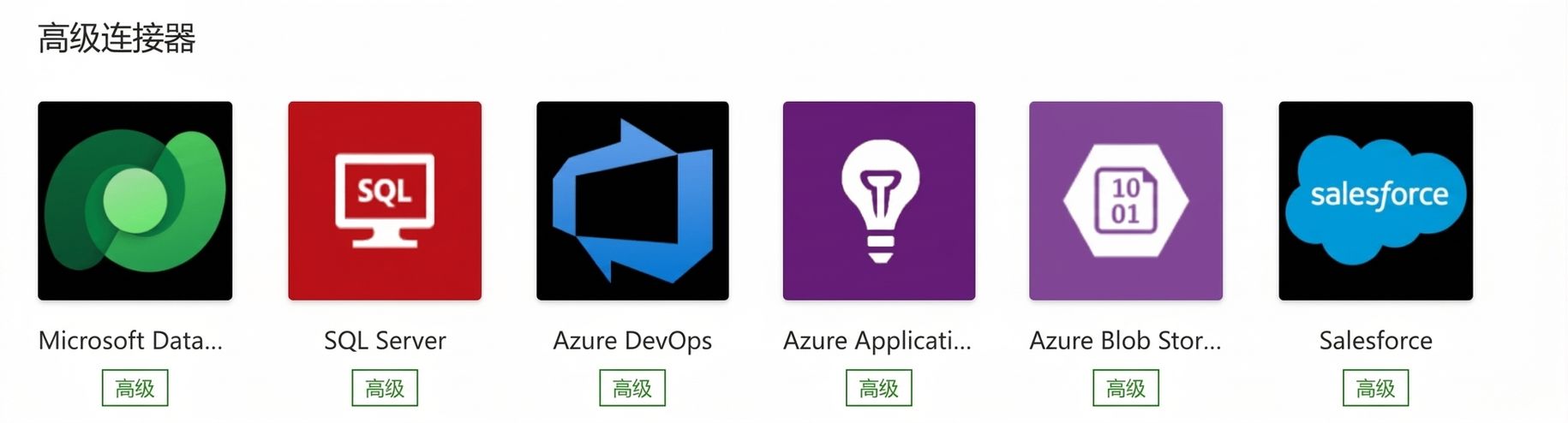
  • Premium → 需 Power Automate Premium 许可证
    • Salesforce、SAP、Dataverse、自定义连接器
  • 在连接器库中留意 PREMIUM 徽章
Power Automate 入门

常用连接器


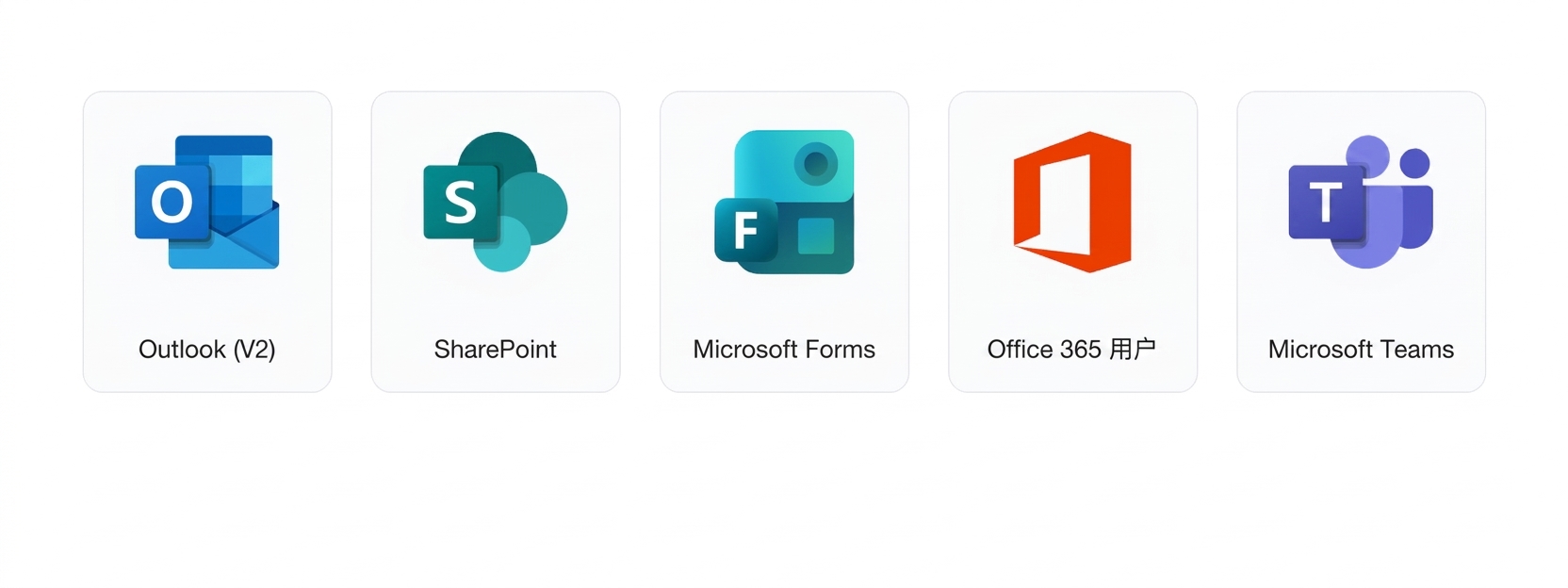
  • Outlook (V2) → 发送与读取邮件
  • SharePoint → 列表、文件、库
  • Microsoft Forms → 问卷与表单响应
  • Office 365 Users → 资料查询、用户数据
  • Microsoft Teams → 消息、频道、通知

$$

$$

五个连接器标识一排:Outlook (V2)、SharePoint、Microsoft Forms、Office 365 Users、Microsoft Teams

Power Automate 入门

触发器 vs. 操作

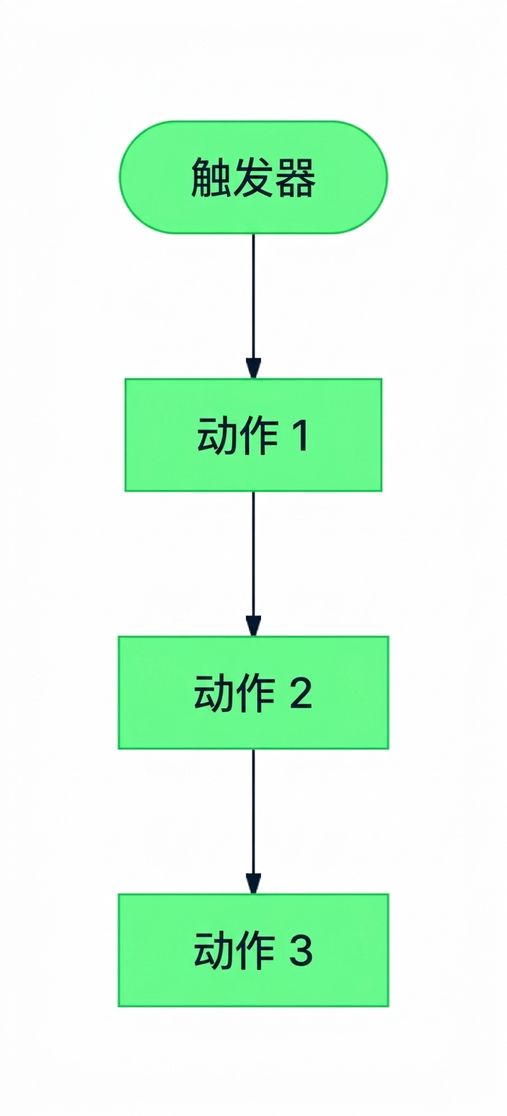
图示:触发器为流程首步,后接一串操作


  • 触发器 → 流程如何开始,每个流程仅一个
  • 操作 → 流程执行的步骤,数量不限
  • 单个连接器通常提供两者:可在一处触发,在另一处执行
Power Automate 入门

同一连接器,两种角色

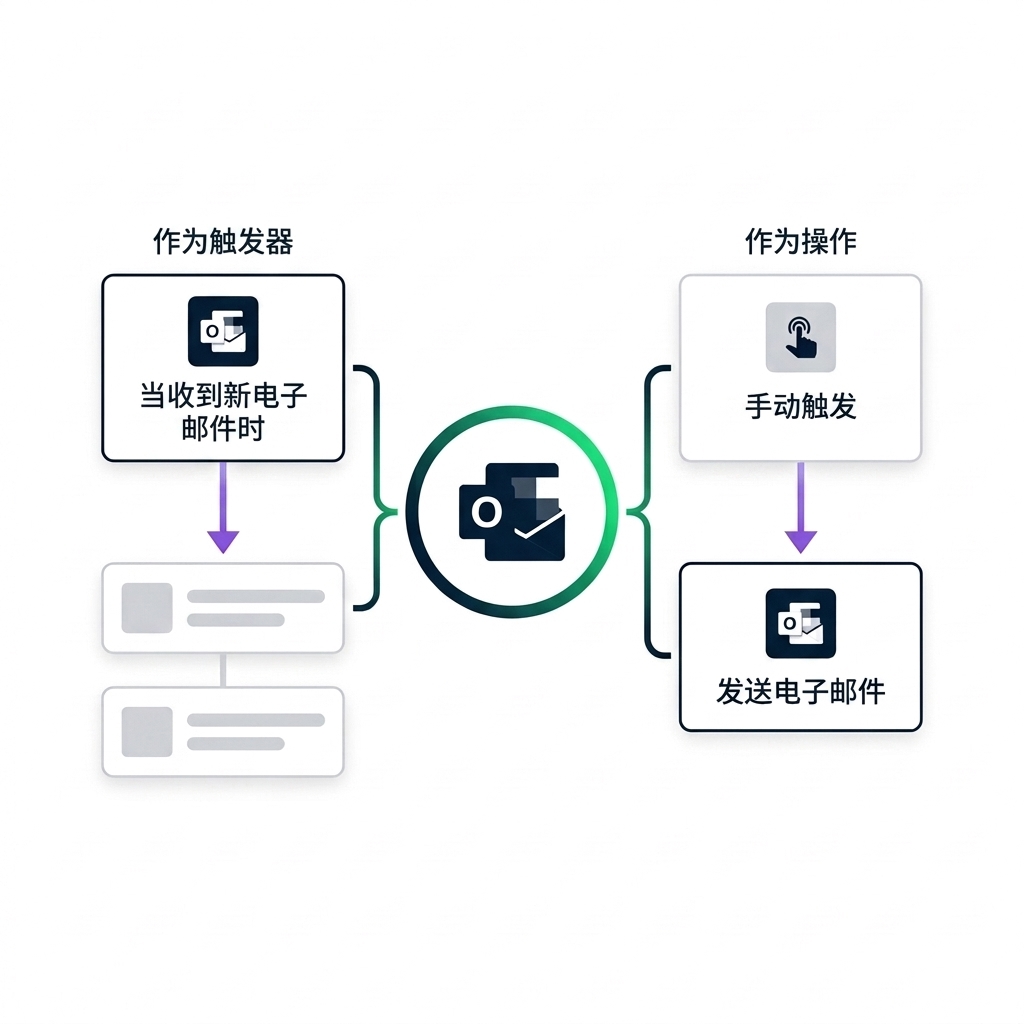
Outlook 连接器标识在中间,左右各一条小流程:左侧标注 AS TRIGGER(Outlook "When a new email arrives" 卡片连到两个操作卡),右侧标注 AS ACTION(手动触发卡连到 Outlook "Send an email" 卡),强调同一连接器可复用


  • 同一连接器在不同流程中可承担两种角色

  • 流程 1:Outlook 作为触发器 → 新邮件即触发

  • 流程 2:Outlook 作为操作 → 发送邮件

Power Automate 入门

添加连接器操作


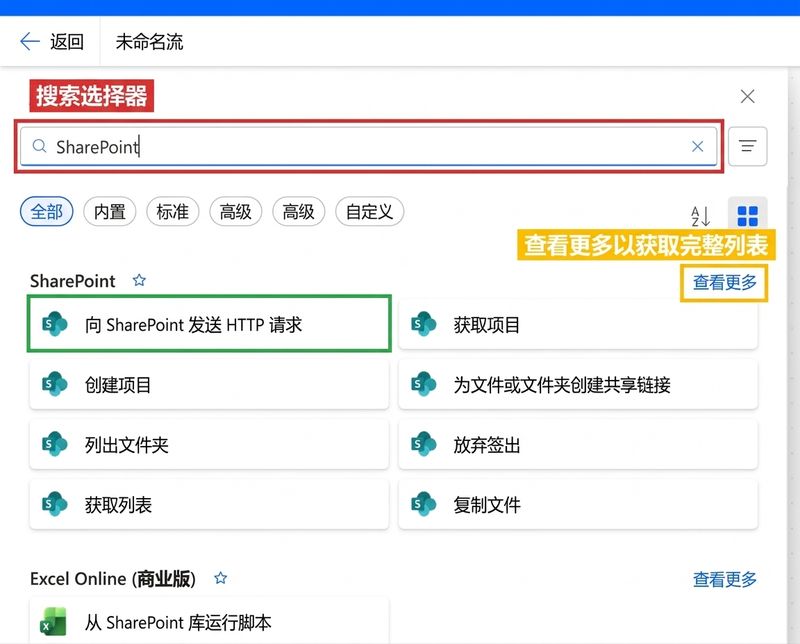
Power Automate"添加操作"选择器已打开,顶部搜索框以红色高亮并已输入 SharePoint,右侧"See more"以黄色高亮,首个 SharePoint 操作卡以绿色高亮示例点击位置


  • 点击任意卡片下方的 + 打开选择器
  • 顶部按连接器或操作名称搜索
  • 按 Built-in、Standard、Premium 或 Custom 筛选
  • See more 展开更长的类别列表
Power Automate 入门

Polling 与 Push(Webhook)触发器

nanobanana: half: Clean modern illustration on white background of POLLING for a Power Automate concept slide: a single rounded clock face with a magnifying glass overlay on its right side, three small rounded event boxes in a queue below the clock, and two looping arrows curling around the clock to show repeated checks on a schedule. Use a calm blue and soft green palette consistent with the Power Platform style, no labels or text

  • Polling:按计划检查,可能延迟,重启后会补抓

nanobanana: half: Clean modern illustration on white background of PUSH/WEBHOOK for a Power Automate concept slide: a single rounded service icon on the left with a small notification bell overlay, a single lightning bolt arrow flying from it to a rounded target icon on the right showing instant delivery. Use the same calm blue and soft green palette as the polling counterpart, no labels or text

  • Push(Webhook):事件即刻触发,流程关闭期间会漏过
Power Automate 入门

最佳实践

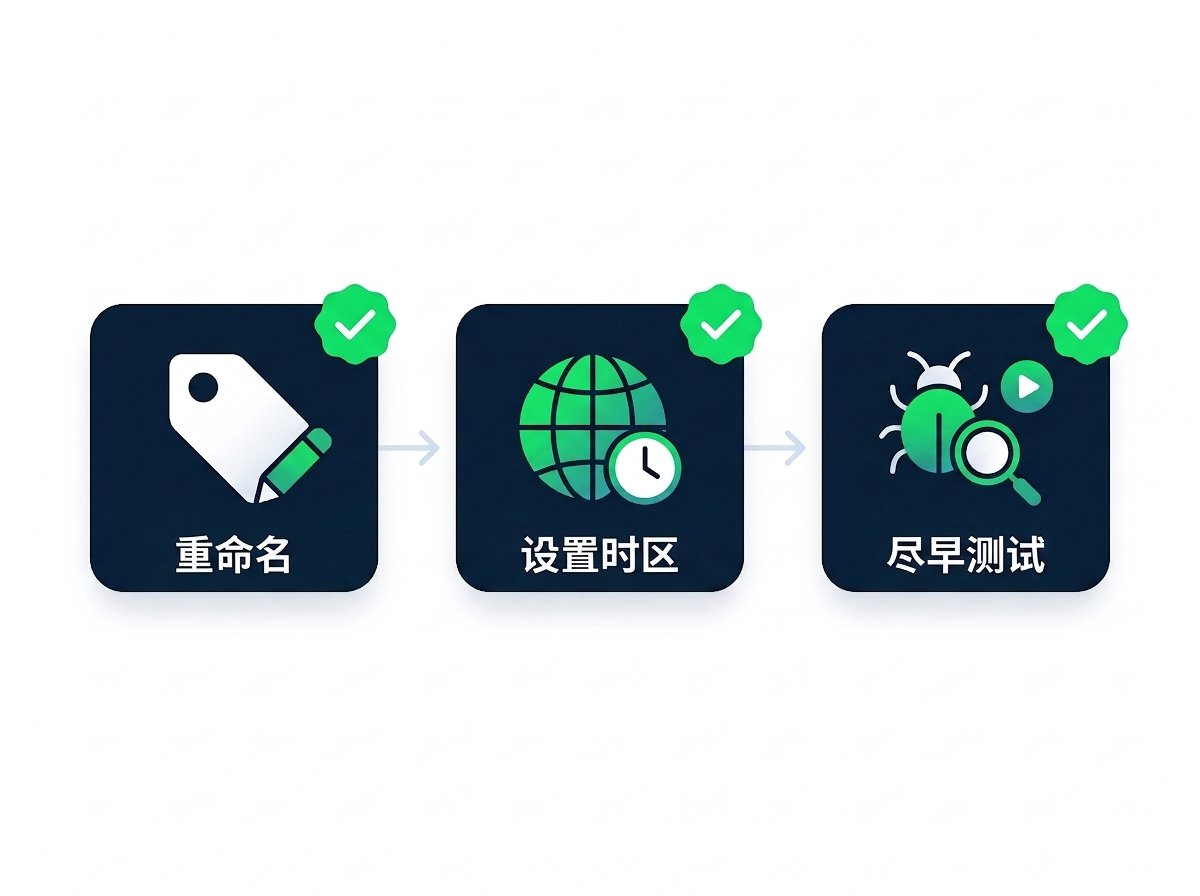
三块最佳实践卡片并排,每块带绿色对勾徽章:RENAME(姓名牌与铅笔)、SET TIME ZONE(地球与时钟)、TEST EARLY(虫子与放大镜)


  • 为每个操作重命名:用 "Send approval email" 替代 "Send an email (V2)"
  • 在 Recurrence 触发器上设置时区:默认 UTC,通常需要调整
  • 每新增一步就测试:尽早发现错误,别留到最后
Power Automate 入门

让我们一起练习吧!

Power Automate 入门

Preparing Video For Download...