Valida presto, fallisci subito con messaggi chiari
Costruire il Reporter
> Use @PLAN.md to build reporter.py
Fatto! Creato reporter.py seguendo PLAN.md

Funzioni principali:
- get_db_connection()     SQLite in sola lettura con convalida
- fetch_artist_stats()    4 query SQL per aggregati
- format_json/csv()       Formattazione output
- write_output()          Scrittura file
- parse_args() / main()   Orchestrazione CLI

Funzionalità:
- Ricerca artista case-insensitive
- Dettaglio per album con ricavi
- Tutti i messaggi d'errore come da specifica
- Flag --db per test injection
Il codice generato
import argparse, sqlite3, json, csv

def main():
    parser = argparse.ArgumentParser()
    ...
    args = parser.parse_args()

    conn = sqlite3.connect("chinook.db")
    # Query artist's albums and tracks...

    if args.format == "json":
        with open(args.output, "w") as f:
            json.dump(data, f, indent=2)
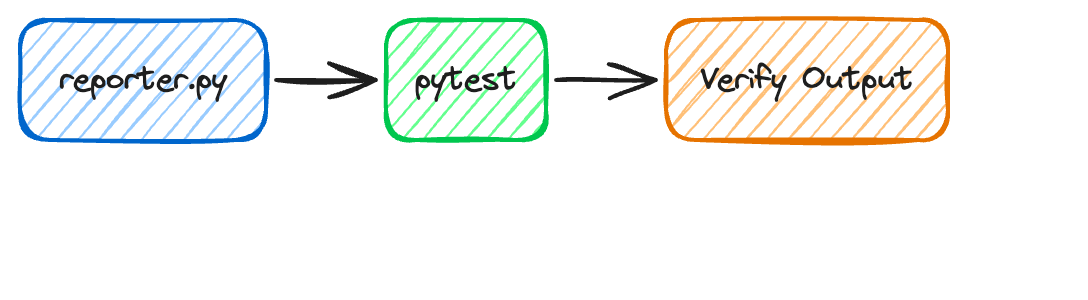
Testa lo strumento
I test verificano:
Un artista valido restituisce dati
Il file di output viene creato
Il formato JSON/CSV è corretto
Testare strumenti CLI
Unit test
Testa singole funzioni
Mock delle chiamate al database
Veloci, isolati, ripetibili
Test di integrazione
Esegui il comando CLI reale
Usa un database reale
Più lenti ma più realistici
Cosa testare:
Happy path — artista valido, output corretto
Errori — artista non trovato, formato errato
Casi limite — nome vuoto, caratteri speciali
Gestione file — permessi di scrittura, sovrascrittura
Test in azione
> Use @PLAN.md to build test_reporter.py
Creato test_reporter.py: 31 test in 7 classi

Copertura:
- Connection     DB valido, file mancante, file non valido
- Stats          Artista noto/sconosciuto, case-insensitive, multi-genere
- JSON           Formato, indentazione, serializzazione round-trip
- CSV            Due sezioni, generi separati da pipe, conteggio righe
- File I/O       Scrittura, sovrascrittura, percorso non scrivibile
- CLI args       Argomenti obbligatori, validazione scelte
- Integration    Output JSON/CSV, artista/DB non trovato, cleanup

Usa un piccolo SQLite con seed: indipendente da chinook.db

Tutti i 31 test superati!