什麼是 Power Apps?
Power Apps 入門
Luise Freese
Azure & Power Platform Architect
認識你的講師

Luise Freese
,Azure 與 Power Platform 架構師(杜塞道夫)
2× Microsoft MVP,M365 Development + Business Applications
你將學到什麼
第 1 章
→ 先熟悉環境,打造你的第一個單頁 App
第 2 章
→ 連接資料,並在 gallery 中顯示
第 3 章
→ 加入導覽、表單、驗證與實際流程
第 4 章
→ 做到響應式、發佈並分享
本課程的目標
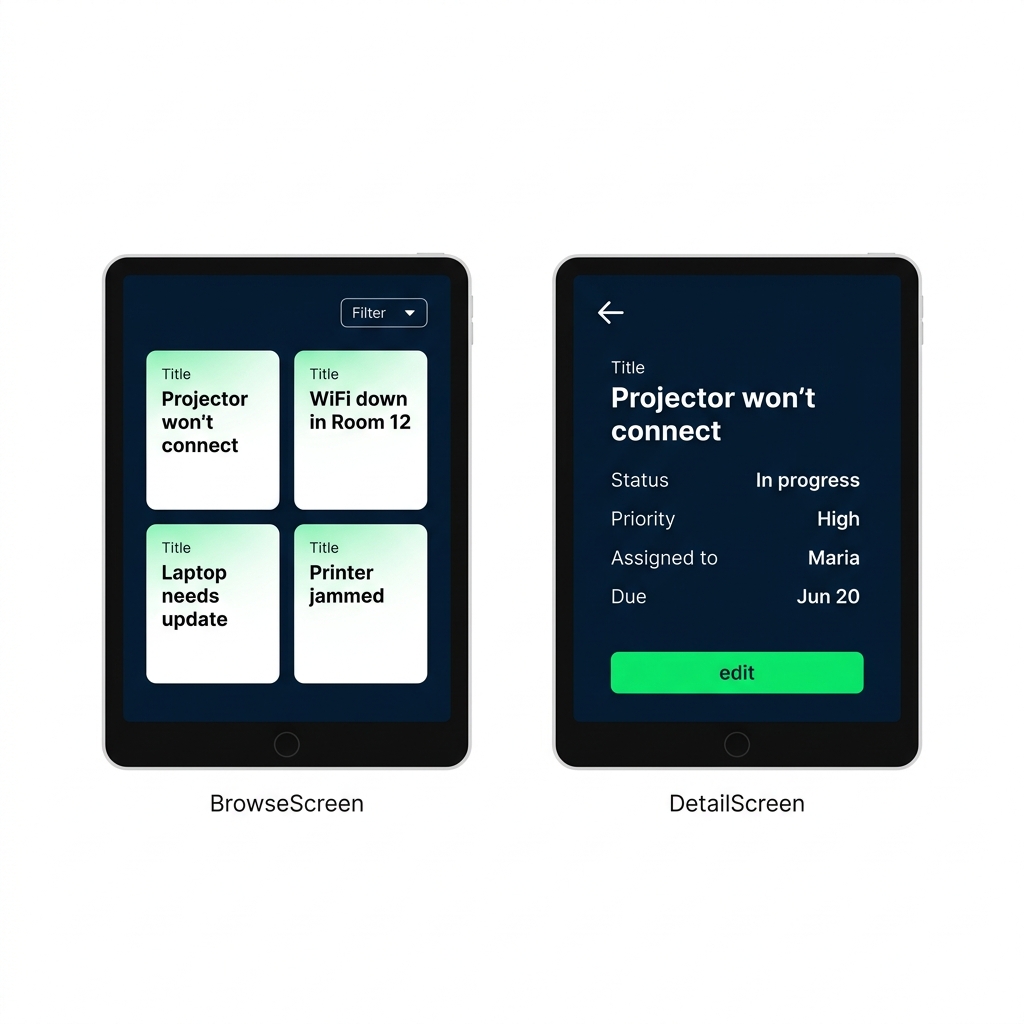
多畫面 App:
列出資料
、開啟
詳細
、並可
新增或編輯
紀錄
紀錄存在 App 啟動時建立的
集合(collection)
中
全程使用
Power Fx
,不需傳統寫程式
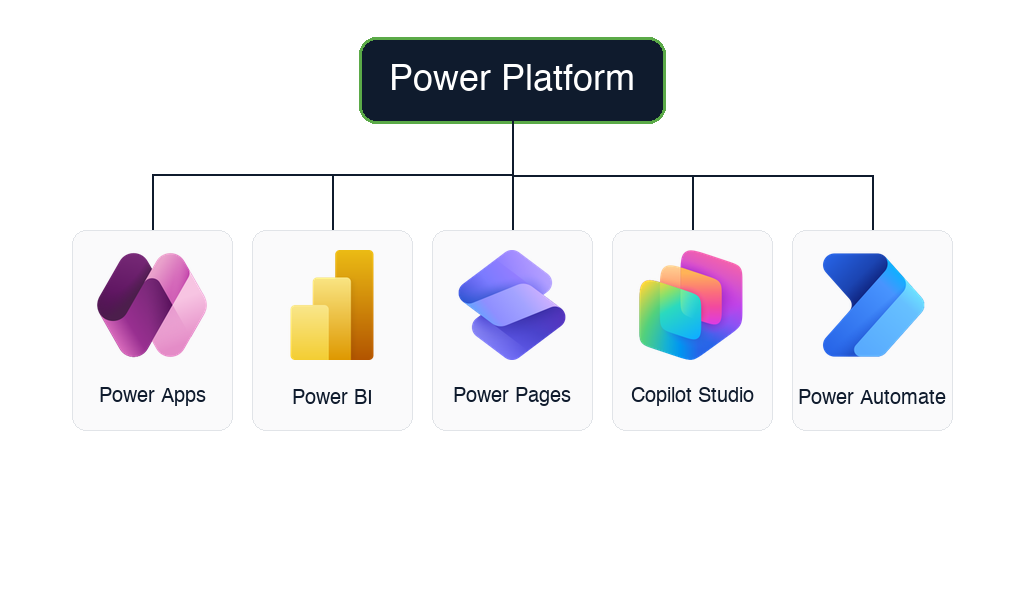
認識 Power Platform
Power Apps
→ 自訂商務 App(本課)
Power Automate
→ 自動化流程
Power BI
→ 儀表板與報表
Power Pages
→ 對外網站與入口
Copilot Studio
→ 自訂 AI 代理與聊天機器人
$$
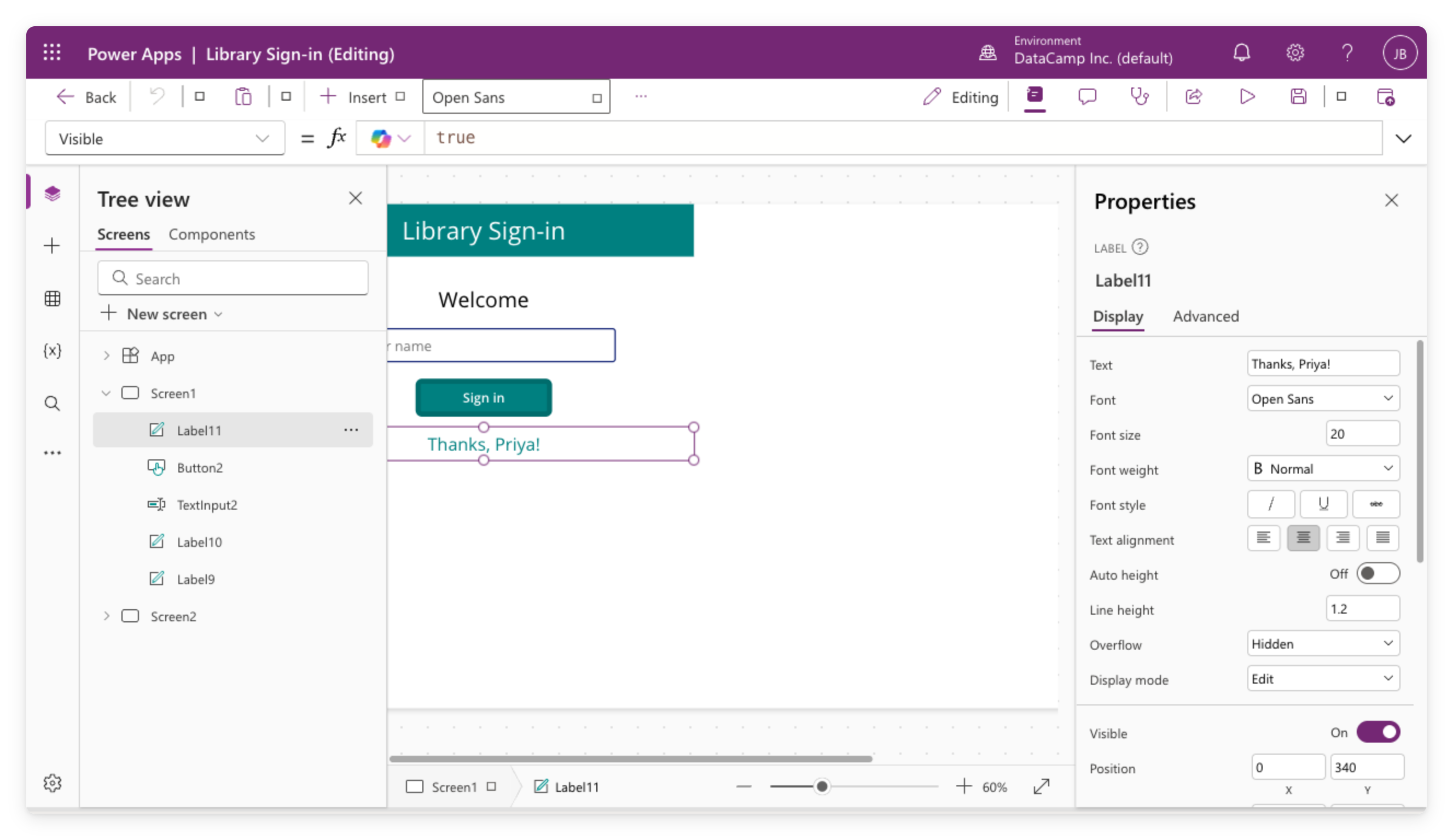
Canvas apps
由你設計畫面,
逐像素掌控
適合
單一用途
工具:簽到機、外勤表單、紀錄 App
支援
多種資料來源
:SharePoint、Excel 等
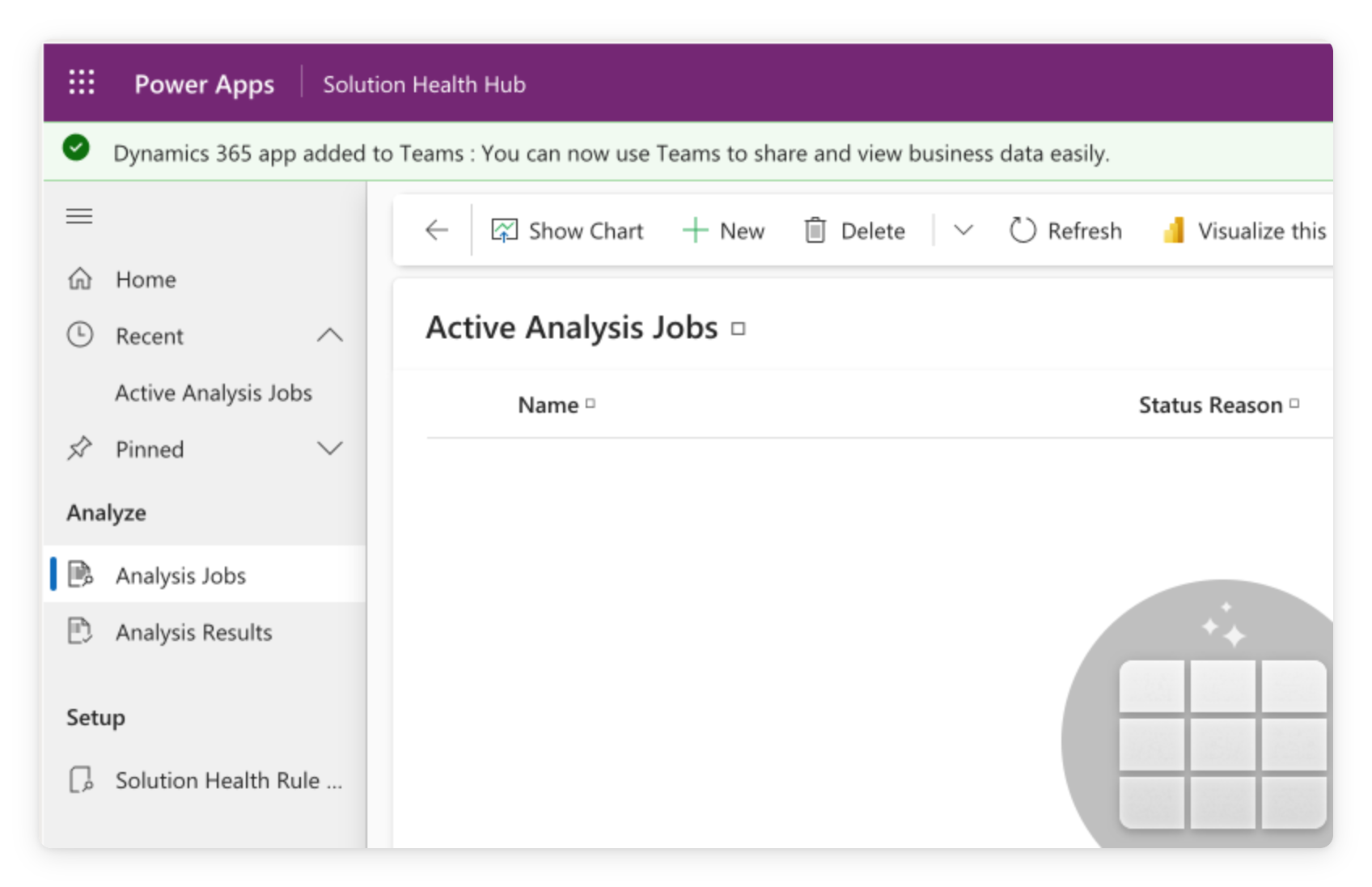
Model-driven apps
依你的資料表
自動產生
標準化
版面:清單、表單、檢視
適合
CRM
、服務台、案件管理等大規模情境
現代控制項與主題
Classic controls
→ 舊版控制項,canvas apps 長期使用
Modern controls + 主題
→ 新版,建基於
Fluent 2
,
預設關閉
主題
設定色彩、字體、邊框、陰影 →
整個 App 套用
各控制項保有自身的
大小、形狀、方向
為什麼用 Power Apps?
低程式碼
:拖放式介面,用公式取代程式碼
商務人員可
不必等 IT
就能發佈 App
多數
Microsoft 365
方案已內含
新 App 從哪開始
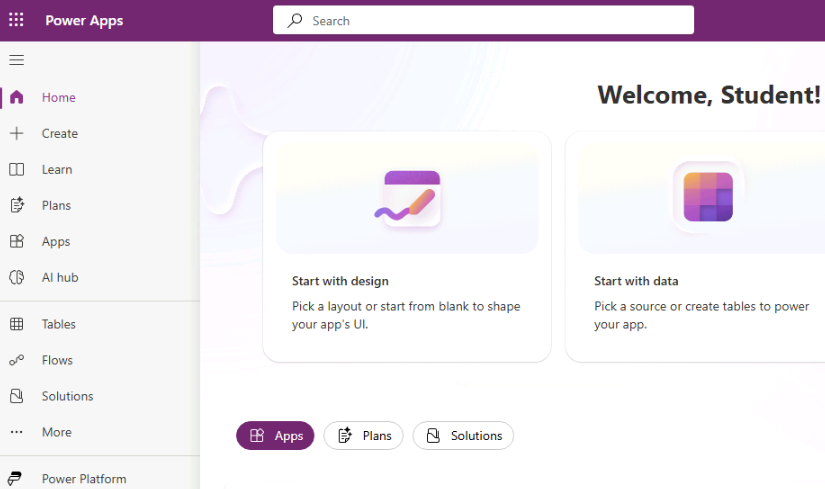
使用
左側導覽
可到製作入口任一處
新 App 從
+ Create
開始
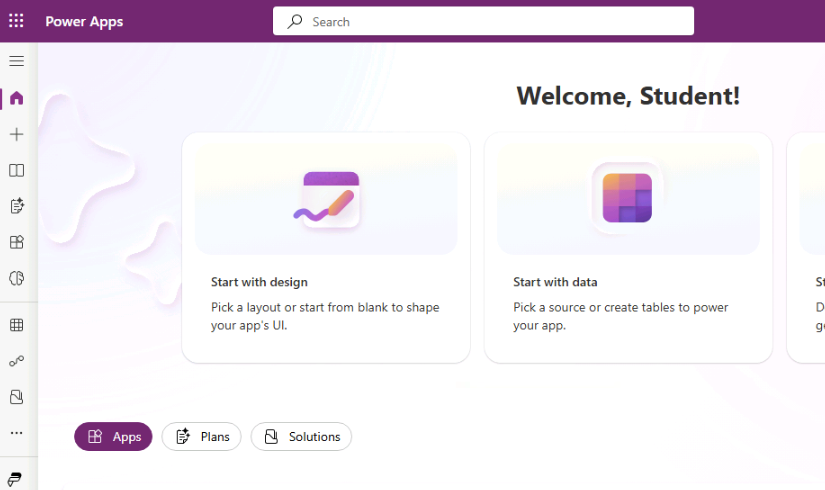
收合為圖示時,入口是
+
兩種方式都會開啟
Create an app
頁面
一起來練習吧!
Power Apps 入門
Preparing Video For Download...