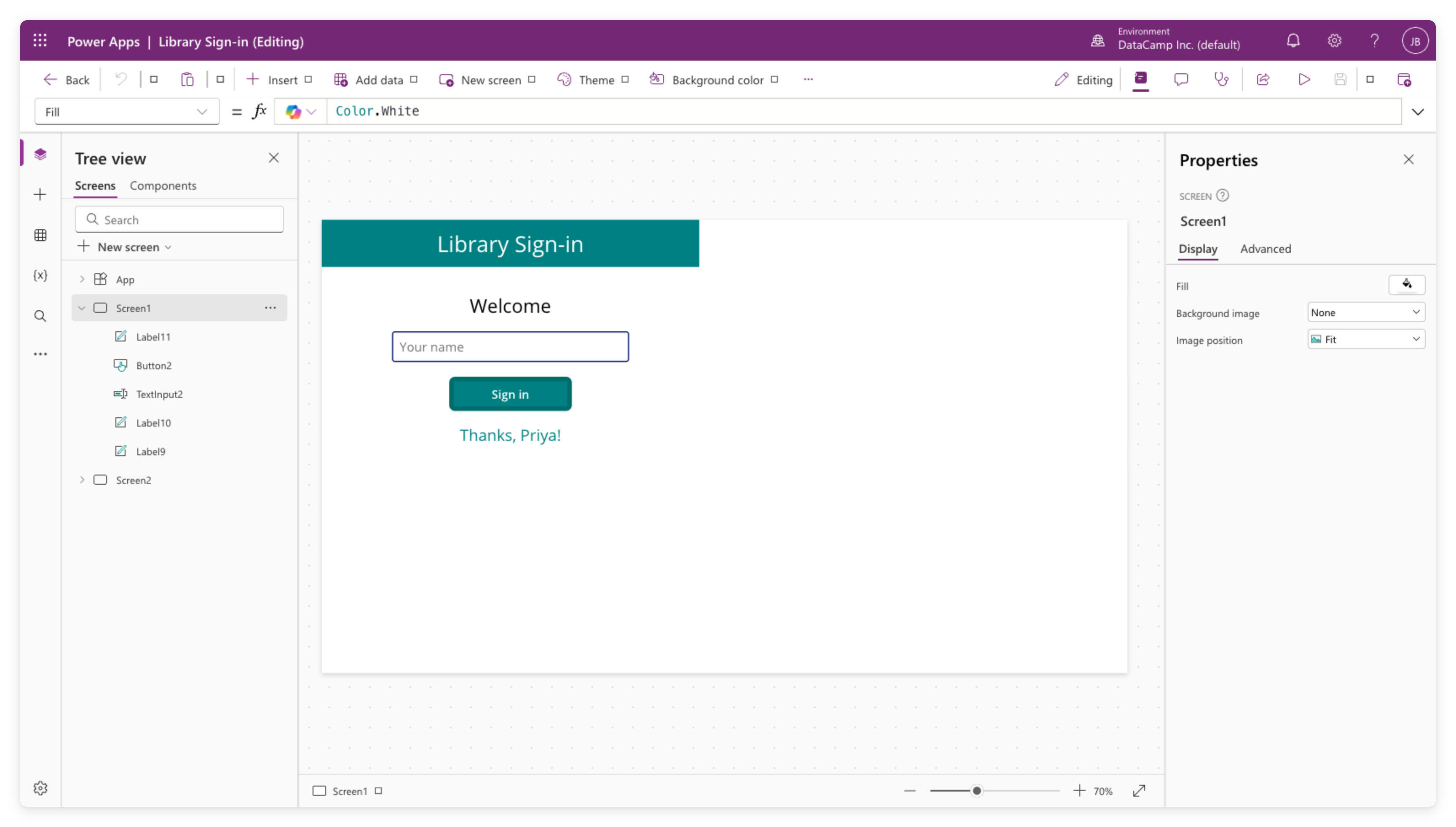
Power Apps Studio में नेविगेट करना
Power Apps परिचय

Luise Freese
Azure & Power Platform Architect
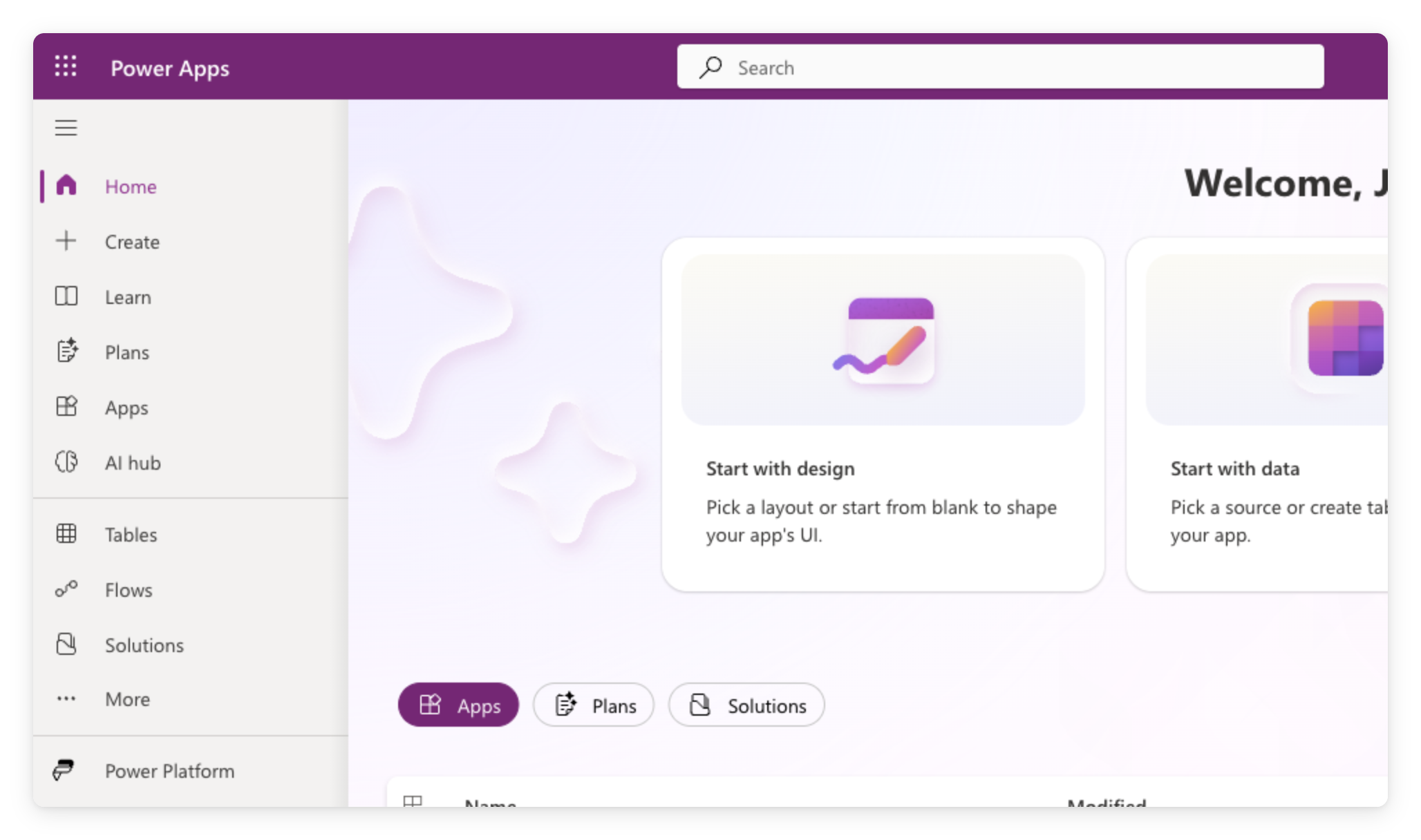
मेकर पोर्टल
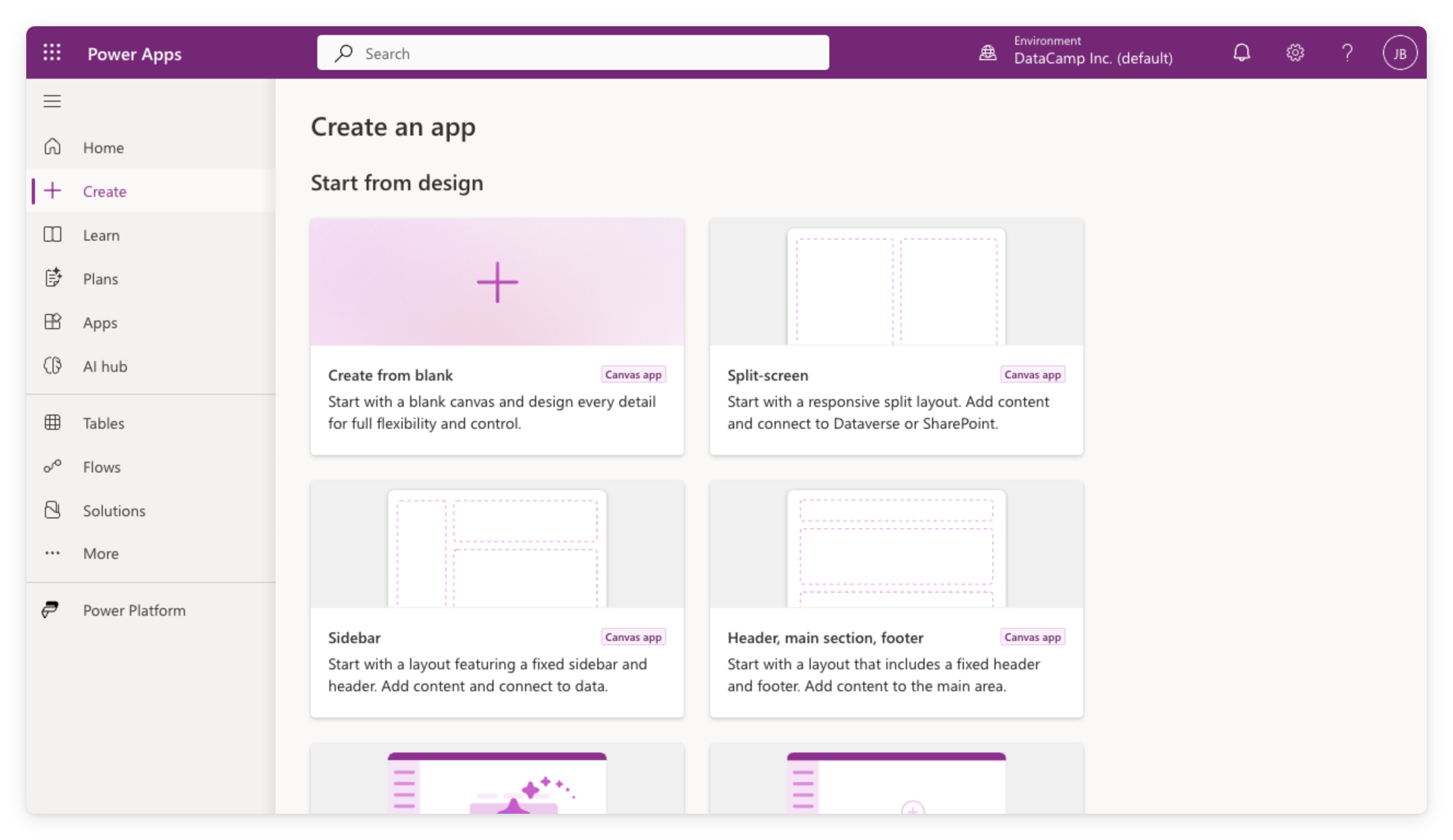
ब्लैंक कैनवस ऐप बनाना
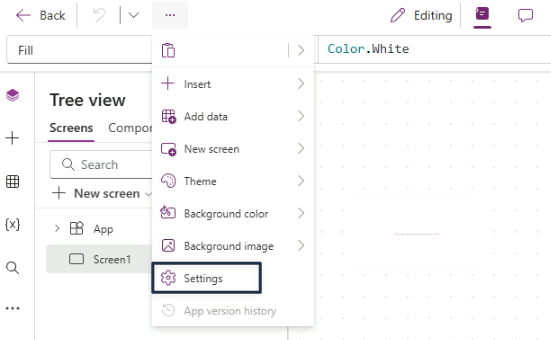
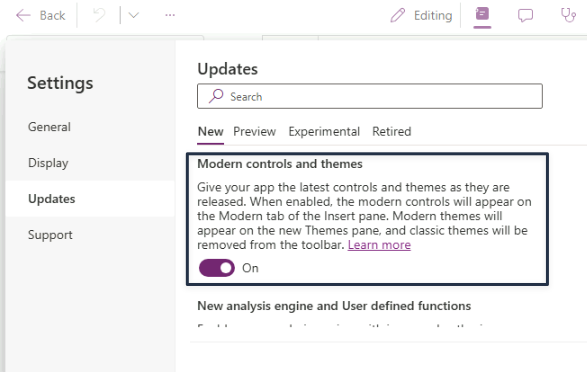
Modern controls On करें
- ऐप-स्तर की सेटिंग
- डिफ़ॉल्ट रूप से Off
- यदि टीममेट ने पहले सक्षम किया है तो पहले से On
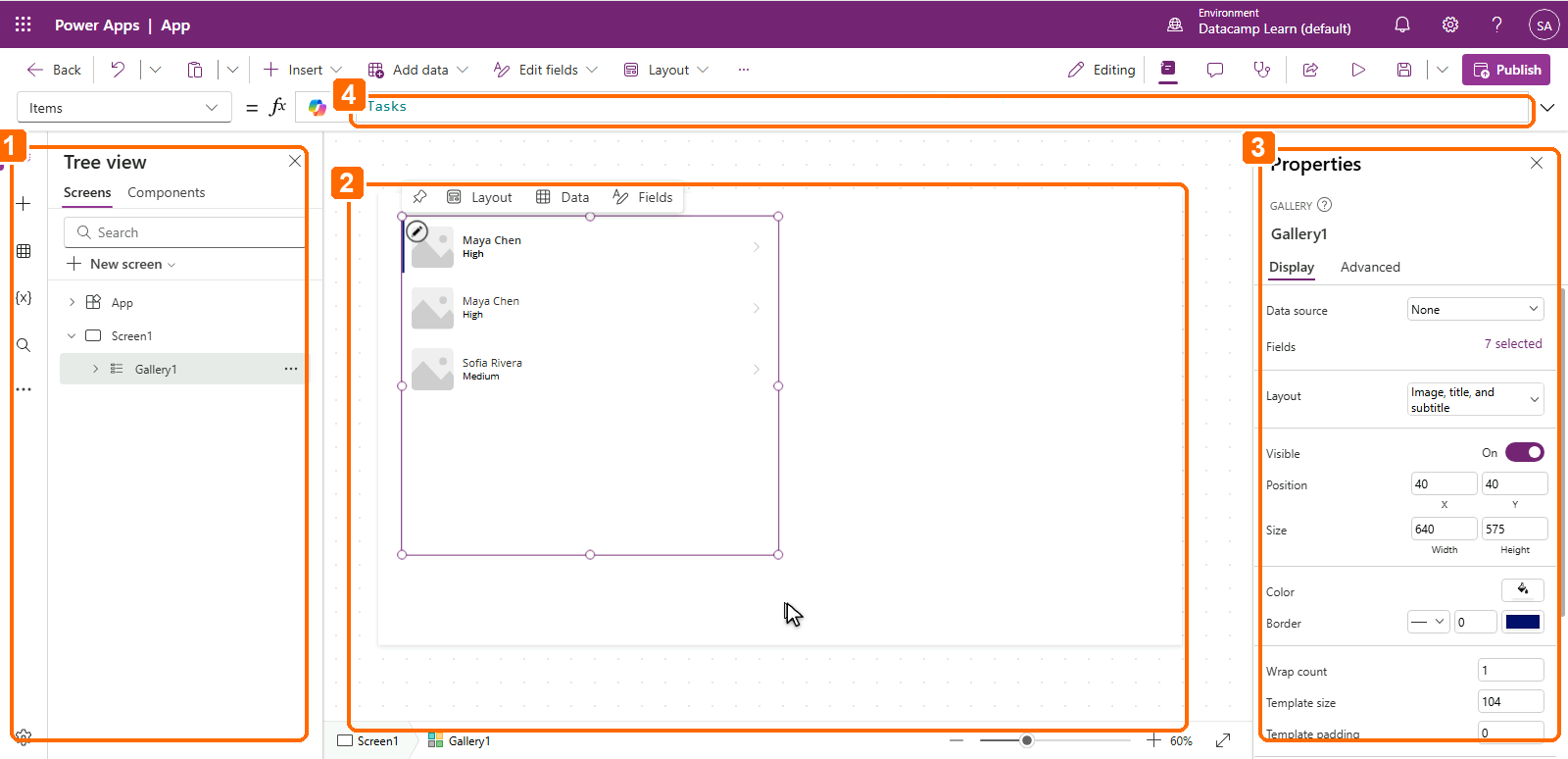
स्टूडियो एडिटर के अंदर
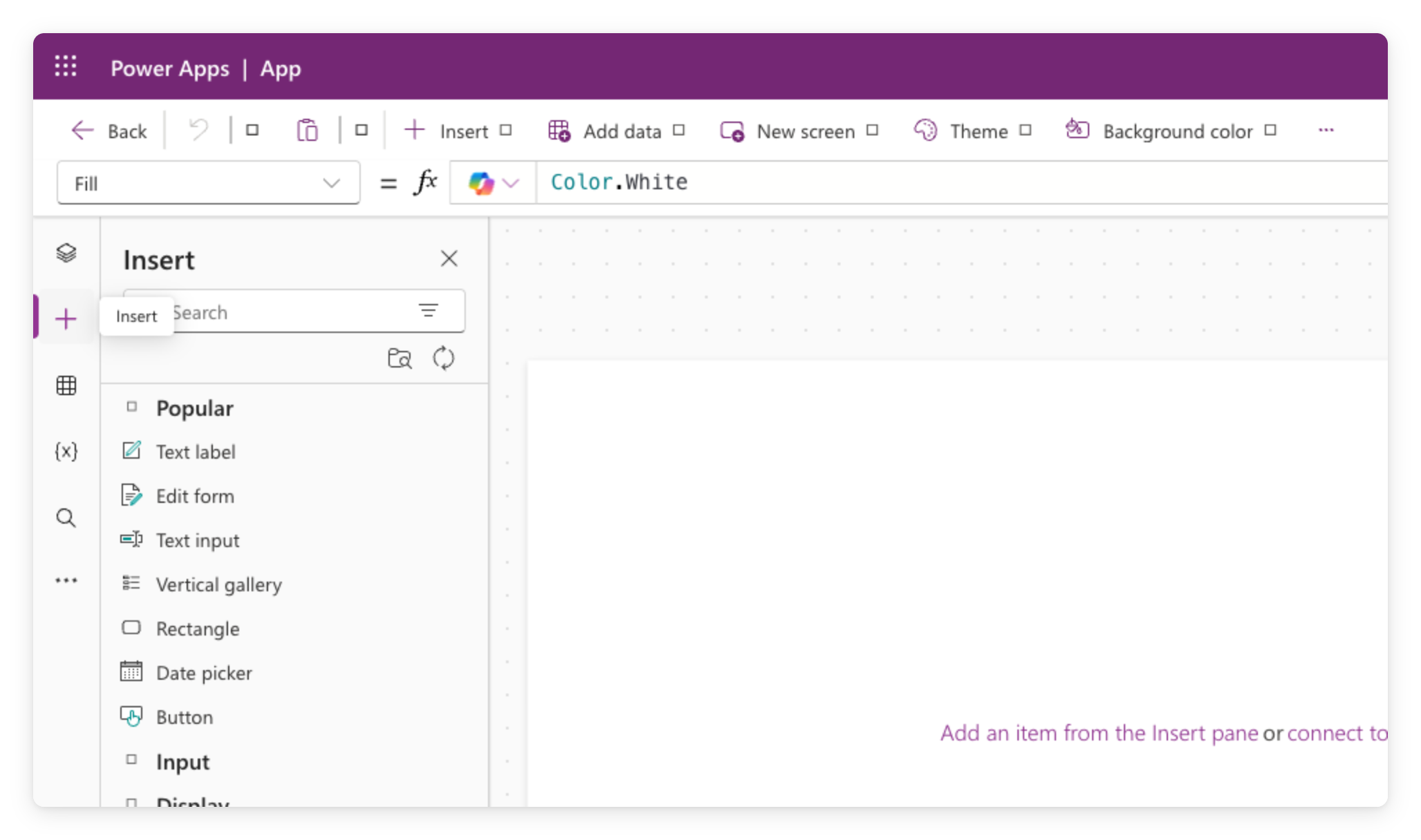
कंट्रोल जोड़ना
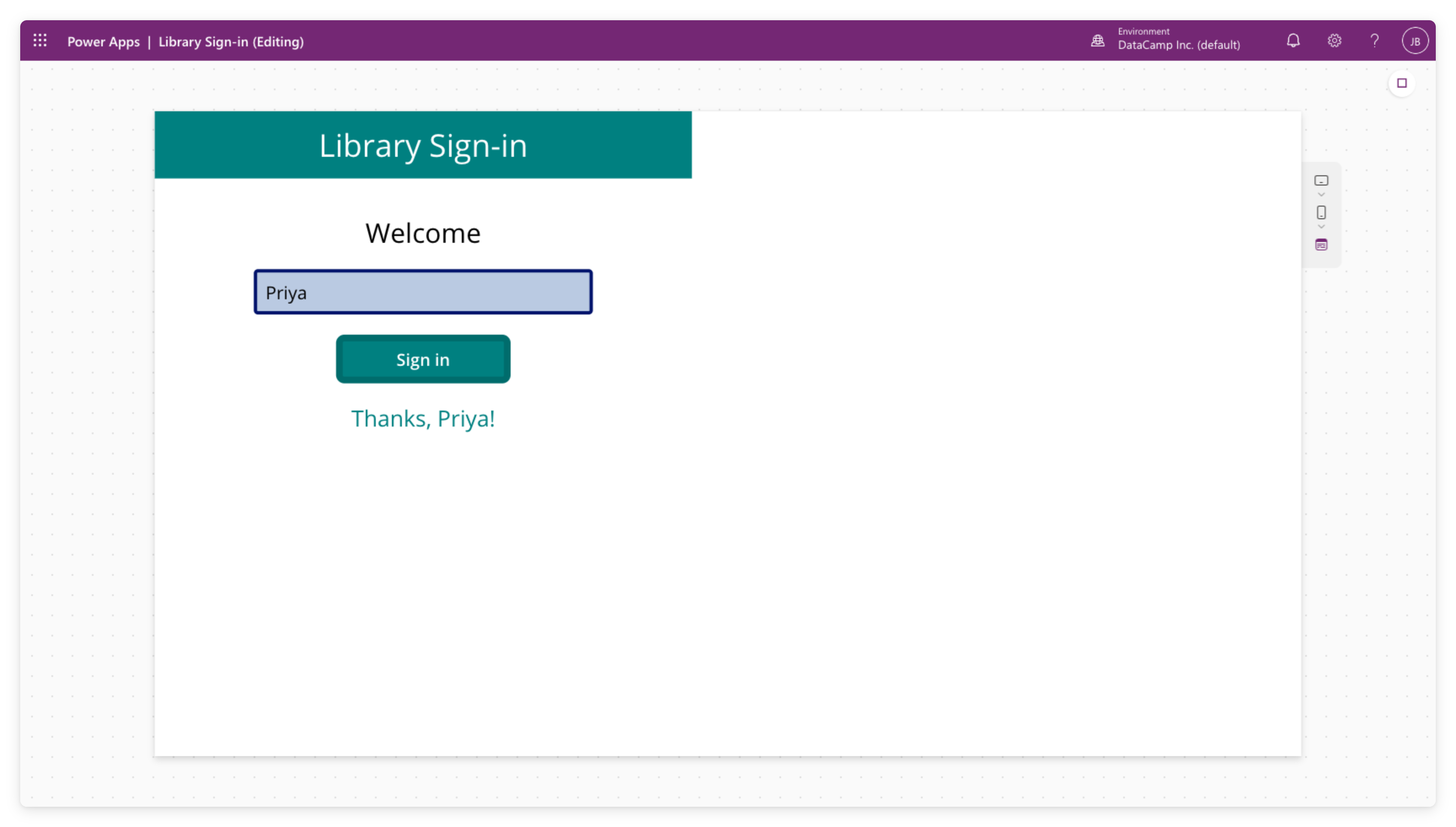
अपने ऐप का प्रीव्यू करें
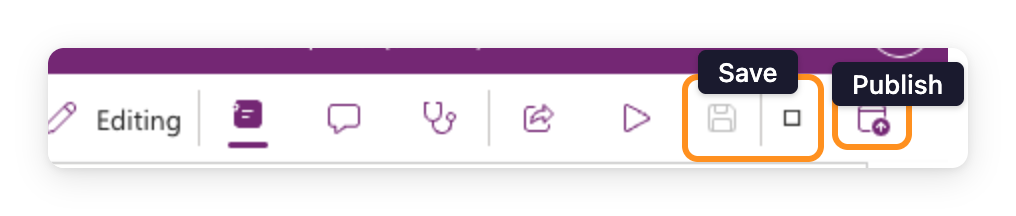
Save बनाम Publish
$$
कंटेनर बाद में आएँगे
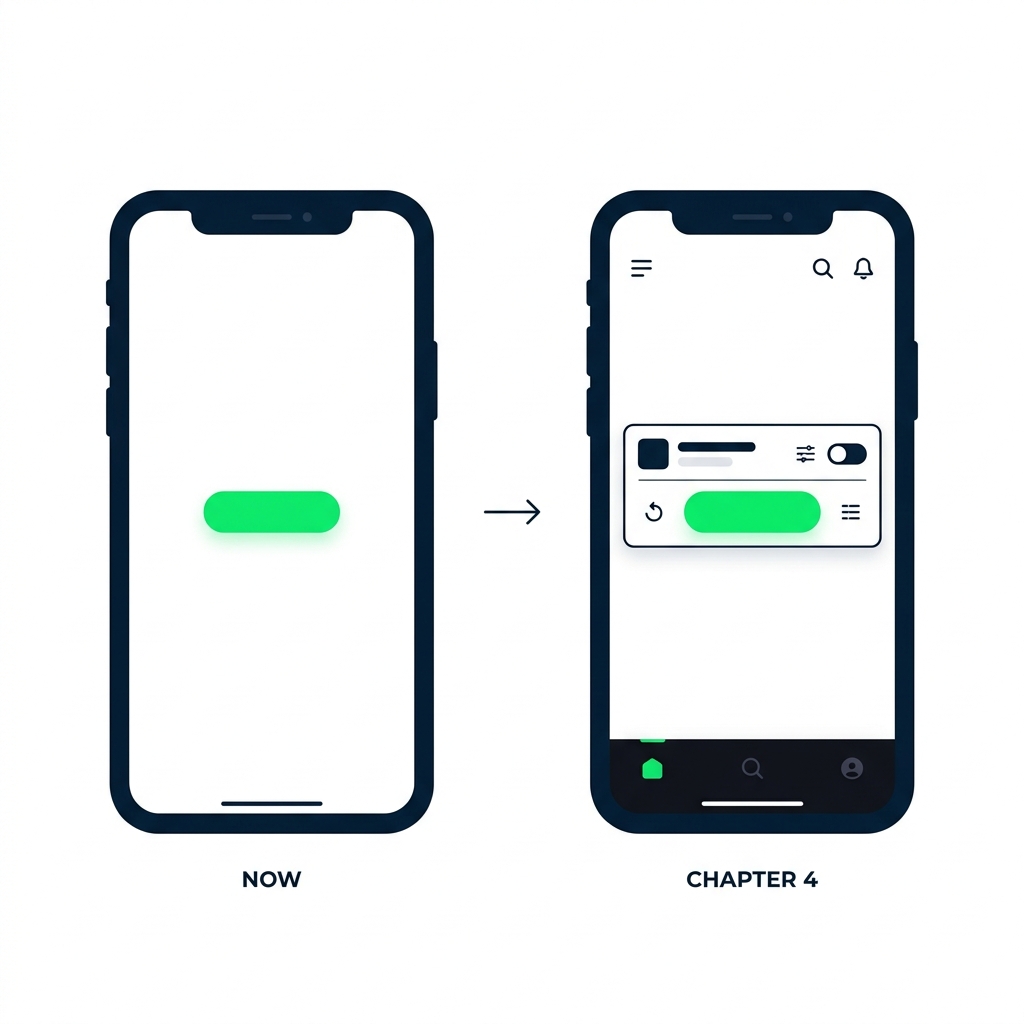
आप क्या बनाएँगे
$$