बधाई हो
Power Apps परिचय
Luise Freese
Azure & Power Platform Architect
Chapter 1: आपका पहला canvas app
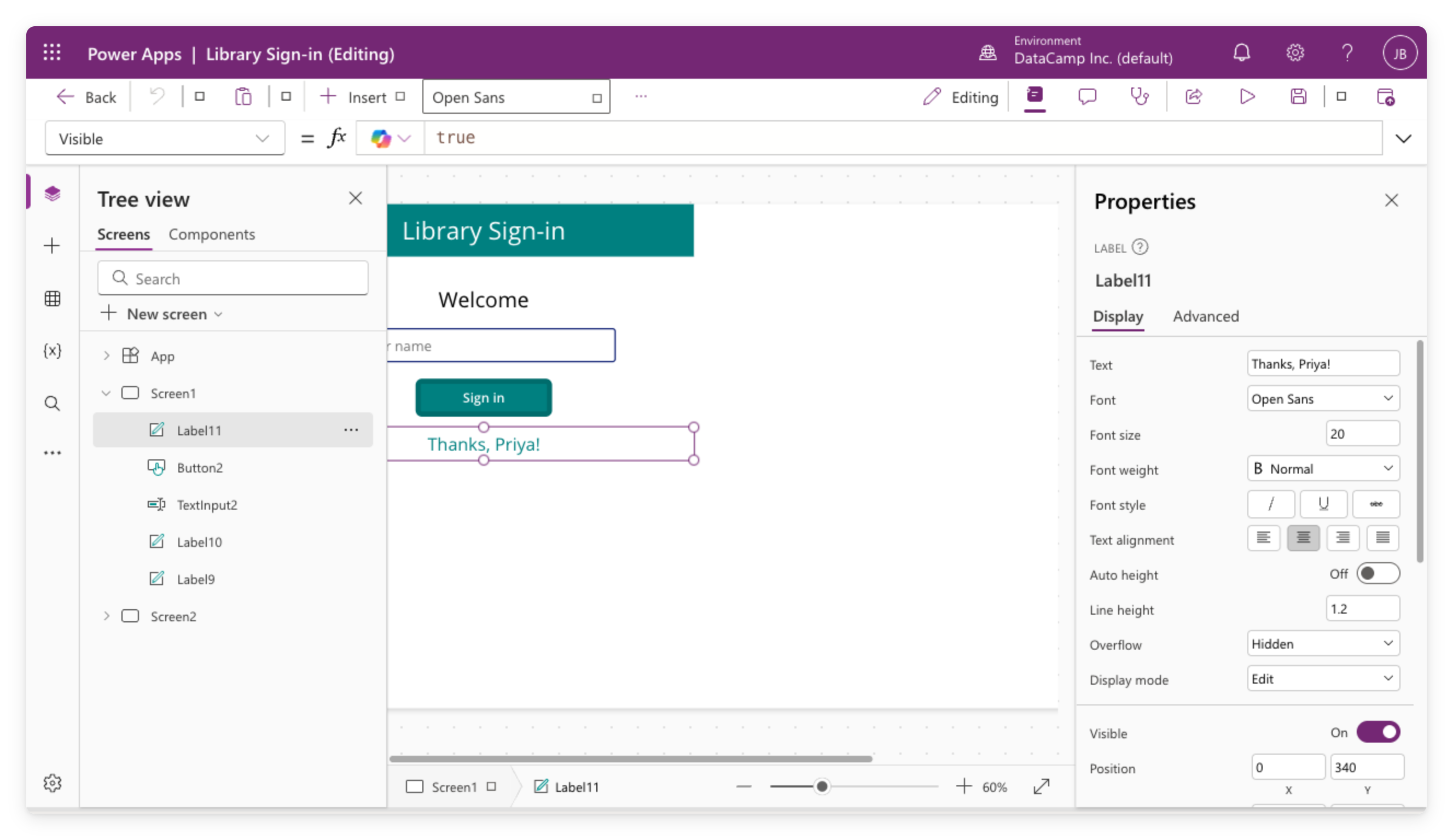
ब्लैंक स्क्रीन से
canvas app
बनाया
Controls
जोड़े: labels, buttons, text inputs
Formula bar में
logic
के लिए
Set()
और
If()
इस्तेमाल किया
Modern controls और themes
ऑन किए, फिर एक साथ हर स्क्रीन स्टाइल की
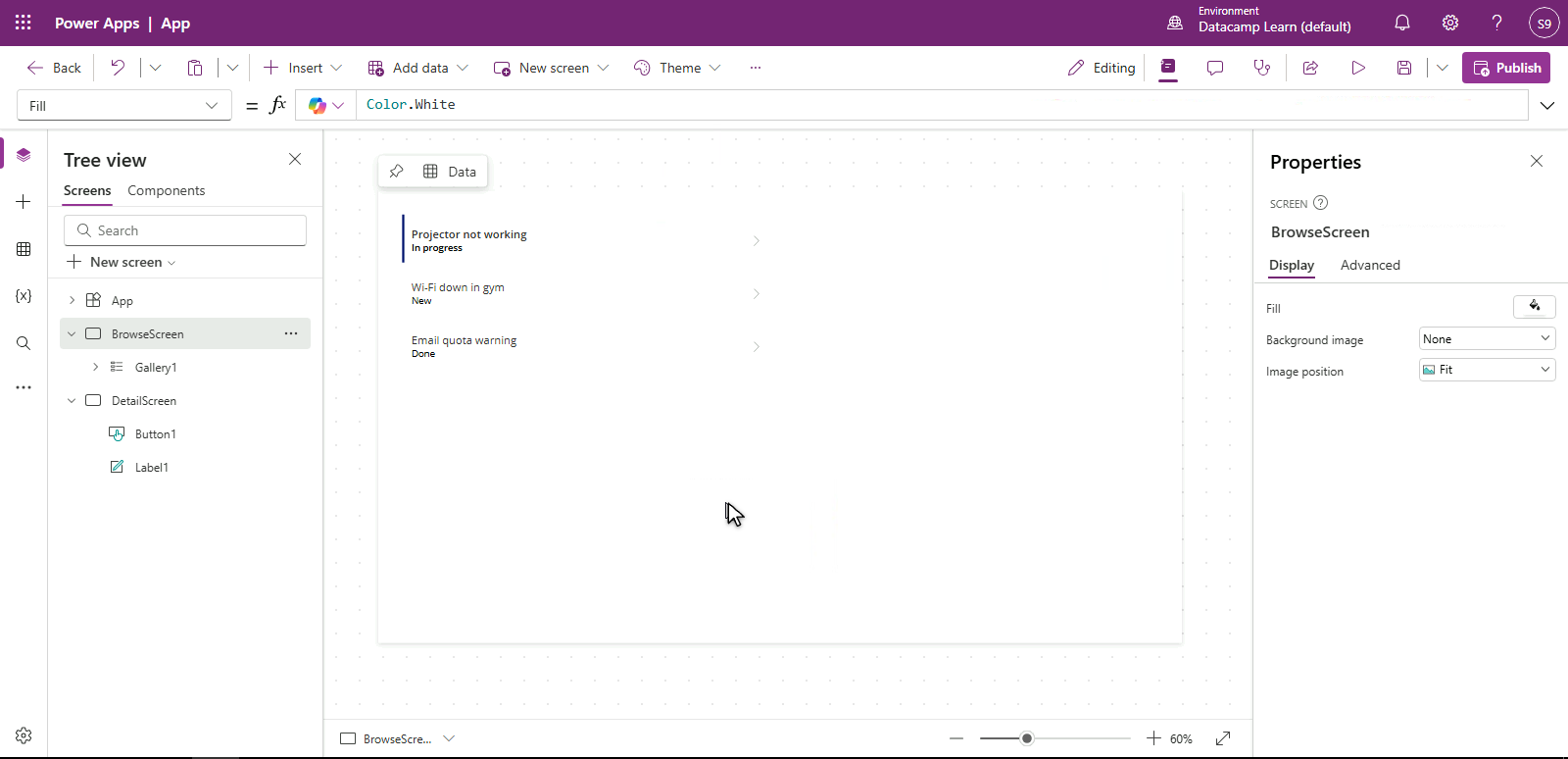
Chapter 2: वास्तविक डेटा और galleries
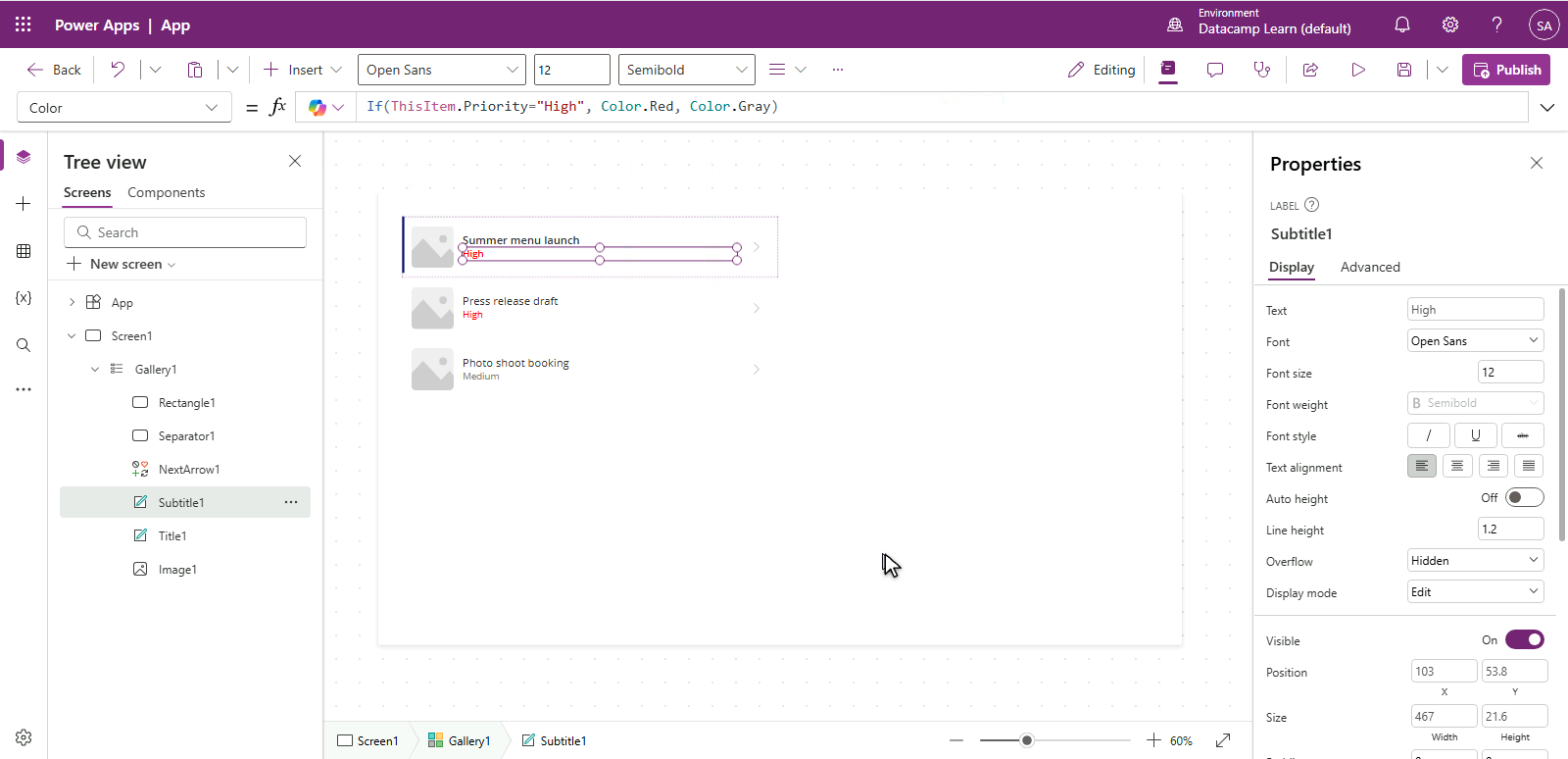
किसी
data source
से कनेक्ट किया
टेम्पलेट्स के साथ
gallery
में रिकॉर्ड दिखाए
रिकॉर्ड खोजने के लिए
Filter()
और
StartsWith()
जोड़े
Delegation
और उसकी सीमाएँ समझीं
Chapter 3: multi-screen workflow
$$
Screens के बीच
navigation
जोड़ी
पूरा create/edit lifecycle वाला
Edit form
बनाया
गलत input रोकने के लिए
validation
जोड़ी
हर publish से पहले
App Checker
चलाया
Chapter 4: responsive और published
Controls को
Layout containers
में wrap किया
ऐप को फोन, टैबलेट, लैपटॉप पर
responsive
बनाया
Published
किया और
version history
मैनेज की
सही
permission
tiers के साथ
shared
किया
$$
आगे क्या?
Microsoft certifications
यहाँ सीखी बातों से मेल खाती हैं
Power Platform पर
और DataCamp courses
देखें
वास्तविक अगला कदम
→ अपनी टीम के लिए एक छोटा ऐप बनाइए
धन्यवाद!
Power Apps परिचय
Preparing Video For Download...