Power Apps คืออะไร

Power Apps เบื้องต้น

Luise Freese

Azure & Power Platform Architect

รู้จักผู้สอน

 

Luise Freese, Azure & Power Platform Architect


  • Luise Freese สถาปนิก Azure & Power Platform (Düsseldorf)
  • Microsoft MVP 2 สมัย ด้าน M365 Development และ Business Applications
Power Apps เบื้องต้น

สิ่งที่จะได้เรียนรู้


Microsoft Power Apps product icon


  • บทที่ 1 → ทำความรู้จักและสร้างแอปหน้าจอเดียวแรกของคุณ
  • บทที่ 2 → เชื่อมต่อข้อมูลและแสดงผลในแกลเลอรี
  • บทที่ 3 → เพิ่มการนำทาง ฟอร์ม การตรวจสอบความถูกต้อง และเวิร์กโฟลว์จริง
  • บทที่ 4 → ทำให้แอปตอบสนองได้ เผยแพร่ และแชร์
Power Apps เบื้องต้น

เส้นทางของคอร์สนี้

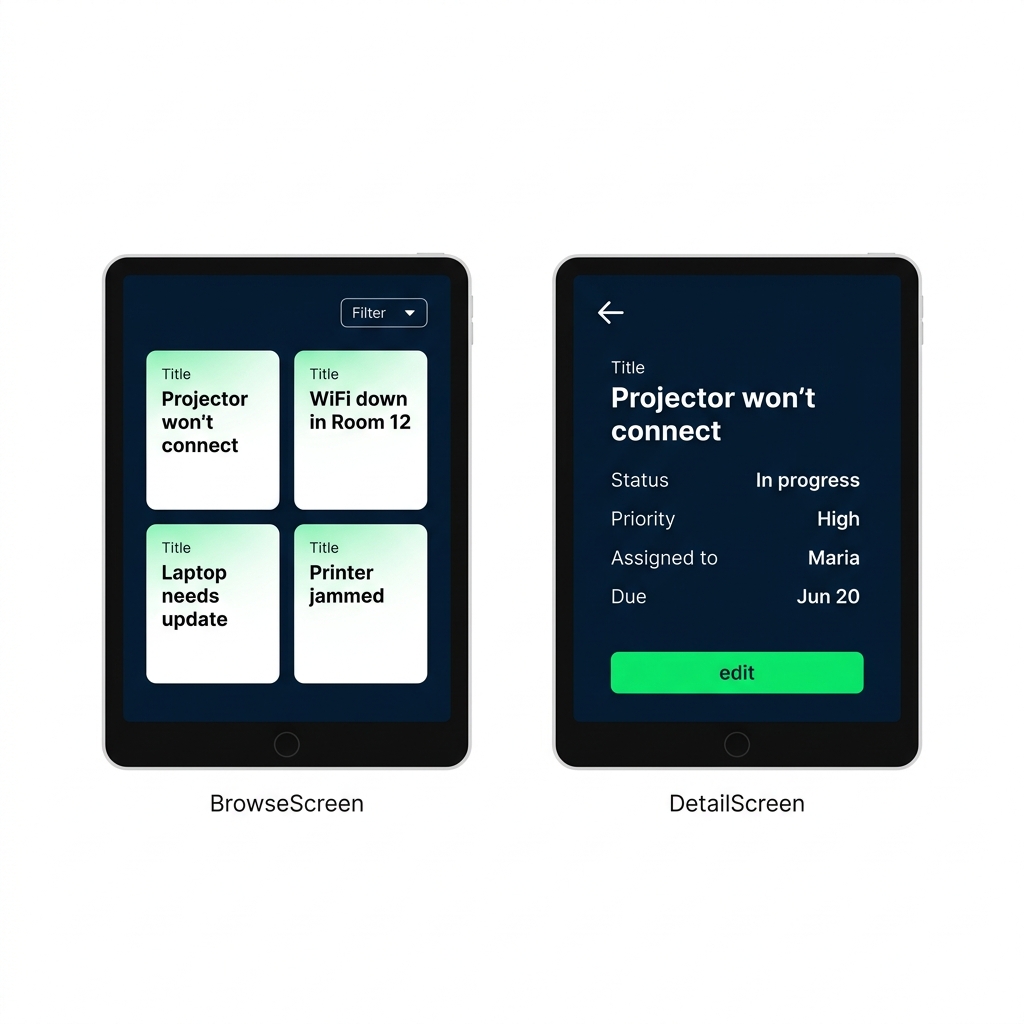
Real screenshot of the Bramblewood app in Power Apps Studio showing a gallery list screen alongside a detail/edit form screen


  • แอปหลายหน้าจอที่ แสดงรายการข้อมูล เปิด รายละเอียด และให้ เพิ่มหรือแก้ไข ระเบียนได้
  • ระเบียนอยู่ใน collection ที่แอปสร้างขึ้นตอนเริ่มทำงาน
  • สร้างทั้งหมดด้วย Power Fx ไม่ต้องเขียนโค้ดแบบดั้งเดิม
Power Apps เบื้องต้น

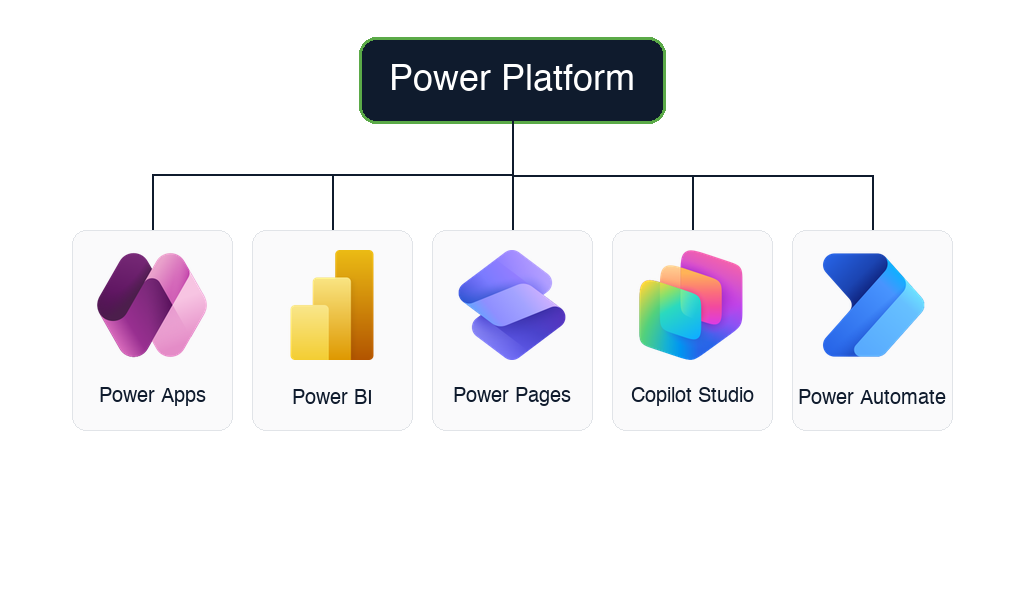
รู้จัก Power Platform


  • Power Apps → แอปธุรกิจแบบกำหนดเอง (คอร์สนี้)
  • Power Automate → เวิร์กโฟลว์อัตโนมัติ
  • Power BI → แดชบอร์ดและรายงาน
  • Power Pages → เว็บไซต์และพอร์ทัลภายนอก
  • Copilot Studio → AI agent และแชทบอตแบบกำหนดเอง

$$

Microsoft Power Platform family tree with the official product logos for all five tools, Power Apps, Power BI, Power Pages, Copilot Studio, and Power Automate, each in a labeled card under a "Power Platform" header

Power Apps เบื้องต้น

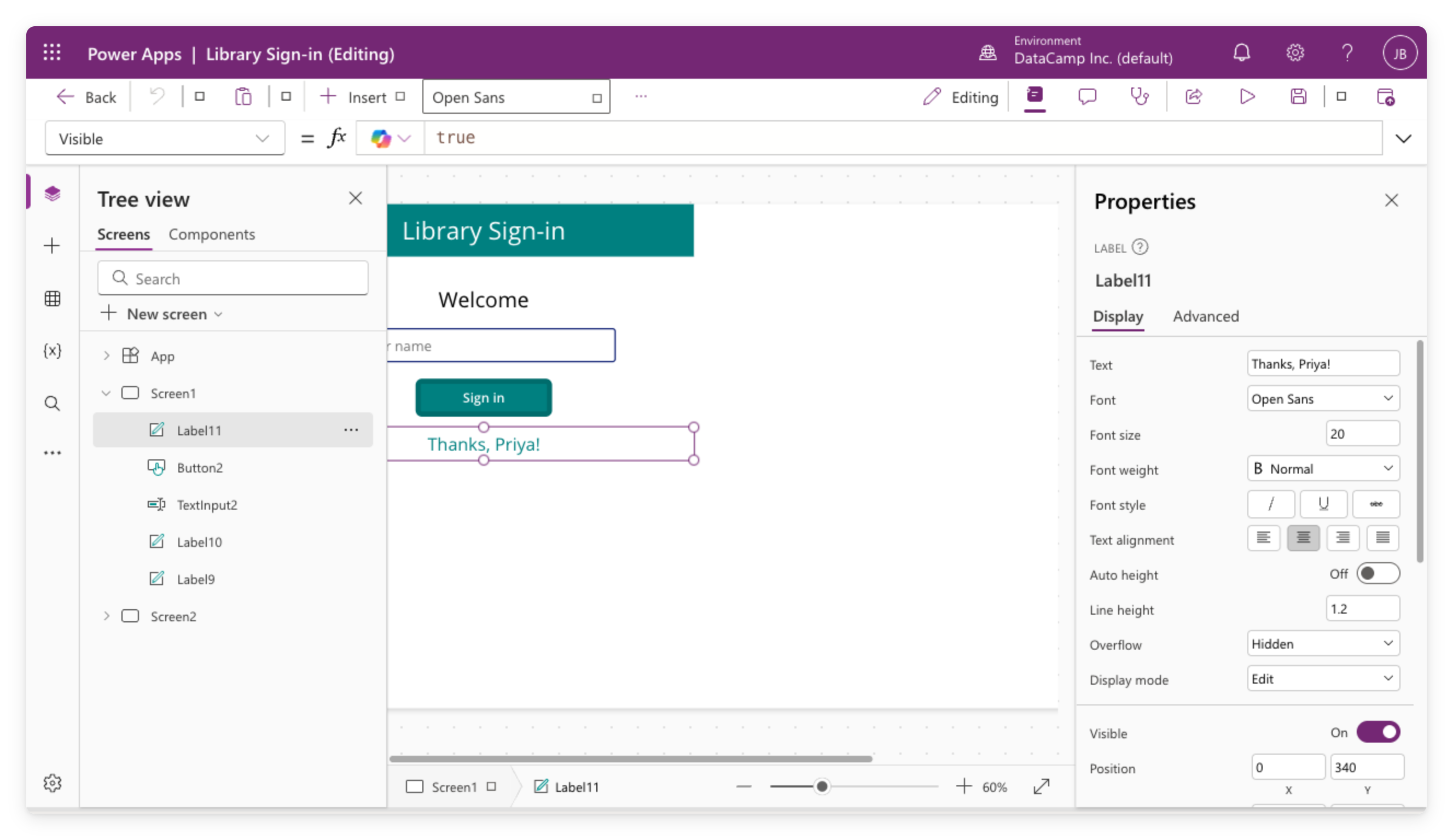
Canvas apps


Real screenshot of the Library Sign-in canvas app open in Power Apps Studio, showing the tree view, canvas with controls, formula bar, and properties panel


  • ออกแบบหน้าจอเอง ทีละพิกเซล
  • เหมาะกับเครื่องมือ วัตถุประสงค์เดียว: คีออสก์ลงชื่อเข้าใช้ ฟอร์มภาคสนาม แอปบันทึกข้อมูล
  • ใช้ได้กับ แหล่งข้อมูลหลากหลาย: SharePoint, Excel และอื่นๆ
Power Apps เบื้องต้น

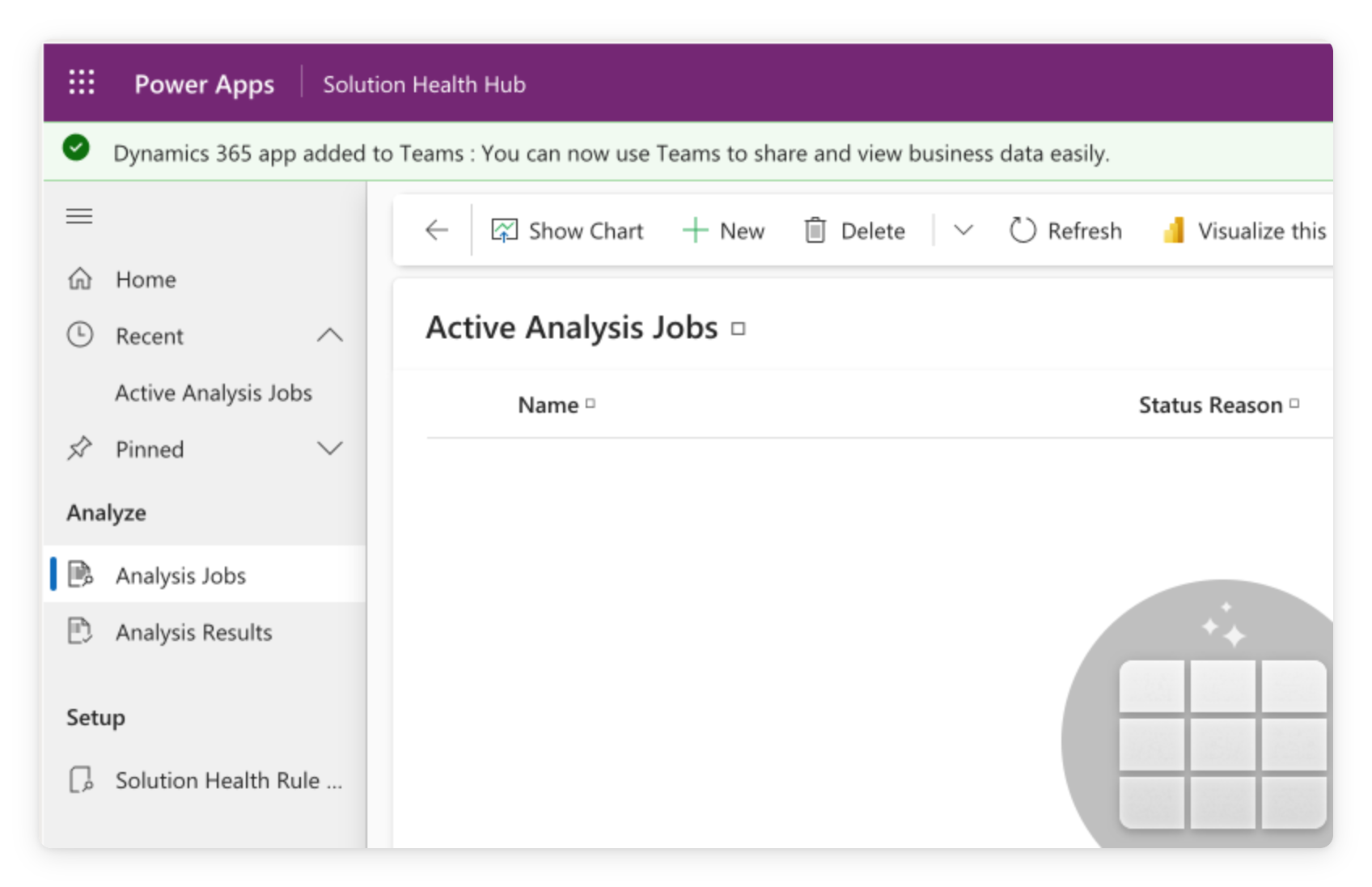
Model-driven apps


  • สร้างอัตโนมัติ จากตารางข้อมูลของคุณ
  • เลย์เอาต์ มาตรฐาน รายการ ฟอร์ม มุมมอง
  • เหมาะกับ CRM ศูนย์บริการ และการจัดการเคสขนาดใหญ่


Model-driven app showing a standardized grid view with sidebar navigation, header bar, and data columns

Power Apps เบื้องต้น

Modern controls และ themes


  • Classic controls → ชุดเก่าที่ใช้กับ canvas apps มานาน
  • Modern controls + themes → ใหม่กว่า สร้างบน Fluent 2 ปิดไว้เป็นค่าเริ่มต้น
  • theme กำหนดจานสี ตัวอักษร เส้นขอบ เงา → ทั้งแอป
  • คอนโทรลยังคงรักษา ขนาด รูปร่าง การจัดวาง ของตัวเอง

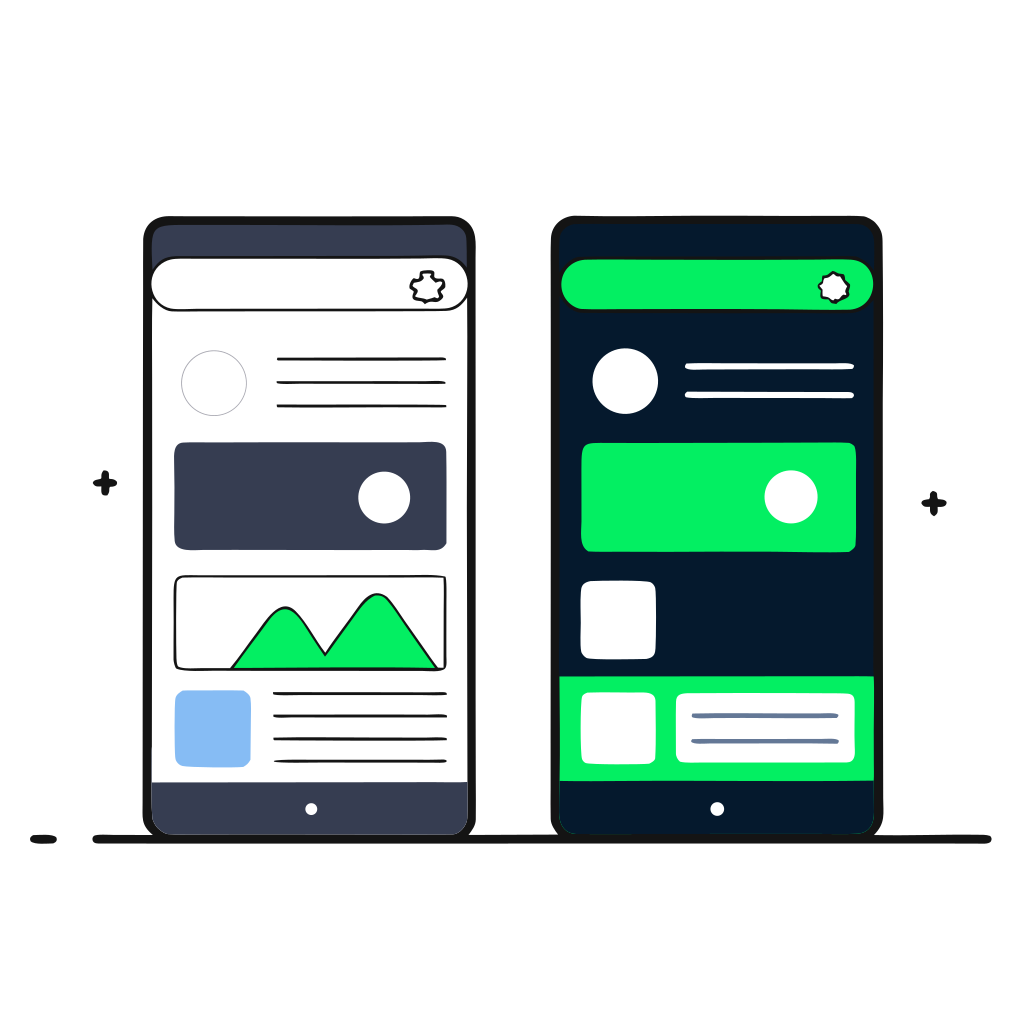
Two phone-app screens side by side. The left uses classic controls, with sharp rectangular buttons, thick borders, and a beige-gray palette. The right uses modern controls, with rounded buttons, flat fills, and a blue-teal palette. An arrow points from classic to modern.

Power Apps เบื้องต้น

ทำไมต้อง Power Apps

Three business people, each holding a phone running a different small app, with the central figure pointing at their screen.


  • Low-code: UI แบบลากวาง ใช้สูตรแทนโค้ด
  • คนทำงานฝ่ายธุรกิจสร้างแอปได้ โดยไม่ต้องรอ IT
  • รวมอยู่ในแพ็กเกจ Microsoft 365 ส่วนใหญ่
Power Apps เบื้องต้น

จุดเริ่มต้นของแอปใหม่

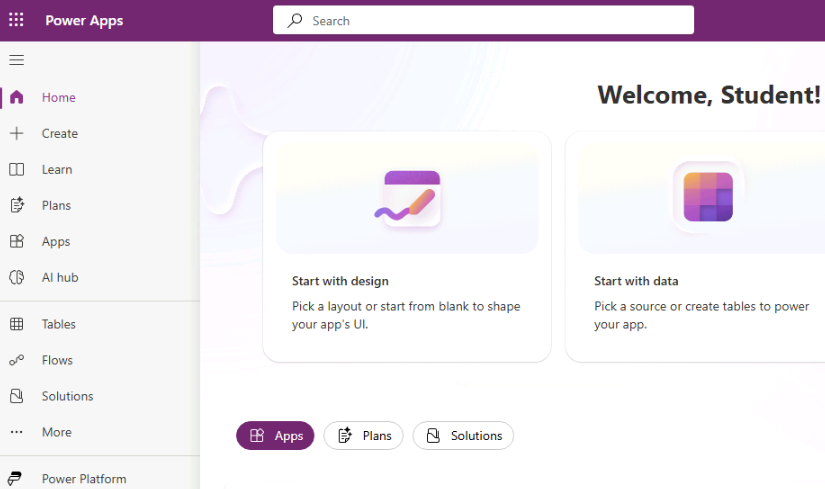
  • เมนูนำทางด้านซ้าย พาไปยังทุกส่วนของ maker portal
  • แอปใหม่เริ่มที่ + Create


Full menu.png

  • เมื่อย่อเหลือไอคอน จุดเริ่มต้นคือ +
  • ไม่ว่าทางไหนก็จะเปิดหน้า Create an app
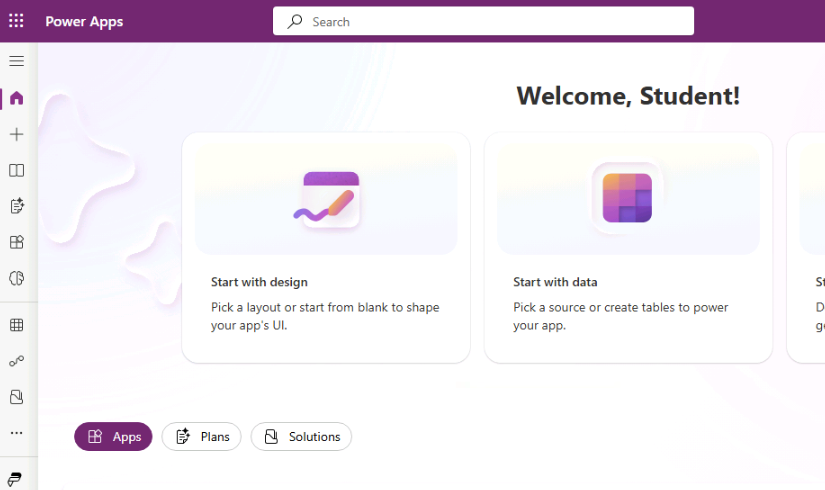
 

Collapsed menu.png

Power Apps เบื้องต้น

มาฝึกกันเถอะ!

Power Apps เบื้องต้น

Preparing Video For Download...