Introduction to version control with Git

Foundations of Git

George Boorman

Curriculum Manager, DataCamp

What is a version?

  1. Contents of a file at a given point in time
  2. Metadata (information associated with the file):
    • The author of the file
    • Where it is located
    • The file type
    • When it was last saved

image of a man's palm with a folder icon above it, surrounded by icons representing metadata

Foundations of Git

What is version control?

  • Version control is a group of systems and processes

    • to manage changes made to documents, programs, and directories
  • Version control is useful for anything that:

    • changes over time, or
    • needs to be shared

image of a laptop with python code on display

1 Image credit: https://unsplash.com/@cdr6934
Foundations of Git

What is version control?

  • Track files in different states
  • Simultaneous file development (Continuous Development)
  • Combine different versions of files
  • Identify a particular version
  • Revert changes
Foundations of Git

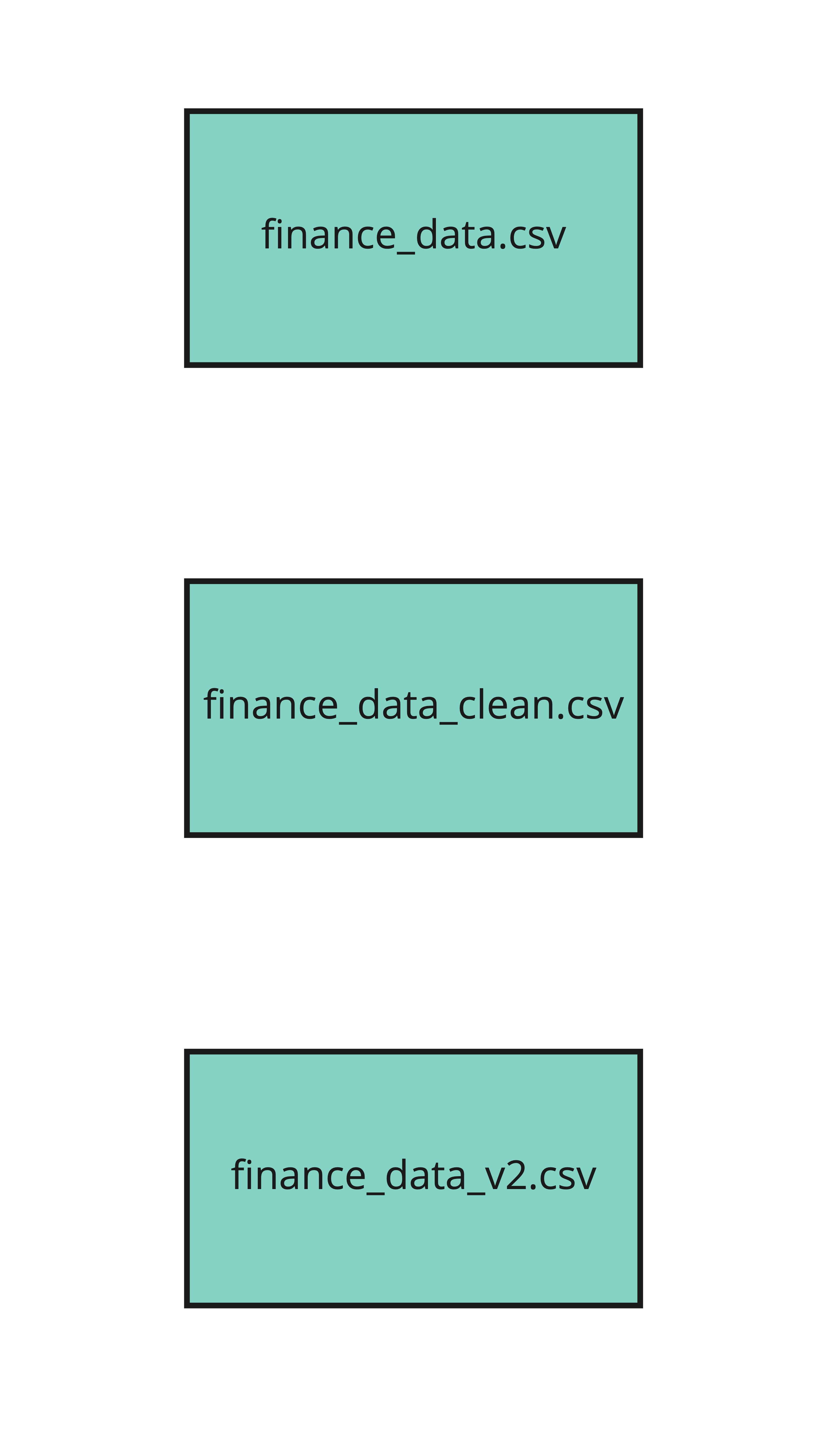
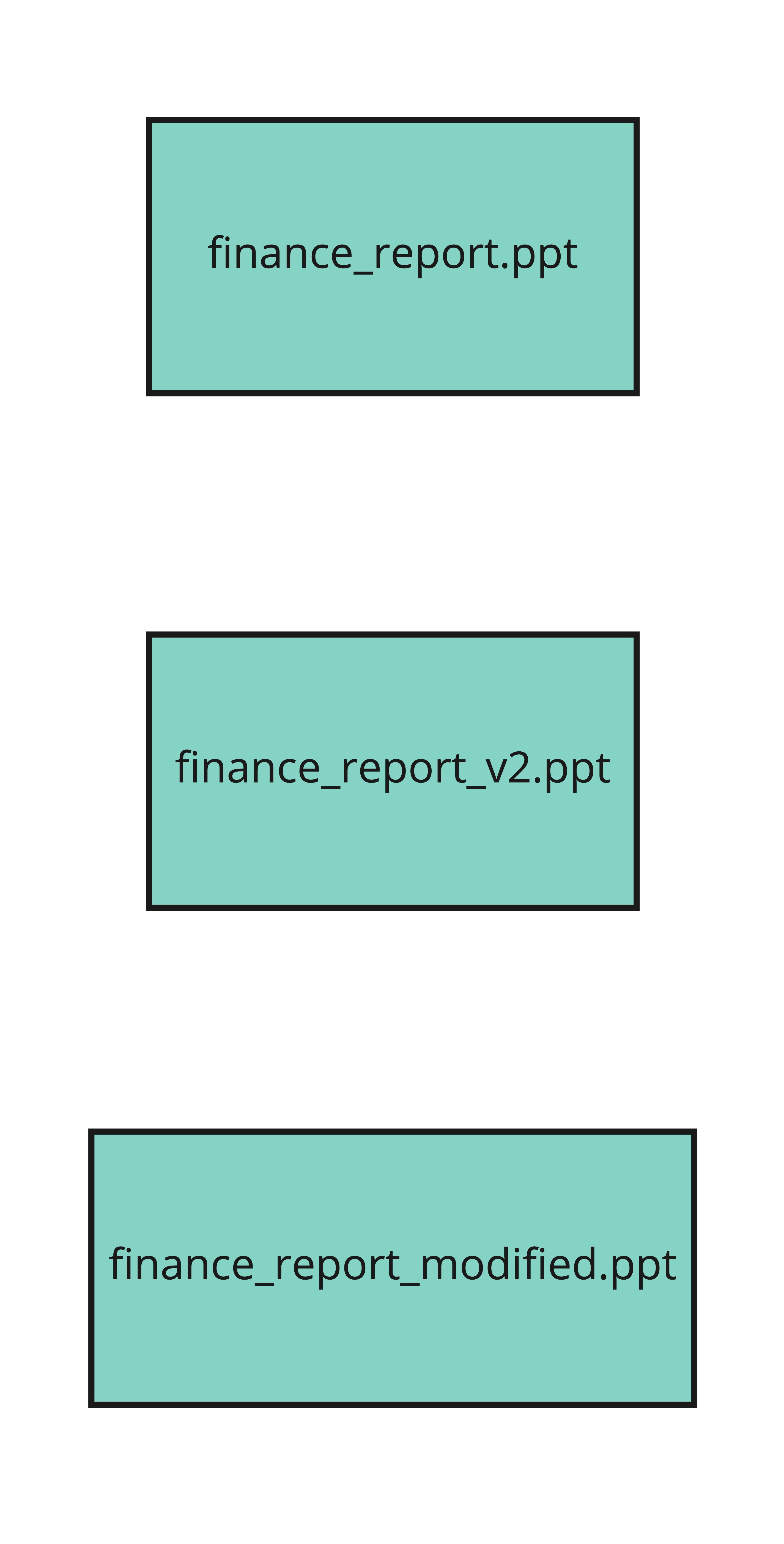
Why is version control important?

directory of three versions of a finance dataset - finance data, finance data clean, and finance data v2

directory of three versions of a finance report - finance report, finance report v2, and finance report modified

Foundations of Git

Why is version control important?

preparing food on a chopping board with other ingredients in bowls

1 Image credit: https://unsplash.com/@mvdheuvel
Foundations of Git

Git

  • Popular version control system for software development and data projects
  • Open source
  • Scalable


  • Git is not GitHub, but
    • it's common to use Git with GitHub

picture of the git logo

Foundations of Git

Benefits of Git

  • Git stores everything, so nothing is lost
  • Git notifies us when there is conflicting content in files
  • Git synchronizes across different people and computers

birdseye view of five laptops on a desk

Foundations of Git

Using Git

  • Git commands are run on the shell, also known as the terminal
  • The shell:
    • is a program for executing commands
    • can be used to easily preview, modify, or inspect files and directories


  • Directory = folder

picture of the terminal logo


two folders called Documents and Mental Health in Tech Project

Foundations of Git

Useful shell commands

pwd
/home/repl/Documents
ls
archive    finance.csv    finance_data_clean.csv    finance_data_modified.csv
Foundations of Git

Changing directory

cd archive
pwd
/home/repl/Documents/archive
Foundations of Git

Editing a file

nano finance.csv
  • Use nano to:
    • delete,
    • add,
    • or change contents of a file


  • Save changes: Ctrl + O
  • Exit the text editor: Ctrl + X
Foundations of Git

Editing a file

  • echo—create or edit a file

  • Create a new file todo.txt

    echo "Review for duplicate records" > todo.txt
    
  • Add content to existing file todo.txt

    echo "Review for duplicate records" >> todo.txt
    
Foundations of Git

Checking Git version

git --version
git version 2.17.1
Foundations of Git

Let's practice!

Foundations of Git

Preparing Video For Download...